

For every $1 spent on email marketing, businesses see a return of$36, yet many still end up spending hours wrestling with clunky, bloated platforms. And despite the explosion of AI and automation tools, email marketing is still the channel that delivers the best conversion rates. But only if you’re using the right tool for the job.
The problem is that the market’s flooded. Everyone claims to be “all-in-one.” But when you actually dig in, half of them are either too rigid, overpriced, or simply don’t play well with your existing stack.
In this blog, we’ve tested dozens of platforms and handpicked the 10 best email marketing tools in 2026, not just based on features, but on how well they solve real marketing problems. Some help you automate campaigns without needing a developer. Others integrate smoothly with your CRM or sales workflows. A few stand out by improving deliverability and engagement.
This isn’t a generic roundup. Each tool on this list has earned its place by delivering results faster, cleaner workflows, and better automation, along with a higher ROI. Whatever stage your team is at: a lean startup, a scaling SaaS team, or a large enterprise looking to simplify your stack, these platforms bring clarity and impact to email marketing in 2026.
Let’s get into it.
10 Best Tools for High-Impact Email Marketing in 2026
1. HubSpot’s Email Marketing Tools
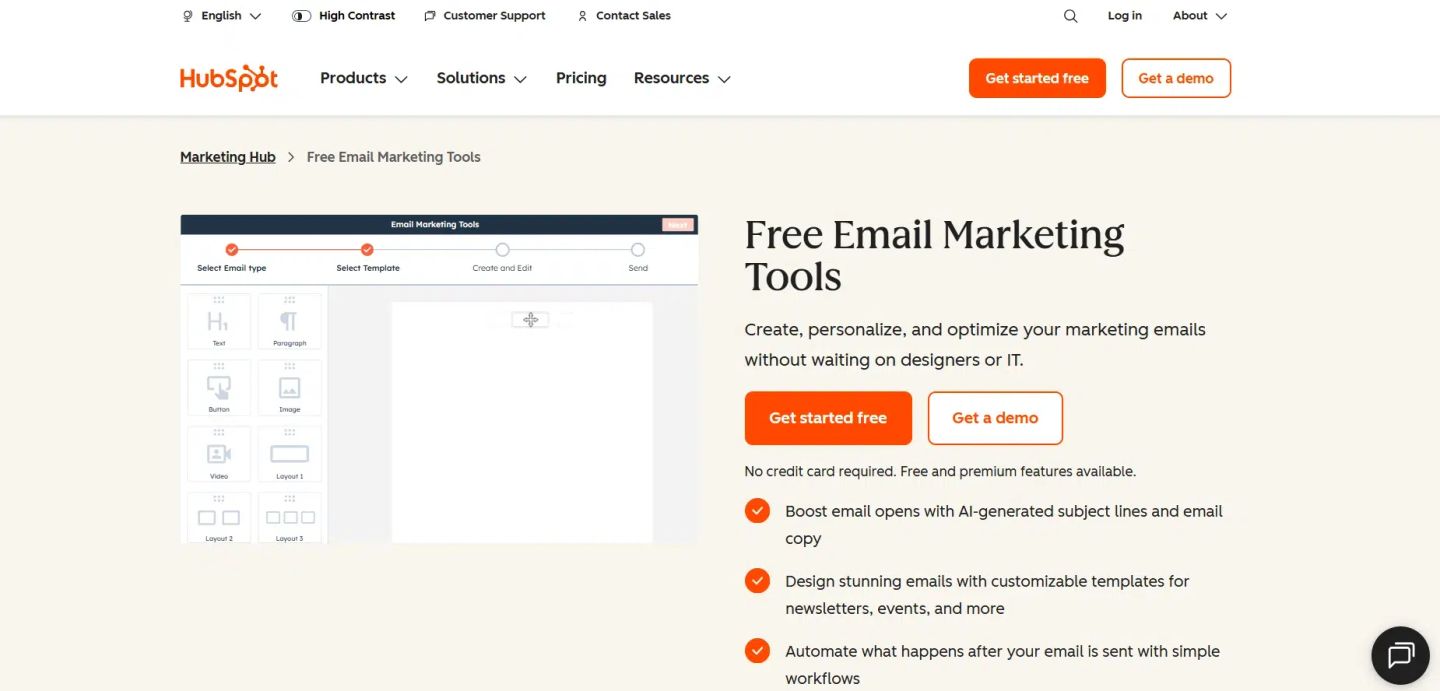
HubSpot’s email marketing tools make it possible to plan, build, and run effective campaigns without needing a whole team behind you. The platform supports everything from one-time sends to automated multi-touch sequences, while keeping the setup process simple and logical.
HubSpot distinguishes itself through its deep integration of email and contact data. You can segment by behavior, personalize based on CRM fields, and automate follow-ups all from one place. This setup is particularly beneficial for SaaS teams, B2B marketers, and companies that require visibility across both marketing and sales efforts without needing to switch between systems.
Take a product release, for example. You can build a list of users who’ve previously interacted with similar features, generate copy using AI prompts, add personalized tags like company name or role, and schedule follow-up emails based on who clicks or doesn’t engage. From message to metrics, the whole campaign runs inside HubSpot.
Here’s how it works, step by step:
- Open your HubSpot dashboard and go to “Email” under Marketing.
- Choose a template: options include newsletters, updates, onboarding, and more.
- Use the drag-and-drop editor to adjust the structure, text, visuals, and call-to-action.
- Add personalization tokens tied to contact data, such as name, company, or lifecycle stage.
- Utilize built-in AI tools to refine your subject line or adjust your copy for improved clarity and tone.
- Set up actions based on behavior, trigger emails if someone clicks, ignores, or bounces.
- Review your settings, send a test, schedule the campaign, and monitor results in the analytics dashboard.
You can get started with HubSpot’s email marketing tools for free, including access to basic templates, automation features, and contact management. More advanced features, like branching workflows, A/B testing, and custom reporting, are available through the paid Marketing Hub plans.
2. Mailchimp
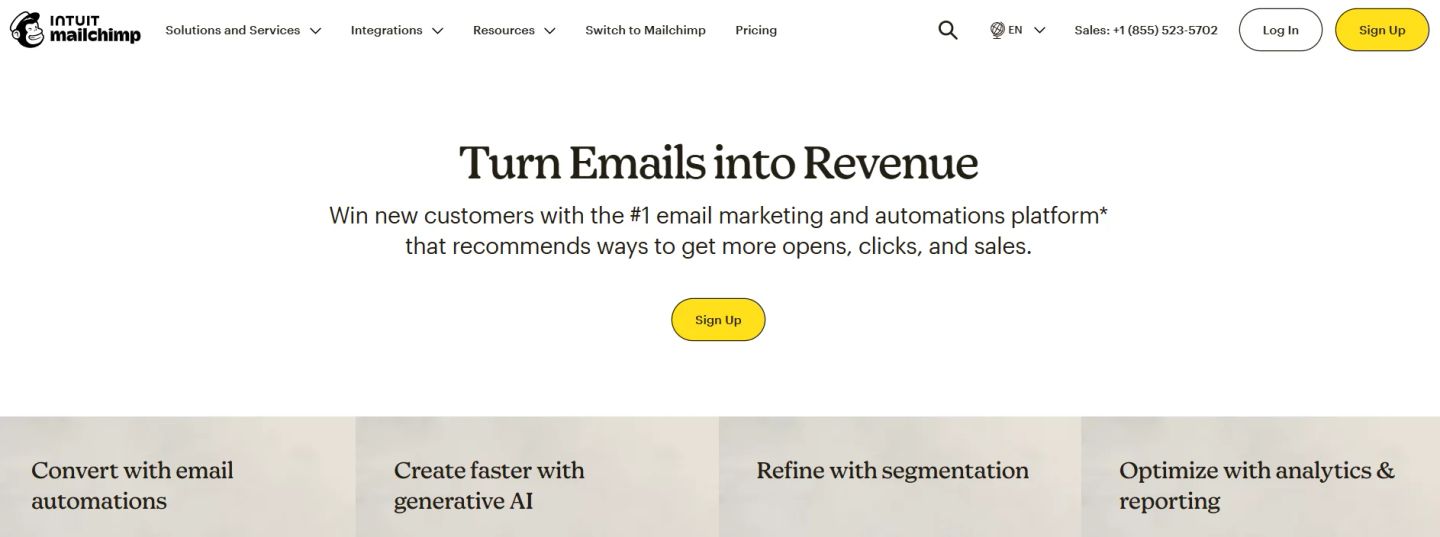
Mailchimp is one of the most widely adopted email marketing tools in the market, trusted by ecommerce brands, startups, and growing teams. It brings automation, AI writing, segmentation, and reporting together in a way that’s easy to use, even for teams without a dedicated marketer.
What sets Mailchimp apart from many other email marketing tools is its ability to utilize purchase behavior and predictive data to refine audience targeting. You can create segments based on spend, browsing activity, or lifecycle stage, and use that logic to personalize content, timing, and follow-ups. For businesses that want more than just a broadcast email, it’s a solid option for building meaningful sequences that adapt to customer behavior.
Example: A fashion retailer wants to re-engage customers who have browsed but didn’t make a purchase. With Mailchimp, they can automatically send a follow-up featuring the exact items viewed, wait a few days, and then trigger a limited-time discount if there’s still no purchase. All of it runs in the background, with each message adapting to customer behavior in real time.
Here’s how to set it up:
- Log into Mailchimp and head to the Campaigns dashboard.
- Select “Automations” and choose a pre-built flow or create one from scratch.
- Pick your trigger, like a product purchase, email click, or abandoned cart, and connect it to your Shopify, WooCommerce, or other ecommerce store.
- Add your emails using the drag-and-drop builder, or generate copy with the built-in AI tool.
- Set filters or branching logic to change the path based on customer behavior (e.g., clicks or no-clicks).
- Use dynamic content blocks to show different products to different segments within the same email.
- Launch the flow and monitor performance using Mailchimp’s analytics dashboard.
Mailchimp offers a free plan with limited features, suitable for tiny lists or one-off campaigns. For more advanced features, such as AI-generated content, deeper segmentation, and multi-step automations, you’ll need to upgrade to a paid plan. Standard and Premium tiers also include onboarding support and more flexible email volume.
3. Klaviyo
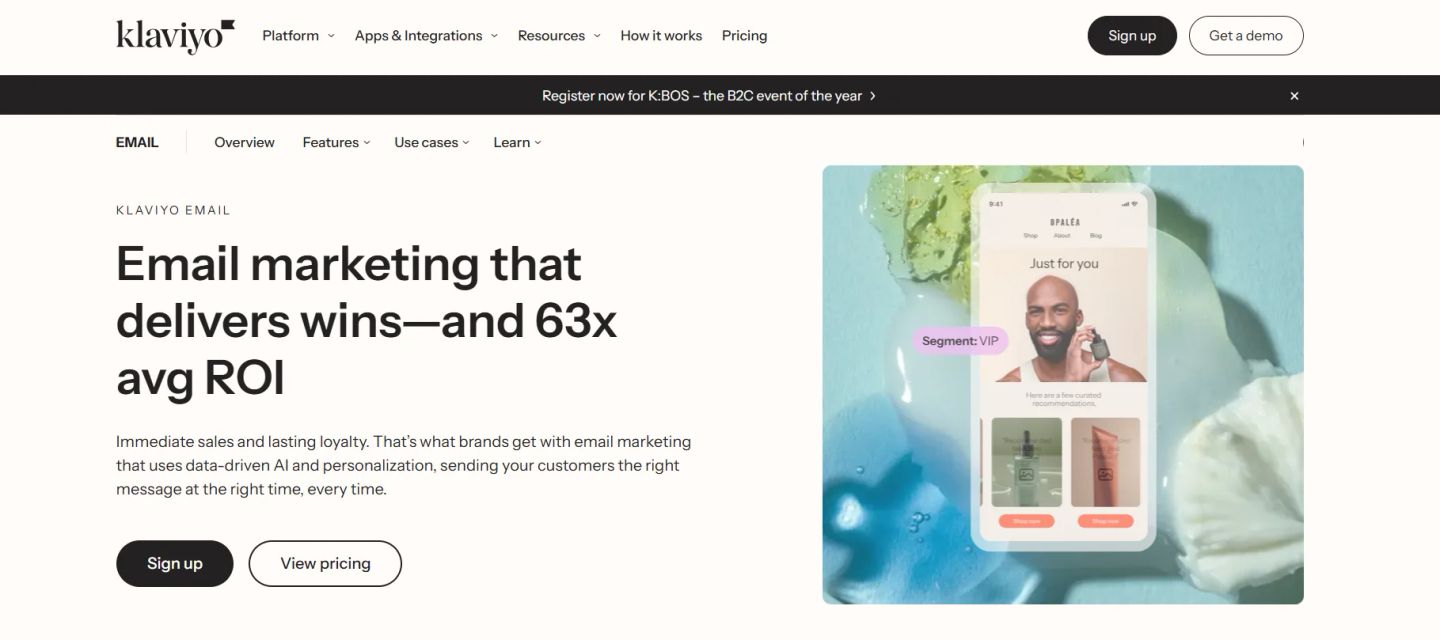
Klaviyo is a performance-driven email marketing tool built for ecommerce and direct-to-consumer brands that rely heavily on personalization. It integrates data across platforms, shopping behavior, past purchases, and on-site activity, and turns that into highly targeted, automated campaigns.
Besides sending emails on a schedule, it builds automated flows triggered by real-time user behavior. You can send a shipping update by email, follow up with a related product via SMS, and drop in a loyalty reward notification through push, all within one connected flow. For teams running product-heavy stores, this level of cross-channel coordination can significantly improve repeat sales and customer retention.
Say a supplement brand wants to increase refill orders. Klaviyo can track when a customer last purchased, trigger a reminder email around the typical repurchase window, and follow up with a product bundle suggestion if they click through but don’t convert. The flow adjusts based on the customer’s next action, with no manual input required.
Here’s how to set it up:
- Log in to your Klaviyo dashboard and navigate to “Flows.”
- Choose a pre-built flow (like refill reminders, win-back, or upsell) or build one from scratch.
- Set your trigger; this could be a specific purchase, page view, or a custom event.
- Add emails using the drag-and-drop editor or apply one of Klaviyo’s 160+ templates.
- Use segmentation filters to control who sees what, based on behavior or profile data.
- Integrate product recommendations, timing controls, or SMS steps for multi-channel impact.
- Launch the flow and track its performance directly inside your Klaviyo analytics panel.
Klaviyo offers flexible pricing based on the number of contacts and emails you send. Smaller stores can start with free plans that support basic automation, while advanced tools, such as predictive analytics, Flows AI, and multi-channel messaging, are available in their paid tiers.
4. ActiveCampaign
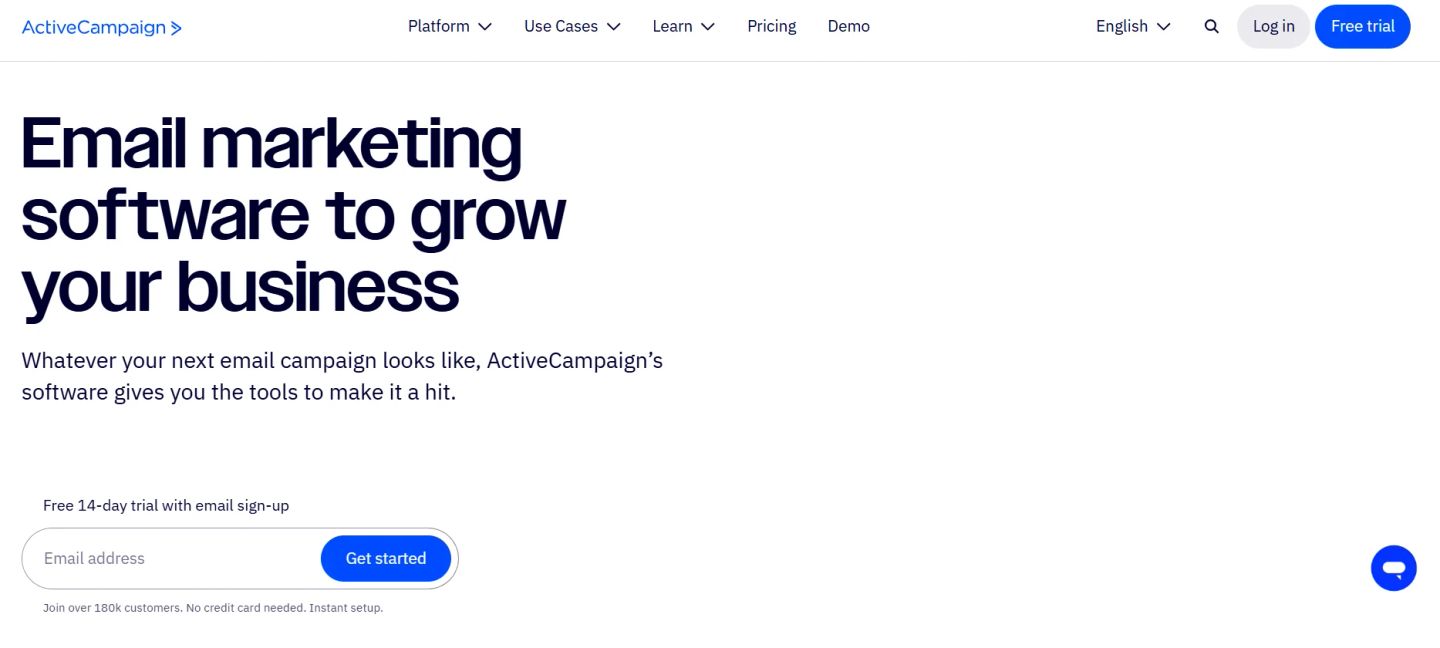
ActiveCampaign is an automation-first email marketing tool built for teams that want to send efficient campaigns at scale without losing personalization. It’s especially effective for mid-sized businesses and SaaS teams that want to move fast, stay relevant, and run multistep customer journeys with precision.
What makes it different is how deeply it combines tagging, segmentation, and dynamic content. You can change entire sections of an email, such as subject lines, headers, and calls to action, based on how someone interacts with your site, which tags they carry, or what stage they’re in.
Example: a SaaS company offering a free trial can set up a series that tracks user engagement. If someone finishes onboarding, they get a case study email tailored to their role. If they haven’t logged in for a few days, they receive a check-in with helpful tips. And as the trial nears its end, ActiveCampaign triggers a time-sensitive upgrade offer. Every step is automated and driven by user behavior.
Here’s how to set it up:
- Log in to your ActiveCampaign dashboard and go to the “Automations” section.
- Choose from over 900 prebuilt workflows or create your own from scratch.
- Set a trigger like “joined list,” “visited page,” or “tag added.”
- Build out your sequence using the visual automation builder, adding emails, delays, conditions, and actions.
- Utilize personalization tags to tailor content according to user data.
- Apply conditional content blocks to customize each message to individual behavior or preferences.
- Launch the automation and monitor performance through built-in reporting tools.
ActiveCampaign offers a 14-day free trial with full access to core features. After that, pricing scales based on the number of contacts and the features included. Advanced automation tools, predictive content, and sales CRM functions are available in their higher-tier plans.
5. Constant Contact
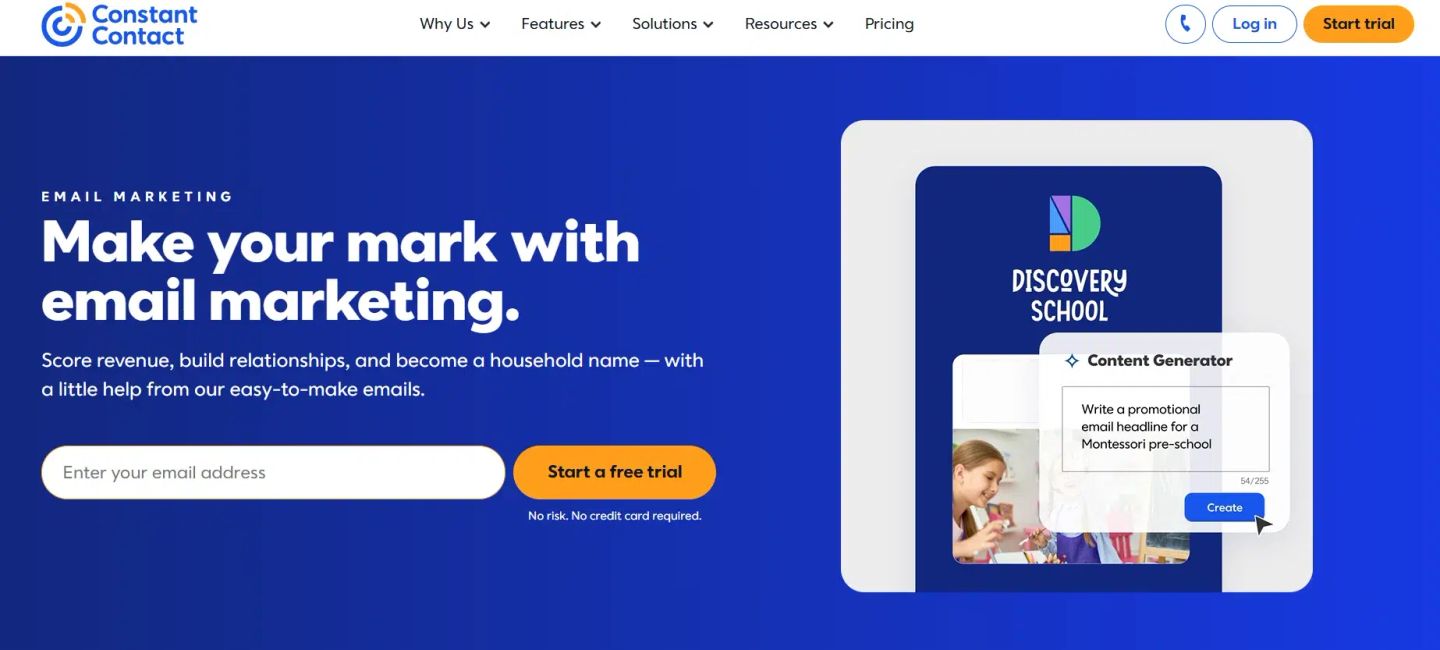
Constant Contact is a long-standing email marketing tool trusted by small businesses, nonprofits, and local service providers. It focuses on simplicity, making it easy for teams without full-time marketers or designers to launch effective campaigns quickly.
The platform combines email creation, social sharing, SMS, and automation into one workflow. You can start with a pre-built template, customize it in minutes with a drag-and-drop editor, and schedule it to send automatically based on user actions. It also offers AI-assisted writing, performance reporting, and social post integration.
Example: a local bakery wants to promote weekend specials to its subscriber list. With Constant Contact, they can create a mobile-friendly email with product images, schedule it for Friday morning, and automatically post it to Instagram and Facebook. If someone clicks through but doesn’t redeem the offer, a follow-up text reminder is sent by Saturday afternoon, all without manual intervention.
Here’s how to set it up:
- Log in to Constant Contact and go to the “Campaigns” tab.
- Select a pre-built template from the library or create one from scratch using the email builder.
- Add your content, including text, images, links, and call-to-action buttons.
- Enable social sharing or add SMS steps for additional reach.
- Set an automation rule based on triggers like opens, clicks, or date-based events.
- Schedule the campaign or publish immediately.
- Track open rates, click-throughs, and social engagement from the analytics tab.
Constant Contact offers a 30-day free trial with full access to core features. After that, plans are priced based on list size and email volume. Advanced automation, segmentation, and SMS capabilities are available in the Standard and Premium tiers.
6. Campaign Monitor
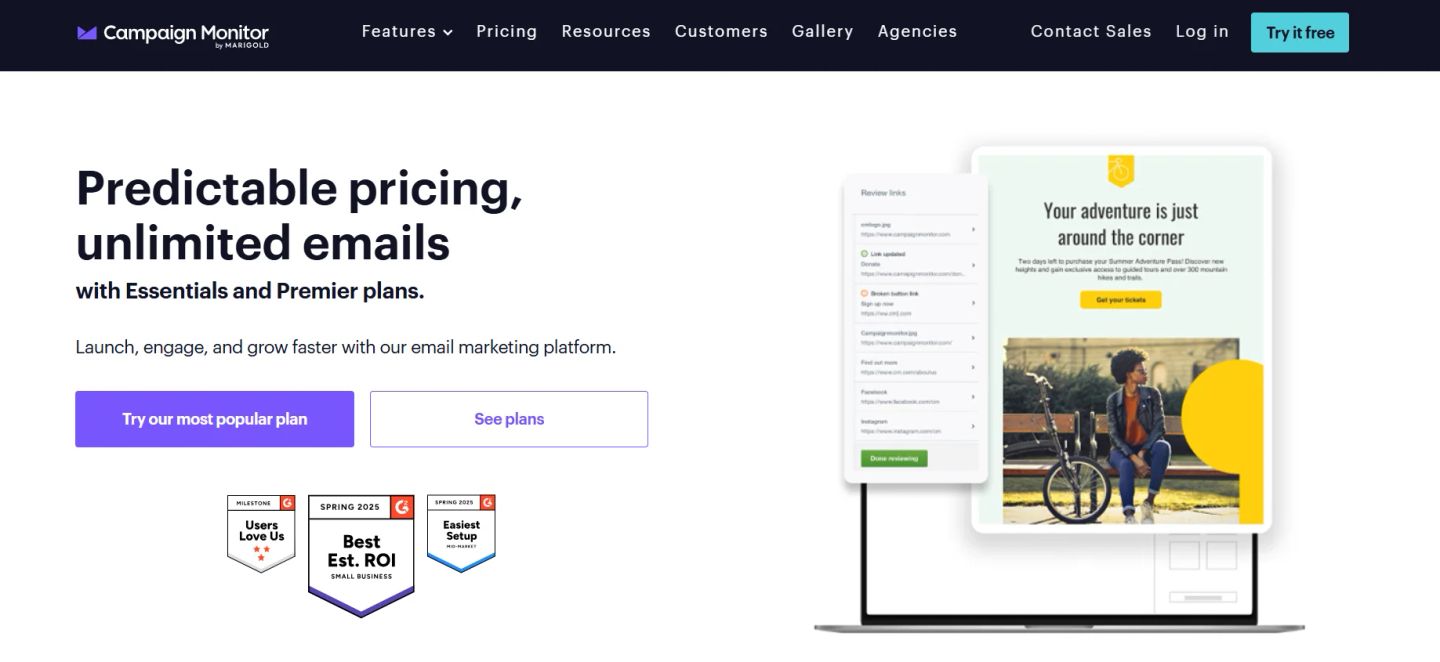
Campaign Monitor is a user-friendly email marketing tool built for small businesses that want professional design, automation, and reporting without a steep learning curve. It’s especially well-suited for teams that prioritize brand consistency and visual impact across all their emails.
Its standout feature is the visual journey designer, which makes building multi-step automations as simple as dragging and dropping. Whether you’re setting up a post-purchase series or a loyalty tier update, each touchpoint is visually mapped out, helping even non-technical users build personalized flows with confidence.
Here’s a practical example: a boutique skincare brand wants to reward repeat buyers. Using Campaign Monitor, they set up an automation that tracks when someone completes their third order, sends a thank-you email with a personalized coupon code, and follows up a week later with an invitation to their loyalty program. The email design matches their brand exactly, and every message is mobile-optimized out of the box.
Here’s how to set it up:
- Log in to Campaign Monitor and go to “Automation.”
- Launch the visual journey builder and select a trigger, such as a product purchase or sign-up.
- Choose a professionally created template or customize your own using the drag-and-drop editor.
- Add follow-up actions, like email sends, delays, or conditional splits based on behavior.
- Preview the full journey on both desktop and mobile views.
- Set timing rules, activate the journey, and monitor results via the real-time performance dashboard.
Campaign Monitor offers a free trial and predictable pricing tiers. Unlimited email sends are included in the Essentials and Premier plans. It’s a solid pick for teams that want polished campaigns, automated journeys, and access to pre-built loyalty workflows, without relying on third-party add-ons.
7. SendGrid
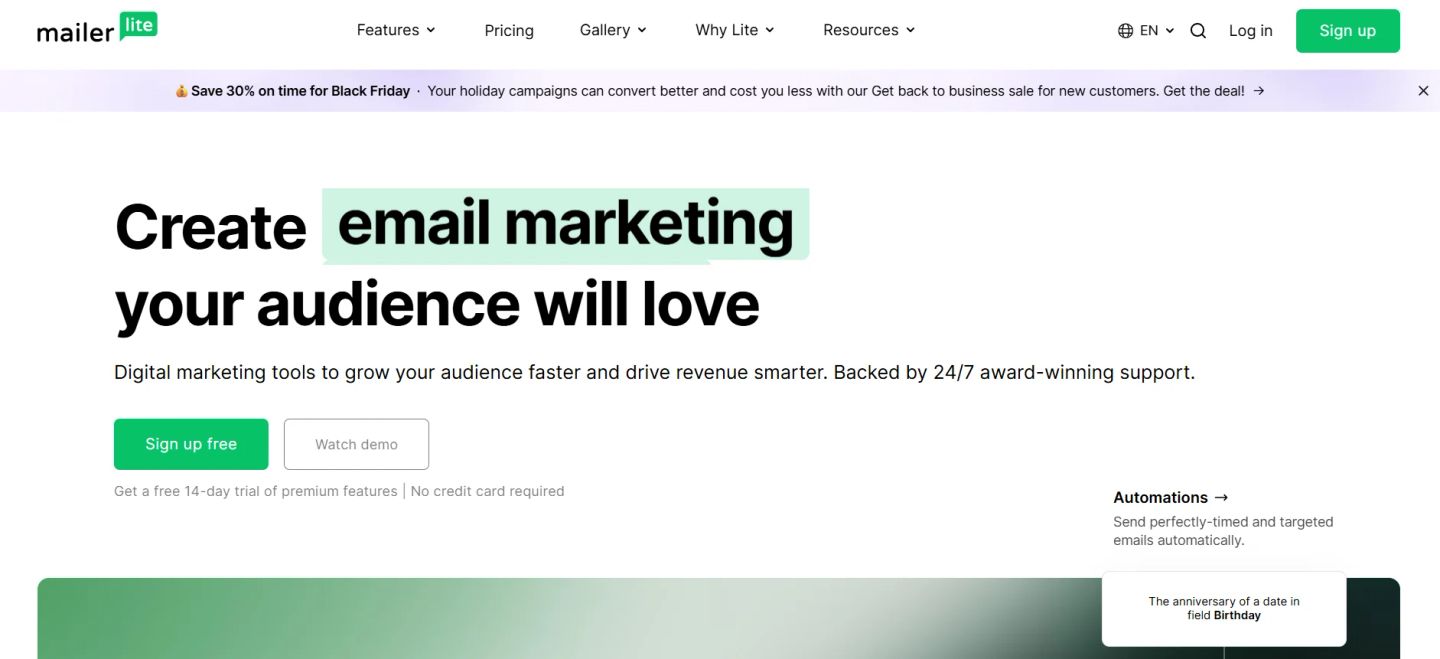
SendGrid, now part of Twilio, is a high-volume email marketing tool known for its deliverability and developer-friendly infrastructure. With over 100 billion emails sent every month, it’s developed for businesses that need both marketing campaigns and transactional messaging at scale.
The platform offers two sides: a robust email API for developers and a campaign builder for marketers. This dual approach makes it a strong fit for SaaS companies, ecommerce stores, and enterprises that want precision in both customer communications and promotional campaigns. With a 99% deliverability rate, it’s often chosen by brands where reaching the inbox is mission-critical.
Here’s a practical example: an ecommerce brand running flash sales can use SendGrid’s marketing campaign builder to send mobile-optimized promotional emails while relying on the API to trigger transactional messages, like order confirmations and shipping updates, within seconds of purchase. Both sides run on the same infrastructure, ensuring consistency and reliability.
Here’s how to set it up:
- Sign into SendGrid and choose between “Email API” or “Marketing Campaigns” based on your use case.
- For campaigns, go to the email builder and select from pre-built templates or start fresh with drag-and-drop editing.
- Customize your content, text, images, and buttons, and preview it for both desktop and mobile.
- Use segmentation features to target specific groups of contacts.
- Schedule your campaign or send it immediately.
- For developers, generate an API key and integrate using RESTful APIs or SMTP with your preferred language.
- Monitor performance in the analytics dashboard to track opens, clicks, and deliverability rates.
SendGrid offers a free tier to get started, with access to both campaign tools and the API. Paid plans scale by email volume and features, with higher tiers unlocking advanced segmentation, automation, and dedicated support.
8. MailerLite
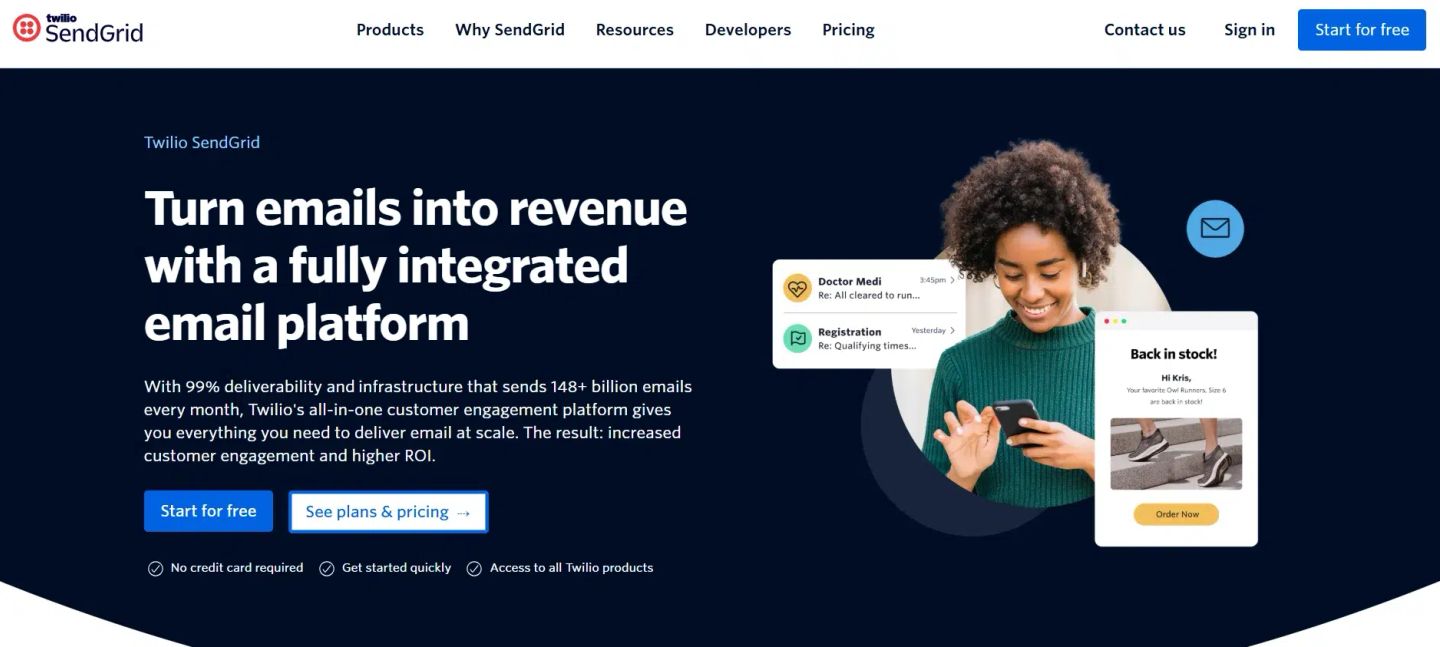
MailerLite is an email marketing tool for creators, small businesses, and growing teams that want powerful features without the complexity of enterprise platforms. It combines email campaigns, automation, websites, landing pages, signup forms, and even paid newsletter subscriptions, all inside a clean, intuitive interface.
The appeal lies in its simplicity. MailerLite makes it easy to design campaigns with a drag-and-drop editor, set up automations around key dates or behaviors, and even sell digital products directly through email. For small teams, this “all-in-one without the bloat” approach keeps marketing lean and affordable.
Here’s a practical example: an online course creator wants to turn free subscribers into paying members. With MailerLite, they can design a welcome series that introduces the course, follow it with timed reminders about enrollment deadlines, and add a final email offering a discount for early sign-ups. Payments are collected through built-in subscription tools, allowing the entire process to run efficiently within a single system.
Here’s how to set it up:
- Log in to MailerLite and head to the Dashboard.
- Select “Campaigns” to create your first email or choose “Automations” to set up a sequence.
- Use the drag-and-drop editor to customize your template with images, text, and calls to action.
- Add triggers like “joins a list,” “clicks a link,” or “date-based” events such as birthdays or renewals.
- Layer in conditions to send different follow-ups based on subscriber behavior.
- Connect Stripe or another integration to sell digital products or paid newsletters.
- Review analytics in the Reports tab to see open rates, clicks, and sales conversions.
MailerLite offers a forever-free plan with essential features, making it a solid starting point for new businesses. Paid plans unlock advanced automations, premium templates, and integrations, while maintaining pricing that is more accessible compared to larger platforms.
9. GetResponse
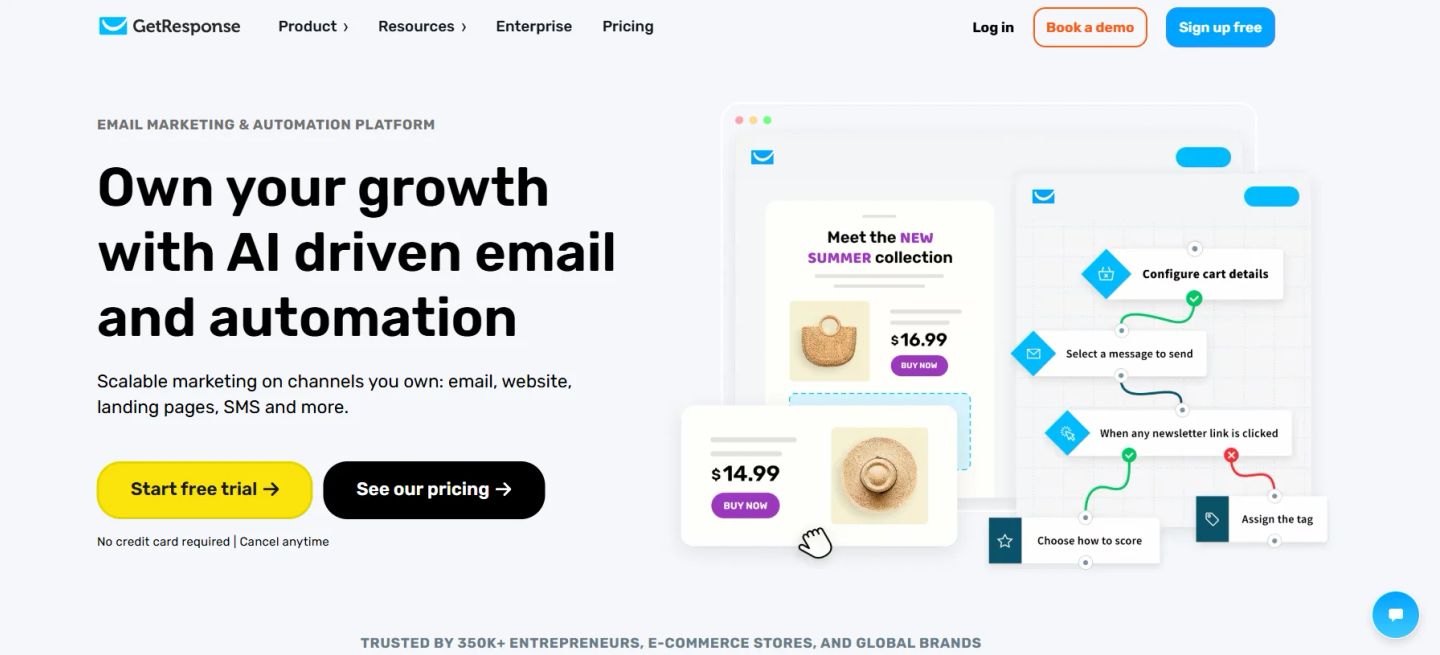
GetResponse is an all-in-one email marketing tool developed for businesses that require email, automation, SMS, landing pages, and even webinars under one platform. It’s widely used by e-commerce brands and entrepreneurs seeking to scale, thanks to its unlimited email sends, strong deliverability, and AI-driven features that accelerate campaign creation.
The platform makes it easy to create campaigns, set up automated workflows, and run lead-generation funnels without needing to integrate multiple tools. From AI-generated subject lines to built-in product recommendations, every feature is built to drive engagement and conversions.
Example: An online fitness coach wants to convert free subscribers into paying members. With GetResponse, they can set up a funnel that captures leads through a landing page, nurtures them with a multi-step email sequence, triggers a limited-time offer via SMS, and hosts a live webinar for final conversions, all inside one platform.
Here’s how to set it up:
- Log in to GetResponse and choose “Email Marketing” or “Automation” from the dashboard.
- Use the drag-and-drop editor or AI content generator to design your first email.
- Create a workflow trigger, such as a new subscriber, cart abandonment, or a specific date.
- Add follow-up steps, such as emails, SMS, or push notifications.
- Utilize product recommendation blocks to personalize content automatically.
- If needed, add a webinar step to engage leads live.
- Launch the campaign and track results in real time with GetResponse’s analytics dashboard.
GetResponse offers a free plan with core features and unlimited newsletters. Paid tiers unlock advanced automation, AI tools, webinars, and more integrations, making it a strong choice for businesses that want everything tied into a single platform.
10. Kit (formerly ConvertKit)
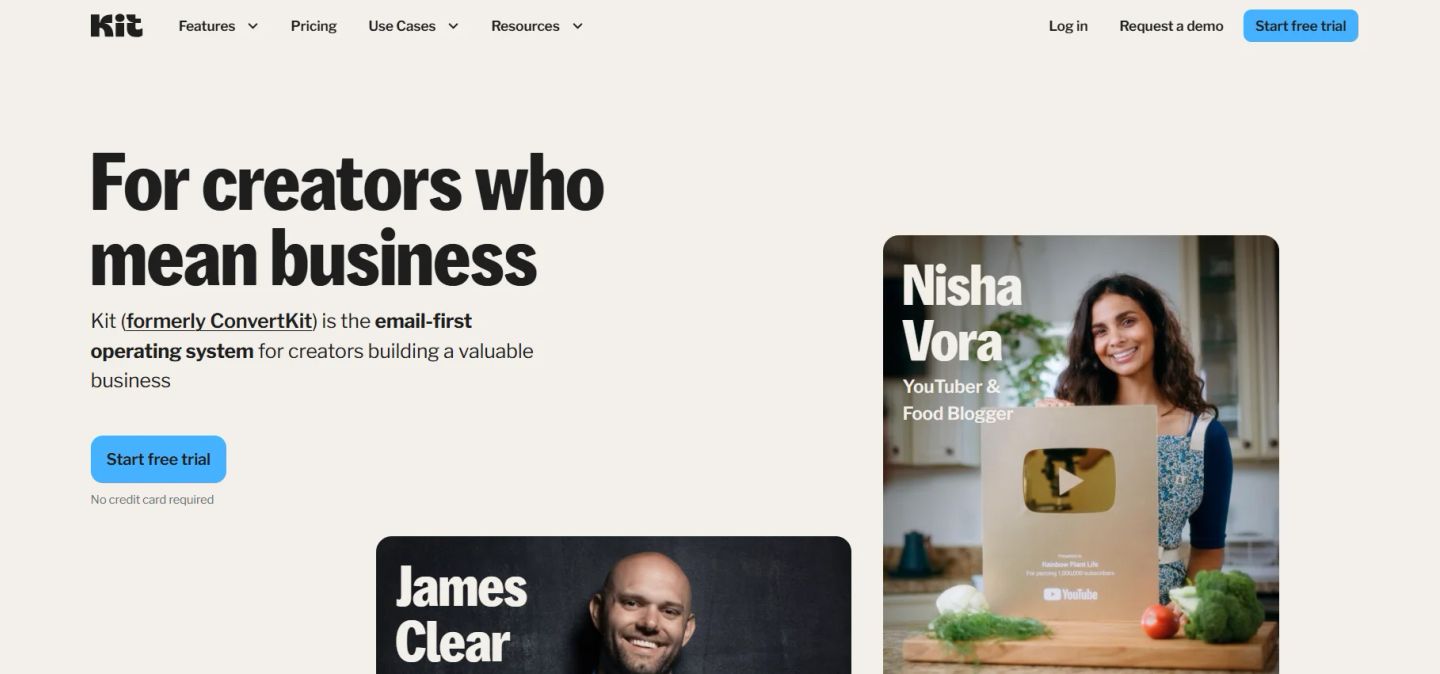
Kit, formerly known as ConvertKit, is an email marketing tool specifically for creators, writers, podcasters, musicians, course builders, and independent entrepreneurs. Unlike platforms built for ecommerce or large enterprises, Kit focuses on helping creators grow audiences, monetize content, and turn subscribers into sustainable revenue streams.
What sets Kit apart is its combination of email campaigns, automations, and monetization features built into one platform. Beyond sending newsletters, creators can sell digital products, run paid subscriptions, offer tip jars, or add sponsor placements directly inside emails. The interface is direct, yet the automation builder enables advanced personalization through tagging, segmentation, and conditional content.
Example: A podcaster building a membership community can use Kit to capture subscribers through a landing page, tag them based on interests, send an automated welcome sequence, and then offer a paid newsletter subscription with bonus episodes. Payment and delivery are handled inside Kit, eliminating the need for extra tools.
Here’s how to set it up:
- Log in to Kit and create a signup form or landing page to start building your audience.
- Head to “Automations” and design a sequence using the visual workflow builder.
- Tag subscribers based on actions like clicks, downloads, or survey responses.
- Build and send newsletters with the drag-and-drop email editor or custom templates.
- Add monetization options, such as digital product sales, recurring subscriptions, or sponsorship placements.
- Use the Creator Network to collaborate with other Kit users and expand reach.
- Monitor subscriber growth and revenue inside the analytics dashboard.
Kit offers a free plan for up to 10,000 subscribers, making it one of the most generous starting points for creators. Paid tiers unlock unlimited subscribers, advanced automations, and additional monetization tools. For U.S.-based creators seeking a purpose-built platform that evolves with them, Kit has become the go-to choice.
A Quick Comparison Table
Choosing an email marketing tool often comes down to scale, ease of use, and how well it fits your workflow. Here’s a side-by-side view to help you spot the right platform faster:
| Platform | Free / Trial | Entry Plan | Best For |
| HubSpot | Free: 2,000 emails/mo | Starts at 1,000 contacts | Teams wanting CRM + email in one |
| Mailchimp | Free: 500 contacts, 1,000 emails/mo | Starts at 500 contacts | Small businesses & ecommerce |
| Klaviyo | Free: 250 contacts, 500 emails | Scales by active profiles | Ecommerce & DTC brands |
| ActiveCampaign | 14-day free trial | Scales by contacts | Automation-focused users |
| Constant Contact | Free trial | Lite, Standard, Premium | SMBs & nonprofits |
| Campaign Monitor | 30-day free trial (500 contacts) | Scales with list size | Design-first teams & agencies |
| Twilio SendGrid | Free: 100 emails/day or 2,000 contacts | Scales by contacts or volume | Developers & high-volume senders |
| MailerLite | Free: 500 subscribers, 12,000 emails/mo | Starts at 500 subscribers | Freelancers & creators |
| GetResponse | Free: 500 contacts, 2,500 emails/mo | Scales by list size | All-in-one marketing needs |
| Kit (formerly ConvertKit) | Free up to 10,000 subscribers | Paid unlocks automations & commerce | Writers, podcasters & creators |
INSIDEA
Ready to get more out of HubSpot?
We are an Elite HubSpot Partner rated 4.99 across 500+ verified reviews. Let's make your portal work harder.



 How INSIDEA works




