

Nearly 74% of businesses in the U.S. use online form builders to collect leads, survey customers, or handle internal workflows. Around 49% of those businesses say forms are their highest-converting digital asset. So the demand is apparent. But execution is a different story.
Online form builders tend to fall into two camps: either they’re too basic to handle real workflows, or they’re packed with features most teams don’t need and won’t use. And somewhere in between, there’s the reality that most businesses just want something reliable that fits into their setup and doesn’t slow things down.
This blog isn’t another roundup pulled from search results. We’ve gone through dozens of online form builders, tested them inside actual use cases, and picked ten that stand out for specific reasons. Some are built for fast lead capture, others for intelligent internal routing, mobile feedback, or more structured data collection. Each tool here earns its spot because it handles a particular need well, and doesn’t overpromise in areas it can’t deliver.
If you’re trying to figure out which form builder fits your workflow, this list should save you some trial and error.
What Are Online Form Builders and How Do They Help?
An online form builder is exactly what it sounds like: a tool that lets you create web forms without having to code them from scratch. Instead of fiddling with HTML or backend logic, you drag, drop, customize, and publish. The whole idea is to get a working form live in minutes, not days. Most of the current top form builders fall into the no-code category, meaning you don’t need a developer to create something clean, functional, and connected to your systems.
Building a form is usually as simple as choosing a template, adding fields (text, dropdowns, checkboxes, uploads, etc.), and deciding where the data goes, like to your CRM, email tool, or a spreadsheet. Many online form builders also offer logic-based flows, payment integrations, and mobile responsiveness out of the box.
Now, here’s what online form builders are used for:
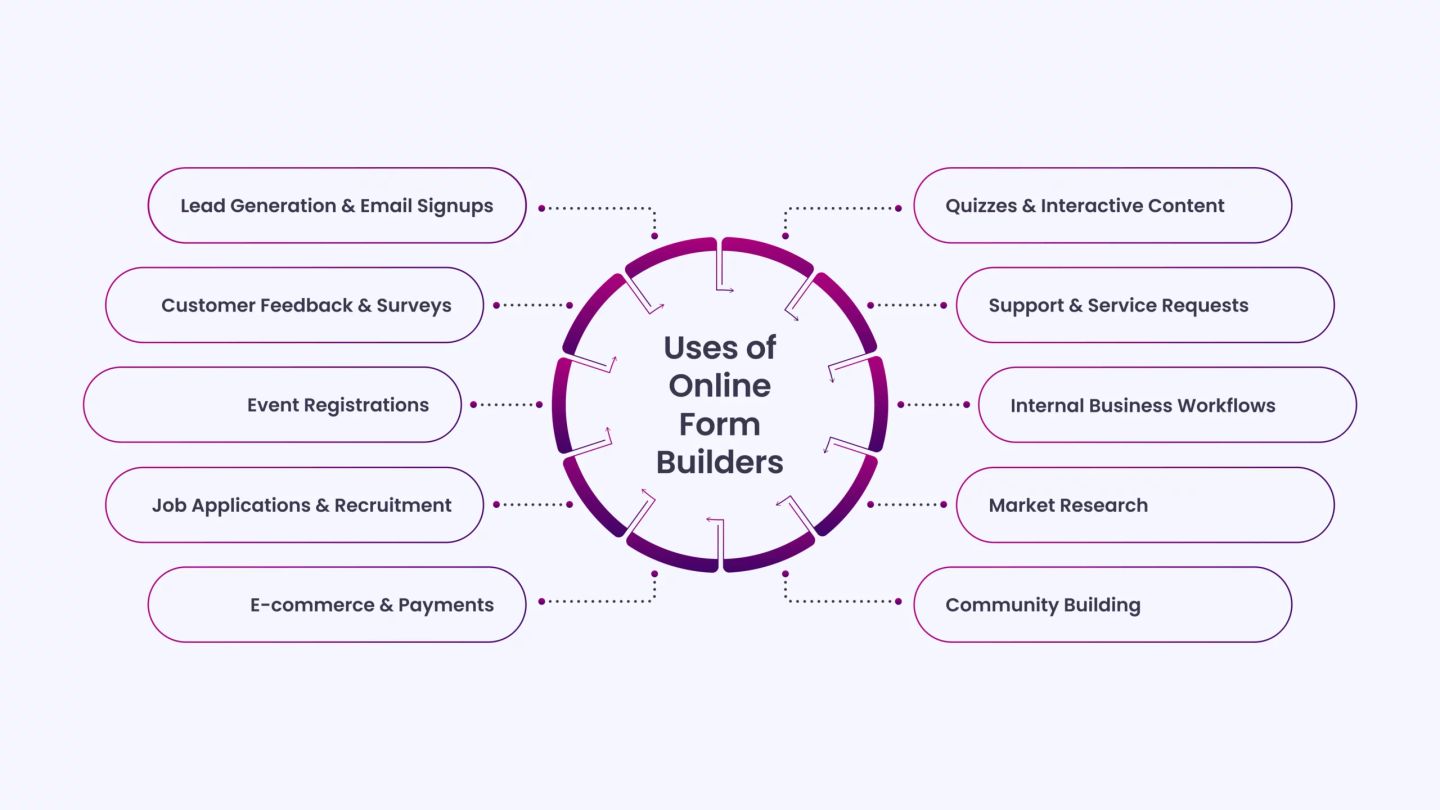
- Lead Generation & Email Signups: Capturing emails for newsletters, offers, or gated content.
- Customer Feedback & Surveys: Running satisfaction surveys, NPS, or polls.
- Event Registrations: Handling signups, RSVPs, and attendee details for both online and offline events.
- Job Applications & Recruitment: Collecting candidate info, resumes, and screening responses.
- E-commerce & Payments: Taking payments or donations directly through integrated gateways.
- Quizzes & Interactive Content: Building engagement through quizzes and knowledge checks.
- Support & Service Requests: Logging contact forms, issue reports, or help desk tickets.
- Internal Business Workflows: Managing onboarding, time-off requests, and internal forms.
- Market Research: Gathering data for product testing or consumer studies.
- Community Building: Facilitating signups for memberships, volunteers, or advocacy efforts.
Top 13 Online Form Builders of 2026 for Smarter Workflows
Before we get into the list, here’s what you should know: we looked at how usable each tool is, how well it integrates with other platforms, the level of flexibility it offers, whether the pricing makes sense, and how it handles features such as conditional logic and analytics. Every tool here was selected based on its performance in practical applications.
Let’s get into it:
1. HubSpot Form Builder
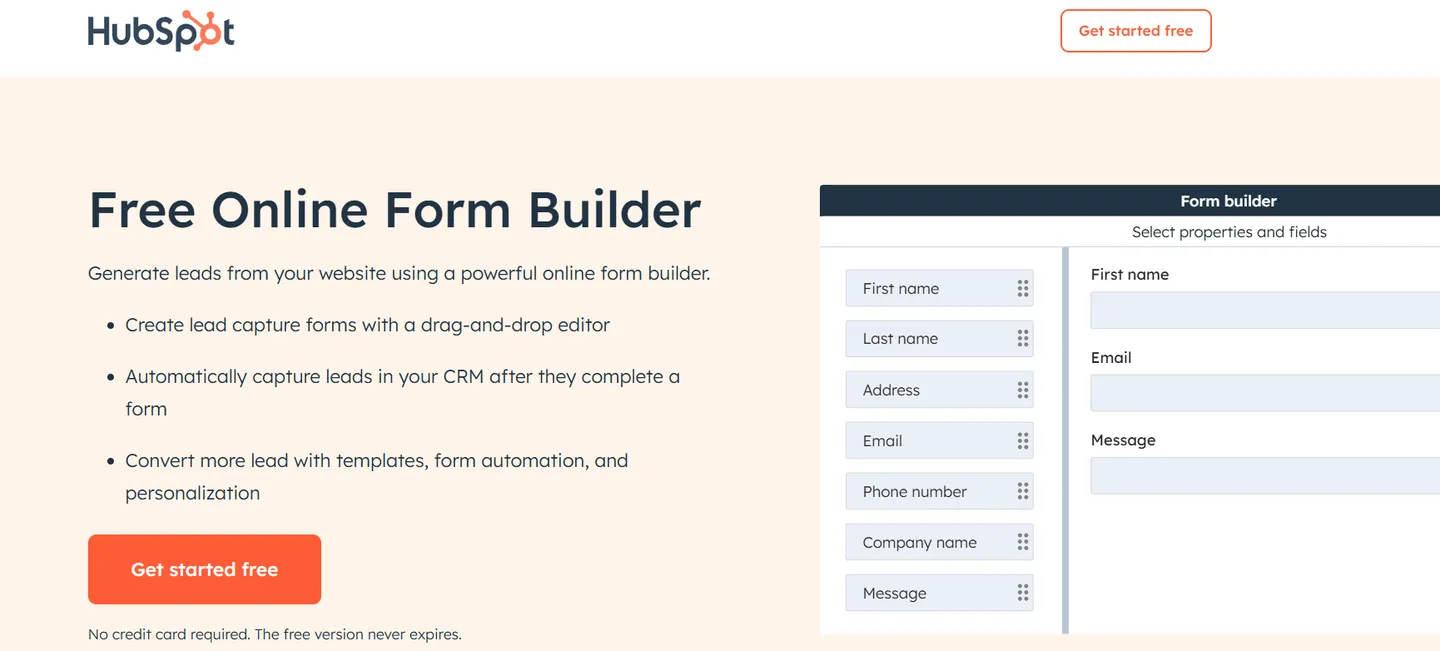
HubSpot’s online form builder is for teams that care about turning traffic into actual leads, but making it usable right away. It’s a great fit for B2B companies, SaaS teams, and service businesses that want to centralize lead capture and follow-up without duct-taping tools together. The moment someone submits a form, they’re added straight into HubSpot’s CRM, ready for segmentation, automation, and follow-up.
What sets it apart is how tightly it connects the form experience with CRM, email automation, segmentation, and progressive profiling. You’re not just building a static form; you’re setting up a system that adapts as your lead interacts with your business.
For example, imagine you’re running a live webinar campaign. You set up a form specifically for registration, customize the fields based on user role, and once someone submits, they get an instant confirmation email, are added to a “Webinar Leads” list in your CRM, and are automatically scheduled for a reminder email two days before the event. That’s one form doing five jobs with zero manual effort.
Creating a form with HubSpot is fast and direct:
- You start by heading to HubSpot’s Free Form Builder page.
- Click “Create a form,” and you’re taken into a clean drag-and-drop editor.
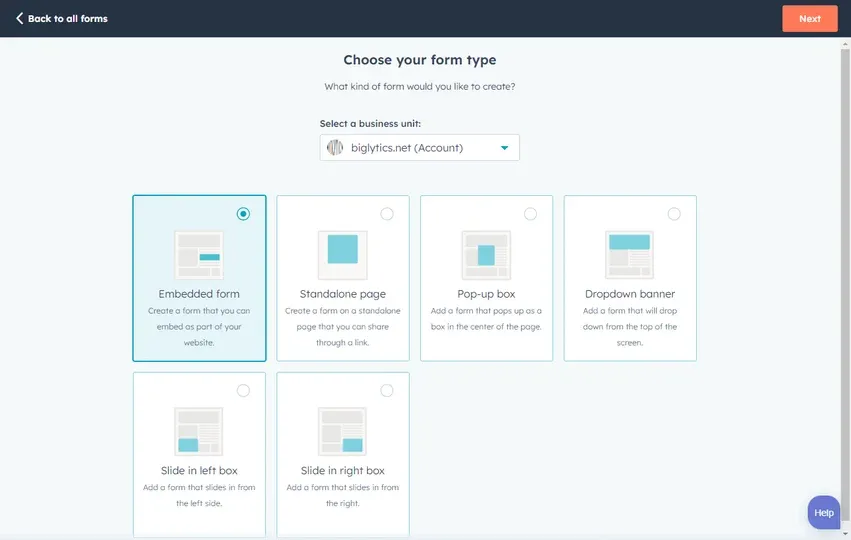
- Choose whether you want the form to appear embedded on your site, as a pop-up box, or hosted as a standalone page. HubSpot gives all three options.
- From there, select a template (like “Lead Capture” or “Event Registration”) or start from scratch.
- You can drag in fields like name, email, dropdowns, checkboxes, file uploads, and more. Everything is editable, including labels, placeholder text, and field validation.
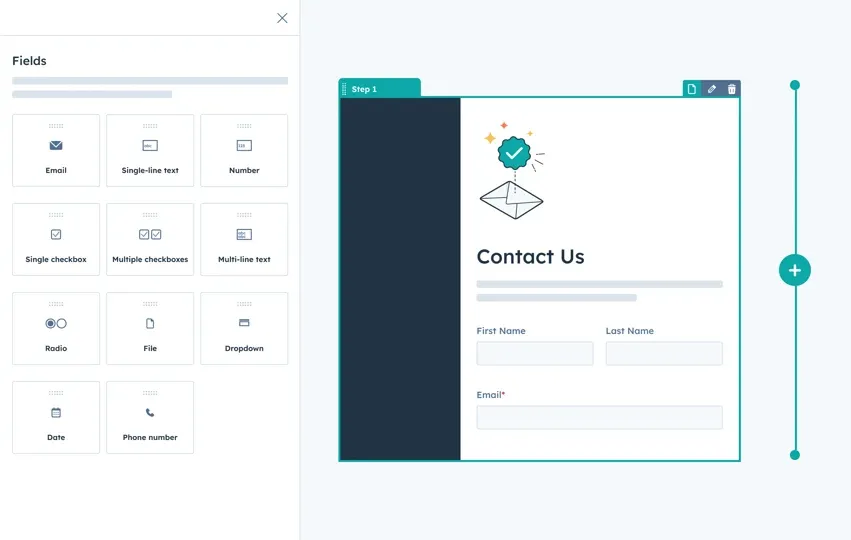
- On the design side, you can match your brand by adjusting colors, fonts, and button styles.
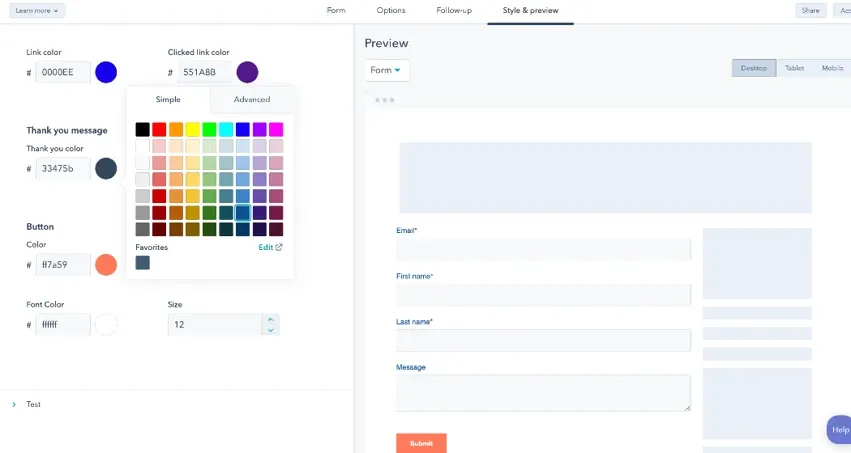
- Once done, publish the form and place it wherever you want. Submissions go directly into the CRM, and you can choose to trigger an automated email, route the contact to a sales rep, or start a nurturing sequence.
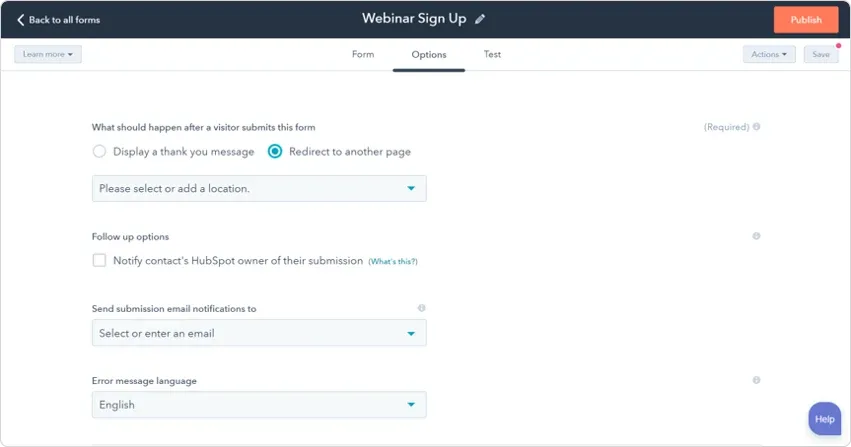
HubSpot also gives you innovative features like conditional logic (currently in beta), multi-step forms, progressive profiling, and spam protection. This helps reduce form abandonment and keeps the experience smooth for the user.
Pricing-wise, the form builder is part of HubSpot’s free tools. You get unlimited forms and contacts. If you want advanced features like branching logic or complete automation workflows, those are part of their paid Marketing Hub plans.
2. Google Forms
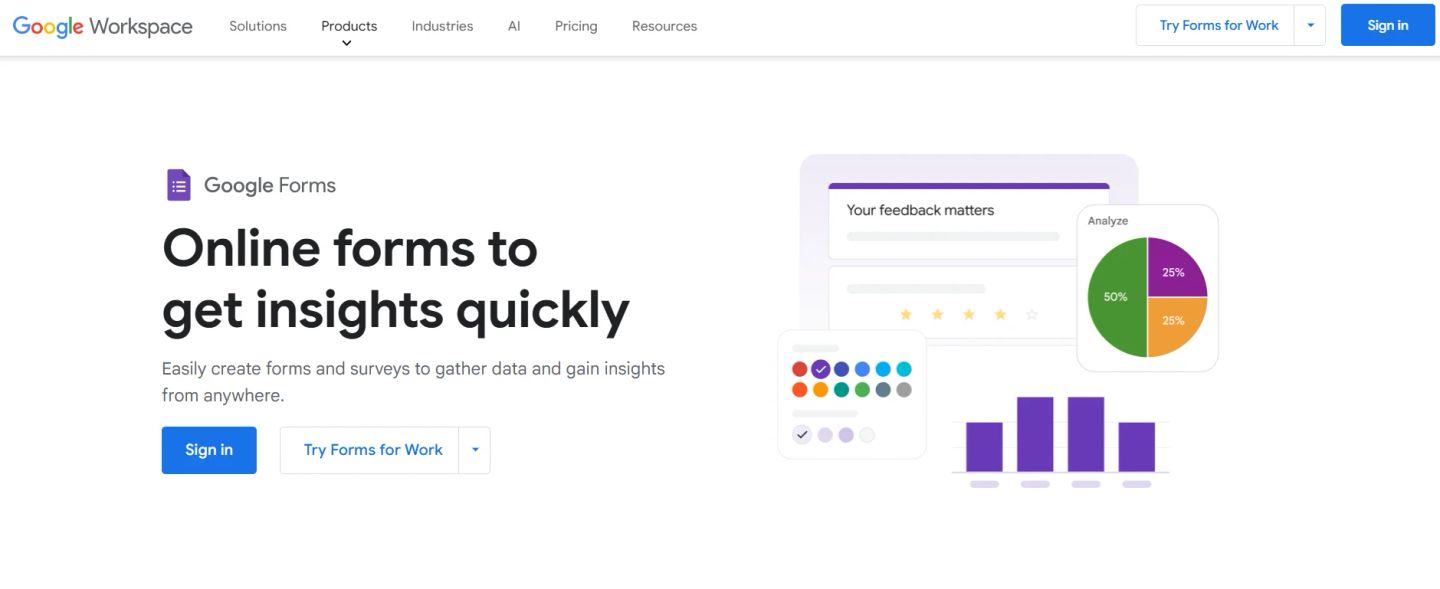
Google Forms is one of the simplest ways to collect structured data, whether you’re gathering feedback, running internal surveys, or setting up quick polls. It’s part of Google Workspace, and it’s built for teams that need something reliable, familiar, and fast to deploy across departments or customer-facing workflows.
You don’t need to install anything or learn new tools, just sign in with your Google account, hit “+ Blank” or pick a template, and you’re in the editor. The drag-and-drop layout makes it easy to reorder questions, insert images, set dropdowns, or add multiple-choice fields. Forms can be shared via email, social media, or embedded directly into a website.
Here’s how the setup works, step by step:
- Head to Google Forms and sign in.
- Click the blank form or choose from a pre-built template (quizzes, feedback, RSVP, etc.).
- Use the drag-and-drop builder to add and rearrange questions.
- Customize each field, short answer, multiple choice, checkboxes, linear scale, and more.
- Add page skip logic to route users based on responses.
- Apply a basic theme or adjust colors and fonts to match your brand.
- Enable email notifications to get alerts when someone submits.
- Connect the form to Google Sheets for automatic response logging.
- You can also create multi-part forms by adding sections to break up long forms.
- Once done, share the form via a link, embed it on your site, or email it directly.
Responses update in real time with built-in charts or can be exported to Sheets for deeper analysis. Security comes built in, everything is encrypted in transit and at rest, with compliance aligned to Google Workspace standards.
Example: running an internal training signup. You collect RSVPs, assign time slots, and automatically log responses in Sheets. Built-in charts instantly show attendance by department, eliminating the need for manual work.
As an online form builder, Google Forms is free with any Google account and scales easily across use cases like HR intake, customer feedback, or event registration. It doesn’t try to be feature-heavy, but for a clean, secure, and fast way to gather information, it’s hard to beat. And since it’s part of Google’s ecosystem, it slots neatly into existing Drive, Sheets, and Gmail workflows.
3. Zoho Forms
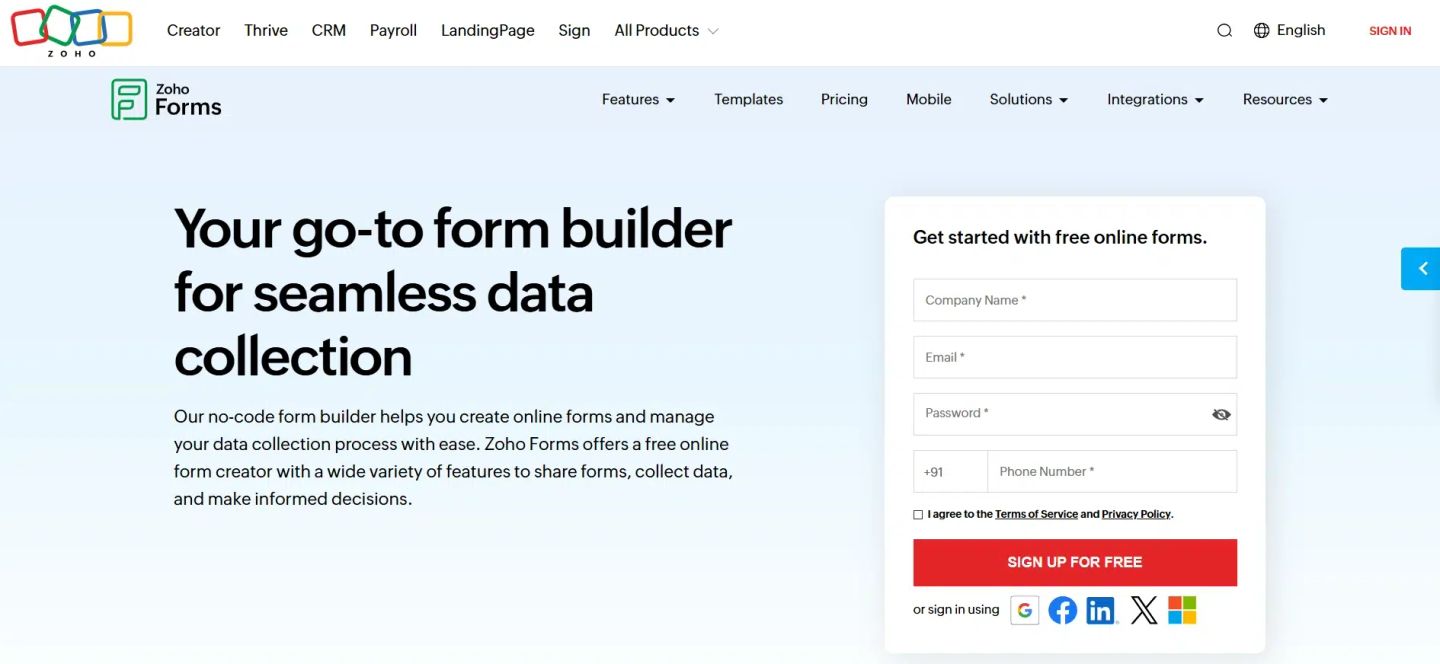
Zoho Forms is built for businesses that want more than just simple data capture. It works equally well for small teams managing signups as it does for enterprises handling approvals, workflows, and large-scale submissions. With more than 100K customers and over 125 million form submissions, it’s a mature platform that combines no-code simplicity with enterprise-grade flexibility.
You can build a form from scratch or start with templates for education, healthcare, HR, construction, or e-commerce. The drag-and-drop editor makes setup easy, while features like conditional logic, geolocation tagging, offline submissions, and e-signatures make it powerful enough for industries where compliance and detailed workflows matter.
Here’s how the process flows:
- Go to Zoho Forms and sign in.
- Click Create Form. Choose between a blank form, a pre-made template, or a card form (one question per page).
- Use the drag-and-drop builder to add fields: text, file uploads, dropdowns, signatures, QR code scanner, or payment fields.
- Add page skip logic and multi-level approvals if you need conditional flows.
- Customize branding with themes, logos, backgrounds, and fonts.
- Set up automated notifications for responses and enable email reminders to reduce drop-off.
- Publish instantly via link, embed code, or social media.
- Responses can be tracked in Zoho’s dashboard or exported to integrated apps like Google Sheets, Zoho CRM, Salesforce, or Slack.
One example: a healthcare provider can use Zoho Forms to manage patient intake. Patients fill out forms with personal details and upload documents. The data is securely routed to the right department, approvals move automatically through the workflow, and doctors receive notifications, all without paper or manual entry.
As an online form builder, Zoho Forms stands out with offline data collection, kiosk mode for events, and deep integrations with over 150 apps. Pricing starts with a free plan for individuals, while paid plans unlock advanced workflows and analytics.
4. Jotform
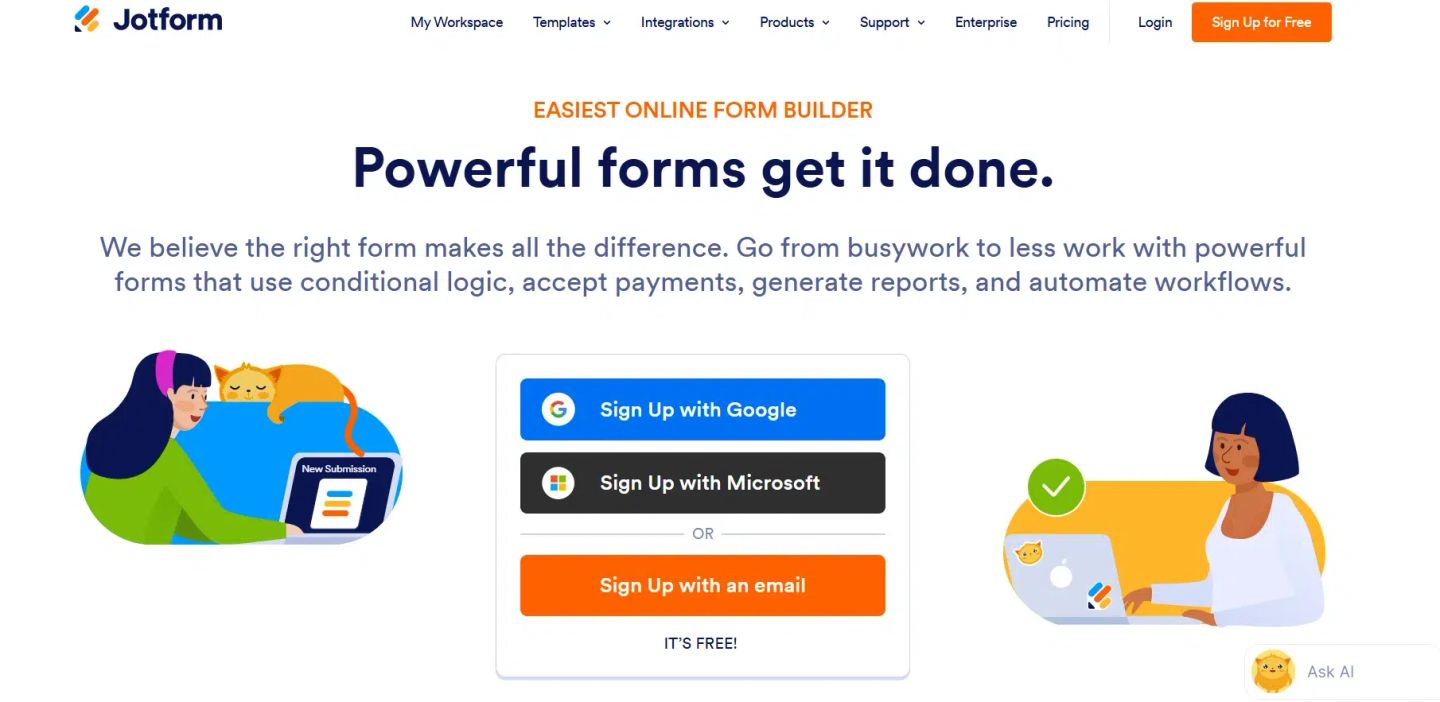
Jotform is one of the most versatile platforms in this space, trusted by over 30 million users worldwide. It’s built for teams that need more than basic lead capture, whether that’s processing payments, running conditional workflows, or connecting submissions directly into the apps they already use.
The appeal is in its balance: a no-code editor that’s simple enough for quick setups but powerful enough for complex automation.
Getting started is quick:
- Sign up for free at Jotform.
- Click Create a Form and choose from the starting options: blank form, use a template, or import an existing form.
- Use the drag-and-drop builder to add fields like text, dropdowns, uploads, signatures, or payment options.
- Apply conditional logic to show or hide questions, route submissions, or trigger follow-ups.
- Customize the design, add your logo, choose fonts, and adjust colors.
- Integrate with over 150+ apps like Google Sheets, Salesforce, Slack, Mailchimp, or Trello.
- If needed, enable payment collection with Stripe, PayPal, or Square right inside the form.
- Publish instantly with a link, embed code, or share on social platforms.
One standout example: a nonprofit can set up a donation form that accepts payments, automatically sends receipts, logs donor info into their CRM, and routes larger donations for a manual approval workflow. What typically takes multiple tools is handled end-to-end inside one form.
Jotform also supports advanced use cases with workflow automation, report generation, and even industry-specific templates (like medical intake forms or event registrations). Because it’s fully no-code, the learning curve is minimal, yet the flexibility scales with your needs.
The online form builder is free to start, with paid plans offering more submissions, storage, and advanced features.
5. Formidable Forms
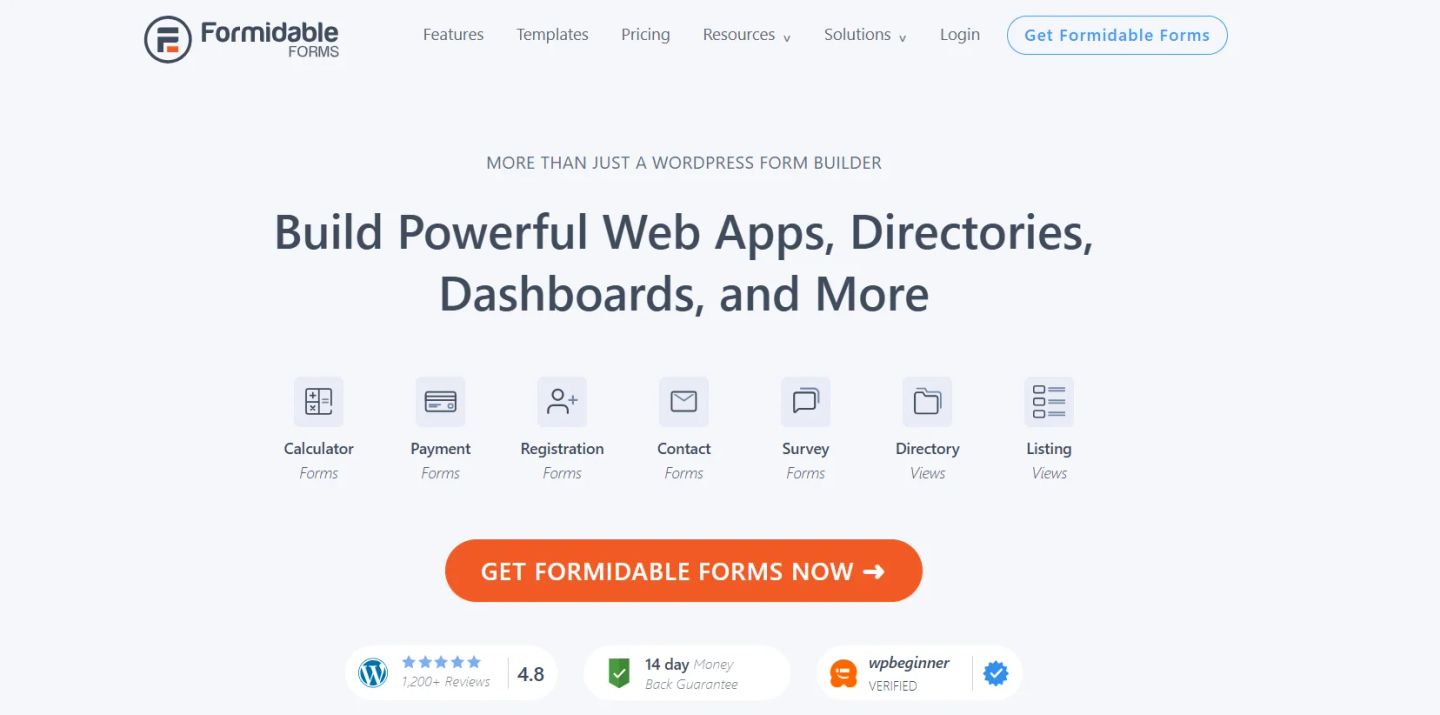
Formidable Forms is a WordPress-native online form builder that can scale from basic lead capture to full-on applications. Trusted by over 300,000 businesses, it’s built for site owners and developers who want forms that don’t just collect data but also display and process it in meaningful ways.
You can create anything from a quick registration form to multi-page calculators, surveys, or even front-end directories. The standout feature is Views, which lets you turn submissions into live, front-end content, like tables, listings, user profiles, or event calendars, without custom coding. Combined with repeater fields, conditional logic, and advanced calculations, it transforms WordPress forms into powerful data-driven applications.
Here’s how it works step by step:
- Install Formidable Forms on your WordPress site.
- In your dashboard, click Add New Form and pick a template (contact, payment, calculator, survey) or start blank.
- Use the drag-and-drop builder to add fields: text, file upload, ratings, dropdowns, repeaters, or dynamic pre-filled fields.
- Apply conditional logic to tailor form paths or show fields based on responses.
- Break long forms into multi-page sections with progress indicators.
- Add advanced features like calculations (great for quotes or loan calculators) and file uploads.
- Customize the look with the visual styler to match your site’s theme.
- Configure notifications, entry approvals, and email alerts.
- Connect integrations, Stripe, PayPal, Mailchimp, Salesforce, or Zapier.
- Publish with a shortcode anywhere on your WordPress site.
For example, a real estate agency can set up a property submission form where agents upload details and images. With Views, those entries are automatically published as styled property listings on the site.
Formidable also makes managing submissions easy. Entries are stored in your WordPress dashboard, can be exported, scheduled, or even edited from the front end. Built-in graphs and statistics give you instant insights into your data.
The plugin offers a free tier, but its full capabilities are unlocked with premium plans, which include Views, advanced logic, calculators, and integrations. For WordPress professionals who want forms that double as content and workflow engines, Formidable Forms delivers the flexibility that few other plugins match.
6. Typeform
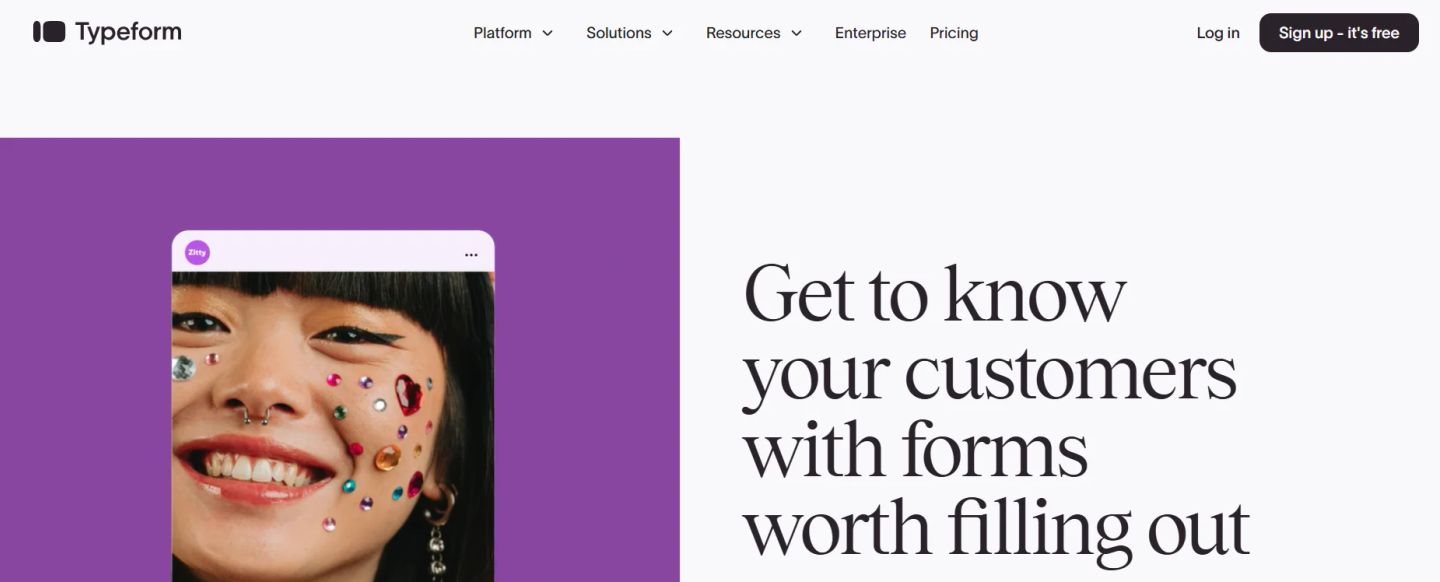
Typeform is built for teams that care about presentation as much as data collection. Instead of static forms, it creates conversational, interactive experiences that look branded, flow like a dialogue, and keep people engaged longer. That’s why companies like Calm, Airbnb, and Nike use it, because better design leads to more responses and better insights.
Unlike most tools, Typeform puts user experience at the center. You can embed video questions, add branching follow-ups, and personalize forms based on prior answers. According to their data, teams using Typeform collect up to 3.5x more data compared to standard forms.
Here’s how setup works:
- Sign up at Typeform and choose “New Form.”
- Start from a blank canvas or pick from 3,000+ templates (quizzes, surveys, lead capture, feedback).
- Add your questions one by one: text, multiple choice, image, or video. Each question appears on its own screen, giving a clean, one-at-a-time feel.
- Use conditional logic to ask follow-up questions based on previous answers.
- Apply your brand style, upload logos, adjust fonts and colors, or embed background media.
- Preview in real time, then publish with a link or embed it directly on your site.
- Responses show up instantly in the dashboard and can be synced with 300+ integrations like HubSpot, Slack, Salesforce, and Google Sheets.
An everyday use case: a SaaS company running user research can design a Typeform survey where participants answer one question at a time, branching into relevant follow-ups. This not only feels more personal but also highlights deeper insights that are often missed in conventional forms.
Typeform’s free plan includes unlimited forms and access to thousands of templates, making it easy to start. Paid tiers unlock advanced branding, conditional logic at scale, and more consistent analytics.
7. Formless
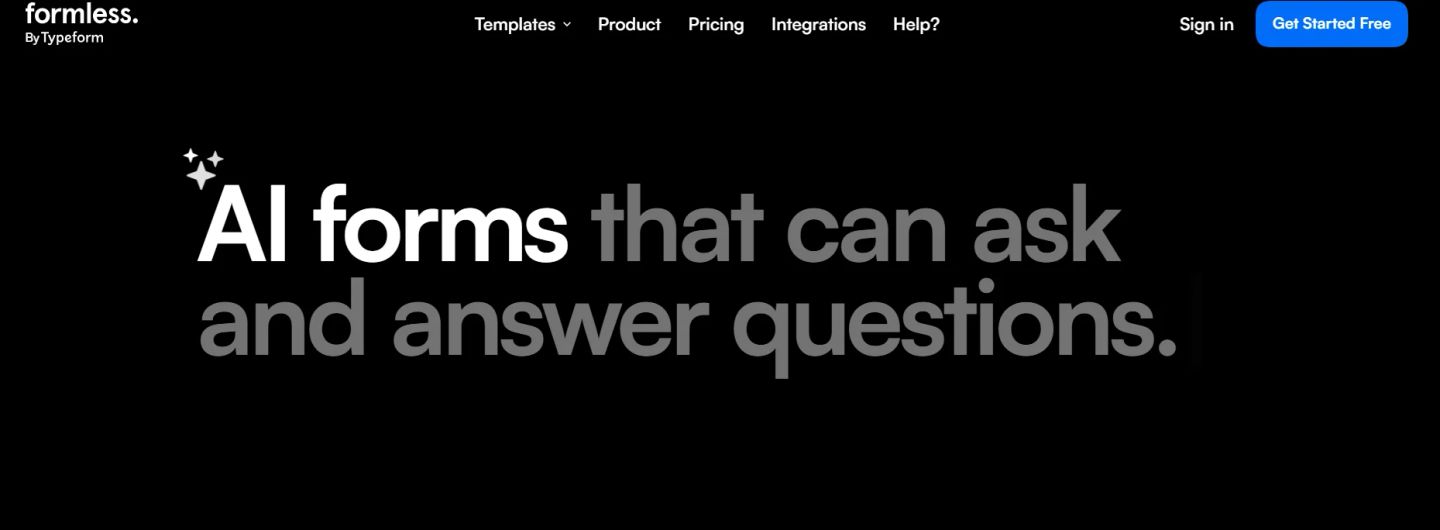
Formless is a new kind of online form builder; instead of static fields, it creates AI-powered conversational forms that feel like fundamental interactions. Apart from collecting data, it can answer questions based on your own training data, making it more like an intelligent assistant than a conventional form.
The platform is developed for engagement. Forms can speak in over 120 languages, adapt dynamically to each user’s input, and be embedded across websites, apps, or campaigns. That makes it particularly useful for global teams and businesses running multilingual funnels.
Here’s how building a form works:
- Sign up at Formless and choose a template, lead capture, sales inquiry, feedback, job application, or advanced flows like quote generators.
- Customize the conversational flow by editing prompts, tone, and branding.
- Train the AI on your company data so it can respond intelligently to user questions mid-conversation.
- Add branching logic for quizzes, contests, or product recommendations.
- Integrate with tools like HubSpot, Google Sheets, Mailchimp, Slack, or Pipedrive to sync responses.
- Publish by embedding the form on your site, sharing a link, or deploying it inside campaigns.
- Review responses and conversation summaries in the dashboard, where essential takeaways are auto-generated for quick analysis.
For example, a SaaS company can set up an inbound lead form that not only captures the prospect’s details but also answers their product questions instantly. Instead of just submitting and waiting, the user gets value in real time, while the sales team receives a full conversation summary with context for follow-up.
Pricing is tiered based on advanced features, but even at the entry level, you get templates, multilingual support, and integrations. Teams using Formless often report higher response rates because the experience feels personal rather than transactional.
8. Tally
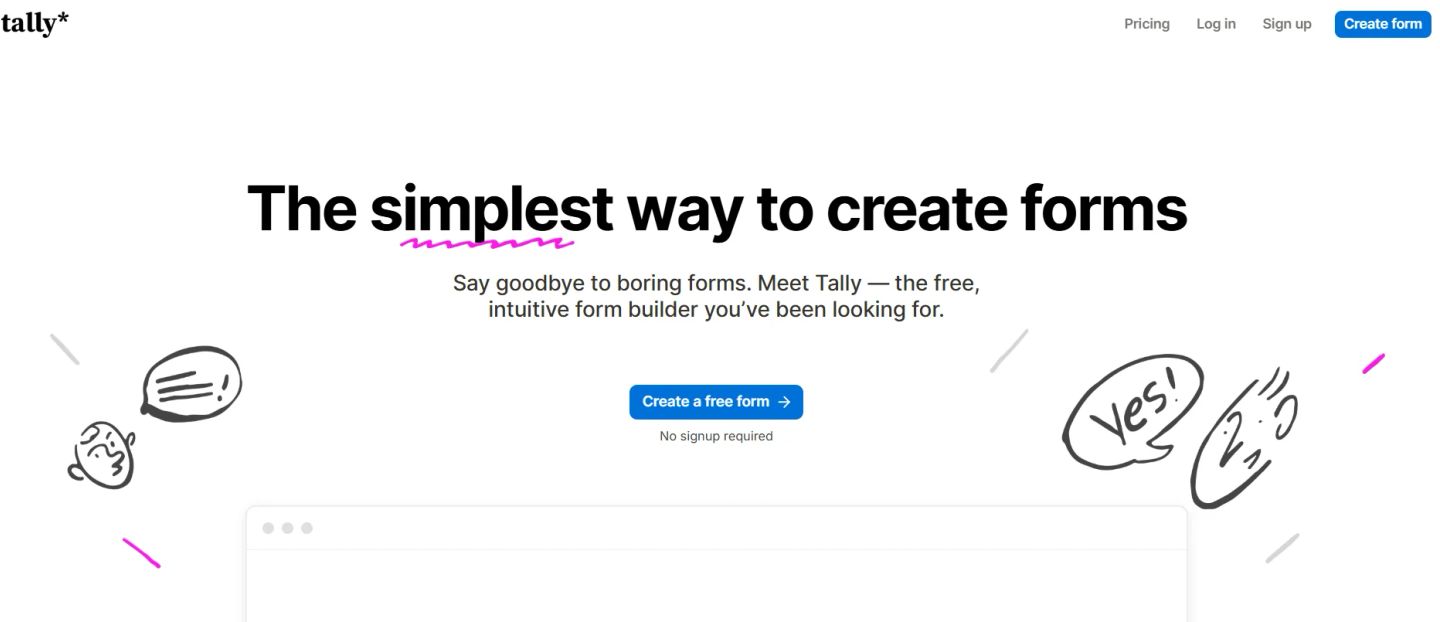
Tally has quickly become one of the most talked-about tools in the form space because of its simplicity and generosity. Unlike most platforms that gate features behind paywalls, Tally gives you unlimited forms and submissions for free, making it especially popular with startups, creators, and lean teams that don’t want to be nickel-and-dimed.
The interface works like a text document, very similar to Notion. You just start typing your questions, insert blocks for inputs, and build the form inline. There’s no steep learning curve, which makes it easy for anyone to create a polished form in minutes.
Here’s how it works step by step:
- Head to Tally and click Create Form (no signup required to test it).
- Start typing directly on the page; every line can be turned into a question, input field, or block.
- Add advanced fields like file uploads, signatures, payment blocks, or ratings.
- Insert conditional logic or calculations to create dynamic, personalized flows.
- Customize the layout. Adjust fonts, colors, buttons, or inject custom CSS for complete control.
- Share the form with a unique Tally link, embed it on your site, or even trigger it as a pop-up.
- Connect responses to tools like Notion, Google Sheets, Airtable, Slack, or Zapier.
For example, a content creator selling digital products can build a checkout form that accepts payments, collects email addresses, sends confirmation emails, and syncs all buyer details to Notion.
Despite being lightweight, Tally includes features you’d usually expect in premium tools: partial submissions, hidden fields, answer piping, multi-page forms, redirects on completion, and spam protection with reCAPTCHA. It’s also fully privacy-compliant (GDPR, no cookie tracking, EU-hosted).
As an online form builder, Tally stands out for combining the ease of a doc editor with advanced features, while staying free for most use cases. Paid plans exist for extras like custom domains and advanced collaboration, but the free tier alone is strong enough to replace tools that cost $30-$50 a month.
9. Paperform
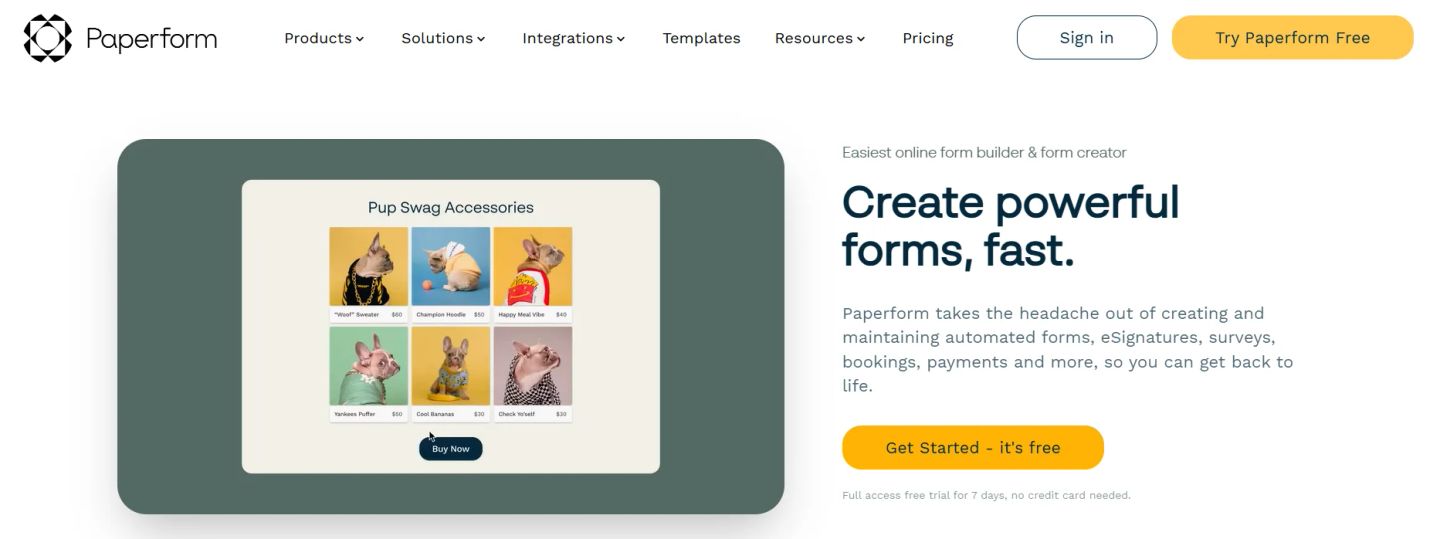
Paperform is often called a digital Swiss Army Knife because it goes beyond being just an online form builder. It combines forms, payments, scheduling, surveys, and even eSignatures into one platform, making it a go-to for businesses that want fewer tools and more automation. With over 730,000 forms built and $173M in payments processed, it’s trusted by small businesses and agencies that need forms to look professional and work across multiple workflows.
What makes Paperform unique is its doc-style editor. Instead of dragging and dropping blocks, you type and format questions directly on the page, just like you’re writing a document. It’s clean, fast, and makes designing branded forms feel natural.
Here’s how to create with Paperform:
- Start with a free trial (no credit card needed).
- Choose from 3,000+ templates (lead capture, bookings, surveys, payments, etc.) or begin from scratch.
- Add questions inline, multiple choice, file uploads, images, date pickers, signatures, or pricing fields.
- Use Calculations to set up things like discounts, shipping rates, or scoring logic.
- Customize design with fonts, themes, background images, and layouts that blend seamlessly with your site.
- Add automations, connect to Google Sheets, Mailchimp, ActiveCampaign, Trello, Slack, or 3,000+ tools via Zapier.
- Enable extras like payments (Stripe, Square, PayPal), scheduling with calendar sync, or Papersign for eSignatures.
- Publish instantly with a link, embed it on your website, or use it as a full landing page.
A typical scenario: a fitness studio can create a Paperform landing page that handles class bookings, takes payments, syncs attendance with Google Calendar, and collects signed waivers, all from a single form.
Paperform’s free trial gives full feature access for 7 days, while paid plans unlock unlimited forms, advanced branding, logic, and integrations.
For businesses that need forms to double as polished landing pages, payment systems, or scheduling tools, Paperform delivers flexibility that replaces multiple standalone apps.
10. Cognito Forms
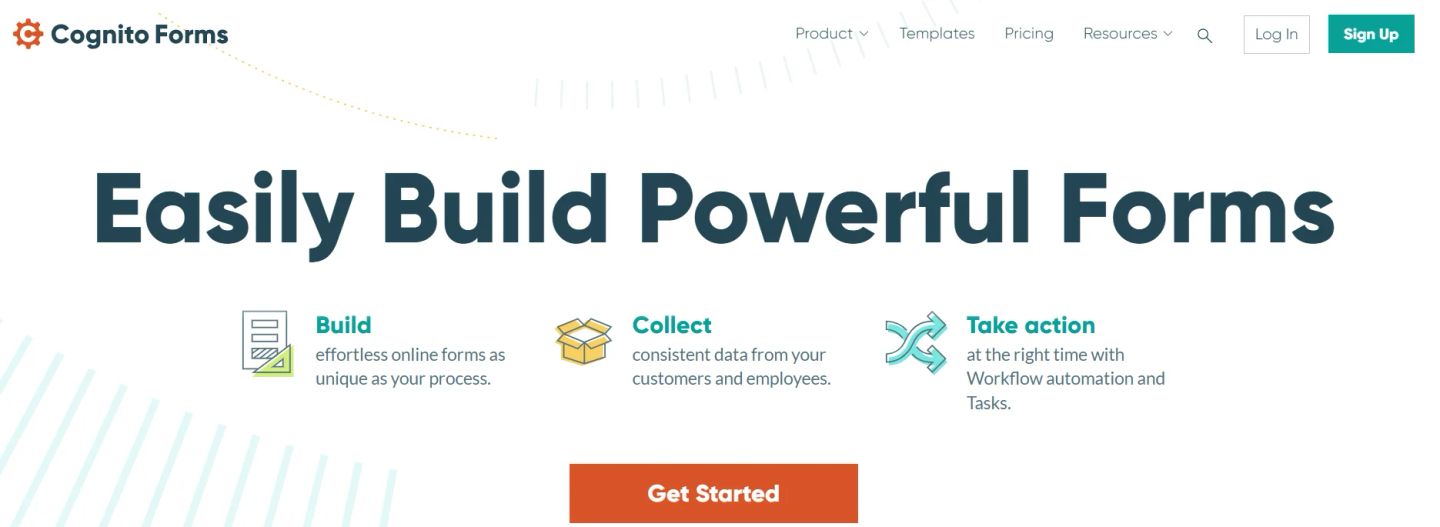
Cognito Forms is built for businesses that want their forms to go well past the data capture and actually drive action. It combines a no-code editor with workflow automation, approvals, eSignatures, payments, and document generation, making it a strong fit for organizations that need custom processes without custom development.
What makes Cognito stand out is how forms connect to tasks and workflows. Submissions don’t just sit in a dashboard; they can trigger approvals, assign tasks, send notifications, and even generate contracts or PDFs automatically. Teams also get client portals, so users can log in, view submissions, and track progress in one secure place.
Here’s how it works step by step:
- Sign up for a free trial at Cognito Forms.
- Start with a template (like HR onboarding, donation forms, or patient intake) or build a blank form.
- Use the drag-and-drop builder to add fields: text, dropdowns, repeating sections, file uploads, or calculated fields.
- Apply conditional logic to adapt questions based on prior responses.
- Add workflow steps, like approvals, role-based permissions, or task assignments.
- Enable payments with Stripe, Square, or PayPal if needed.
- Set up notifications and document generation (contracts, purchase orders, PDFs).
- Publish via link, embed on your site, or share through secure portals.
Example: an HR team can design an onboarding form that collects employee details, generates a contract with eSignature, assigns a task to IT for equipment setup, and notifies payroll, all triggered by a single submission.
Cognito Forms also supports HIPAA, GDPR, and CCPA compliance, making it a reliable choice for industries like healthcare, education, or government. Data is encrypted in transit and at rest, with options like single sign-on and two-factor authentication.
The platform starts with a 14-day free trial (no credit card), and paid plans unlock advanced workflows, document automation, and higher submission volumes.
11. Whatagraph
While Whatagraph - Marketing Data Dashboard isn't a standalone form builder, it is the essential tool for teams that need to make sense of the data those forms generate. By acting as a unified marketing data hub, Whatagraph allows you to pull lead submission data from sources like HubSpot, Facebook Lead Ads, and custom form setups into a single, visual dashboard. This is particularly valuable for agencies managing multiple clients who need to see how form conversions correlate with ad spend and overall ROI.
What sets it apart is its ability to blend data. You can define your conversion metrics once and see them updated in real-time across your reports, dashboards, and client decks. Instead of manually exporting CSVs from your form builder to match them with your Google Ads data, Whatagraph automates the entire flow, ensuring your numbers are consistent and actionable.
Key advantages of using Whatagraph alongside your form builder:
- Automated data blending from 60+ marketing sources, including CRMs and lead ads.
- Customizable, white-labeled reports that make form performance easy for clients to understand.
- Unified metrics that show the full customer journey from the first click to the final form submission.
- Pricing is based on the number of data sources and users, making it a scalable solution for growing marketing teams and agencies.
12. Webflow
Webflow is a visual website platform with built-in form functionality that allows businesses to create customised contact forms, lead-generation forms, newsletter sign-ups, event registration forms, and other data-capture experiences directly within their websites. It is particularly useful for teams that want their forms to match their website’s design without relying heavily on custom code or separate form-building tools.
You can add and customise form fields, labels, checkboxes, radio buttons, dropdowns, file-upload options, and submission buttons directly in Webflow’s visual editor. The platform also lets you customise success and error messages, configure form notifications, and redirect users to a relevant page after submission.
Form submissions can be stored and managed within Webflow or sent to connected tools and third-party services. This makes it easier for businesses to route leads into their CRM, marketing automation platform, or other workflows without creating a disconnected experience between the website and the form.
For example, a B2B company can create a “Request a Demo” form that matches its website design, collects information such as company size and business requirements, and sends the submission to the appropriate sales or marketing workflow. This helps teams capture leads while maintaining a consistent and professional user experience.
Webflow is best suited for businesses, marketing teams, and design-focused organisations that want flexible, on-brand forms built directly into their websites. While it may not offer every advanced workflow feature available in dedicated form-building platforms, it provides a practical option for website-based lead capture and straightforward form management.
13. Benevity
Benevity is not a general-purpose form builder, but it is a practical fit when application forms are part of a larger corporate-impact workflow. Its Enterprise Impact Platform brings employee giving, volunteering, grants, employee groups, challenges, and impact reporting into one system.
Grant teams can manage configurable applications, employee nomination forms, and scholarship workflows, then move submissions through review, scoring, compliance, disbursement, and outcome reporting. Benevity is best suited to organizations managing giving and grant programs, not teams looking for a simple lead-capture or survey form.
A Quick Comparison Table
Now, to bring it all together, here’s a quick comparison table that makes it easier to scan the options side by side. If you’d rather skip the details and get straight to what matters, this is your shortcut.
It highlights who each tool is best for, the standout feature, integration strength, and where pricing begins.
Of course, the “best” online form builder will depend on your workflow and priorities, but this table gives you a clear head start in deciding which one best fits your needs.
| Tool | Best For | Notable Feature | Integration Strength | Price Starting At |
| HubSpot Forms | Sales-driven teams that want lead capture tied directly into a CRM | Native CRM integration with automated nurture | Strong within HubSpot ecosystem, Zapier | Free (advanced features in paid HubSpot plans) |
| Google Forms | Internal teams & educators needing fast, simple data collection | Real-time response charts linked to Sheets | Google Workspace apps (Sheets, Drive, Gmail) | Free |
| Zoho Forms | Small businesses & enterprises needing workflow + compliance | Offline data collection with geotagging & eSign | 150+ apps (Zoho CRM, Salesforce, Slack, Sheets) | Free (advanced features from $10/mo) |
| Jotform | Nonprofits, SMBs, and pros needing payments + conditional logic | 150+ widgets and payment-ready forms | 150+ apps (Google, Salesforce, Trello, Mailchimp) | Free (paid plans from $39/mo) |
| Formidable Forms | WordPress developers building advanced apps and calculators | Views (turn submissions into directories/pages) | WordPress plugins, CRMs, 3,000+ via Zapier | Free (Pro plans from $39.50/yr) |
| Typeform | Teams that prioritize design & conversational data collection | Conversational, one-question-at-a-time forms | 300+ apps (HubSpot, Salesforce, Slack, Sheets) | Free (paid plans from $25/mo) |
| Formless | Businesses seeking AI-powered, multilingual conversational forms | AI forms that ask and answer questions | HubSpot, Mailchimp, Slack, Sheets, Pipedrive | Paid plans only (from $49/mo) |
| Tally | Startups & creators needing unlimited forms for free | Works like Notion doc editor + advanced logic | Notion, Sheets, Airtable, Slack, Zapier | Free (Pro from $29/mo) |
| Paperform | Businesses replacing multiple tools (forms, bookings, eSign, payments) | Calculations + all-in-one scheduling & payments | Stripe, PayPal, Square, 3,000+ via Zapier | Paid plans from $24/mo |
| Cognito Forms | Teams needing custom workflows, approvals, and compliance | Workflow automation + client portals | Stripe, PayPal, Square, Zapier, Power Automate | Free (paid plans from $15/mo) |
INSIDEA
Ready to get more out of HubSpot?
We are an Elite HubSpot Partner rated 4.99 across 500+ verified reviews. Let's make your portal work harder.



 How INSIDEA works




