Wix has long carried a reputation problem. Developers overlooked it, SEOs approached it cautiously, and early limitations gave them reason to. Those old barriers are gone now, but most teams haven’t noticed the shift.
Sites continue to rank where they always have, impressions feel steady, and top spots look safe. Yet, informational traffic quietly shifts elsewhere, often into AI-generated answers. Google AI Overviews, ChatGPT, Perplexity, and other AI platforms deliver complete responses directly in the results, reducing the need to click through.
Visibility today isn’t just about ranking. AI systems selectively pull, chunk, and rewrite content, which means a page can rank well but still be ignored, or appear in AI answers without holding the top link.
The focus now splits into two: perform in traditional search and earn citations in AI-driven answers. Achieving both requires clear structure, reliable signals, and content that AI systems can easily access and trust. This blog explores exactly how Wix measures up on both fronts.
How Wix Handles the Technical SEO Basics?
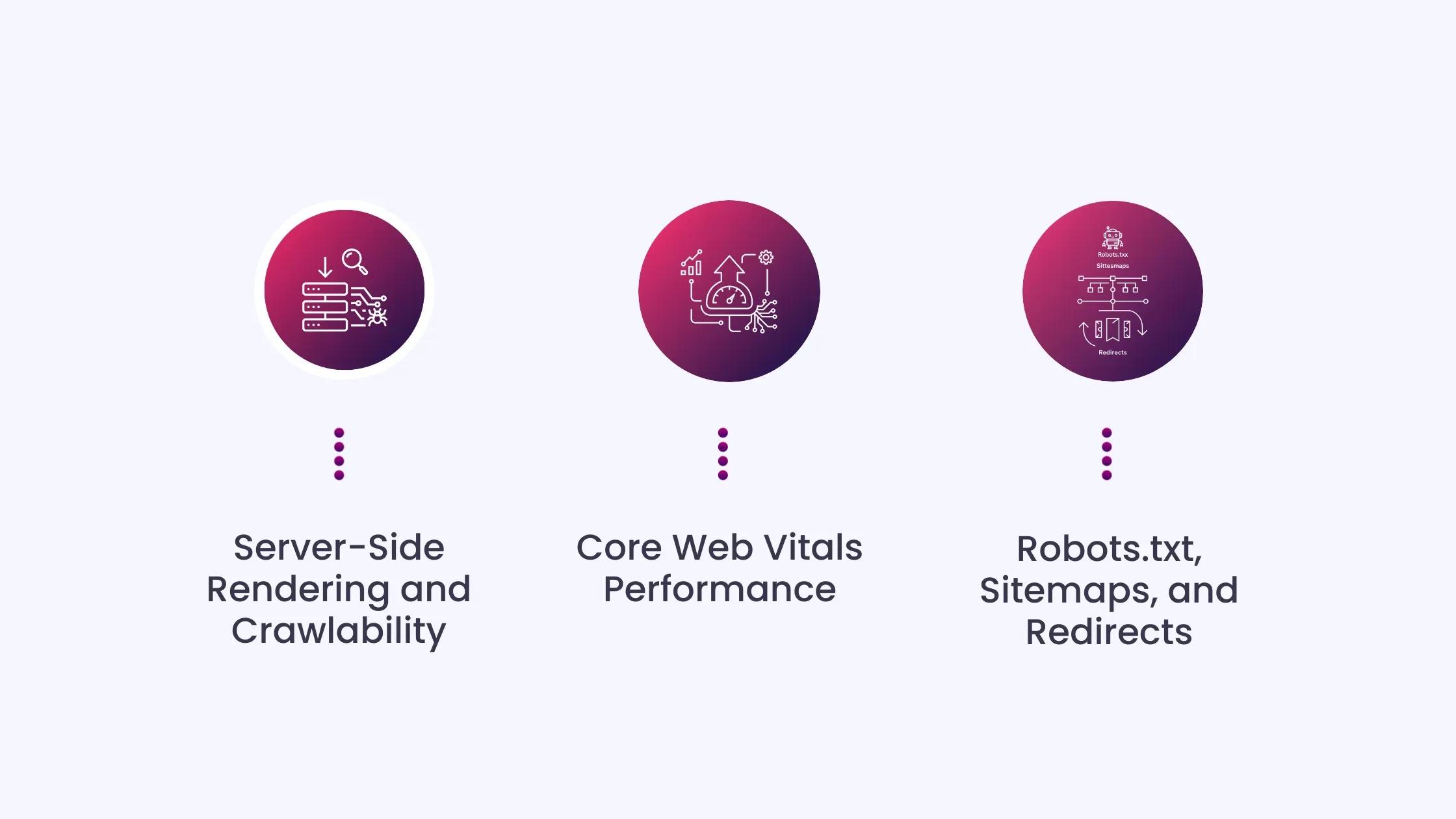
Before evaluating Wix for AI search, it is worth establishing what it does on the fundamentals, because those fundamentals still determine whether AI systems can crawl and retrieve your content.
Server-Side Rendering and Crawlability
Wix’s infrastructure is based on SSR, allowing search engines to fully read site content. Dedicated page versions are created and optimized to enable bots to crawl, view, and extract relevant information.
This matters directly for AEO. AI crawlers like GPTBot, ClaudeBot, and PerplexityBot only read the initial HTML response. They do not execute JavaScript. Because Wix delivers server-rendered HTML, AI crawlers receive full page content on the first request, unlike React apps built with client-side rendering.
Core Web Vitals Performance
This is where Wix’s trajectory is most notable. In November 2025, Wix ranked second among major CMS platforms for Core Web Vitals, with 74.86% of sites meeting the standards, behind only Duda at 84.87%. WordPress, by comparison, sat at approximately 46% in the same period.
Wix also loads a median of only 1KB of external CSS on mobile, compared to Squarespace at 165KB and WordPress at 119KB, which contributes directly to its strong LCP scores.
The improvement did not happen by accident. Wix controls the full infrastructure stack, which allows it to push performance improvements across all sites simultaneously. WordPress sites, by contrast, depend on the owner choosing quality hosting, caching plugins, and image optimization tools.
Robots.txt, Sitemaps, and Redirects
Wix automatically generates a robots.txt file that can be edited through the SEO dashboard, automatically updates sitemaps, creates 301 redirects for impacted URLs, and updates canonical and other relevant meta tags.
You can also manually add AI crawler directives to the robots.txt file, including GPTBot, ClaudeBot, and PerplexityBot, to ensure those systems can access your content.
Where Wix Falls Short for Advanced SEO
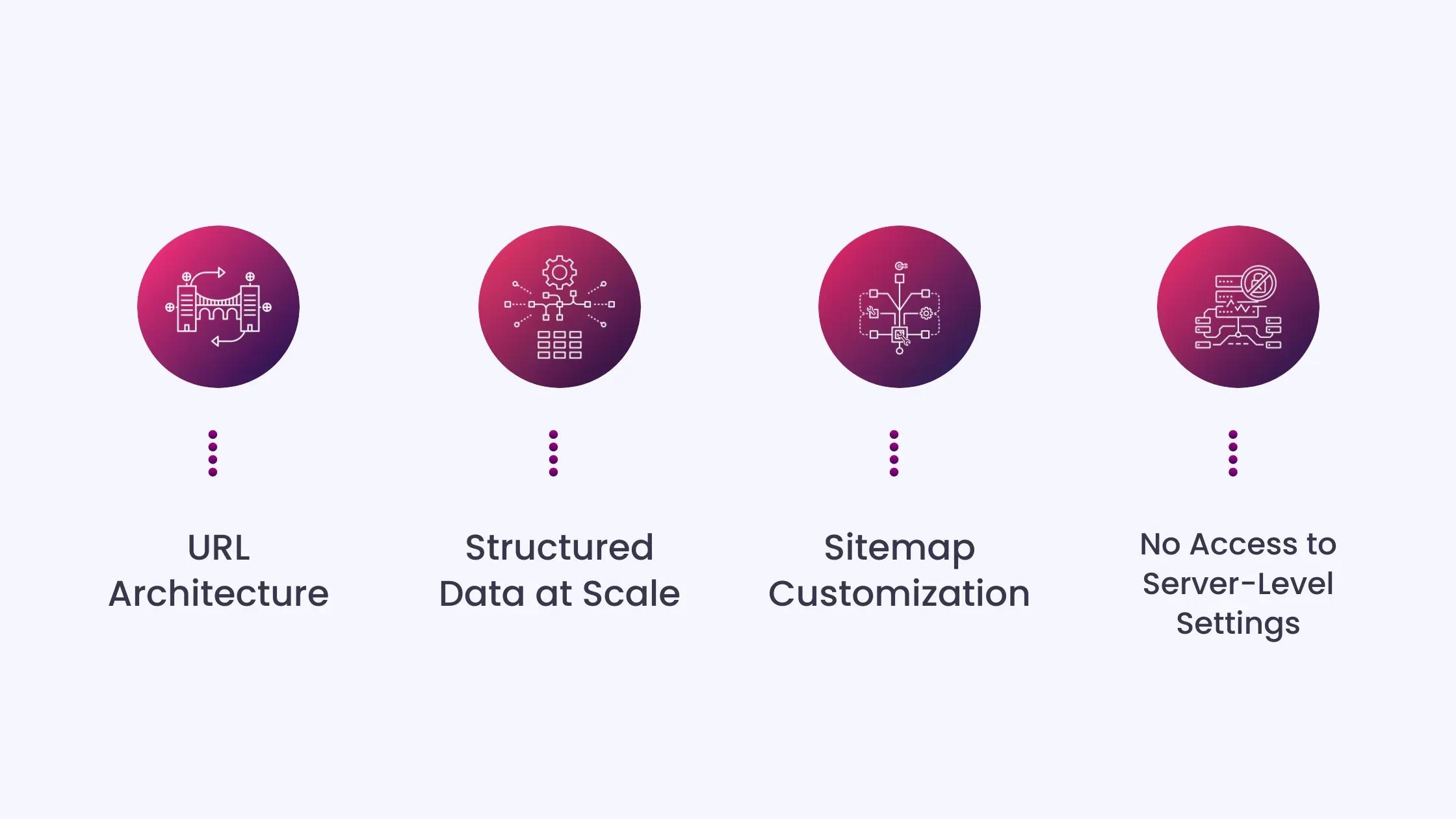
The fundamentals are solid. The ceiling shows up in areas that matter for competitive SEO and large-scale optimization.
URL Architecture
Some content types, such as product or blog pages, retain category prefixes like /product/ or /post/ that cannot be removed. This makes it difficult for advanced SEOs who want total control over site architecture and breadcrumb consistency.
You can customize URL slugs, and Wix automatically generates 301 redirects when you change them. But the forced prefixes mean you cannot build a fully flat or custom URL architecture on dynamic page types.
Structured Data at Scale
Wix only accepts structured data in JSON-LD format, and each addition must be less than 7,000 characters. You can add up to five markups per page.
For most pages, that cap is not a constraint. For complex e-commerce pages, editorial content with multiple schema types, or pages that require SpeakableSpecification alongside Article and FAQPage, the limit can force trade-offs.
Sitemap Customization
Some automatically generated elements, like sitemaps, may be difficult to modify directly. For large websites or complex technical SEO implementations, this can be slightly restrictive.
You can view and submit your sitemap, but cannot restructure it the way a developer would on WordPress or a custom build.
For sites with thousands of pages across multiple content types, this can create crawl-budget inefficiencies that are hard to resolve within the platform.
No Access to Server-Level Settings
Wix manages hosting, CDN configuration, and caching for you. For most users, this is a benefit. For SEOs who need to implement custom headers, edge redirects, or server-level configurations, it is a hard wall. There is no workaround.
Can Wix Get Cited in AI-Generated Answers?
This is the question most Wix guides do not answer. Ranking in traditional search and getting cited in AI Overviews, ChatGPT, or Perplexity require different things. Here is how Wix performs against each requirement.
How AI Crawlers Read Your Pages
AI answer engines retrieve content from a page’s initial HTML. They look for a direct answer in the first 100 words, a clear heading structure, and a machine-readable schema that labels content type. Wix delivers on the first two naturally because of its SSR infrastructure. The third requires deliberate implementation.
Structured Data Support for AEO
Wix automatically adds certain types of structured data to specific page types, including Wix Stores product pages, Wix Bookings services pages, Wix Blog posts, Wix Forum posts, and Wix Events pages.
For AEO specifically, the schemas that matter most are FAQPage, Article, HowTo, and SpeakableSpecification. All four can be implemented on Wix through manual JSON-LD markup. Wix also supports multiple schema types on the same page, so a blog post with an embedded video can include both BlogPosting and VideoObject markup.
Why this matters: pages with FAQPage markup are 3.2 times more likely to appear in Google AI Overviews, and AI-referred sessions jumped 527% between January and May 2025. The schema infrastructure on Wix is sufficient to support this, but you have to implement it manually for non-blog page types.
AI-Generated Structured Data for Blog Posts
Wix now offers AI-generated structured data that scans blog post content and automatically creates relevant schema markup, which can be refreshed when a post is edited. This currently works only for blog posts. For other page types, manual implementation is required.
Content Structure for RAG-Based Systems
Most AI answer engines use Retrieval-Augmented Generation (RAG). They chunk page content, retrieve the most relevant chunks, and pass them into a language model. Pages that are chunked clearly, with short paragraphs, question-format headings, and a direct answer in the opening, perform better in this process.
Wix imposes no restrictions on how you structure content. The headings, paragraph breaks, Quick Answer blocks, and semantic clarity that help AI systems extract citations are entirely in the writer’s control. The platform does not get in the way.
Allowing AI Crawlers
Wix’s robots.txt file allows search engine bots to access all site pages by default. To explicitly allow AI crawlers, you can edit the robots.txt file in the Wix SEO dashboard and add user-agent directives for GPTBot, ClaudeBot, and PerplexityBot. This is a manual step that most Wix site owners have not taken.
Wix AI Visibility Overview and Native LLMs.txt Management
Wix launched its AI Visibility Overview as part of its broader GEO initiative. It is the first CMS to offer this kind of AI visibility natively. The tool allows users to track how often their website is cited by AI platforms, monitor brand sentiment across LLMs, benchmark visibility against competitors, and measure AI-driven traffic, covering ChatGPT, Gemini, Perplexity, and Claude.
Wix also offers premium eCommerce users the ability to manage LLMs.txt directly from the platform, designed to help websites communicate directly with LLMs and boost visibility in AI-powered search experiences.
This is a significant competitive differentiator. No other CMS offers this natively. Your blog post discusses adding llms.txt manually and monitoring AI citations via Google Search Console and third-party tools. That advice is now partially outdated for Wix users because Wix handles both natively for eligible plans.
Wix vs. WordPress vs. Webflow for SEO and AEO
Choosing a platform involves tradeoffs. Here is how Wix compares against the two platforms most often mentioned alongside it.
Wix vs. WordPress
WordPress gives you full control over every SEO element, but that control comes with responsibility. Core Web Vitals performance depends on your hosting provider, caching setup, and plugin choices. Only 43.44% of WordPress sites had a good Core Web Vitals score in mid-2025, compared to Wix’s 74%.
For structured data, WordPress has a mature plugin ecosystem, with tools like Yoast and RankMath that can generate schema at scale across large catalogs. Wix’s five-markup-per-page cap and 7,000-character limit make it less practical for the same use case.
WordPress wins on technical ceiling. Wix wins on out-of-the-box performance and ease of maintaining it.
Wix vs. Webflow
Webflow generates clean static HTML, which is excellent for crawlability and Core Web Vitals. However, Webflow gives you no control over the implementation of structured data at scale. Adding schema requires custom code on each page or Webflow Logic, which is significantly more work than Wix’s built-in SEO settings panel.
For AEO specifically, Wix’s auto-generated schema for blog posts and its accessible SEO dashboard make it easier to implement FAQPage and Article markup at scale than Webflow’s current toolset allows.
Decision Matrix
|
Steps to Optimize a Wix Site for AEO
Understanding Wix’s capabilities and limits is useful. Knowing what to do with them is more useful.
Step 1: Allow AI Crawlers in robots.txt
Go to your Wix SEO dashboard, open the Robots.txt Editor, and add explicit allow directives for GPTBot, ClaudeBot, and PerplexityBot. Wix allows all bots by default, but explicit directives prevent future configuration changes from accidentally blocking AI crawlers.
Step 2: Add FAQPage Schema to Main Pages
Identify your top five informational pages. Open the SEO settings for each, navigate to Structured Data Markup, and manually add an FAQPage JSON-LD block. Keep each question-and-answer pair under 100 words. Validate the markup using the Google Rich Results Test before publishing.
Step 3: Enable AI-Generated Schema on Blog Posts
In Wix SEO Settings, go to Blog posts under Edit by page type, open the Structured data markup section, and enable AI-generated markups. This applies and refreshes the schema automatically each time a post is edited.
Step 4: Add a Quick Answer Block to Every Informational Page
Write a two to three-sentence direct answer to the page’s primary question and place it within the first 100 words. This is the content chunk that RAG-based systems like Perplexity pull first. If it is missing, a less thorough page that has one gets cited instead.
Step 5: Add SpeakableSpecification Schema to FAQ and Definition Pages
SpeakableSpecification tells AI assistants exactly which content blocks to pull as cited answers. On Wix, implement it as a custom JSON-LD block in the page’s structured data markup section. Target your Quick Answer block, FAQ answers, and any definition-style content. Most Wix sites have not done this, creating a direct competitive advantage for those who have.
Step 6: Structure Headings as Questions
Format H2 and H3 headings as the actual questions your audience types into AI tools. Wix does not restrict heading format in any way. This is entirely a content decision, but it is one of the clearest signals AI systems use to identify citation-worthy content.
Common Errors That Limit Wix Sites in AI Search
Even with a capable platform, execution errors limit what Wix can achieve. Here’s a rundown of errors on Wix that can limit your content’s AI visibility:
- Publishing thin content to fill the blog: Publishing short posts just to fill a blog section does not work in 2026. Search engines prefer sites that cover topics deeply and consistently. Instead of ten weak posts, creating three strong ones that fully cover the topic and naturally answer related questions builds authority over time.
- Leaving AI crawler directives unset: Wix allows all bots by default, but this can change. Running a quarterly audit of your robots.txt and confirming GPTBot, ClaudeBot, and PerplexityBot have explicit allow directives takes ten minutes and prevents a significant visibility gap.
- Relying on auto-generated meta descriptions: Auto-generated copy often reads generic and can underperform in competitive SERPs. To capture intent and improve CTR, you still need to refine phrasing, incorporate differentiators, and watch for truncation based on current pixel limits.
- Ignoring the five-markup-per-page cap on high-priority pages: If a page needs Article, FAQPage, BreadcrumbList, SpeakableSpecification, and Organization schema, that is five markups. Plan your schema priority before implementation rather than discovering the cap mid-project.
- Treating Wix’s AI-generated schema as a complete solution: The AI-generated schema on Wix currently only works for blog posts. Every other page type requires manual implementation. Assuming the platform handles everything leaves product pages, service pages, and landing pages without any structured data.
The Final Take on Wix for SEO and AI Visibility
Wix is a capable SEO platform for most small and medium-sized businesses in 2026. Its Core Web Vitals are strong, server-side rendering ensures pages are fully accessible, and structured data tools support effective SEO.
The platform has limits. Dynamic pages don’t allow full URL control, structured data faces character and per-page caps, and server-level settings are inaccessible. Teams with complex technical needs will notice these constraints. For teams without a developer, Wix flips the tradeoff. WordPress requires active management to maintain the performance that Wix delivers by default.
Time spent on plugins, hosting, and optimization can instead be invested in content strategy. Ultimately, the platform isn’t the deciding factor. Content structure, schema implementation, and topic authority determine SEO success, and Wix provides the infrastructure to compete on all three.
How INSIDEA Helps Wix Sites Excel in SEO and AEO
Having a Wix site does not automatically mean your content ranks or gets cited. Many Wix sites have solid fundamentals but miss the structured data implementation, content architecture, and AI crawler configuration that drive actual visibility.
INSIDEA helps Wix site owners close that gap. We implement schema markup, structure content for AI citation, configure crawlability settings, and monitor performance across Google AI Overviews, Perplexity, and other AI platforms so your pages reach the right audience and are treated as authoritative sources.
Here is how we help:
- Wix SEO Audit and Technical Fixes: Review robots.txt directives, crawl settings, URL structure, canonical tags, and sitemap configuration to ensure search engines and AI crawlers see exactly what you intend.
- Structured Data Implementation: Add FAQPage, Article, HowTo, SpeakableSpecification, and LocalBusiness schema manually across key page types, validated and ready for AI extraction.
- AEO Content Structuring: Quick Answer blocks, question-format headings, and semantic content architecture built specifically for how AI systems chunk and retrieve information.
- Performance Monitoring: Track AI Overview impressions, citation share across platforms, and Core Web Vitals to measure impact and adjust strategy as AI algorithms evolve.
- Content Clustering and Topical Authority: Build a pillar-and-cluster architecture that signals domain depth to AI systems and improves citation likelihood across an entire topic area.
With INSIDEA handling technical execution and AI-specific optimization, your team can focus on building content worth citing.

 How INSIDEA works