Webflowis one of the better-built platforms for SEO out of the box. It produces clean, semantic HTML, gives you control over URLs, meta titles, sitemaps, and redirects, and serves pages through a global CDN backed by AWS. On most platforms, this requires plugins and setup. In Webflow, it is already there.
A strong setup, however, does not guarantee rankings. Webflow handles the infrastructure, but content depth, structure, and clarity still decide performance. Many sites fall short here, not because of the platform, but because the foundation is treated as the finish line.
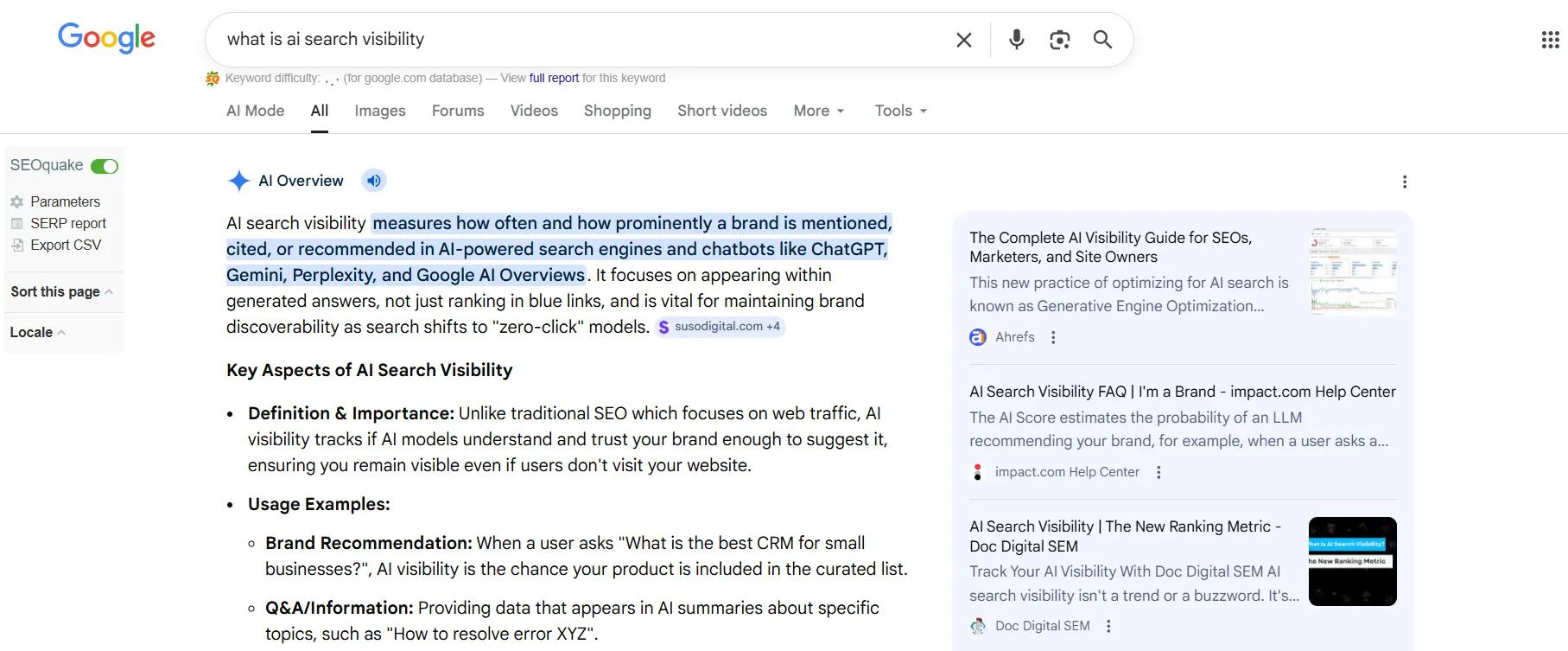
There is also a second layer: AEO, or Answer Engine Optimization. More search activity now occurs within AI-generated answers, where users can get information without visiting websites.
This changes what visibility means. Ranking is one part. Content also needs to be structured so AI systems can interpret and cite it.
This guide looks at both sides. What Webflow already does well, what still needs to be built manually, and how to set up your site so it performs in search results and shows up in AI-generated answers.
The Modern Rules of SEO and AEO for 2026
Before assessing Webflow specifically, it helps to be clear on what these two terms require, because they overlap more than most people realize.
Grasping the nuances of both is critical for producing content that ranks, drives traffic, and becomes a reliable source in AI-driven search environments.
How SEO Works in 2026?
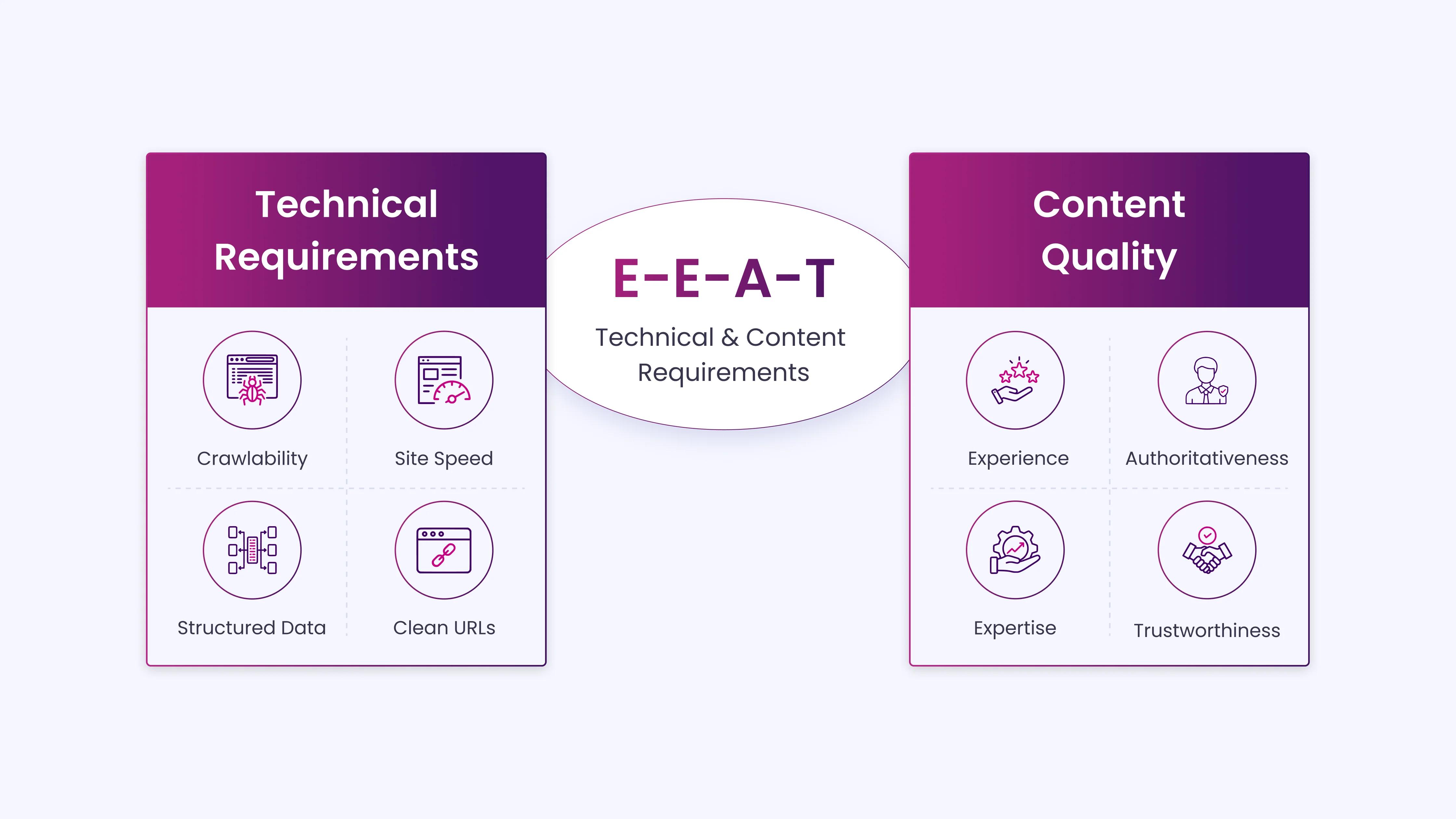
In 2026, SEO involves meeting both technical requirements and content-quality standards simultaneously.
- Technical requirements include crawlability, site speed, structured data, clean URL structure, and mobile performance.
- Content quality is measured through E-E-A-T, Experience, Expertise, Authoritativeness, and Trustworthiness, which has become deeply integrated into Google’s ranking systems following Helpful Content updates from 2023 to 2025.
Platforms like Webflow provide a CMS that enables teams to consistently implement structured, high-quality content that meets these technical and editorial standards. SEO in this era is no longer just about keywords or link building; it is about creating content that Google’s systems recognize as reliable, complete, and aligned with user intent.
How AEO Shapes Content for AI?
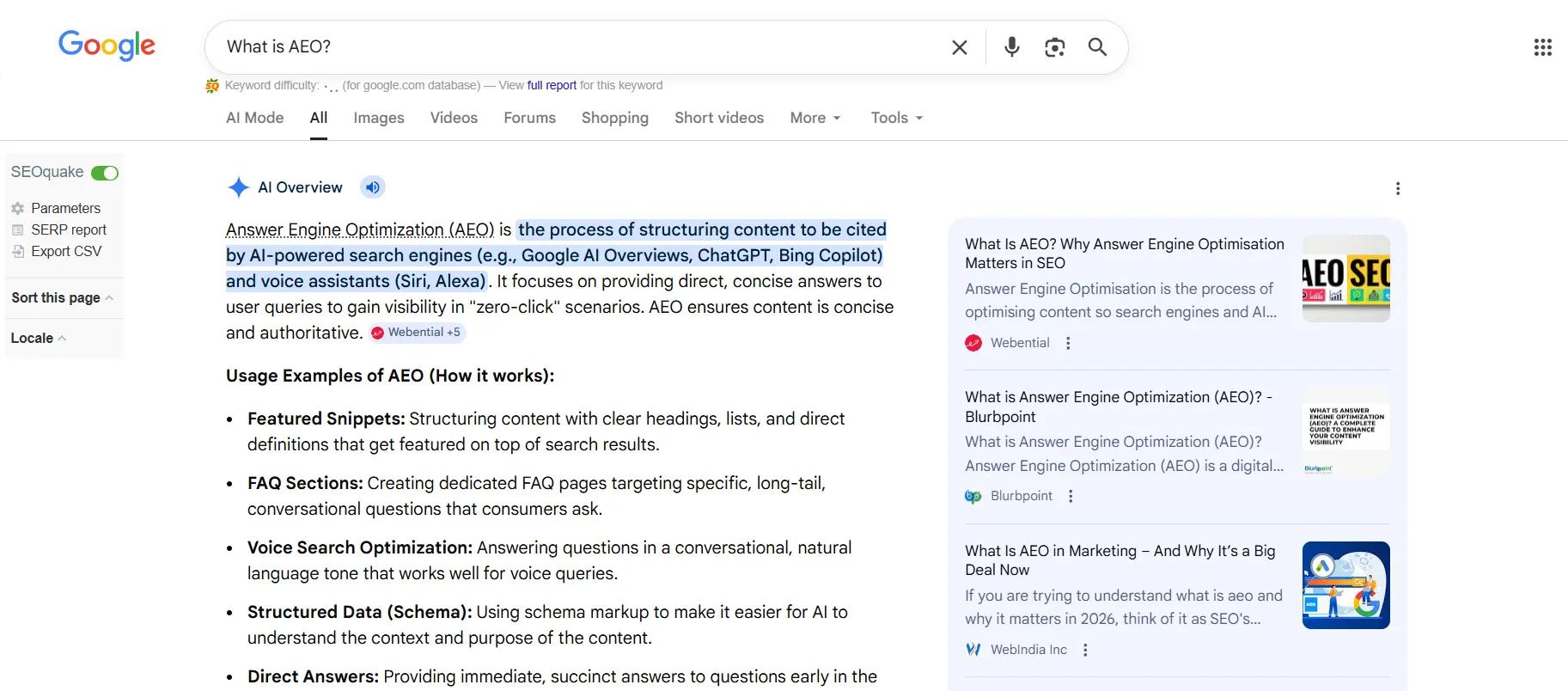
Answer Engine Optimization, or AEO, builds on SEO by adding an extra layer of precision. AEO focuses on structuring content so AI-powered search systems treat it as the most authoritative answer to a query.
This goes well past the regular ranking goals. The aim is for your content to be cited in AI summaries, chatbots, and automated workflows, effectively making your content the “source of truth.”
The shift is significant. Between January and May 2025, AI-referred sessions grew527%, showing that more users rely on AI to discover and evaluate information. This makes AEO essential for content that seeks visibility not only in Google Search but also in AI-driven environments.
How SEO and AEO Work Together?
Both SEO and AEO share a foundation built on clean structure, accurate content, clear hierarchy, and fast load times. This alignment ensures content performs well in search results while remaining understandable and actionable for AI systems.
Where they differ, AEO requires additional measures:
- Implementing schema markup that clearly identifies entities, relationships, and content type.
- Ensuring every fact, claim, and recommendation is verifiable and traceable.
- Structuring content in a way that makes it directly usable in AI summaries or agentic responses.
Focusing on both SEO and AEO enables content creators to deliver value that satisfies both human readers and AI systems. This approach improves search performance, builds credibility, and increases the chances of being recognized as an authoritative source in AI-powered results.
What Google and AI Systems Expect From Content?
Before going into Webflow’s capabilities specifically, it helps to understand what both Google and AI systems evaluate when assessing a page.
How Google Evaluates Pages?
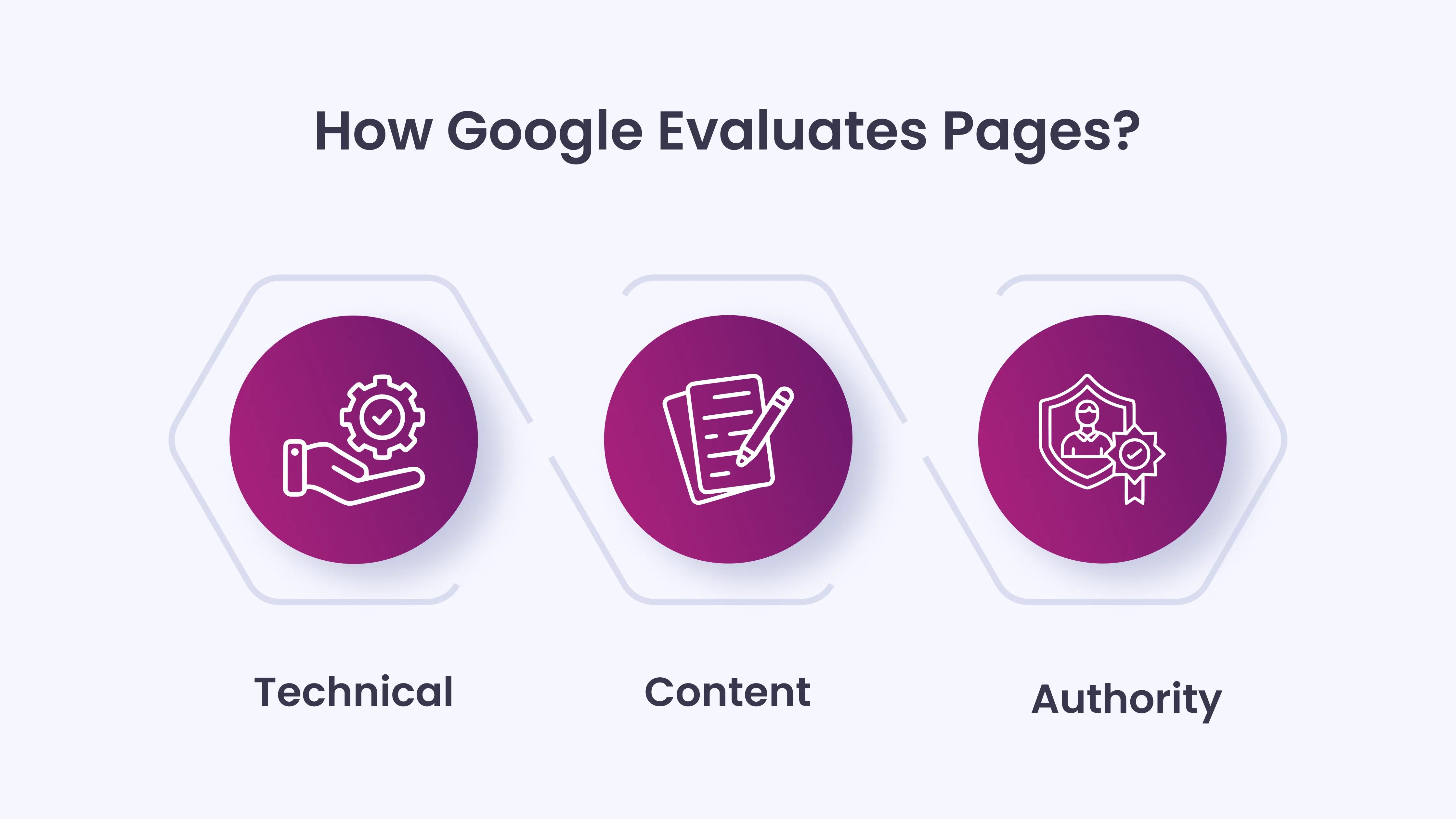
Google’s systems focus on three broad areas:
- Technical health:Ensures the page can be crawled, indexed, and loaded quickly.
- Content quality:Measures whether the page demonstrates real expertise, first-hand experience, and factual accuracy.
- Authority signals:Evaluates whether the site and its authors have a verifiable track record in the topic area.
How AI Answer Engines Evaluate Content?
AI answer engines add an additional layer: parsability. AI needs to extract a clear, specific answer from your content and confidently attribute it to you.
- Structured content:Pages with clear question-and-answer formats and FAQ sections are easier for AI to parse.
- Schema implementation:FAQPage schema, author details, and logical internal linking increase the likelihood of AI citations.
- Citation impact:Pages with FAQPage schema are3.2xmore likely to appear in Google AI Overviews. Pages that combine clean structure with schema earn 2.8x higher AI citation rates than poorly structured pages.
These differences are significant, not marginal. Well-structured, easily parsed content is essential to get recognized by both Google and AI-powered systems.
Webflow’s SEO Capabilities and Built-In Advantages
Unlike website builders that rely heavily on plugins or rigid templates, Webflow gives you direct control over structure, content, performance, crawling directives, schema, and URL strategy. Here is what that looks like in practice:
Technical SEO Infrastructure
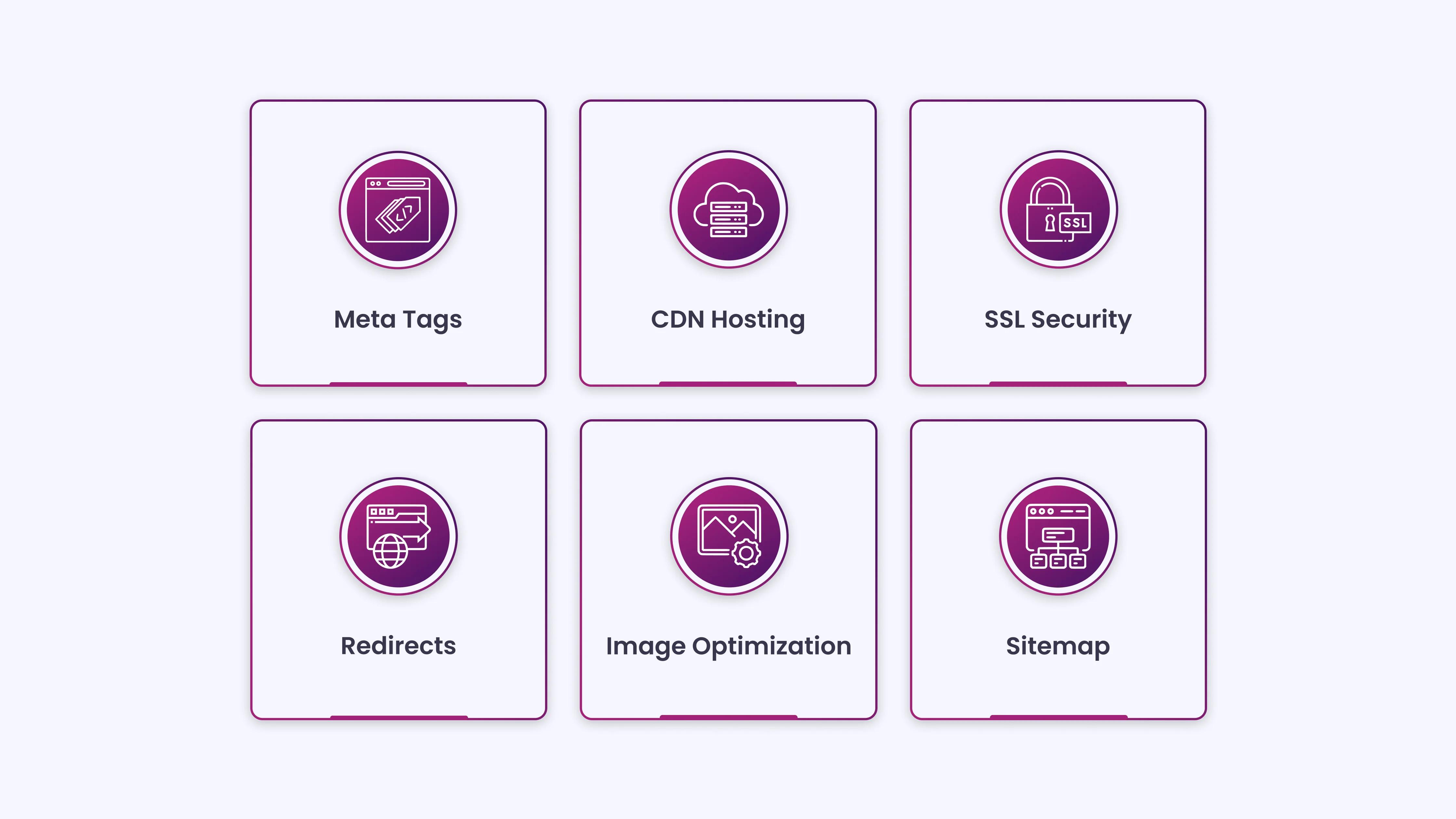
Webflow lets you update meta titles, descriptions, and image alt text without writing code. The platform loads pages quickly because it is hosted on a CDN, uses Cloudflare, lazy-loads images, and automatically compresses unnecessary code. It’s built-in SEO audit panel detects broken ID elements, header level skips, non-descriptive link content, and missing alt text.
You can create 301 redirects without a developer, and the platform automatically generates and hosts a sitemap that updates on every publish. Webflow’s hosting runs on AWS infrastructure distributed across more than 100 data centers worldwide, ensuring consistently fast page load times regardless of where your visitors are located. SSL is included and active by default on every site.
These are not features you need to configure. They are defaults. That matters operationally because on WordPress, achieving the same baseline requires choosing the right theme, hosting provider, caching plugin, and CDN setup. On Webflow, it is built into the platform before you publish a single page.
Dynamic Meta Tags Across CMS Collections
For content-heavy sites, one of the most time-consuming SEO tasks is ensuring every page has a properly written, unique meta title and description. Webflow solves this at the template level.
For dynamic content, Webflow’s CMS lets you define patterns for meta titles and descriptions that automatically populate across collection pages, ensuring consistency while saving time. This means you define the pattern once, and every new CMS item inherits it automatically.
This matters practically when you have a blog with 200 posts or a service directory with 50 location pages. It also eliminates the common issue of CMS-generated pages being published without metadata because a team member forgot to fill in the fields manually.
The 2025 and 2026 AI and Automation Updates
Webflow announced significant AEO-related updates at Webflow Conf 2025. Webflow AI can now scaffold page layouts, generate content, auto-create SEO metadata, and build entire sites from text prompts. The CMS, rebuilt in 2025, supports headless content delivery, individual item publishing, and draft modes that allow editorial workflows without publishing incomplete content.
In February 2026,Webflow launched an official Claude AI connector and MCP Server, enabling AI-powered site management, bulk CMS updates, and automated SEO audits.
This means teams can now run site-wide SEO audits, identify missing schema, and push metadata updates across large content libraries without manually opening individual pages.
These updates place Webflow meaningfully ahead of where it was even 12 months ago in terms of AEO readiness.
How Webflow Supports AI Visibility and Structured Content
This is where Webflow’s 2025 updates become directly relevant. AEO requires that AI systems can parse, trust, and reuse your content. That means structured data, logical content hierarchy, fast load times, and a robots.txt configuration that does not block AI crawlers.
Much of the foundation is built into Webflow at the site level. A clear hierarchy and logical content organization let AI systems quickly interpret how different pieces of information are connected as they construct their answers.
The Role of Schema in AI Content Recognition
Schema markup removes ambiguity for AI answer engines. It tells them what your content covers, who created it, how it connects to known entities, and what type of content it is.
The most valuable schema types for AEO are:
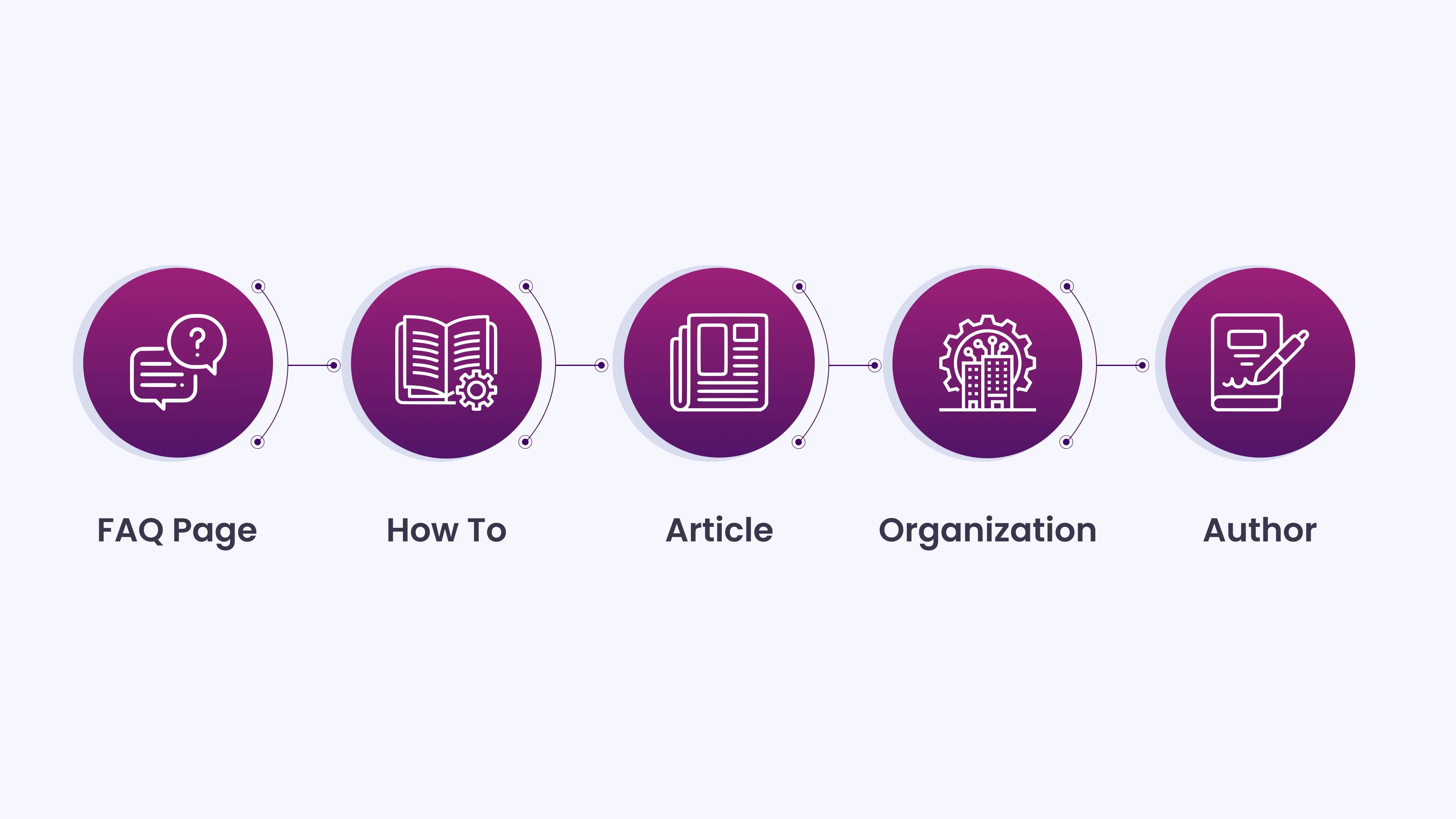
- FAQPage
- HowTo
- Article
- Organisation
- Author
In Webflow, schema markup is applied either via the page-level custom code editor or through the global site code settings. It is not drag-and-drop, and there is no auto-generation plugin the way Yoast offers for WordPress.
The output, when implemented correctly, is clean, validJSON-LDthat works fully.
For CMS-driven pages, you can populate schema properties dynamically using Webflow’s embed element with CMS reference fields.
This allows a blog post template to automatically pull the article title, author name, and publication date into the Article schema without manual updates per post. It requires initial setup but scales correctly once built.
Allowing AI Crawlers to Access Your Site
In Webflow’s Project Settings, you can control which crawlers your robots.txt allows. AI-specific bots, includingGPTBot,ClaudeBot, and similar crawlers, need to be permitted explicitly, particularly on sites set up before Webflow introduced dedicated AI crawler controls in 2025.
Blocking AI crawlers is the single most common AEO problem on otherwise well-built sites. The fix in Webflow is direct once you know where to look, but it is worth confirming as part of any technical SEO audit rather than assuming the default configuration handles it.
Page Speed and Its Role in AI Indexing
Page speed affects AEO more directly than most people account for. Every millisecond of load time increases processing costs for AI systems, which can affect how often your content is crawled and how confidently it is used as a citation source.
Webflow’s infrastructure handles image lazy loading, CSS and JS minification, and CDN delivery automatically. These are not optional extras. They are part of the default hosting setup.
A Webflow site with properly sized images and minimal third-party script injection will consistently achieve strong Core Web Vitals scores without requiring a performance optimization layer on top.
Common SEO Gaps Found in Webflow Projects
Webflow handles the technical foundation well, but SEO success goes far beyond that. The real gaps usually come from what the platform doesn’t do: building authority, shaping content strategy, and supporting scale-heavy use cases.
What Webflow Doesn’t Handle for Your SEO
- Technical SEO is just the foundation:It helps search engines access your site, but it doesn’t create demand, authority, or relevance.
- Content strategy isn’t built into Webflow:The platform doesn’t write your content, define your targeting, or help you structure topic clusters.
- Authority still needs to be earned externally:Backlinks, credibility, and topical depth don’t come from the tool; they come from consistent, high-quality content efforts.
- The real gap is usually content, not tech:For most Webflow users, the issue isn’t technical SEO, it’s creating content that actually delivers value and stands out.
Where Webflow Limitations Stand Out
- E-commerce at scale can get tricky:Works well for smaller stores, but large catalogs, advanced filtering, and programmatic SEO setups need workarounds.
- Not built for high-volume product SEO:Managing thousands of product pages with complex SEO needs is smoother on platforms designed specifically for e-commerce.
- Real-time publishing isn’t its strength:Webflow isn’t designed for instant indexing, which makes it less ideal for breaking news or time-sensitive content.
- Large-scale CMS workflows have constraints:While it supports up to1 millionitems, editorial workflows for massive teams and layered approvals aren’t as flexible as enterprise CMS options.
- Better alternatives exist for complex operations:If you’re managing tens of thousands of pages with heavy workflows, WordPress or a headless CMS tends to be a better fit.
Technical SEO clears the path. It does not create demand, authority, or meaning.
Teams managing tens of thousands of content items with complex approval workflows will find WordPress or a headless CMS more accommodating.
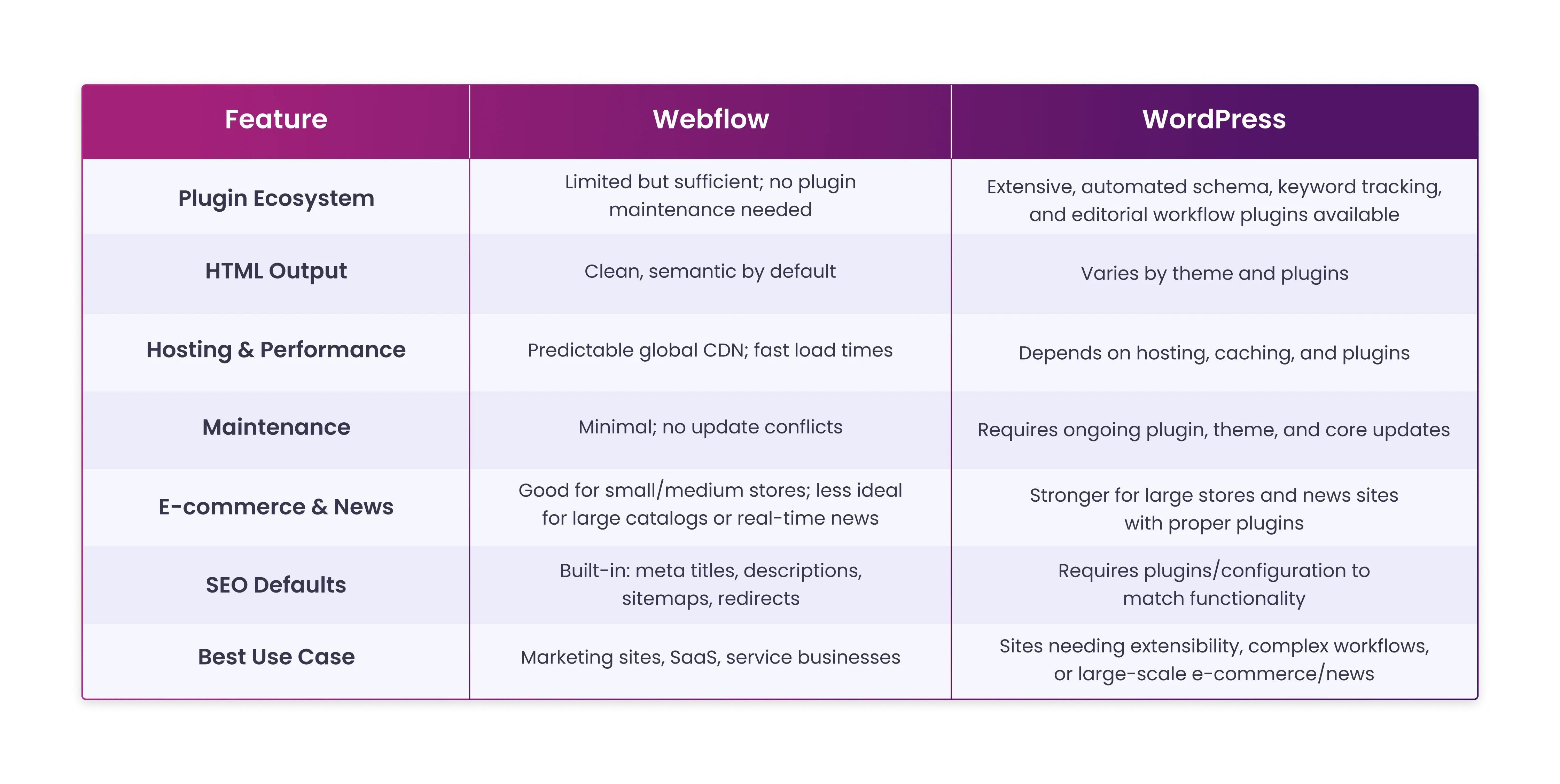
Webflow vs WordPress for SEO Comparison
When deciding betweenWebflowandWordPressfor SEO, the choice often comes down to your priorities: ecosystem depth versus built-in consistency. Here’s a side-by-side comparison:
The Webflow AEO Checklist for 2026
This checklist covers what Webflow supports natively and what requires manual configuration or editorial effort. Use it as a step-by-step guide to prepare your site for AI Answer Engine Optimization.
- Enable AI crawler access in robots.txt:Locate this in Project Settings under SEO. Ensure GPTBot, ClaudeBot, and other AI-specific crawlers are allowed. This is the single highest-impact AEO configuration for most Webflow sites.
- Disable staging subdomain indexing:Block the .webflow.io subdomain from search engines and AI crawlers. Leaving it indexed creates duplicate content and weakens authority signals.
- Enable CSS, JS, and HTML minification:Found in Project Settings > Hosting > Advanced Publishing Options. Reduces page weight and improves load times without altering content.
- Add FAQPage schema to content pages:Use Webflow’s custom code editor with JSON-LD format. The FAQPage schema is the most impactful schema type for AI Overview citation rates.
- Add Article, Organization, and Author schema:Clearly define your content entities for AI systems. Essential for E-E-A-T signals and verifying that authors have documented expertise in the topic.
- Use proper H1, H2, and H3 hierarchy:Webflow’s SEO audit panel flags skipped header levels. A page with an H1 followed by an H3 without an H2 confuses both search engines and AI systems. Fix the header hierarchy first.
- Build topic clusters using CMS references and internal linking:Use Webflow’s CMS reference fields to link related posts, services, and categories. Structured internal links help AI understand the relationships among your content, improving citation likelihood.
- Add named author bios with credentials:Anonymous content ranks harder in 2026. Author schema linking to verifiable experts strengthens trust signals.
- Add descriptive alt text to all images:Images appear in ~35% of all search queries as of 2025. Webflow flags missing alt text, but accurate, descriptive content still needs to be written manually.
The Honest Verdict
Webflow delivers on SEO by removing common technical issues such as messy HTML, slow hosting, plugin conflicts, inconsistent metadata, and missing SSL.
For AEO, its built-in hierarchy, fast load times, and access to AI crawlers put it ahead of most alternatives. Schema markup requires manual setup, but it’s direct for teams with basic technical knowledge.
The platform does not create content, build topical authority, or guide strategy. Success in 2026 depends on pairing Webflow’s strong infrastructure with well-structured, credible, and expert-driven content.
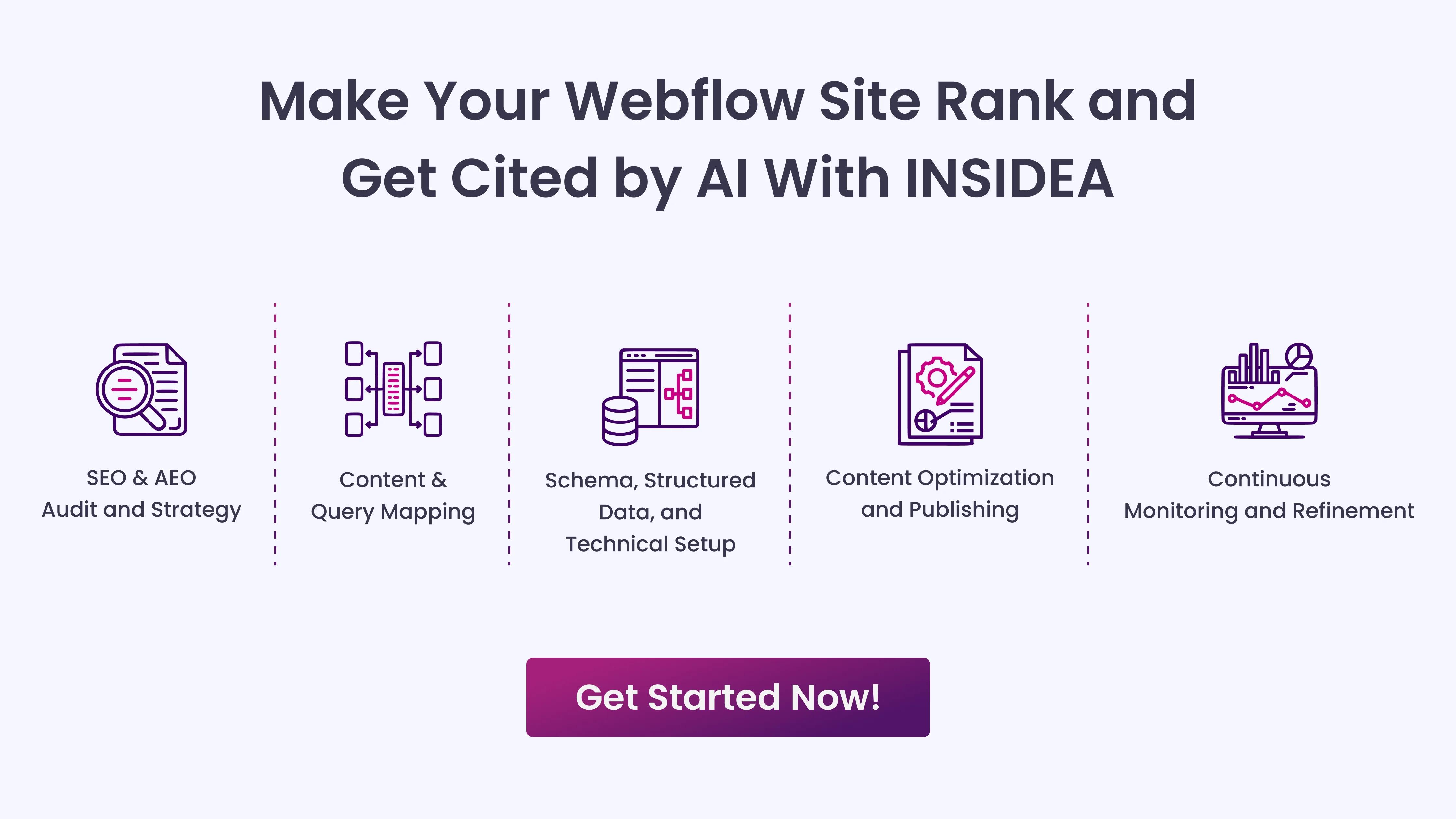
Make Your Webflow Site Rank and Get Cited by AI With INSIDEA
Webflow handles the technical SEO basics, clean code, fast hosting, redirects, and bot access, but ranking in search and being selected by AI systems requires more. Content must be structured, authoritative, and easy for machines to parse. That’s whereINSIDEAcomes in.
We help you bridge the gap between Webflow’s strong foundation and real-world visibility in both SEO and AEO.
Here’s how we help:
- SEO&AEOAudit and Strategy:Identify gaps in search rankings and AI visibility, and create a clear action plan.
- Content & Query Mapping:Target the questions your audience is actually asking to make your content AI-citable.
- Schema, Structured Data, and Technical Setup:Implement FAQ, Article, Author, and other markup to signal authority to AI systems.
- Content Optimization and Publishing:Format and enhance your content for maximum impact in search results and AI answers.
- Continuous Monitoring and Refinement:Track performance and adjust strategies as AI and search evolve.
Pairing Webflow’s technical foundation with INSIDEA’s hands-on expertise ensures your content ranks and becomes the source AI relies on.



 How INSIDEA works