

You raise a ticket. It can take hours, sometimes even days, before you hear back. By then, your customer is frustrated, your team is stressed, and your brand has taken a hit. That’s not how your business should work in 2026.
Customers expect fast, personalized, and consistent support, whether they reach out on email, live chat, WhatsApp, or social media. Waiting in a queue is no longer acceptable. They want solutions instantly, and if you can’t provide them, chances are your competitor will.
For businesses, that means one thing: you need a ticketing system that does more than just log requests. It should organize conversations, automate repetitive tasks, route queries to the right teams, and make sure no issue slips through the cracks.
But with so many tools available, how do you pick the right one? Should you choose a CRM-integrated platform that connects support, sales, and marketing? Or an IT service management (ITSM) powerhouse built for enterprise workflows?
To help you cut through the noise, we’ve curated a list of the best ticketing software, complete with detailed breakdowns so that you can find the perfect fit for your business.
1. HubSpot Service Hub - CRM-First Ticketing With Unmatched Integration
Best for: Businesses that want customer service tied directly to their sales and marketing
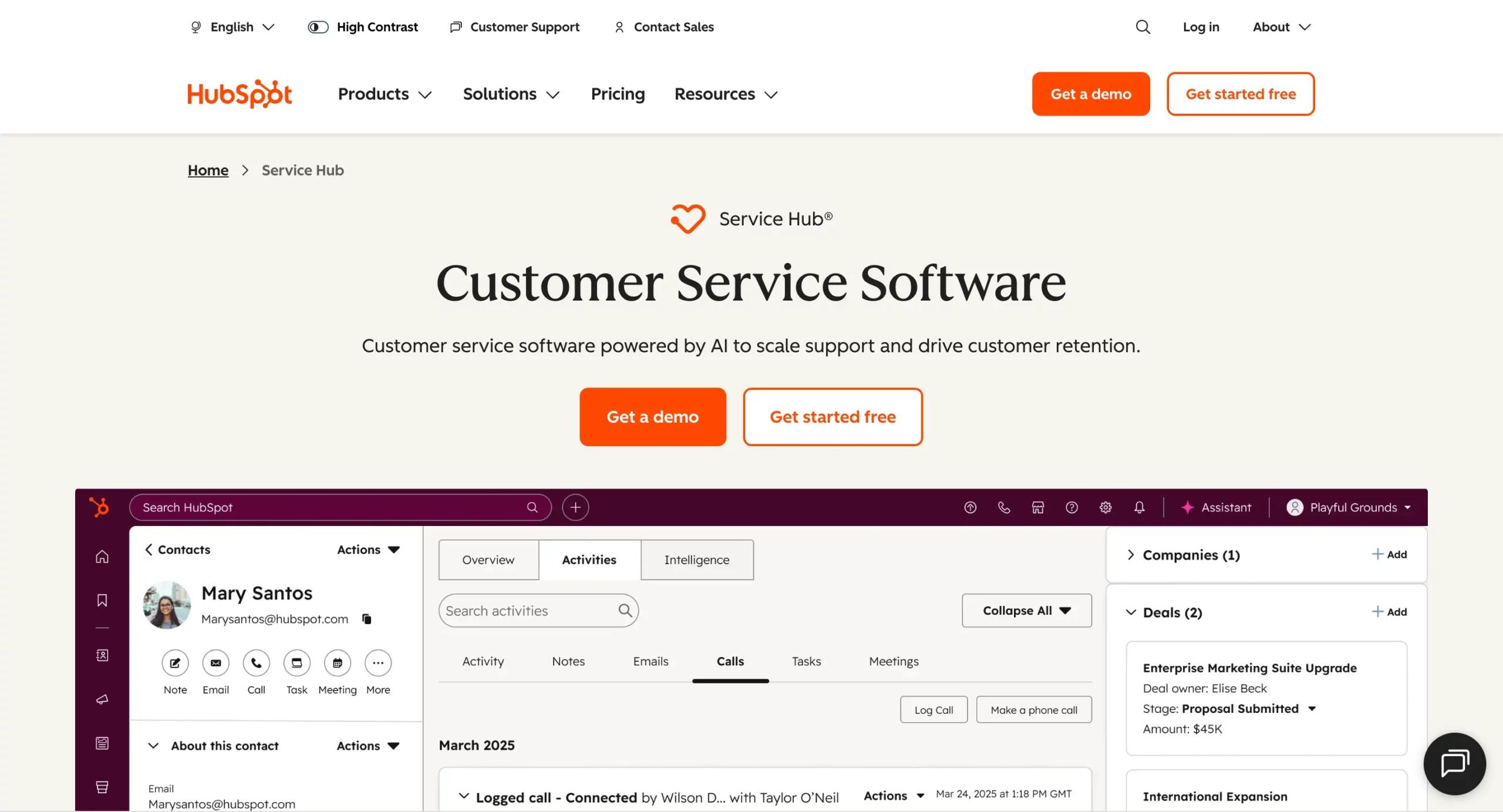
When it comes to customer relationship management, HubSpot has always been a leader. What makes HubSpot Service Hub stand out in 2026 is its deep integration with the HubSpot CRM, which means your customer service team isn’t just handling tickets; they’re also working with rich customer data that gives full context.
When a customer raises a support ticket about a billing issue. With Service Hub, your support rep can immediately see:
- The customer’s purchase history
- Their last interaction with sales or marketing
- Any ongoing deals or renewals in the pipeline
This 360-degree view enables your team to personalize responses, resolve issues faster, and even identify opportunities for upselling or cross-selling.
Key Features of HubSpot Service Hub
- Ticket Pipelines & Automation: Create multiple pipelines (e.g., Technical Support, Billing, Customer Success) with automated workflows that assign tickets to the right agents.
- Shared Inbox: Unifies customer communications across email, live chat, and forms, allowing the entire team to see and respond from a single location.
- Knowledge Base: Create searchable, self-service content to reduce repetitive queries.
- Customer Feedback Tools: Run CSAT and NPS surveys directly within the platform.
- Free & Paid Plans: Offers a forever-free tier, with advanced automation available in premium plans.
Why HubSpot Service Hub Stands Out
- Seamless CRM Connection: Unlike standalone ticketing systems, HubSpot integrates support data with marketing and sales on a single platform.
- Ease of Use: Even non-technical teams can get started quickly, thanks to HubSpot’s intuitive UI.
- Scalability: Start free and grow into advanced features as your business expands.
Who Should Use It?
The HubSpot Service Hub is ideal for B2B SaaS companies, e-commerce brands, and service providers seeking to unify their customer journey across marketing, sales, and support. If you’re already using HubSpot for other functions, adding Service Hub is a no-brainer.
2. Zendesk - Enterprise-Grade Ticketing for Global Teams
Best for: Large enterprises and customer support teams managing high volumes of tickets
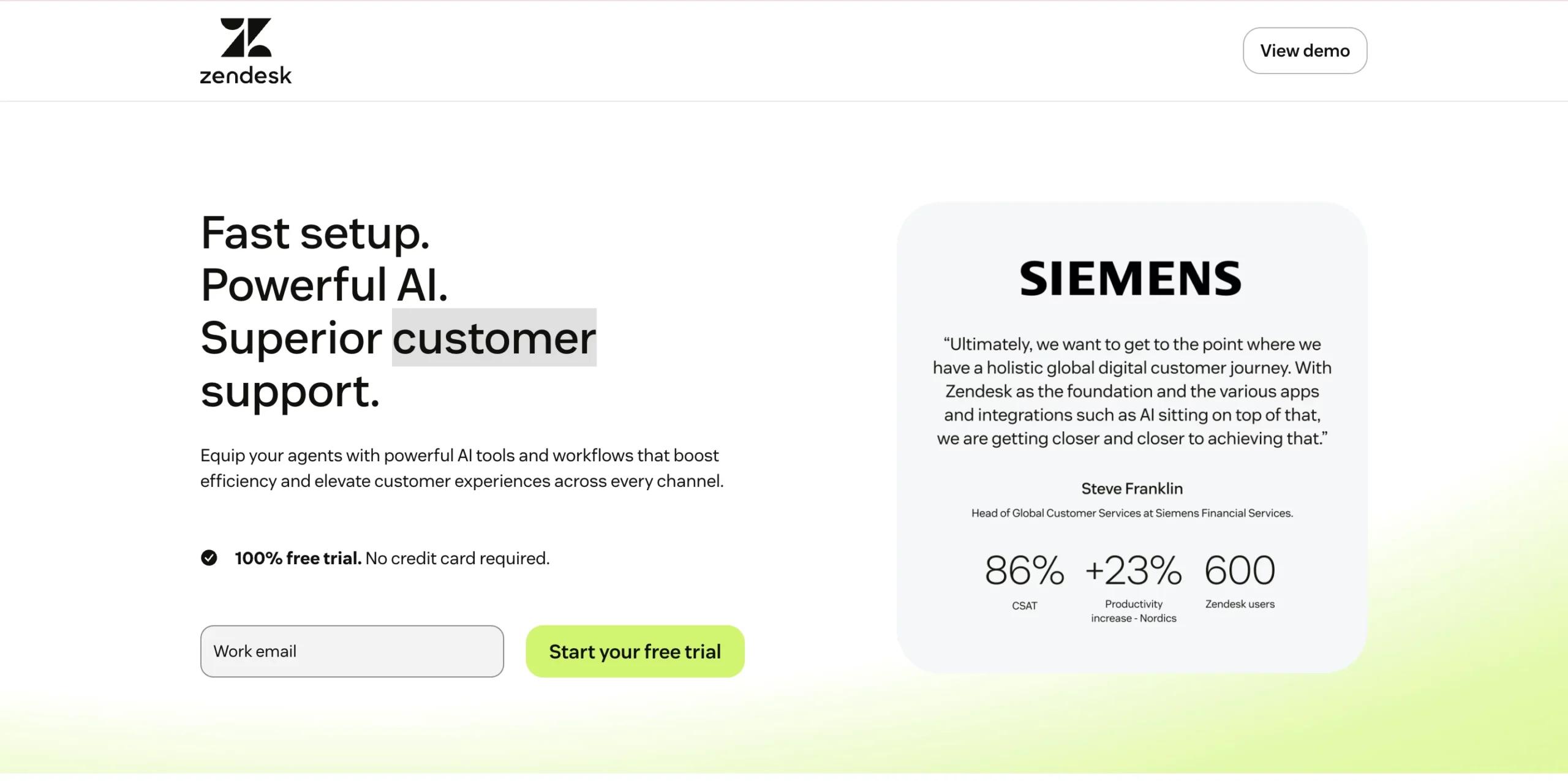
Zendesk has long been a household name in customer service, and til date, it remains one of the most reliable and scalable ticketing platforms available. It’s especially favored by enterprises that need to handle millions of customer interactions across multiple regions and languages.
Unlike lighter tools, Zendesk is built for high-volume, complex support environments. Its AI capabilities help classify and route tickets intelligently, while analytics dashboards provide real-time visibility into agent performance, SLAs, and customer sentiment.
Key Features of Zendesk
- AI-Powered Triage & Sentiment Analysis: Tickets are automatically tagged and routed to the right teams based on priority and tone.
- Omnichannel Support: Manage tickets from email, social media, live chat, messaging apps, and phone calls, all in one place.
- Advanced Analytics & Reporting: Customizable dashboards that track SLAs, agent productivity, and customer satisfaction.
- Marketplace of 1,000+ Integrations: Seamlessly connect with CRMs, collaboration tools, and apps like Slack, Salesforce, and Jira.
- Scalable Infrastructure: Developed for global teams with multi-language support and enterprise-level security.
Why Zendesk Stands Out
- Global Reach: Used by enterprises with diverse, international customer bases.
- AI Maturity: Years of refining machine learning make Zendesk’s AI smarter than most newcomers.
- Flexibility: It fits into virtually any enterprise tech stack thanks to its extensive integration marketplace.
Who Should Use It?
Zendesk is ideal for enterprises, SaaS giants, and consumer brands dealing with thousands of daily support requests. If you’re managing a support center across time zones and languages, Zendesk’s enterprise-grade consistency ensures nothing slips through the cracks.
3. Freshdesk by Freshworks - User-Friendly & AI-Powered
Best for: Small to mid-sized businesses looking for ease of use
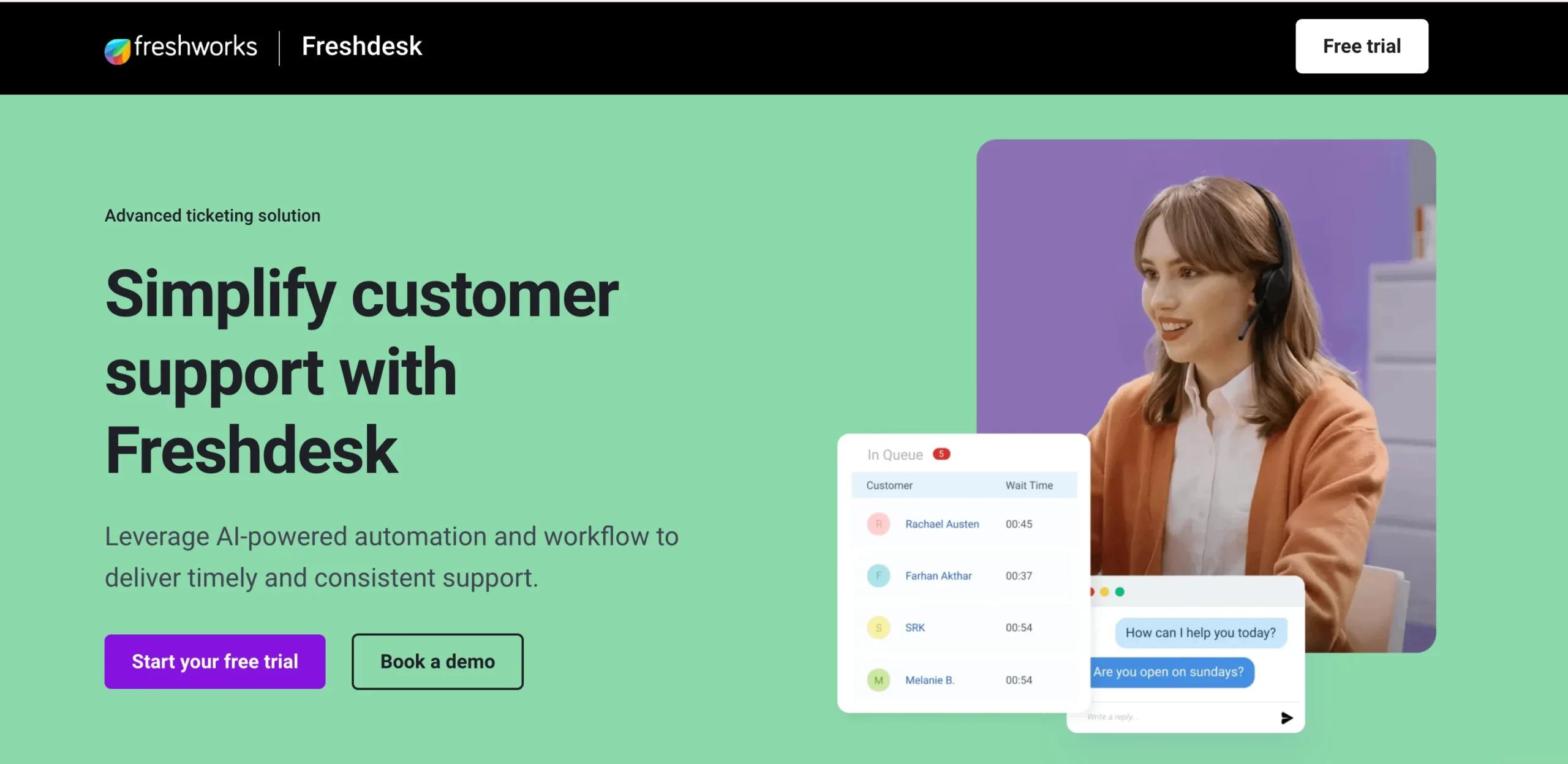
Freshdesk has established a strong market position by being simple, affordable, and highly effective. Unlike Zendesk, which can feel enterprise-heavy, Freshdesk focuses on giving SMBs a ticketing solution that’s easy to set up and doesn’t require complex IT resources.
Today, Freshdesk continues to grow with Freddy AI, its intelligent assistant that automates repetitive tasks and provides suggestions for responses. This allows even small teams to deliver big-league customer support.
Key Features of Freshdesk
- Freddy AI: Automates responses, prioritizes tickets, and assists agents in real-time.
- Omnichannel Support: Email, chat, social media, and voice integrated into one dashboard.
- Collaboration Tools: Internal notes, shared ownership, and collision detection prevent duplicate work.
- Self-Service Options: Knowledge base + community forums to empower customers.
- Affordable Pricing: Offers flexible plans with great value for SMBs.
Why Freshdesk Stands Out
- Ease of Use: Teams can get started within hours, not weeks.
- Budget-Friendly: Powerful features without enterprise-level pricing.
- AI for All: Freddy AI levels the playing field by providing smaller businesses with access to automation typically found on premium platforms.
Who Should Use It?
Freshdesk is perfect for startups, growing SMBs, and mid-sized businesses that need a balance of affordability, ease of use, and intelligent automation. It’s beneficial for teams that want to deliver fast, professional support without overcomplicating workflows.
4. ServiceNow - The ITSM Powerhouse
Best for: IT service management and enterprise workflow automation
If there’s one name that dominates the ITSM (IT Service Management) space, it’s ServiceNow. Unlike Zendesk or Freshdesk, which are customer-service oriented, ServiceNow is purpose-built for IT teams.
ServiceNow has evolved into a complete enterprise workflow platform that goes far beyond ticketing. It connects IT, HR, finance, and security operations under one roof, making it ideal for organizations where support extends beyond just customer service.
Key Features of ServiceNow
- Incident, Problem & Change Management: Full ITIL-compliant ticketing and workflows.
- AI Workflow Automation: Predicts and resolves issues before they escalate.
- CMDB (Configuration Management Database): Tracks and manages IT assets across the organization.
- Enterprise Workflows: Supports HR requests, employee onboarding, and more.
- High Security & Compliance: Built for regulated industries and enterprises with strict governance.
Why ServiceNow Stands Out
- ITIL Alignment: Trusted by enterprises that follow ITIL frameworks.
- Scalability: Handles thousands of agents, assets, and service requests effortlessly.
- Beyond IT: Expands into enterprise workflows, making it a company-wide operations tool.
Who Should Use It?
ServiceNow is best suited for large enterprises, IT-heavy organizations, and regulated industries (like healthcare, finance, or telecom). If your support needs extend beyond customers to include internal IT and enterprise-wide requests, ServiceNow is unmatched.
5. Zoho Desk - Affordable & Customizable Ticketing
Best for: Budget-conscious businesses and teams needing flexibility
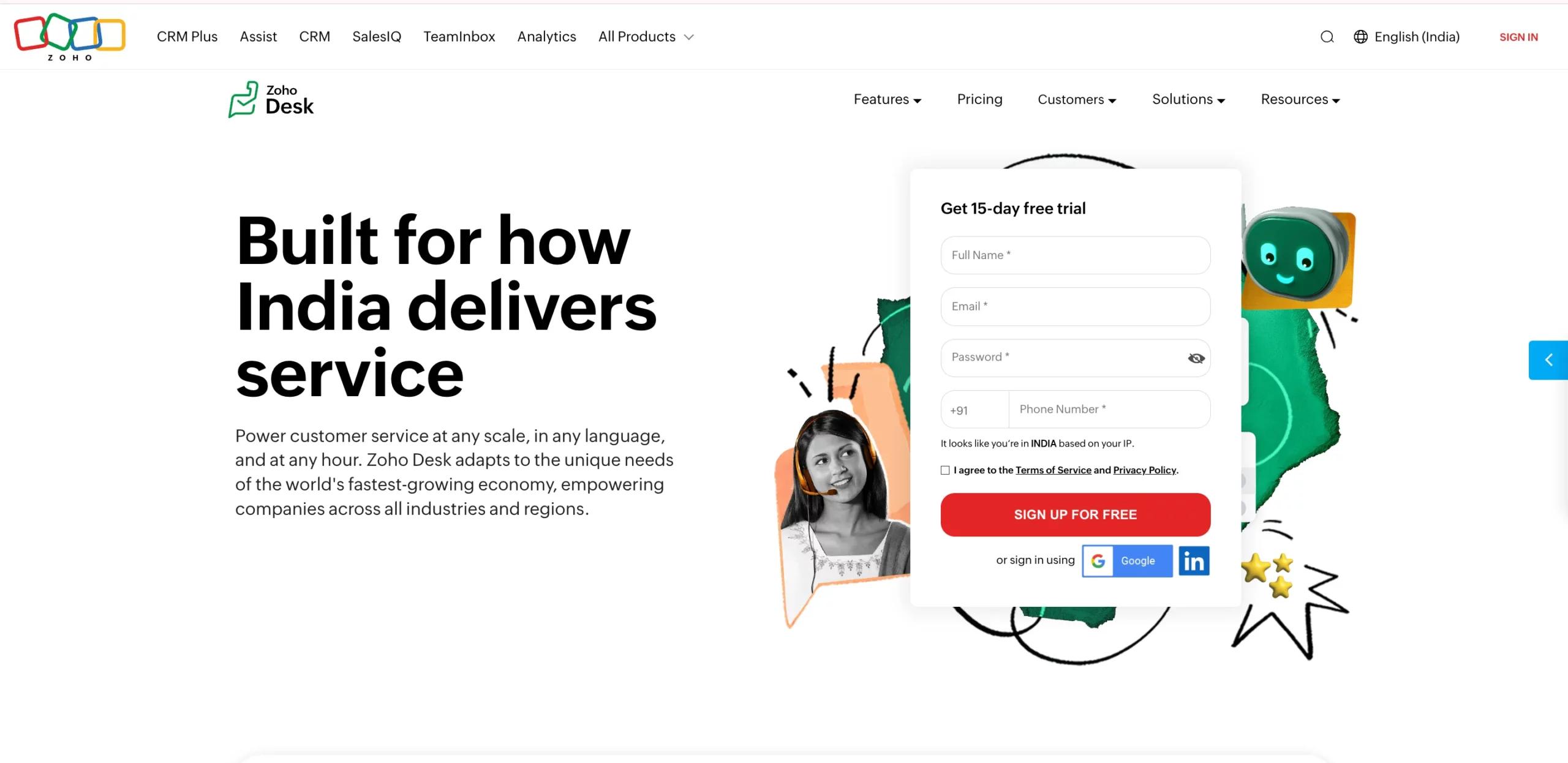
Zoho Desk is often considered the most value-for-money ticketing system in the market. It remains a strong choice for businesses seeking affordable, customizable, and multilingual support tools that do not compromise on quality.
What makes Zoho Desk unique is its integration within the Zoho ecosystem, a suite that covers CRM, finance, HR, and more. This makes it particularly attractive for businesses already using Zoho tools.
Key Features of Zoho Desk
- Omnichannel Ticketing: Email, chat, social media, and telephony in one place.
- Zia AI Assistant: Automates ticket classification, suggests replies, and analyzes sentiment.
- Customizable Dashboards: Tailor views and workflows based on department or priority.
- Multilingual Support: Ideal for global teams serving diverse markets.
- Seamless Integrations: Works effortlessly with Zoho apps + third-party tools.
Why Zoho Desk Stands Out
- Cost-Effective: Pricing is significantly lower than Zendesk or ServiceNow, while still delivering rich features.
- Flexibility: Teams can design their own workflows and ticket views.
- SMB-Friendly: Offers enterprise-like features without the heavy cost.
Who Should Use It?
Zoho Desk is best for SMBs, startups, and mid-sized businesses that want powerful features without breaking the bank. It’s also an excellent fit for businesses already within the Zoho ecosystem.
6. LiveAgent - Omnichannel Ticketing With Call Center Capabilities
Best for: Businesses managing high customer query volumes across multiple channels
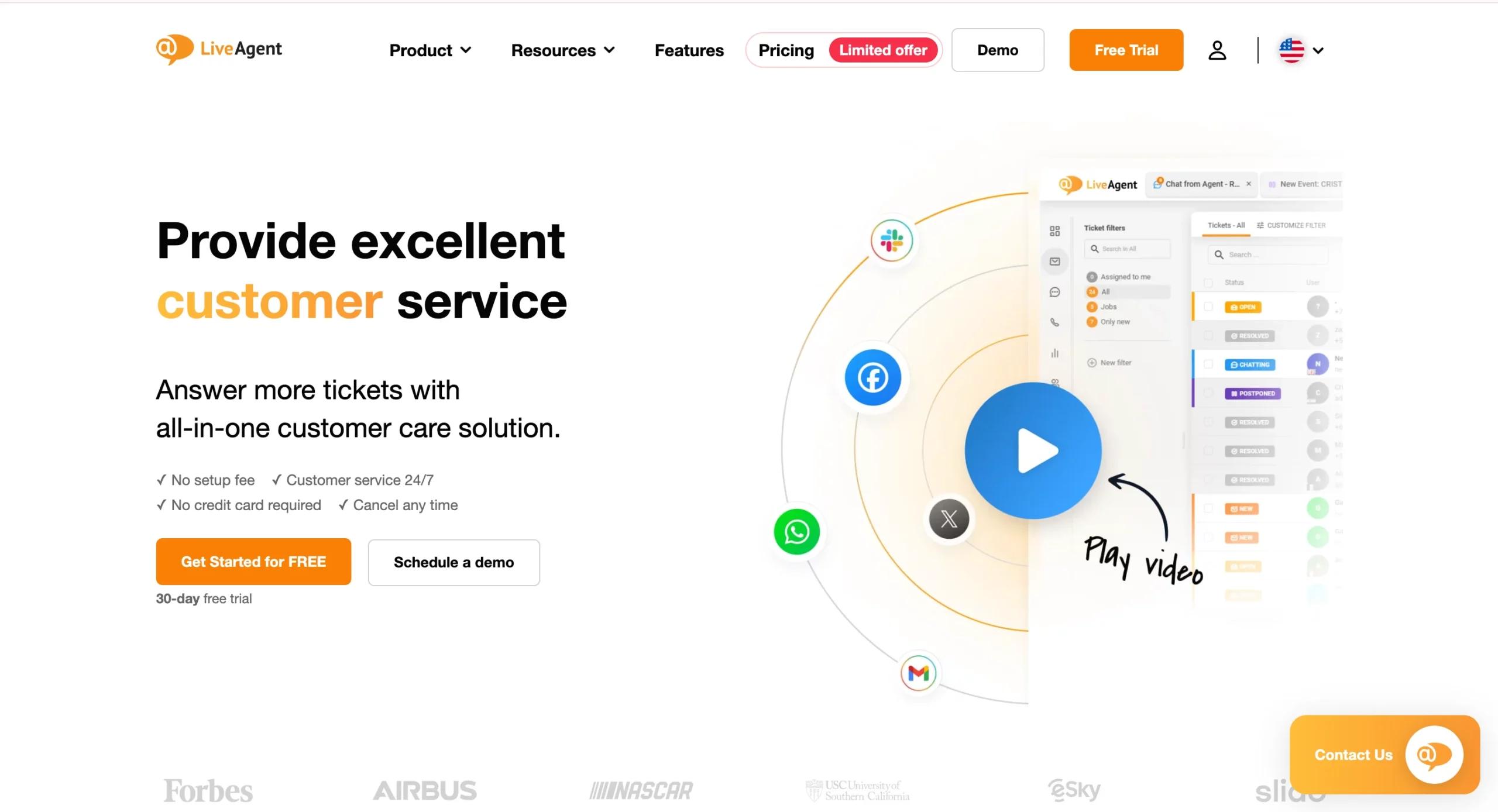
LiveAgent distinguishes itself by integrating ticketing, live chat, email, social media, and call center support into a single, unified platform. It remains a go-to solution for businesses that handle high query volumes and require all communication streams to be consolidated under a single dashboard.
What sets LiveAgent apart is its native call center functionality, which many ticketing platforms lack. This makes it an excellent option for companies that still rely heavily on phone support alongside digital channels.
Key Features of LiveAgent
- Universal Inbox: Consolidates tickets from email, chat, social, and calls.
- Native Call Center: Built-in telephony with IVR, call recording, and routing.
- Live Chat Widgets: Real-time website support with visitor monitoring.
- Gamification Features: Motivates agents with achievement badges and performance tracking.
- Integration-Friendly: Connects with CRMs, CMSs, and e-commerce platforms.
Why LiveAgent Stands Out
- True Omnichannel Experience: Few platforms combine digital and telephony this seamlessly.
- Great for Customer-Centric Businesses: Ideal for companies that prioritize direct, human conversations.
- Agent Engagement: Gamification helps boost productivity and morale.
Who Should Use It?
LiveAgent is perfect for e-commerce businesses, call-center-heavy industries, and B2C brands where speed and accessibility across multiple channels are critical.
7. Jira Service Management - IT Support for Agile Teams
Best for: IT, DevOps, and software development companies
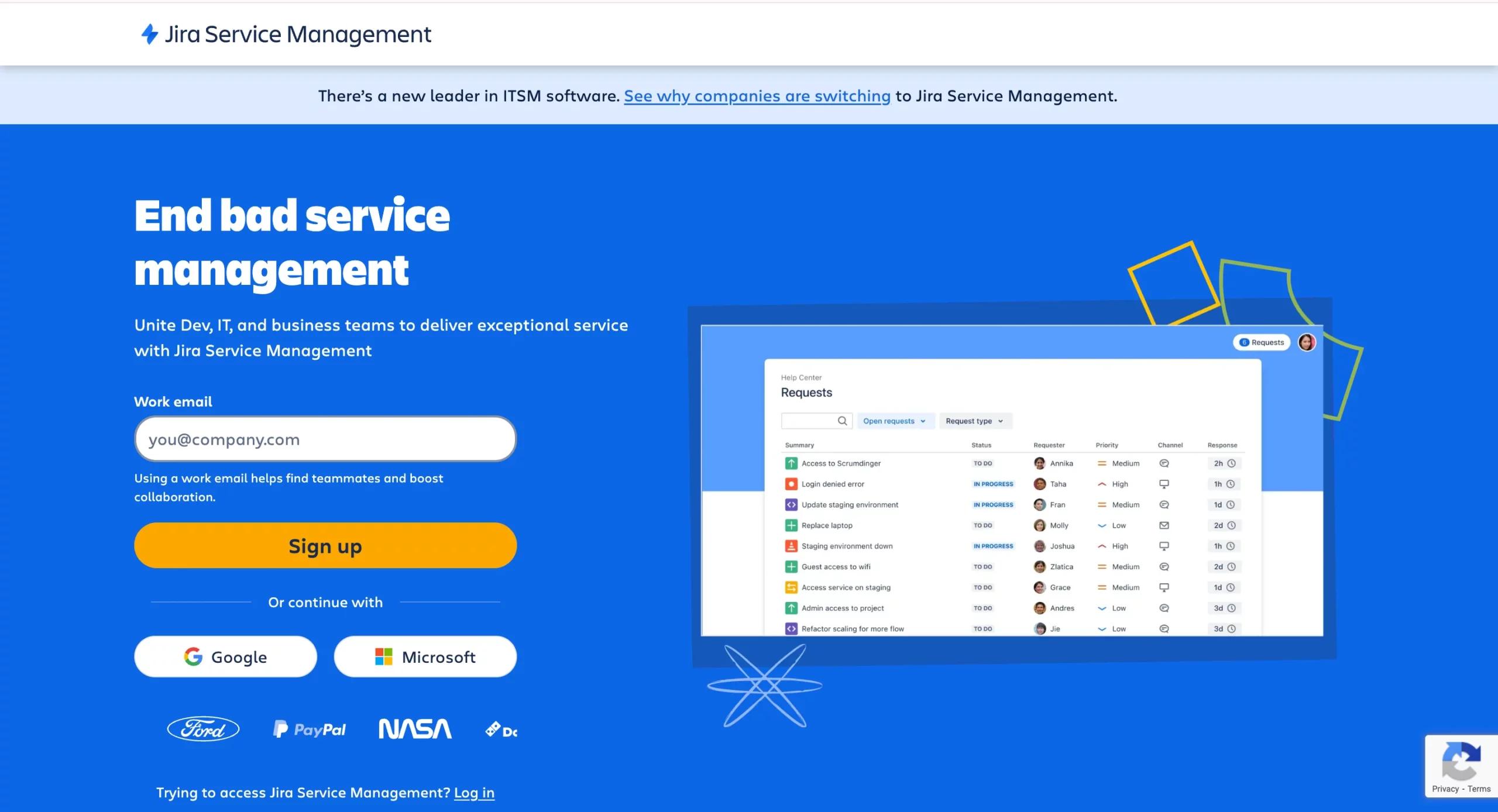
Developed by Atlassian, Jira Service Management (JSM) bridges the gap between IT service desks and software development teams. It remains the go-to solution for organizations that want to align customer or internal support tickets with Agile development workflows.
Because it integrates seamlessly with Jira Software, JSM enables IT teams to collaborate directly with developers, resulting in faster bug resolution, smoother deployments, and improved incident management.
Key Features of Jira Service Management
- ITIL-Certified Service Desk: Covers incidents, problems, changes, and service requests.
- Agile Integration: Connects support tickets directly with development sprints in Jira Software.
- Incident & Problem Management: Enables post-incident reviews and RCA (root cause analysis).
- Automation Rules: Streamlines ticket assignments and updates.
- Knowledge Base (Confluence): Integrated self-service content for employees or customers.
Why Jira Service Management Stands Out
- DevOps-Friendly: Unlike most ticketing systems, JSM is built for collaboration between IT and software development.
- Faster Resolution Cycles: Developers and IT agents work within the same ecosystem.
- Scalable: Can support both small IT teams and large DevOps organizations.
Who Should Use It?
Jira Service Management is ideal for IT teams, DevOps organizations, and software companies that require seamless integration between support and development workflows.
8. SolarWinds Service Desk - IT Ticketing With Strong Asset Management
Best for: IT-heavy organizations that need service desk + asset management in one place
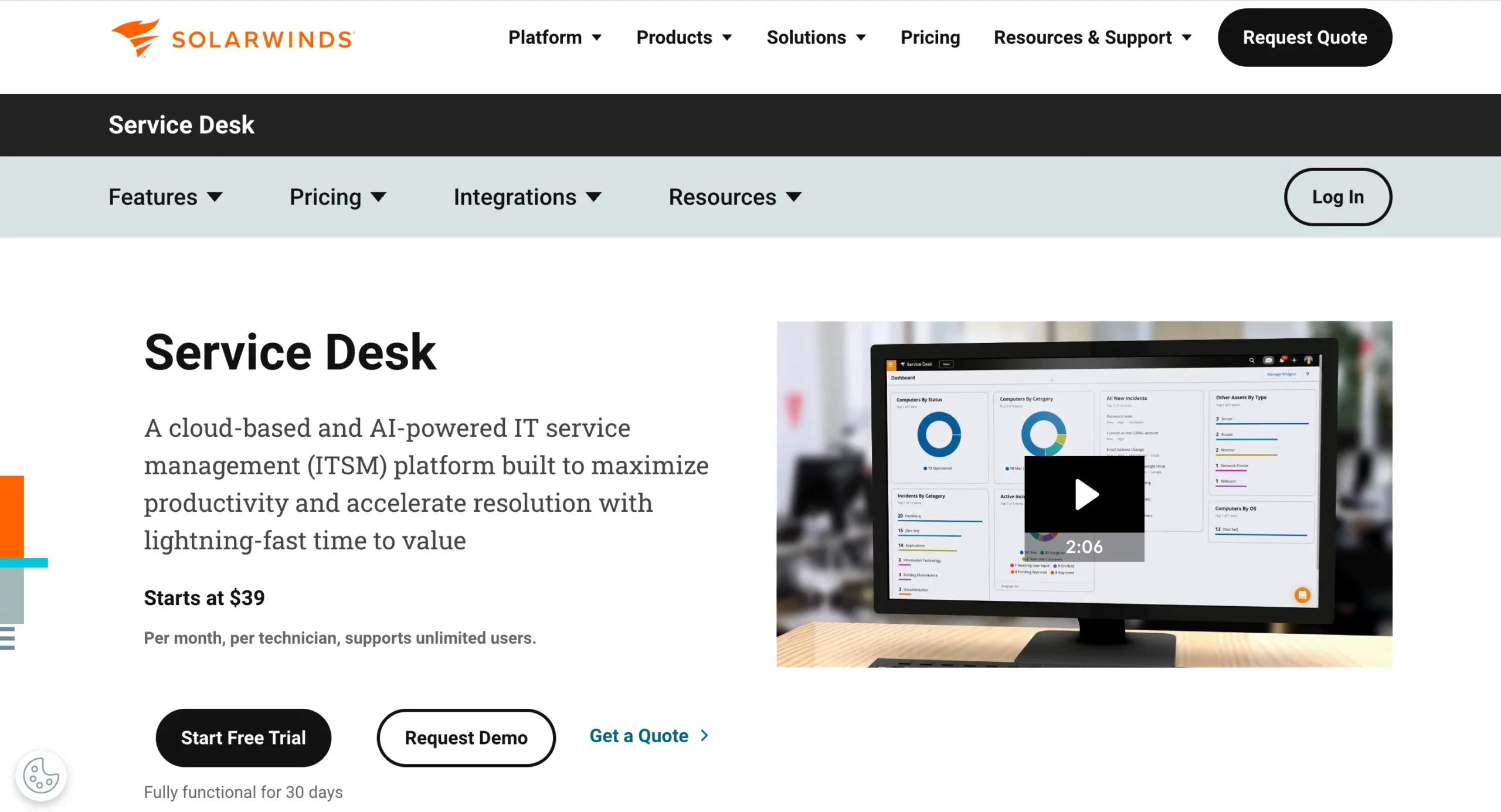
SolarWinds Service Desk is a cloud-based IT help desk solution that combines ticketing with powerful asset and configuration management. It’s a strong option for organizations that manage large infrastructures, where support teams need visibility into hardware, software, and devices, as well as service tickets.
SolarWinds continues to stand out for its ability to integrate service desk operations with IT asset management (ITAM), providing IT teams with a holistic view of their environment.
Key Features of SolarWinds Service Desk
- Automated Ticket Routing: Prioritizes and assigns tickets based on rules.
- Asset & Configuration Management: Tracks devices, software, and hardware lifecycles.
- Service Catalog Support: Enables employees to request IT services via a structured system.
- Change Management: Helps assess risks before IT changes are deployed.
- Reporting & Dashboards: Provides visibility into SLA performance and IT costs.
Why SolarWinds Stands Out
- Asset Visibility: Few ticketing systems integrate asset management this deeply.
- ITIL-Compliant: Aligns with IT best practices.
- Mid-Market Friendly: Easier to adopt than ServiceNow, yet more IT-focused than Freshdesk or Zoho Desk.
Who Should Use It?
SolarWinds Service Desk is ideal for IT-heavy mid-sized businesses and enterprises that want to combine ticketing with IT asset management without the complexity of ServiceNow.
9. ProProfs Help Desk - Simple, AI-Powered & Startup-Friendly
Best for: Startups and small teams that need a lightweight ticketing tool
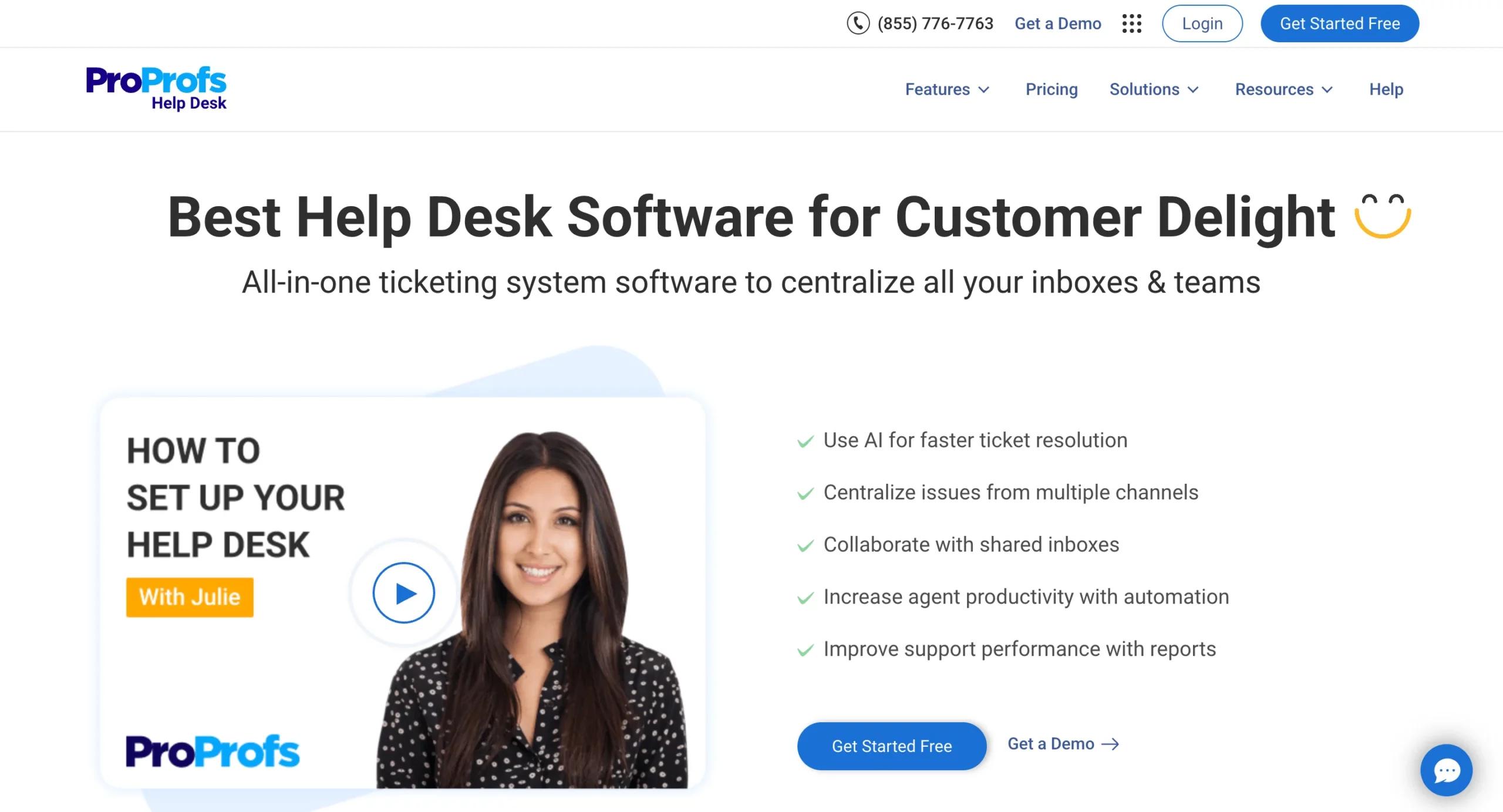
ProProfs Help Desk positions itself as a simple yet AI-enabled ticketing system developed for startups and SMBs. Unlike heavy enterprise platforms, ProProfs is easy to set up, comes with a forever-free plan, and delivers all the essentials without unnecessary complexity.
ProProfs enhanced its AI-driven features, providing small teams with access to automation, ticket routing, and reporting tools typically found on higher-tier platforms.
Key Features of ProProfs Help Desk
- Shared Inbox: Consolidates customer emails into a single, team-managed space.
- AI-Powered Ticket Routing: Assigns queries automatically based on category, urgency, or rules.
- Canned Responses & Knowledge Base: Speeds up support with ready-to-use answers.
- Real-Time Collaboration: Internal notes and assignments keep everyone aligned.
- Forever-Free Plan: Allows small teams to get started at zero cost.
Why ProProfs Stands Out
- Accessibility: Ideal for businesses just starting with ticketing.
- Affordability: Free plan + affordable upgrades for growing teams.
- AI for Small Teams: Provides automation typically reserved for larger systems.
Who Should Use It?
ProProfs Help Desk is perfect for startups, freelancers, and small businesses that want to deliver professional support without heavy investment or steep learning curves.
10. Ticket Tailor - Best for Event Ticketing
Best for: Event organizers, venues, and creators selling tickets online
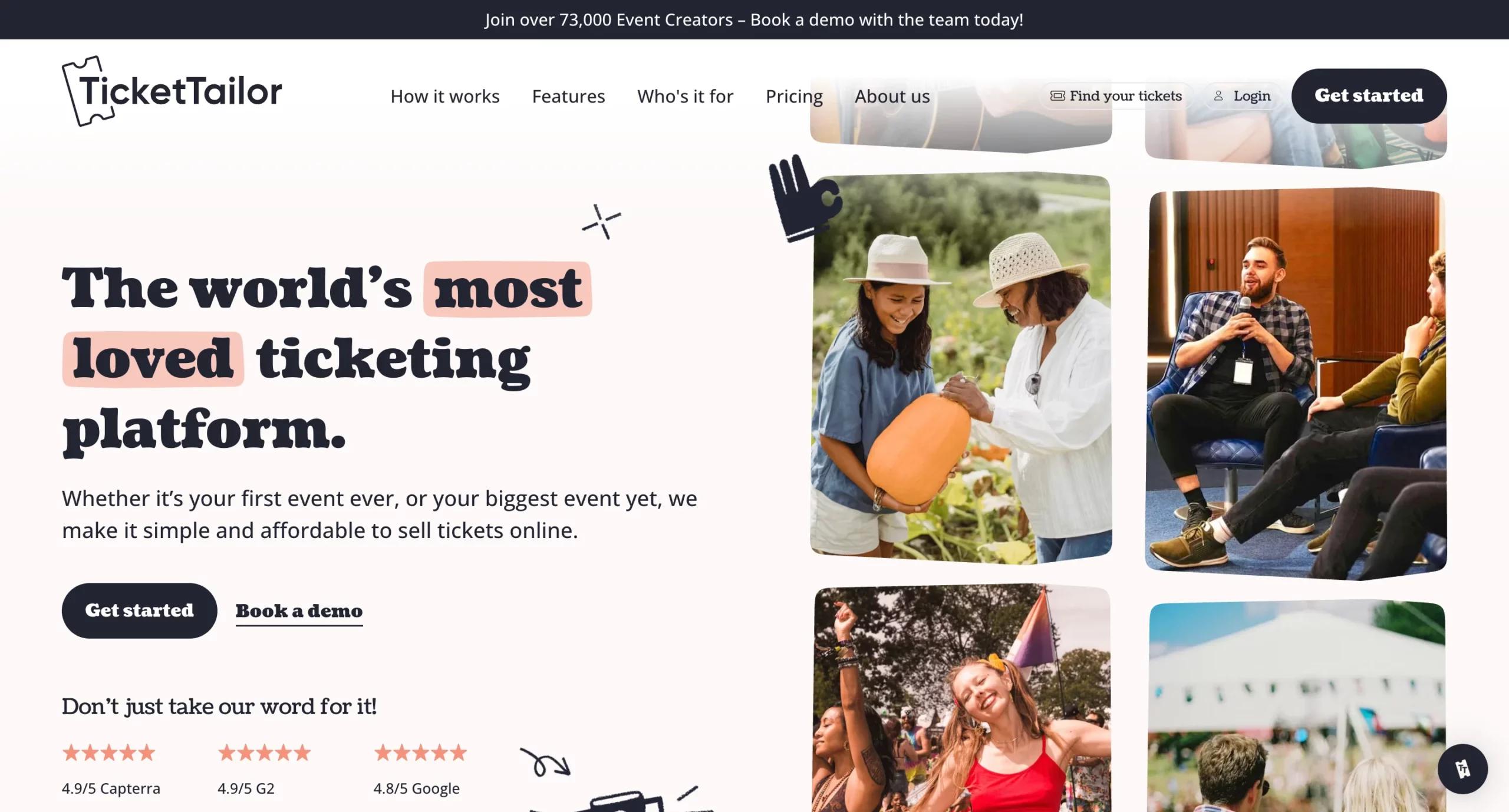
Unlike the other tools in this list (which focus on customer or IT support), Ticket Tailor specializes in event ticketing. It’s a platform that empowers event organizers to sell tickets online, manage bookings, and accept payments with low fees and no per-ticket commission, a major differentiator today.
From concerts and festivals to workshops and conferences, Ticket Tailor enables organizers to customize branding, manage seating charts, and integrate with marketing tools.
Key Features of Ticket Tailor
- Online Ticket Sales: Create branded event pages and sell tickets with Stripe or PayPal integrations.
- Low-Cost Pricing: Flat monthly fee instead of per-ticket commissions.
- Barcode & QR Scanning: Streamlines entry management at events.
- Reserved Seating: Perfect for venues with tiered ticket structures.
- Marketing Integrations: Works with Mailchimp, Zapier, and social platforms for promotion.
Why Ticket Tailor Stands Out
- Cost-Effective: Eliminates high commission fees commonly associated with event ticketing.
- Flexible: Works for small community events to large-scale festivals.
- User-Friendly: Organizers can launch events in minutes without technical help.
Who Should Use It?
Ticket Tailor is ideal for event organizers, nonprofits, venues, and creators who want a budget-friendly, customizable, and easy-to-use ticketing system.
Transform Your CRM Strategy with INSIDEA’s HubSpot Services
As a HubSpot Elite Solutions Partner, we take pride in assisting you in streamlining your HubSpot efforts. With our best-in-class marketing, sales, and service solutions, we help you scale exponentially. INSIDEA’s HubSpot Specialists have the required in-depth knowledge and can provide expert guidance on how to use the platform to meet your business needs.
Explore the range of services we offer:
- HubSpot Onboarding: Seamless onboarding process to get your team up to speed and fully integrated with all HubSpot features.
- HubSpot Management: Ongoing management ensures your HubSpot environment runs at peak efficiency.
- HubSpot Migration: Smooth and secure migration services that protect your data and enhance your CRM capabilities.
- HubSpot White-Label Solutions: Exclusive white-label services tailored to your brand, allowing you to offer branded HubSpot solutions.
Get in touch today to learn more about how INSIDEA can help you succeed!
At INSIDEA, we understand the importance of valuable HubSpot strategies that understand your target audience and drive conversions. Book a meeting with our HubSpot experts to explore how we can help you with your upcoming projects.

 How INSIDEA works


