Nearly50%of marketers say that lead capture forms are their highest-converting asset. But having a form on your site doesn’t guarantee results. A lead capture form on the website that isn’t designed thoughtfully will end up collecting the wrong leads, or worse, drive away the right ones before they ever hit submit.
Getting a visitor to fill out a form is only the first step. The real challenge is ensuring that the people who do convert are the right ones, and that the process feels effortless enough to guide them through the entire funnel. A poorly structured form adds friction, creates drop-offs, and wastes the very ad dollars or SEO investment that drove someone there in the first place.
This blog isn’t about generic “add a form to your site” advice. It’s about building a Lead Capture Form on the Website that attracts qualified leads, trims out the noise, and sets up your CRM and sales team to take the next step with real opportunities. Done right, your form becomes one of the most critical touchpoints in your entire funnel.
What Is a Lead Capture Form & How Does It Work?
A lead capture form on the website is the point where casual interest turns into a recognizable lead that you can follow up with. When someone fills it out, they’re saying “yes, I’m interested.” On the backend, that data needs to flow into your CRM or email system with source info and tags, so your team can act, whether that means sending the promised asset, scheduling a call, or sending a nurture sequence.
Here’s how it works typically:
- The form captures basic data, name, and email at a minimum.
- It passes that data into your system, tagged by origin (blog, ad, social).
- A trigger usually kicks off: a confirmation email, resource delivery, or welcome message.
- That’s the start.
But here’s what too many teams miss: a staggering number still don’t take it to the next level. Only about 47% of marketers report seeing improvement from using predictive lead scoring. This kind prioritizes follow-ups based on a lead’s likelihood to convert, not just when they signed up.
So yes, your form captures interest, but if you’re not also sorting leads intelligently, “leads” can turn into disorganized data as often as they become deals.
That’s why building forms that route leads, with tags, scores, and real-time triggers, is how you turn browser behavior into something usable. When your form delivers what visitors expect, and your systems act on it immediately, you close the loop between capture and conversation. And that’s when your lead capture form finally starts to earn its keep.
12 Tips to Create a High-Converting Lead Capture Form on the Website
I. Be Clear About What Visitors Get
When someone lands on your page, they want to know precisely what they’re signing up for, so match the headline and copy of your lead capture form on the website to the specific offer that brought them there. Whether it’s a free ebook, a webinar, or a discount, state it clearly.
For example, if your ad promises a “Free Marketing Guide,” your form’s headline should say: “Get Your Free Marketing Guide”. No fluff, just a direct value proposition. This reduces confusion and encourages more visitors to follow through.
To make this process smooth, using an efficient form builder likeHubSpot’s free online form builder toolcan ensure your forms are transparent, on-brand, and also automatically connected to your CRM, making follow-up a breeze.
II. Simplify the Form
The fewer fields you have, the better your chances of getting people actually to complete the form. Field bloat is a form killer; asking for more than what’s necessary increases friction and makes users hesitate.
For example, if you’re capturing leads for a newsletter, asking for first name, last name, phone number, and company is excessive, especially if the goal is just to get them signed up. Instead, ask only for what’s needed right now, like just an email address, and follow up with a more personalized request later, once they’re in your funnel.
By reducing the number of fields, you’ll improve the user experience and increase completion rates. Keep it simple and focus on one thing: what do you need right now?
III. Choose the Right Opt-In Method and Form Structure
When deciding on how to capture leads, think about the balance between speed and quality. Single opt-in is excellent for rapid growth, while double opt-in ensures higher list quality and supports compliance needs.
However, if you have longer forms or need to qualify leads, consider breaking the process into smaller steps with a progress bar. Multi-step flows, often used with double opt-in, allow you to gather information gradually and help keep users engaged. This approach typically outperforms a long single-page form by reducing overwhelm and encouraging completion.
| Here’s an example of how a multi-step flow might look in a lead capture form. This type of flow is beneficial for gathering more detailed information while keeping the user experience smooth and engaging:
Step 1: Basic Information
Step 2: Company Details
Step 3: Goals and Needs
Step 4: Account Setup
Step 5: Confirmation & Thank You
|
IV. Place the Form Where Intent is Highest
Where you place your lead capture form on the website matters just as much as how it’s built. Traffic can come from a variety of sources: email, social media, referral links, or paid ads.
Each of these sources has different user intents, so your form placement should align with that intent to maximize conversions.
- Home Page
Your homepage is the first point of contact for your business, but it’s easy to get overwhelmed with too much info. The focus here is to prioritize simplicity: offer an easy way for visitors to sign up for your newsletter or get a discount. A pop-up form that provides a free gift (like a discount or trial period) can also quickly grab attention without being invasive, as long as it doesn’t overwhelm the user.
- Landing Pages
A dedicated landing page is one of the most effective places for a lead capture form. It’s typically focused on a singular offer or value, such as an ebook, whitepaper, or free trial. Here, the form and offer must match perfectly; the form should reflect what’s promised in the ad, CTA, or link that brought the visitor to the page.
Make sure the page layout is focused: use relevant images, clear buttons, and minimal distractions to guide visitors toward filling out the form.
- FAQ Pages
Visitors landing on your FAQ pages are already interested in what you’re offering, but they might need a little extra nudge. By placing a lead capture form on your FAQ page, you’re offering more targeted help, like a phone call or live chat, where visitors can directly connect with a sales or support representative. Ask for email addresses or phone numbers to take the next step and move them further down the funnel.
- Blog Posts
Blogs can be a goldmine for lead capture. People come to blogs for solutions or insights, so place a form that feels like an extension of that value. For example, a post on “How to Find the Best Wedding Florist” could offer a downloadable customer success story in exchange for an email address. Strategically placed forms like these utilize the content’s value to convert casual readers into engaged leads.
- Live Chat
While not technically a lead capture form, live chat is a powerful tool to capture interest in real-time. By offering personalized interaction, you can ask for emails or guide visitors to further resources that bring them closer to conversion. For example, after addressing a visitor’s query, a live chat could ask for their email in exchange for a follow-up email with additional resources or a special offer.
V. Prioritize Mobile-First Design
With mobile users accounting for over half of website traffic, ensuring your Lead Capture Form on the Website is mobile-friendly is a must. Use proper input types (like email, tel) to make it easier for users to enter their information.
Make tap targets large enough to prevent frustration and reduce mistakes. Also, minimize typing by offering options like dropdowns or checkboxes. Mobile form friction can be a major deal-breaker, so if the form isn’t easy to fill out on a phone, you’re likely losing valuable leads.
VI. Make Your CTA Actionable and Direct
A call-to-action (CTA) button sets clear expectations. Use actionable phrases that tell users exactly what they’ll get when they click.
For example, instead of a generic “Submit,” use “Get the Guide,” “Book My Demo,” or “Join Weekly Emails.” These outcome-based CTAs clarify the value of taking the next step, making users more likely to follow through.
VII. Incorporate Social Proof for Trust
Social proof is valuable in reducing last-minute hesitation. Placing testimonials, review counts, or trusted logos near your form can ease doubts and build credibility, especially for high-commitment forms.
For instance, a “100+ 5-star reviews” message near your form or a short client testimonial can significantly boost trust and conversions by showing potential customers that others have already benefited.
VIII. Improve User Experience for Higher Conversions
The user experience (UX) of your form plays a crucial role in determining whether or not someone completes it. Keep the process as intuitive and direct as possible. Avoid overwhelming visitors with long, complicated forms; instead, focus on reducing friction at every step. For instance, use clear field labels, inline validation (with helpful error messages), and progress indicators for longer forms.
Additionally, be sure to offer instant feedback when a user makes a mistake, rather than waiting until they try to submit. If your form feels easy to fill out and leaves the user confident about completing it, you’ll see a higher completion rate and better conversions.
IX. Tag Every Submission with Source and Campaign
To track the effectiveness of your lead capture form on the website, make sure you tag every submission with core source data. Use UTM parameters to capture where each lead came from, whether it’s an email campaign, social media, or a paid ad.
By passing this data directly into your CRM or email system (ESP), sales and marketing teams can see the full path that led to the conversion.
For example, if a visitor comes from a Facebook ad offering a free ebook, the UTM parameters will show that the lead originated from that specific ad. This helps your team understand which campaigns are driving the most qualified leads and tailor follow-up actions accordingly.
X. Prevent Spam and Ensure Quality Leads
Spam submissions can quickly derail your form’s effectiveness and skew your lead data. To combat this, use innovative tools like reCAPTCHA or honeypots to filter out bots. reCAPTCHA adds a quick challenge (like identifying images) to ensure a real person fills out the form, while honeypots invisibly trap bots without disturbing the user experience.
You can also throttle submissions by setting limits on how often a user can submit a form from a specific IP address or within a particular time frame. If your list tends to attract bot traffic, consider using double opt-in. This way, even if a bot fills out your form, it won’t complete the process without the secondary confirmation.
XI. Gain Trust with Transparent Privacy Statements
Being transparent about how you’ll use the data collected through your form is essential for building trust with visitors. Add a short, plain-English statement near your lead capture form explaining how you’ll use the information, especially their email address. For example, “We’ll use your email to send you our latest updates and offers.”
Also, include a link to your privacy policy, so users can easily access more details if needed. If required by regulations like GDPR, add a consent checkbox confirming that the user agrees to your terms and privacy practices.
XII. Confirm, Deliver, and Follow Up
Once a user submits your form, it’s crucial to confirm the action and immediately deliver what was promised. Always redirect users to a thank-you page that clearly acknowledges their submission. Make sure this page is trackable so you can measure conversions effectively.
Then, instantly deliver the asset or confirmation, whether it’s a downloadable ebook, access to a webinar, or a confirmation email. Following up is crucial, so set up an automated welcome sequence that introduces your brand, explains next steps, and builds engagement. Tools like HubSpot and Mailchimp can make this process smooth once your form is integrated, helping you maintain momentum with your new lead.
Top 3 Form Builders for Lead Capture
1.HubSpot Form Builder
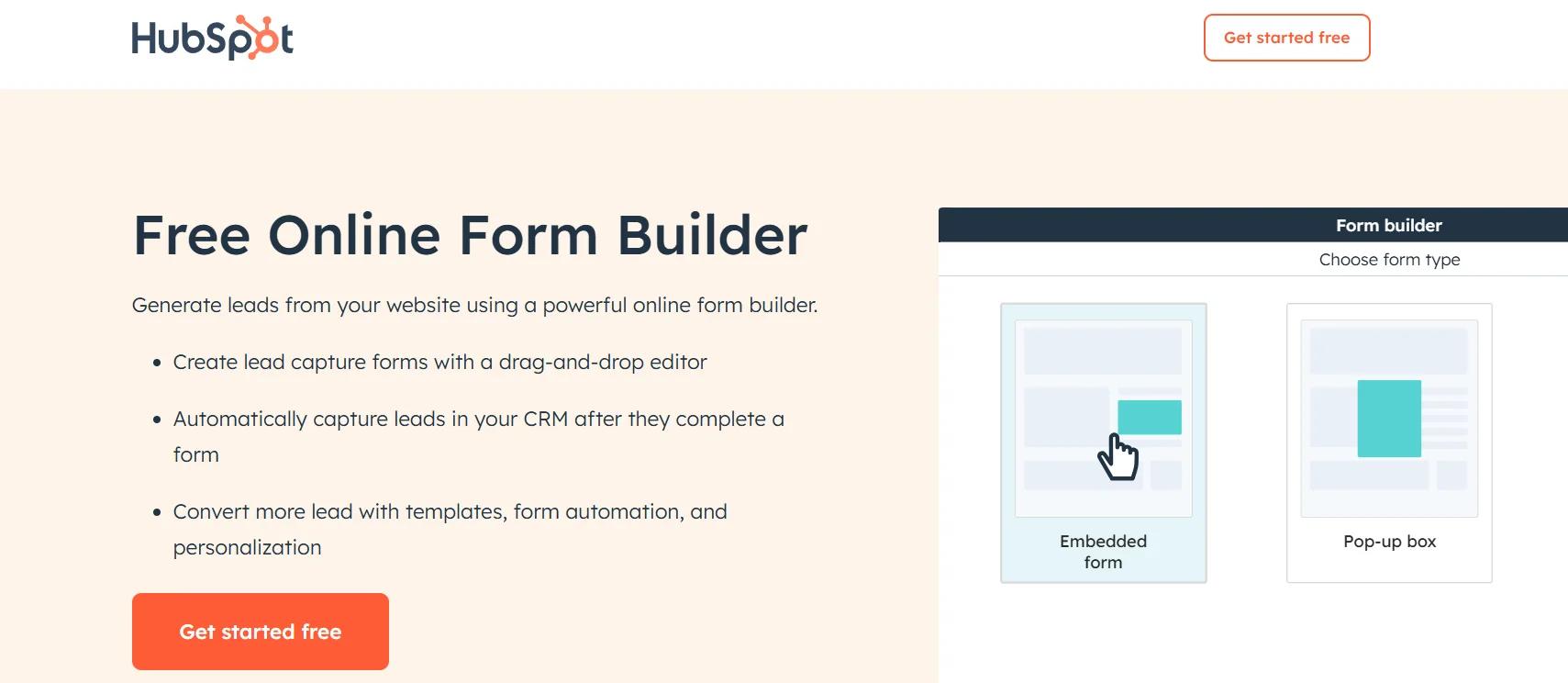
Best for:Businesses looking for a simple, integrated way to capture and nurture leads.
HubSpot’s drag-and-drop form builder allows you to create custom forms without any coding experience. Forms integrate seamlessly with HubSpot’s CRM, ensuring every lead is captured and funneled directly into your system for targeted nurturing.
Use case breakdown:You’re running a content marketing campaign and want to capture leads from a blog post offering a free ebook. With HubSpot, you can quickly create a form, personalize the experience, and automatically route captured leads into your CRM for follow-up.
Features:
- Customizable forms with drag-and-drop editing
- Automatic lead capture integrated into HubSpot CRM
- Automated follow-up emails and notifications
- Advanced features like conditional logic and progressive profiling to enhance user engagement
Pricing clarity:A free version is available with no credit card required. For more advanced features, HubSpot offers premium tools. No expiration on free tools.
2. JotForm
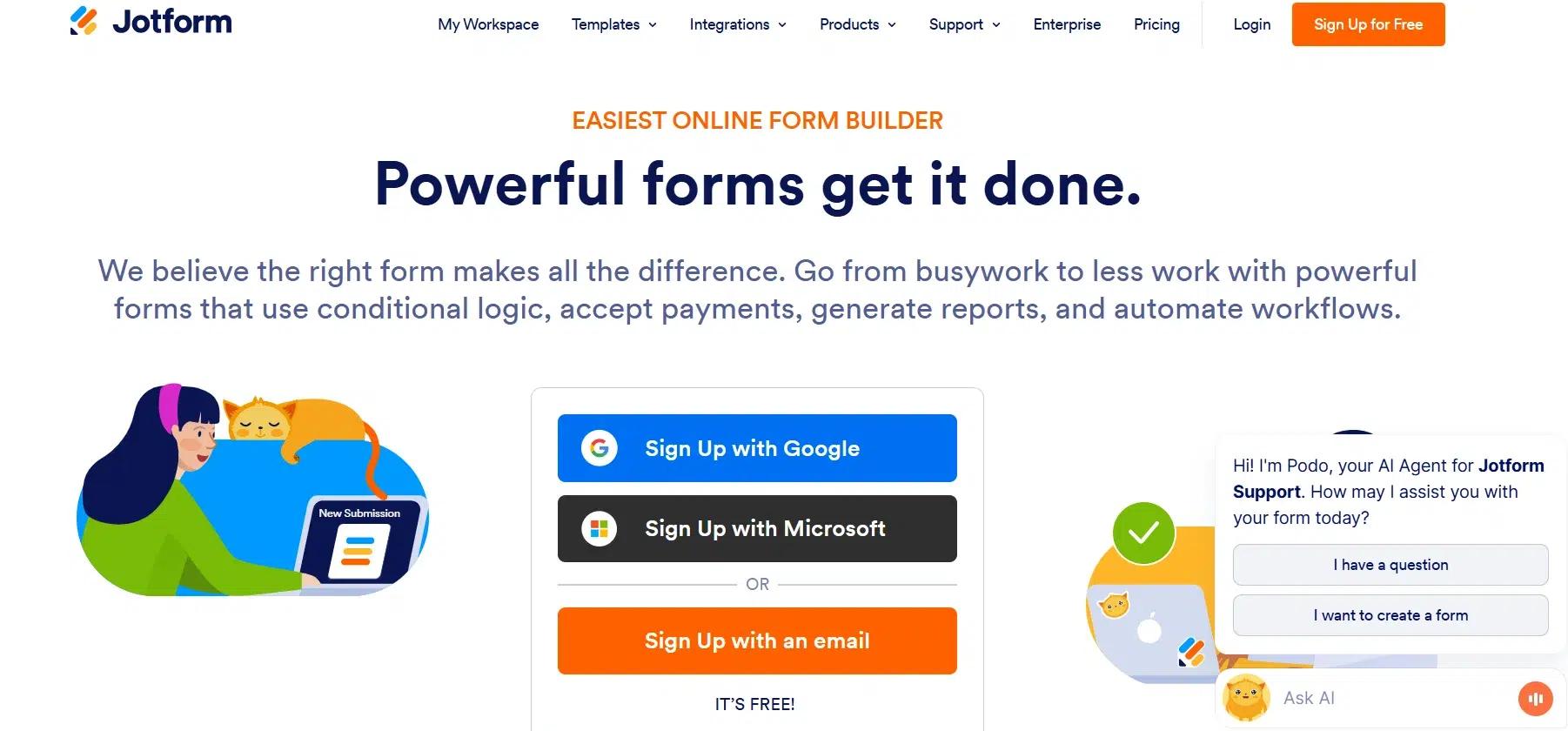
Best for:Teams looking for a user-friendly form builder with powerful integrations and payment processing features.
JotFormsimplifies form creation with a no-code drag-and-drop builder, allowing users to create professional-looking forms in minutes. With over 150 integrations, it connects easily to email marketing services, CRMs, project management tools, and more. Plus, JotForm supports online payments directly through your forms, making it an ideal choice for e-commerce or donation collection.
Use case breakdown:You’re running a fundraiser campaign and need to collect donations quickly. With JotForm, you can build a secure payment form, add a custom logo and branding, and integrate with your CRM to track donations seamlessly.
Features:
- Conditional logic for dynamic form fields
- 150+ integrations with tools like Salesforce, Google Sheets, and Mailchimp
- Payment collection via Stripe, PayPal, and other methods
- Professional templates and customizable design options
Pricing clarity:A free plan is available with access to essential features. Paid plans provide more advanced capabilities, such as higher form submission limits and additional integrations.
3. Formidable Forms
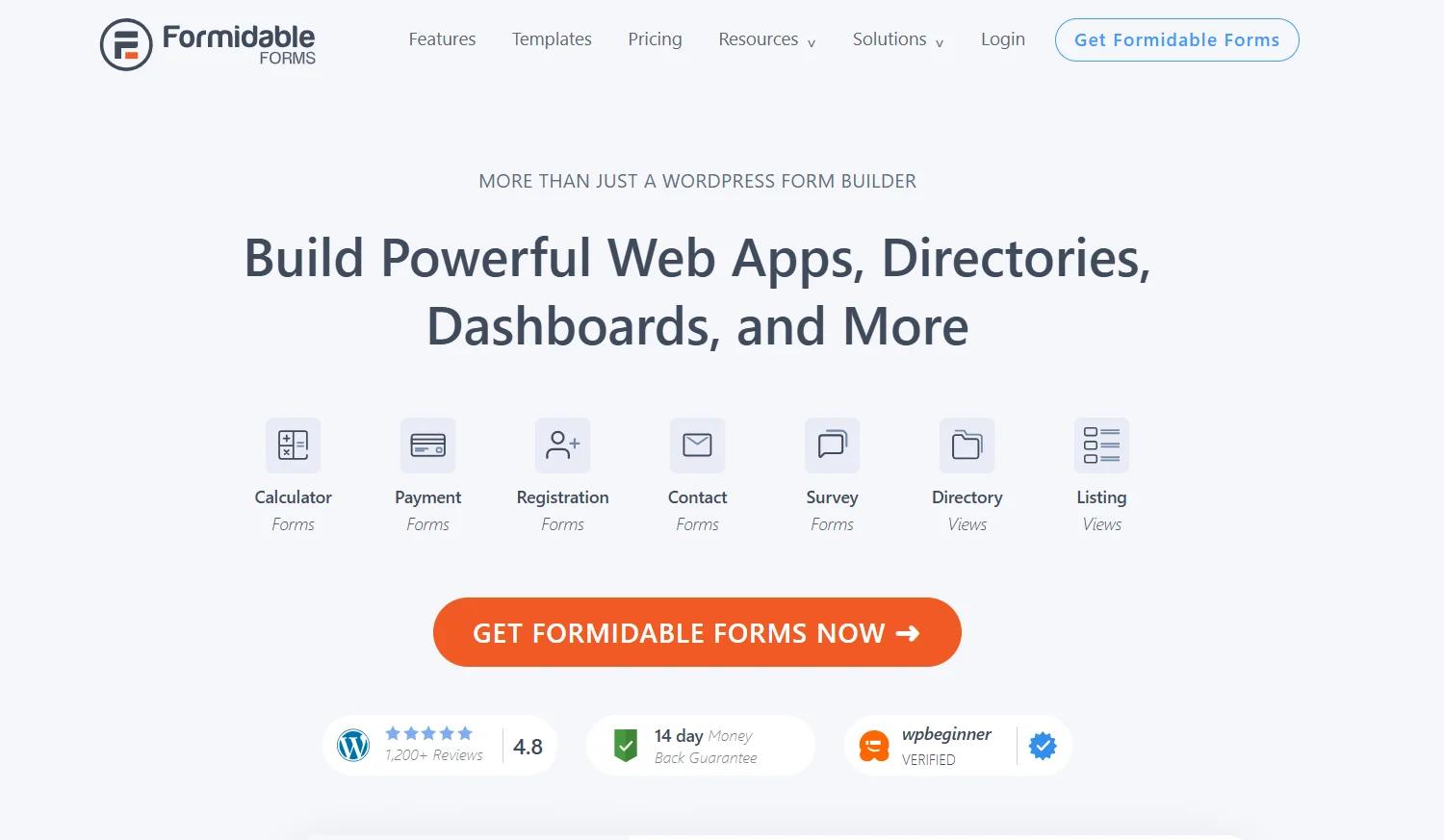
Best for:WordPress users looking for an advanced form builder with powerful functionality.
Formidable Formsis more than just a WordPress form builder, it’s a comprehensive tool for creating powerful web apps, directories, dashboards, and more. With a drag-and-drop builder, users can design simple contact forms or complex, multi-page forms with features like conditional logic, file uploads, and calculations. It also offers views to turn form entries into dynamic content, like listings, tables, and directories, directly on your site.
Use case breakdown:You’re running a service business and need to collect detailed information from leads. With Formidable Forms, you can easily build custom registration forms that include file uploads and advanced calculations (e.g., service cost estimations), and display the data as front-end content that users can interact with.
Features:
- Customizable forms with drag-and-drop ease
- Integrated views to display form data as tables or listings
- Repeater fields for collecting sets of related data
- Advanced calculations for price estimations and more
- Smooth integrations with popular tools like Zapier, PayPal, and Mailchimp
Pricing clarity:Free version available with limited features. Paid plans unlock additional advanced features like views, calculations, and enhanced form submissions.
Create a Lead Capture Form That Turns Visitors into Opportunities
Ultimately, a Lead Capture Form on the Website should be simple, fast, and laser-focused on delivering value. Keep the fields to a minimum, make sure the copy speaks directly to your visitors, and ensure the data flows smoothly into your CRM.
If you’re starting small, focus on cutting unnecessary fields and optimizing validation. Then, experiment with single-step vs. multi-step forms on your highest-traffic pages. These changes, while small, can have a significant impact on your conversions and the quality of leads you capture. Make these tweaks and watch your form reap excellent results.
Transform Your CRM Strategy with INSIDEA’s HubSpot Services
As aHubSpot Elite Solutions Partner, we take pride in assisting you in streamlining your HubSpot efforts. With our best-in-class marketing, sales, and service solutions, we help you scale exponentially. INSIDEA’sHubSpot Specialistshave the required in-depth knowledge and can provide expert guidance on how to use the platform to meet your business needs.
Explore the range of services we offer:
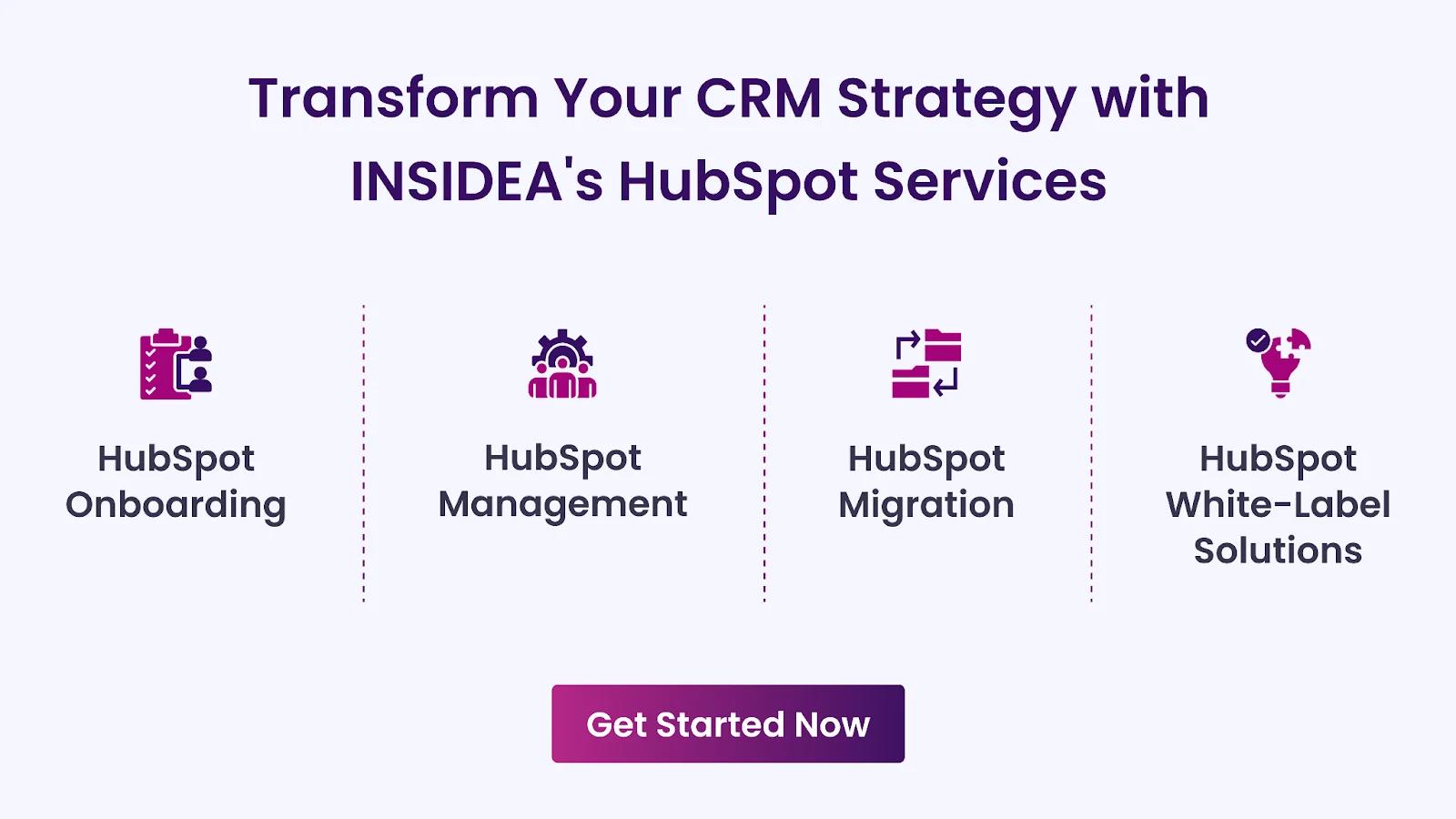
- HubSpot Onboarding: Seamless onboarding process to get your team up to speed and fully integrated with all HubSpot features.
- HubSpot Management: Ongoing management ensures your HubSpot environment runs at peak efficiency.
- HubSpot Migration:Smooth and secure migration services that protect your data and enhance your CRM capabilities.
- HubSpot White-Label Solutions: Exclusive white-label services tailored to your brand, allowing you to offer branded HubSpot solutions.
Get in touch today to learn more about how INSIDEA can help you succeed!
At INSIDEA, we understand the importance of valuable HubSpot strategies that understand your target audience and drive conversions.Book a meeting with our HubSpot expertsto explore how we can help you with your upcoming projects.



 How INSIDEA works