Chatbots aren’t just there to book appointments anymore. They’ve grown smarter, answering real questions, guiding purchases, and even rescuing abandoned carts. In 2026, your website can’t just sit there; it needs to talk back.
Whether you’re selling products, offering support, or capturing leads, real-time conversations are the difference between a bounce and a conversion. With AI getting sharper and integrations running deeper than ever, live chat has become the shortest path from curiosity to customer.
The right software should not just open a chat window; it must capture intent the moment it sparks, automate repetitive questions, and provide your agents with the entire context so they can respond like humans, not robots.
To help you choose, here’s a breakdown of the 10 best live chat tools, so you can confidently pick the one that matches your business.
1.HubSpot Live Chat, CRM-First Integration With Unmatched Context
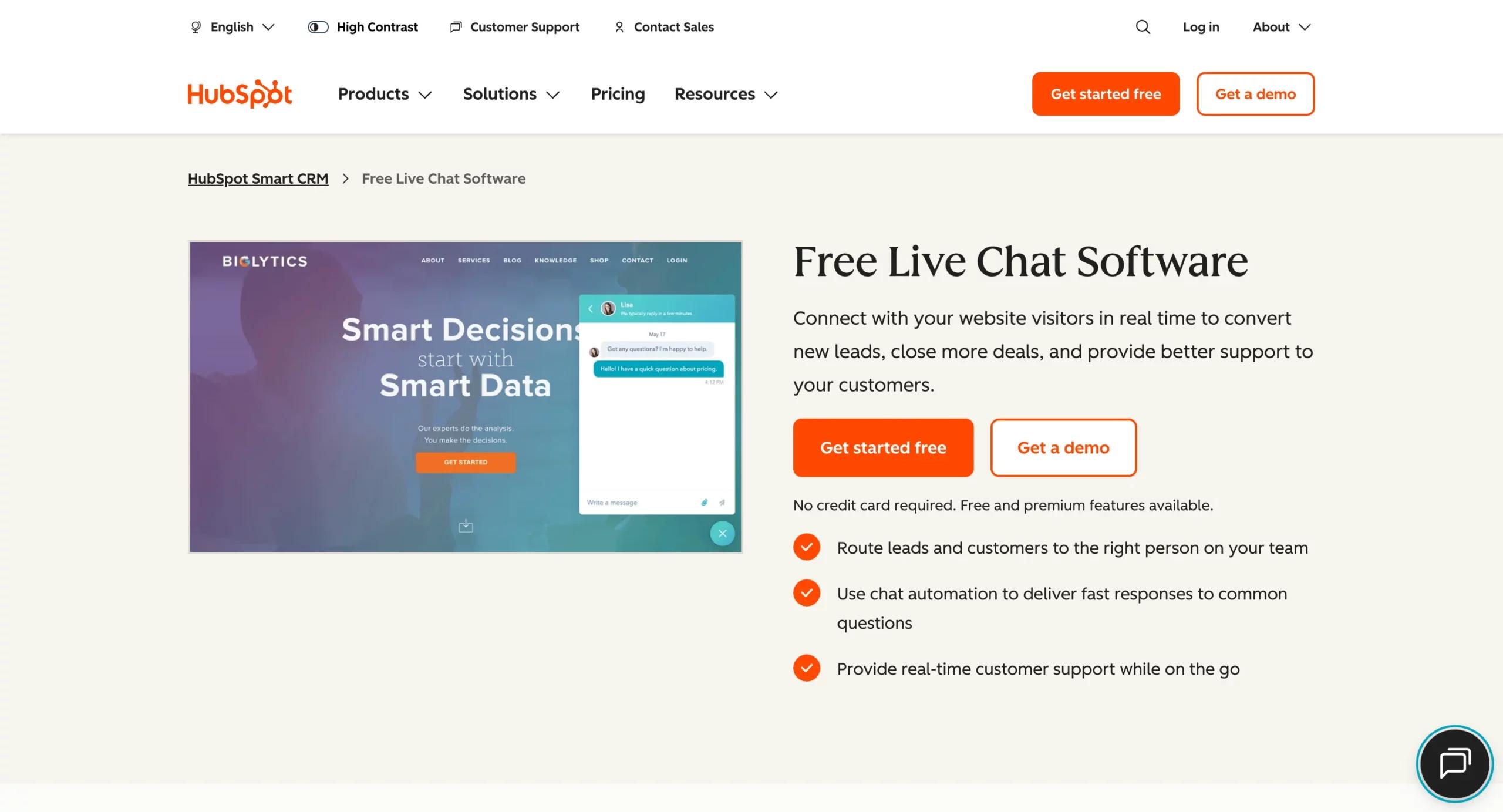
Best for:Businesses that want live chat fully connected to their CRM, sales, and marketing pipelines.
When it comes to customer engagement,HubSpot Live Chatsets the standard for context-driven conversations. Unlike standalone chat tools, HubSpot’s live chat is part of the HubSpot CRM ecosystem. This means every chat interaction isn’t just a random support ticket; it’s tied to a customer record, complete with purchase history, deal stages, website activity, and previous touchpoints.
When a website visitor asks about pricing through the chat widget, instead of treating them as a new lead, HubSpot instantly shows the rep that this visitor downloaded an eBook two weeks ago, attended a webinar yesterday, and is already tagged in the CRM as an SQL (Sales Qualified Lead).
With that context, the agent doesn’t just answer the question; they tailor the response to the customer’s journey, making the interaction far more effective.
Core Features of HubSpot Live Chat
- Chat Widget Customization:Embed a branded, mobile-friendly chat tool directly on your site.
- Shared Team Inbox:All conversations (chat, email, form submissions) flow into one dashboard.
- CRM Integration:Every chat is directly connected to customer records, providing reps with a 360° view.
- Chatbots & Automation:Use bots to qualify leads, answer FAQs, and route queries to the right team.
- Seamless Service Hub Connection:Convert chats into tickets for structured follow-up and SLA tracking.
- Free Plan Available:Start for free with core features and scale up as your business grows.
Why HubSpot Stands Out
- Unified Experience:Sales, service, and marketing work off the same data. No silos.
- Context-Driven Conversations:Agents always know who they’re talking to and why it matters.
- Scalable Pricing:Ideal for startups that require free tools now, yet are also flexible enough for enterprises.
Who Should Use It?
HubSpot Live Chat is a no-brainer for:
- B2B companies that run inbound marketing campaigns.
- Ecommerce businesses that want to capture leads and upsell directly from chat.
- Service providers who want to merge support tickets with CRM workflows.
If you’re not using HubSpot’s CRM or ecosystem, you may not unlock its full potential, making it more of a tool overlap than an advantage.
2. Intercom, AI-First Live Chat That Redefines Customer Conversations
Best for:SaaS, product-led growth companies, and fast-scaling startups that want AI-powered conversations and proactive engagement.
Intercomhas earned its reputation as the leader in AI-first live chat. Intercom has doubled down on automation and intelligent chat experiences through its flagship AI assistant, Fin.
Unlike traditional chatbots that rely on rigid workflows, Fin utilizes generative AI to answer customer questions with genuine nuance, drawing from your help documents, FAQs, and even product data.
But Intercom isn’t just about answering questions; it’s also about engaging customers before they even ask. Through proactive chat triggers, you can message a user exploring your pricing page, guide someone setting up your product for the first time, or offer a personalized upsell to a returning customer.
Its aftermath? Intercom doesn’t just handle support; it becomes a growth engine by converting conversations into opportunities.
Core Features of Intercom
- Fin AI Chatbot:A generative AI assistant that resolves a large share of queries autonomously.
- AI Copilot for Agents:Suggests replies, summarizes past interactions, and speeds up human-agent responses.
- Proactive Messaging:Trigger in-app or website messages based on user behavior and events.
- Omnichannel Messenger:Unified chat across website, mobile apps, email, and social channels.
- Integrated Help Center:Customers can self-serve by searching your knowledge base directly from chat.
- Workflow Automation:Sophisticated routing, tagging, and escalation options to keep conversations efficient.
Why Intercom Stands Out
- AI Depth:Fin isn’t just a bot; it’s developed to reduce support load while maintaining a human tone.
- Proactive by Design:Instead of waiting for users to reach out, Intercom lets businesses initiate the right conversations at the right time.
- Scalable for Growth:Works well for startups but scales to meet enterprise needs with strong integrations (e.g., Salesforce, HubSpot, Slack).
Who Should Use It?
Intercom is best suited for:
- SaaS and product-led businesses that need to onboard users quickly and efficiently.
- Startups are scaling rapidly, where automation reduces the need for additional agents.
- Growth-focused teams that view chat not just as support, but as an integral part of marketing and sales.
Intercom is powerful, but it comes at a price. As you scale, the cost per seat and add-ons can rise steeply, making it less budget-friendly than alternatives like Tidio or Crisp.
3. Zendesk Messaging, Enterprise-Grade Live Chat for Global Scale
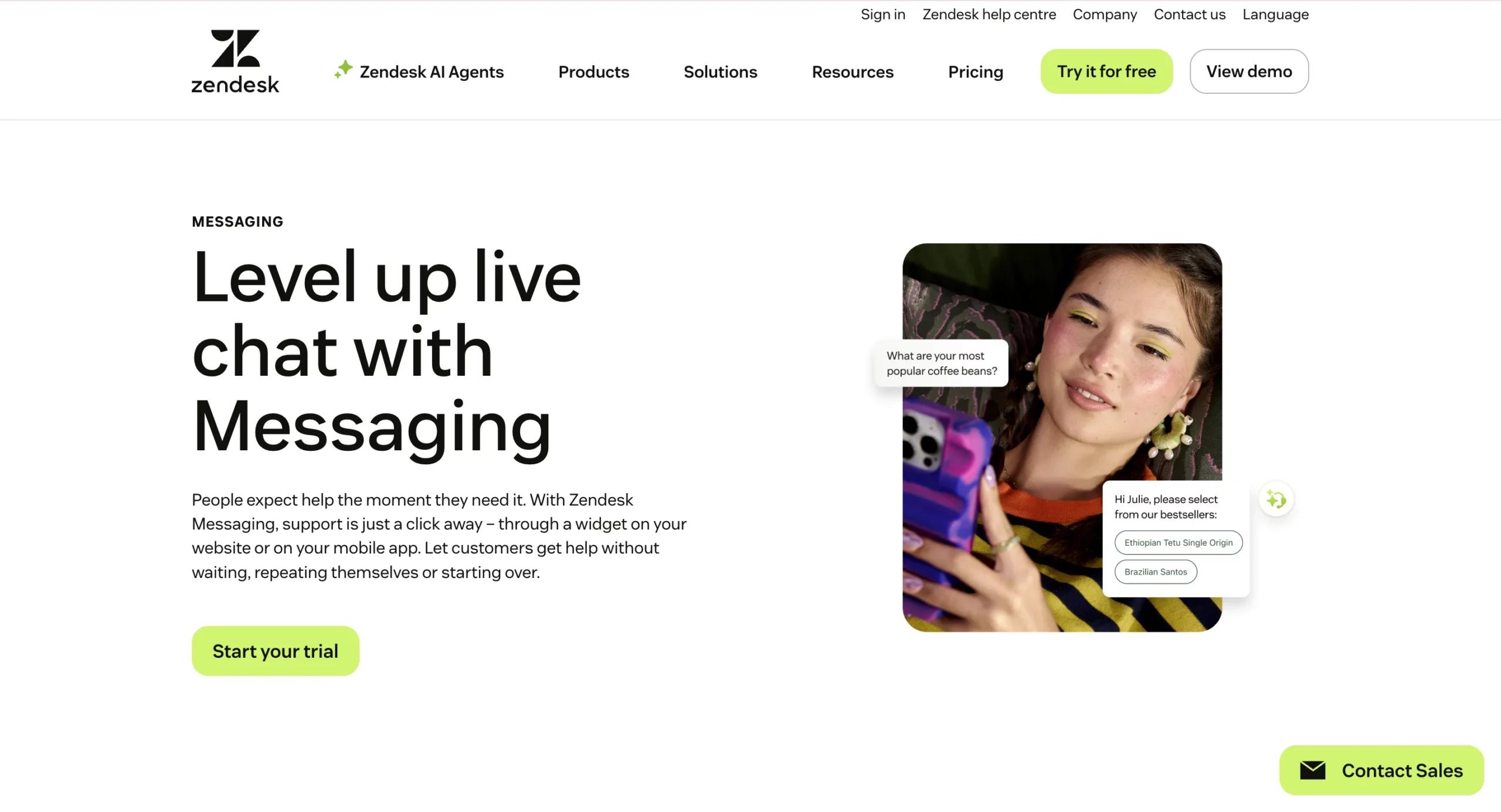
Best for:Large enterprises and customer support teams managing high ticket volumes across multiple languages and time zones.
When it comes to enterprise customer support, few names carry as much weight as Zendesk. Once known for its classic Live Chat product, Zendesk has now rebranded and evolved this channel intoZendesk Messaging, a modern, omnichannel chat experience built directly into its agent workspace.
Zendesk Messaging is more than just a chat tool. It’s part of an enterprise-wide support system that combines live chat, messaging apps (such as WhatsApp, Facebook Messenger, and Instagram), email, phone, and even social media into one unified interface. This makes it a strong choice for organizations serving customers across diverse channels.
What truly differentiates Zendesk is its AI-driven capabilities. From automatic ticket triage and sentiment analysis to advanced reporting and SLA dashboards, Zendesk empowers support leaders to manage thousands of interactions without losing control.
Core Features of Zendesk Messaging
- Unified Agent Workspace:Agents handle chats, emails, voice, and social messages in one place.
- AI-Powered Triage:Automatically classifies tickets, prioritizes urgent cases, and routes to the right department.
- Proactive Messaging:Reach out to customers on-site or in-app with targeted prompts.
- Omnichannel Integrations:Supports WhatsApp, Facebook Messenger, Instagram DMs, and more.
- Custom Bots & Automations:Combine no-code workflows with AI to resolve FAQs instantly.
- Enterprise Reporting:SLA tracking, customer satisfaction metrics, and real-time analytics dashboards.
Why Zendesk Stands Out
- Enterprise-Ready:Curated for global teams handling massive volumes of support interactions.
- Proven AI Capabilities:Zendesk has invested heavily in AI, making its sentiment detection and ticket routing among the most reliable in the industry.
- Marketplace Ecosystem:With 1,000+ app integrations, Zendesk fits easily into existing enterprise tech stacks (Salesforce, Slack, Jira, Shopify, etc.).
Who Should Use It?
Zendesk Messaging is an excellent fit for:
- Enterprises and large SaaS companies have thousands of support tickets daily.
- Global businesses need multilingual, 24/7, omnichannel customer service.
- Organizations with strict SLAs that need deep analytics and compliance-ready workflows.
Zendesk can be expensive and complex for smaller businesses. While its scalability is unmatched, SMBs may find the setup, cost, and learning curve to be heavier than those of alternatives like Freshchat or Zoho SalesIQ.
4. LiveChat, Dedicated Live Chat With Clean UI & Deep Reporting
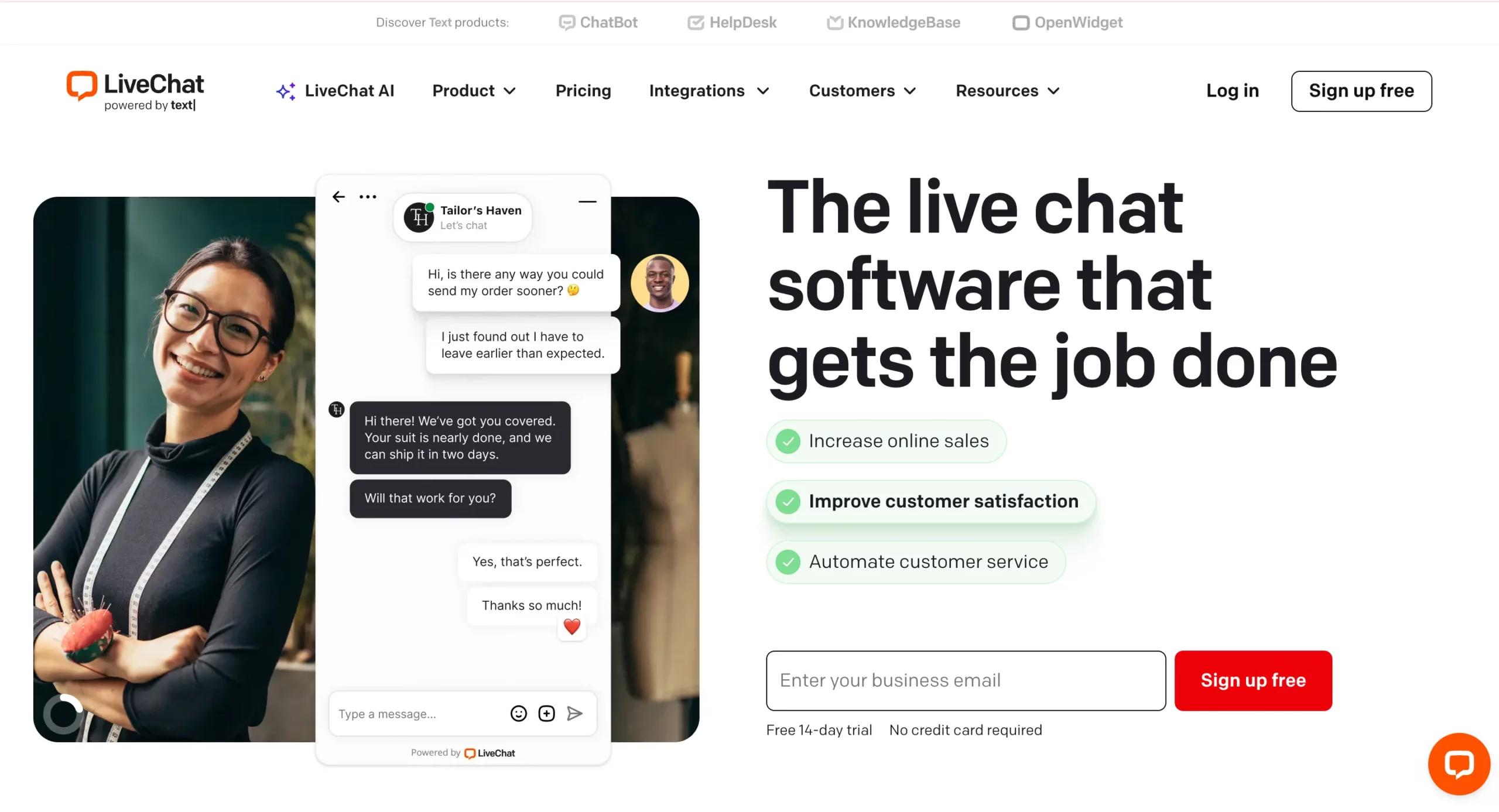
Best for:Businesses that want a specialized live chat solution with strong customization, reporting, and integrations.
While many platforms today bundle live chat as part of larger ecosystems (CRM, help desk, or ITSM),LiveChathas always stayed true to its roots: delivering a fast, reliable, and beautifully developed live chat experience. Today, it remains a top choice for companies seeking a dedicated chat-first tool rather than a comprehensive platform.
What makes LiveChat stand out is its balance of simplicity and depth. The widget is lightweight, loads fast, and can be customized to match your website branding seamlessly. On the backend, agents enjoy a streamlined dashboard with productivity boosters, including canned responses, chat tags, and sneak peeks (which allow them to see what a customer is typing before they hit send).
But the real strength of LiveChat lies in its reporting suite. Beyond standard analytics, it provides detailed insights into agent performance, customer satisfaction, chat volumes, and even e-commerce metrics, making it especially valuable for online retailers and service-based businesses.
Core Features of LiveChat
- Customizable Chat Widget:Brand it to match your website’s style, with proactive chat invites.
- Agent Productivity Tools:Canned responses, chat tags, file sharing, and typing sneak peek.
- Omnichannel Capabilities:While chat is its core, LiveChat integrates with email, SMS, and social channels through add-ons.
- Detailed Reporting & Analytics:Track agent performance, CSAT, chat volume, and ecommerce conversion impact.
- Marketplace Integrations:Works with 200+ tools, including Shopify, HubSpot, Salesforce, Slack, and Mailchimp.
Why LiveChat Stands Out
- Purpose-Built for Chat:Unlike multipurpose suites, LiveChat is focused solely on making chat fast, effective, and scalable.
- Rich Reporting:Provides business leaders with data that goes beyond support, helping optimize sales, marketing, and service.
- Proven Reliability:Trusted by thousands of ecommerce and SaaS businesses worldwide.
Who Should Use It?
LiveChat is ideal for:
- Ecommerce businesses that want to convert visitors into buyers through real-time chat.
- Customer service teams that prioritize speed and reporting insights.
- SMBs to mid-market companies looking for a specialized, easy-to-use chat tool without needing an entire support suite.
While excellent for chat, LiveChat isn’t a comprehensive help desk or CRM solution. To handle tickets, knowledge bases, or complex workflows, you’ll likely need add-ons or third-party integrations.
5. Tidio, AI-Powered Live Chat for SMBs on a Budget
Best for:Small to mid-sized businesses that want AI automation and live chat without the high costs of enterprise-level solutions.
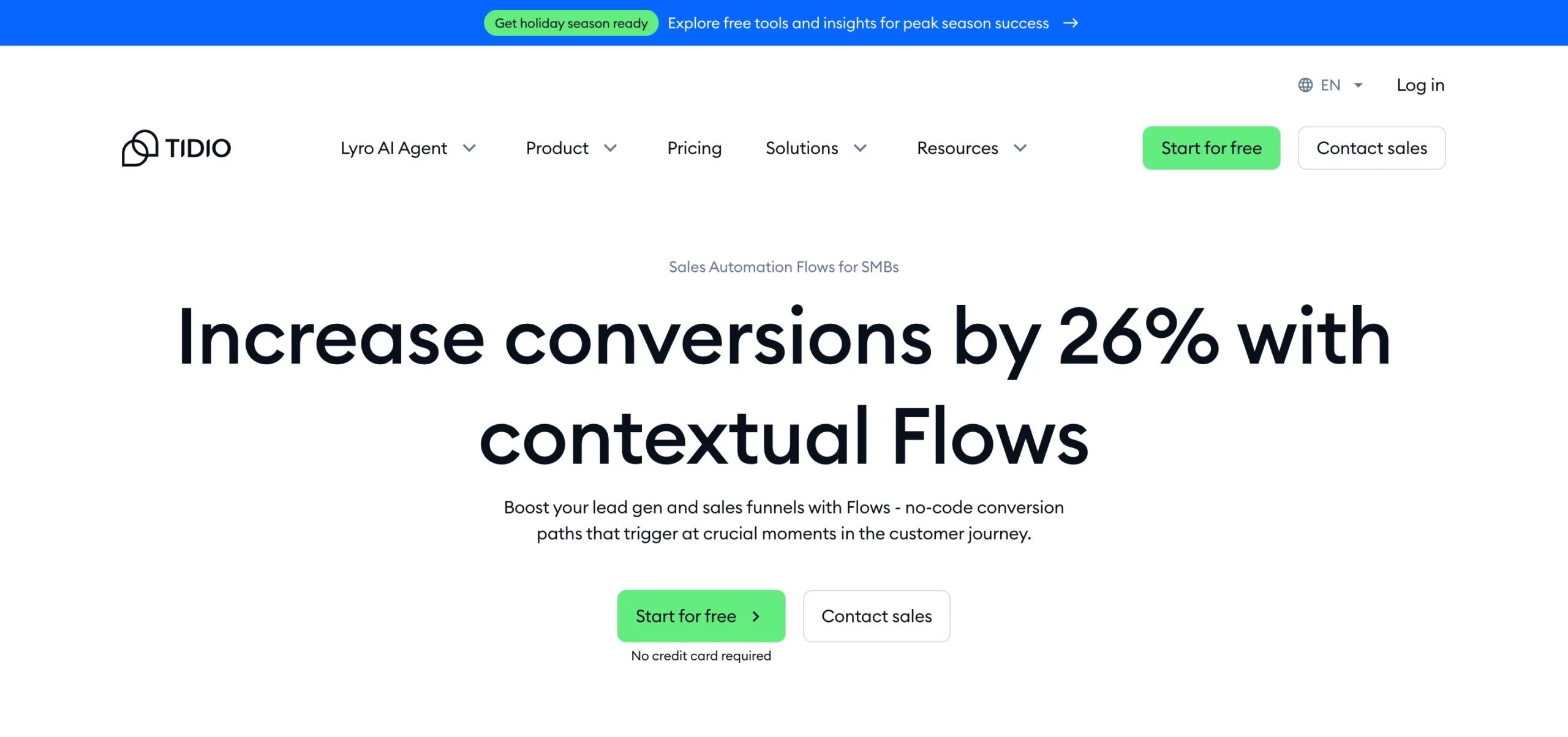
Tidiohas carved out a strong position as the go-to live chat tool for SMBs. Its most significant selling point is Lyro AI, a conversational bot that doesn’t just spit out scripted replies; it actually learns from your FAQs, help center, and past interactions to deliver relevant, human-like responses.
For small businesses with lean support teams (sometimes just one or two people), Lyro AI acts as an extra pair of hands, resolving repetitive questions about orders, shipping, appointments, or troubleshooting. This frees up human agents to focus on high-value queries.
Beyond AI, Tidio also features a clean, modern widget that integrates seamlessly with e-commerce platforms like Shopify, WooCommerce, and BigCommerce. You can track visitor activity, trigger proactive chat messages, and even manage chats from your mobile device, making it an excellent fit for growing online stores.
Core Features of Tidio
- Lyro AI Assistant:AI chatbot that learns from your content to resolve FAQs automatically.
- E-commerce-Friendly Tools:Cart recovery messages, product recommendations, and order lookups.
- Multichannel Messaging:Manage chats from your website, Instagram, Messenger, and email in one dashboard.
- Proactive Engagement:Trigger chat messages based on visitor behavior (e.g., hesitating at checkout).
- Affordable Plans:Offers free and low-cost tiers for startups, with flexible upgrades.
Why Tidio Stands Out
- AI Accessibility:Brings generative AI-powered automation to small businesses that can’t afford enterprise tools like Intercom.
- Ecommerce Strengths:Its Shopify and WooCommerce integrations make it especially attractive for online stores.
- Ease of Use:Quick setup, intuitive dashboard, and minimal learning curve.
Who Should Use It?
Tidio is best for:
- Ecommerce startups and small online shops that want to increase conversions and reduce cart abandonment.
- SMBs with lean teams that need AI to cover routine queries.
- Businesses are exploring AI chatbots without committing to expensive enterprise licenses.
Tidio is excellent for SMBs, but larger enterprises may find its customization, reporting depth, and AI guardrails less advanced compared to tools like Intercom or Zendesk Messaging.
6. Crisp, Flat-Priced Omnichannel Chat With Active AI Innovation
Best for:Growing businesses that want an all-in-one chat and messaging inbox with predictable pricing.
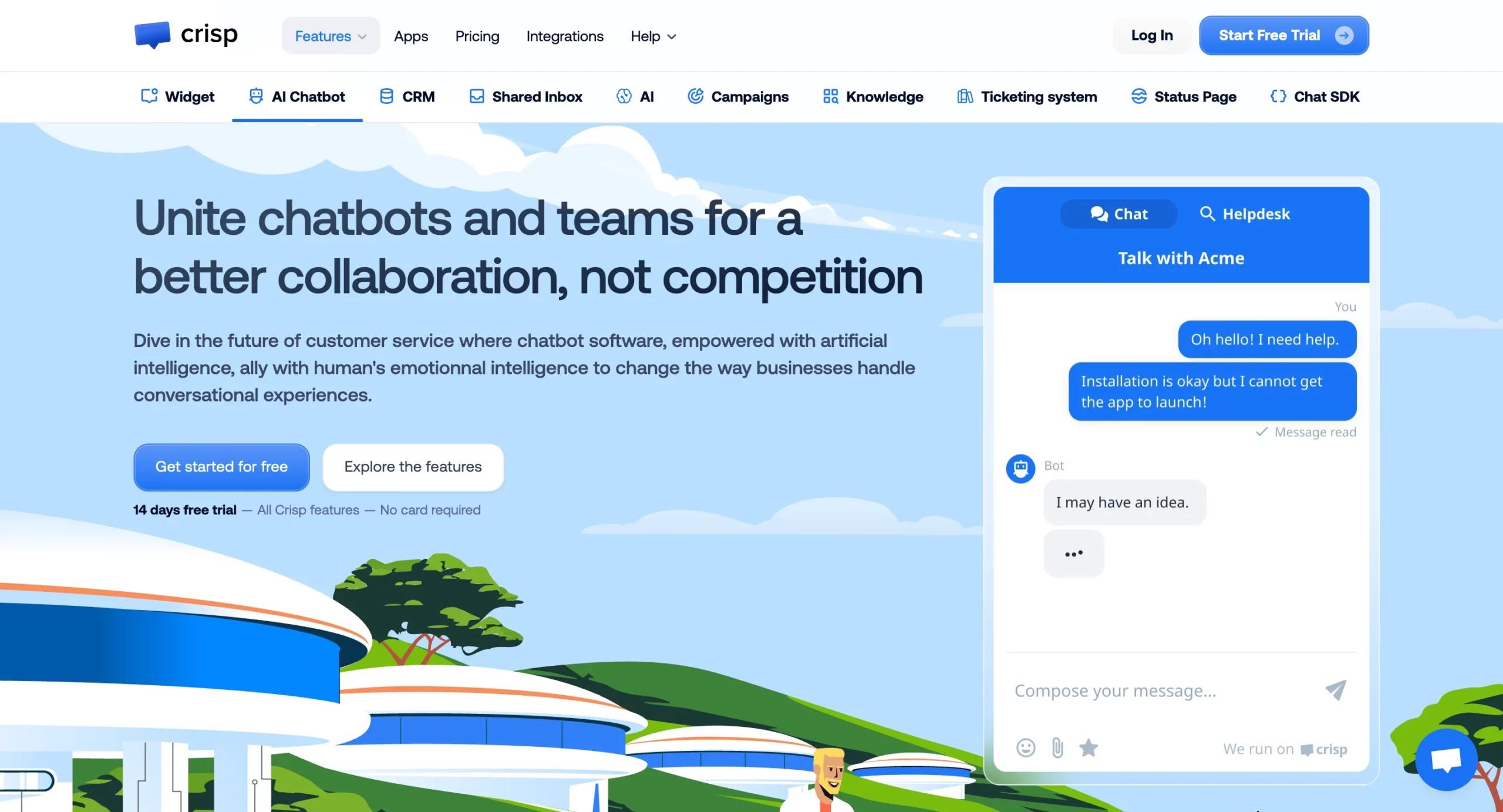
Crisphas been steadily gaining popularity, positioning itself as a flat-priced alternative to per-seat giants like Intercom and Zendesk. Its promise is simple: give businesses a single inbox for all customer conversations, whether they come from live chat, email, WhatsApp, Instagram, Messenger, or SMS, and do it at a price that won’t break the bank.
One of Crisp’s most significant advantages is its Crisp Copilot, an AI-powered assistant that helps both customers and agents. Crisp will have made necessary updates to reduce AI-generated hallucinations and provide businesses with greater control over automated replies, making it safer for customer-facing use.
Crisp also isn’t just reactive. It enables campaign automation, allowing you to send targeted messages (via chat, email, or SMS) based on customer behavior, such as welcoming new visitors, nudging users to complete sign-ups, or re-engaging inactive customers.
Core Features of Crisp
- Shared Omnichannel Inbox:Manage live chat, email, and all major messaging platforms in one place.
- Crisp Copilot (AI):Summarizes conversations, suggests replies, and automates customer responses.
- Knowledge Base Integration:Embed FAQs into chat for faster customer self-service.
- Campaign Automation:Create event-based messages to increase engagement and retention.
- Flat Pricing Model:Avoids per-seat costs, significant for growing teams with multiple agents.
Why Crisp Stands Out
- Predictable Pricing:Unlike many competitors that charge per agent, Crisp offers a flat-rate model, making costs more direct to manage and predict.
- Omnichannel by Design:From WhatsApp to Instagram DMs, Crisp centralizes customer conversations better than most SMB tools.
- AI Guardrails:Its updates specifically address accuracy and safety in AI responses.
Who Should Use It?
Crisp is an excellent fit for:
- SMBs and mid-market companies that want strong features without per-seat pricing headaches.
- Customer-first teams that want to centralize all channels into a single workspace.
- Growth-oriented businesses that need both reactive support and proactive campaigns.
Crisp is highly competitive in terms of both price and features. Still, for large enterprises with complex workflows, it may lack the depth of automation, integrations, and analytics offered by platforms like Zendesk Messaging or Intercom.
7. Freshchat, Omnichannel Chat Inside the Freshworks Ecosystem
Best for:SMBs and mid-market businesses that want an affordable, integrated chat solution within a larger helpdesk and CRM suite.
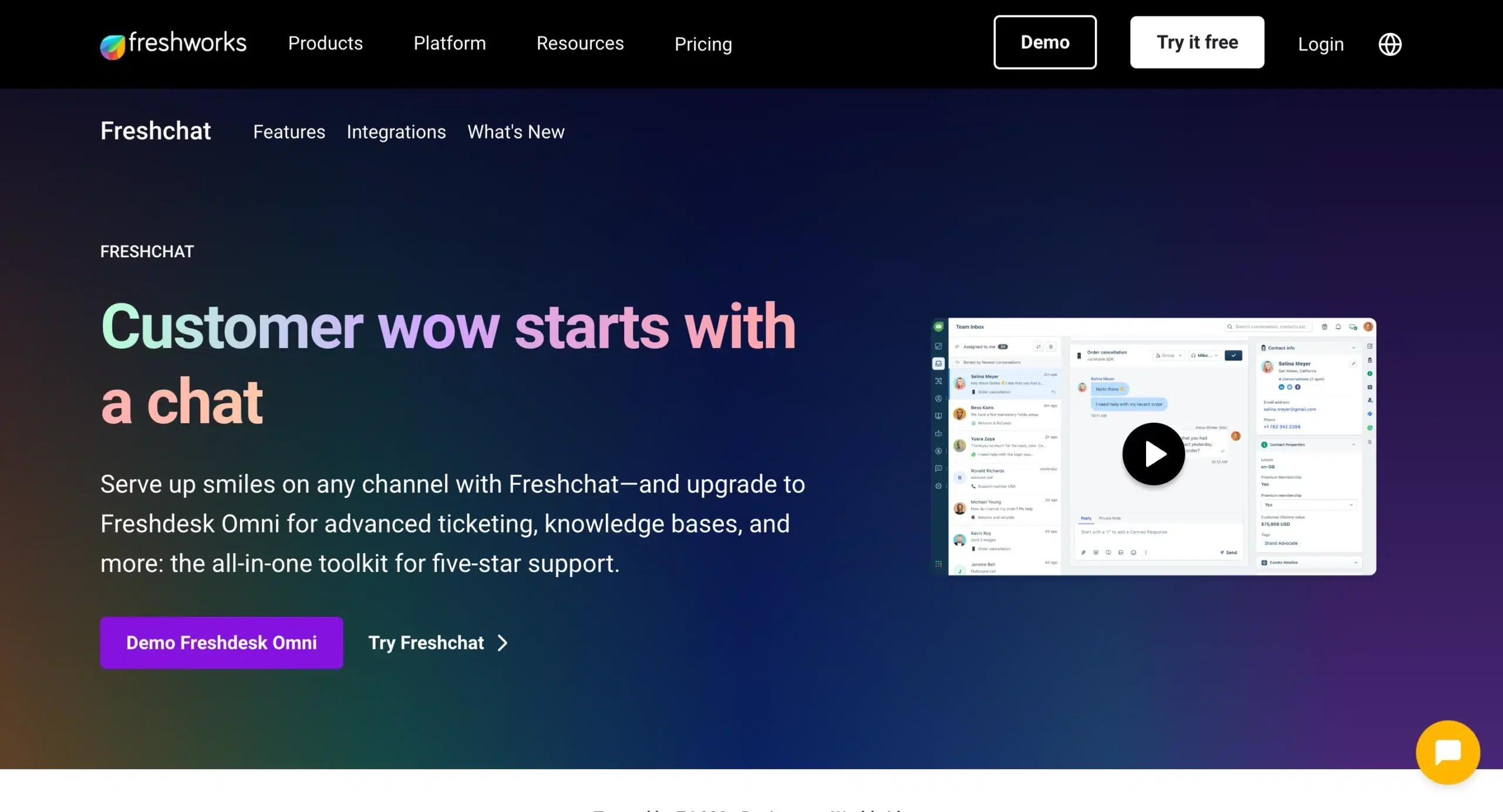
Freshchat, part of the Freshworks platform, has grown into one of the most practical live chat tools. Unlike standalone chat solutions, Freshchat is developed to work seamlessly with Freshdesk (helpdesk), Freshsales (CRM), and Freshcaller (voice), making it a powerful choice for companies that want an all-in-one business support system.
Freshchat’s biggest strengths are its AI-driven automations and omnichannel support. Through chatbots and agent-assist tools, businesses can automate FAQs, qualify leads, and reduce ticket volume. Agents benefit from a unified inbox that allows them to manage conversations across multiple channels, including the website, mobile apps, email, and messaging platforms, all in one dashboard.
This makes Freshchat especially appealing to growing teams: it’s more advanced than free tools like Tawk. to but still more cost-effective than enterprise-heavy solutions like Zendesk or Intercom.
Core Features of Freshchat
- Omnichannel Conversations:Manage live chat, WhatsApp, Messenger, Apple Business Chat, email, and SMS.
- AI-Powered Bots:Automate lead qualification, FAQs, and intent-based routing.
- Agent Assist Tools:Suggested responses and customer context to help agents reply faster.
- Integrations with Freshworks Suite:Tight native connection with Freshdesk (tickets), Freshsales (CRM), and Freshcaller (voice).
- Mobile-Friendly:Strong mobile app for agents to respond on the go.
Why Freshchat Stands Out
- Suite Advantage:Works best when bundled with other Freshworks apps, creating an affordable “mini Zendesk” for SMBs.
- Balanced Pricing:Offers accessible plans for startups while scaling smoothly into mid-market needs.
- AI Without Overload:Provides just the right amount of automation for SMBs, without the complexity of enterprise AI systems.
Who Should Use It?
Freshchat is a smart choice for:
- SMBs and mid-market businesses are looking for a cost-effective alternative to Zendesk.
- Teams already using Freshdesk or Freshsales, where chat becomes part of a larger workflow.
- Companies are scaling up from free chat tools but are not yet ready for enterprise-level solutions.
Freshchat is strongest when you commit to the Freshworks ecosystem. On its own, it may not feel as flexible or feature-rich as Intercom or Crisp.
8. Zoho SalesIQ, Multilingual Chat for Businesses in the Zoho Ecosystem
Best for:Businesses already using Zoho apps (CRM, Desk, Campaigns, Books, etc.) and global SMBs that need multilingual support at an affordable price.
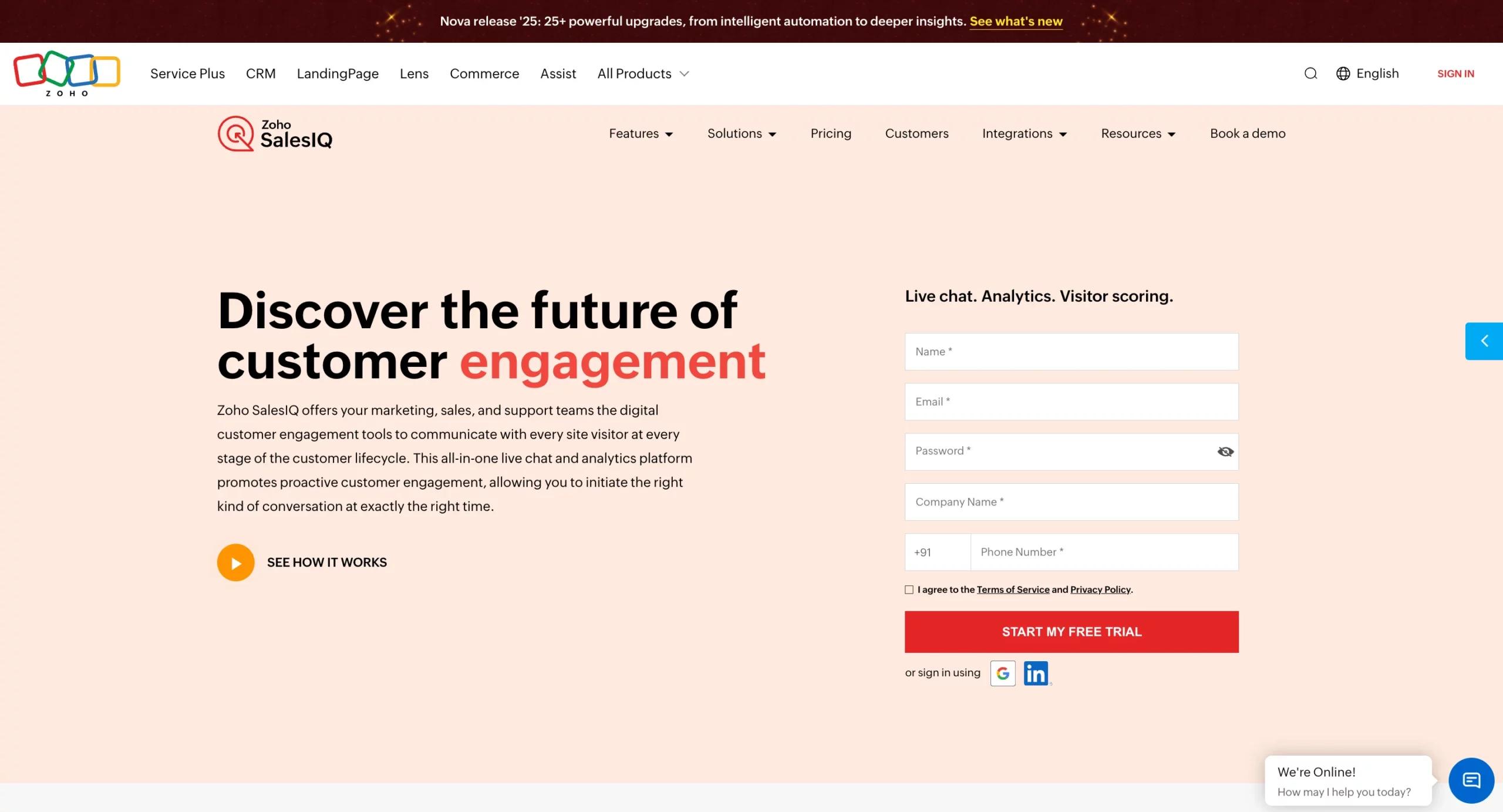
Zoho SalesIQis a natural choice for companies invested in the Zoho ecosystem. It remains a cost-effective yet powerful live chat tool, developed not only for customer support but also for sales engagement. SalesIQ positions itself as both a chat solution and a lead capture tool, making it a strong option for teams that want to convert website visitors into paying customers.
One of its standout strengths is its multilingual support, which is ideal for businesses serving diverse markets. Zoho has also rolled out Nova updates, which make integrating generative AI assistants (like ChatGPT) easier. This provides SalesIQ users with more natural and accurate AI chat responses while still maintaining agent control.
The platform integrates tightly with Zoho CRM and Zoho Desk, ensuring that customer chats can be automatically logged as leads, contacts, or tickets. For businesses already running their operations inside Zoho, SalesIQ fits like a glove.
CoreFeatures of Zoho SalesIQ
- Live Chat Widget:Customizable, mobile-friendly, and multilingual.
- Visitor Tracking & Insights:See where users are coming from, which pages they browse, and how long they stay.
- AI Assistants:Easier integrations with ChatGPT-like bots for more innovative automated responses.
- Zoho Ecosystem Integrations:Syncs seamlessly with Zoho CRM (for sales) and Zoho Desk (for support).
- Lead Capture & Scoring:Turns website visitors into leads with automated forms and scoring logic.
Why Zoho SalesIQ Stands Out
- All-in-One for Zoho Users:Perfectly ties into Zoho’s CRM, marketing, and support tools.
- Affordable & Scalable:Lower cost than many competitors while offering robust features.
- Multilingual Capability:Strong fit for businesses that serve global audiences.
Who Should Use It?
Zoho SalesIQ is an excellent fit for:
- SMBs already in the Zoho ecosystem (CRM, Desk, Campaigns, etc.).
- Global businesses need affordable multilingual live chat.
- Sales-driven organizations that want to capture, qualify, and nurture leads directly from chat.
Outside of the Zoho ecosystem, SalesIQ may feel limited compared to tools like Intercom or Zendesk Messaging. It delivers the most value when bundled with other Zoho apps.
9. LiveAgent, Omnichannel Chat With Built-In Help Desk & Call Center
Best for:Businesses that want live chat, email ticketing, and call center capabilities all in one platform.
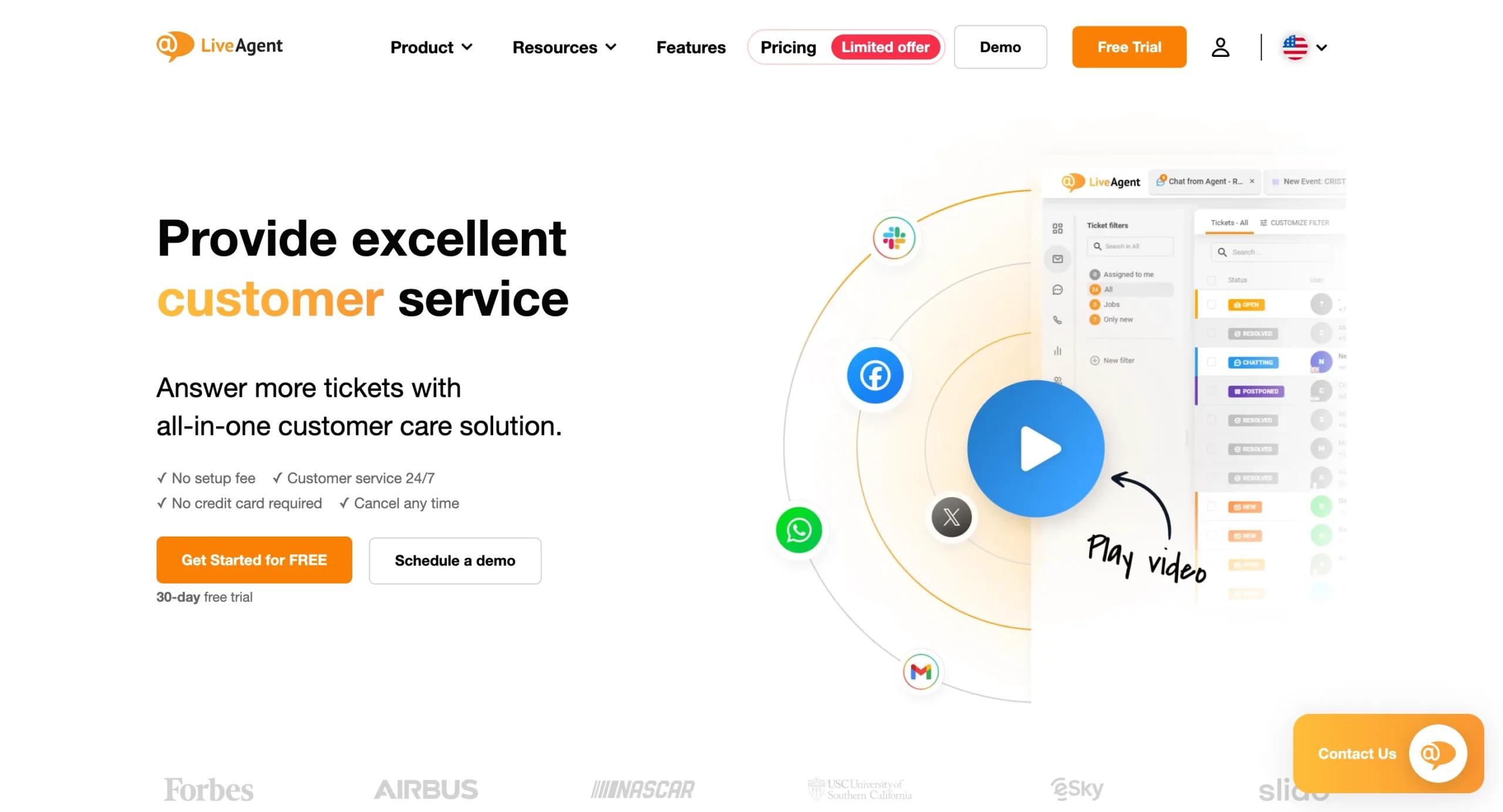
Unlike most live chat tools that focus only on messaging,LiveAgentis a complete customer service suite. It remains a strong choice for teams that want to consolidate all support channels, chat, email, social, and phone into one system.
Its live chat widget is lightweight and fast, offering features like proactive chat invitations, real-time visitor monitoring, and chat distribution rules. But where LiveAgent truly shines is in its help desk and telephony features. Teams can handle voice calls directly within the platform, record them, route them through IVR (Interactive Voice Response), and tie everything back to support tickets.
This makes LiveAgent an excellent fit for customer-first industries, such as e-commerce, travel, and service providers, where support queries span multiple channels.
Core Features of LiveAgent
- Live Chat Widget:Fast-loading, customizable, with proactive invitations and real-time visitor tracking.
- Help Desk Ticketing:Unified inbox for emails, forms, and support queries.
- Native Call Center:Built-in telephony with IVR menus, call recording, and call routing.
- Omnichannel Support:Chat, voice, social media (Facebook, Twitter, Instagram), and email.
- Gamification for Agents:Badges and leaderboards to boost team motivation.
Why LiveAgent Stands Out
- True All-in-One:Combines live chat, ticketing, and call center into one affordable platform.
- Speed & Reliability:The widget is among the fastest on the market, ensuring smooth customer experiences.
- Scalable for SMBs and Mid-Market:Affordable pricing compared to enterprise-heavy solutions like Zendesk.
Who Should Use It?
LiveAgent is perfect for:
- E-commerce stores need fast live chat, as well as after-sales ticketing.
- Service-based businesses (travel, hospitality, logistics) that rely heavily on phone and email support.
- Mid-sized teams that want to consolidate tools without overpaying for enterprise suites.
LiveAgent offers breadth but not always the deepest analytics or AI sophistication compared to Zendesk or Intercom. It’s ideal for businesses prioritizing practical, channel-unified support over advanced enterprise automation.
10. Drift, Conversational Chat Built for B2B Sales & ABM
Best for:B2B companies that want live chat to function as a pipeline engine rather than just a support channel.
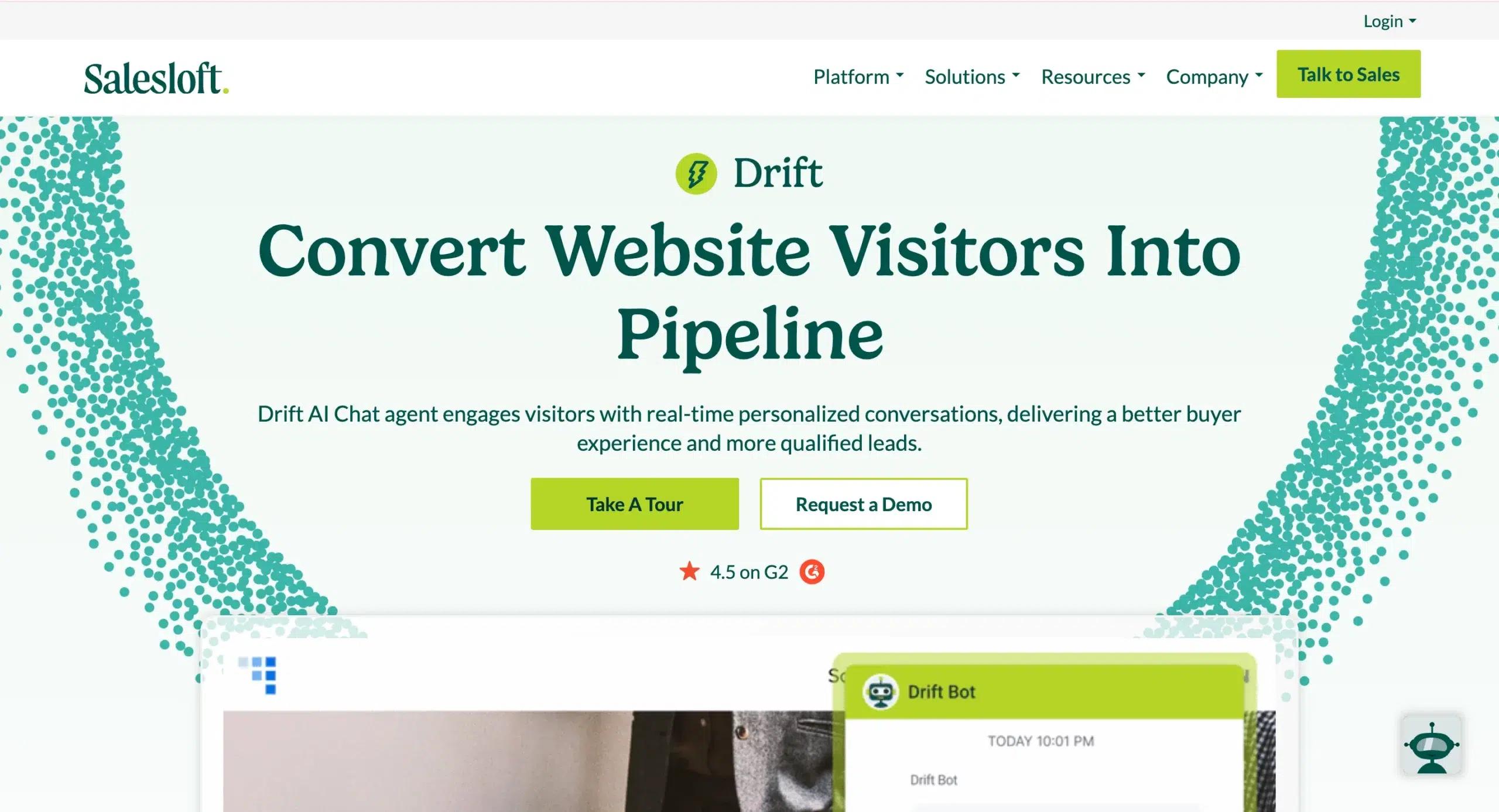
Unlike most live chat platforms, which focus on customer service,Driftis built for sales, marketing, and account-based marketing (ABM). It remains the top choice for B2B organizations with long, complex sales cycles, where the goal of live chat isn’t simply to answer FAQs, but to capture, qualify, and convert high-value leads.
Drift’s signature strength is its ability to connect prospects with the right sales representative instantly. For example, when a visitor from a target account lands on your site, Drift can identify the company (using IP enrichment), trigger a personalized message, and route the chat directly to the assigned account executive. Reps can then book meetings, qualify leads, and nurture relationships in real time.
The platform also integrates deeply with CRMs (such as Salesforce and HubSpot) and marketing automation tools (like Marketo and Pardot), ensuring that every chat turns into actionable pipeline data.
Core Features of Drift
- Account-Based Chat Routing:Instantly match visitors from target accounts to their assigned sales representatives.
- AI Chatbots:Automate lead qualification, answer basic queries, and book meetings without human intervention.
- Meeting Scheduling:Built-in calendar booking allows reps to secure calls directly from the chat window.
- Conversational Landing Pages:Dedicated chat-first pages for campaigns and product launches.
- CRM & ABM Integrations:Works seamlessly with Salesforce, HubSpot, Marketo, and other B2B sales/marketing tools.
Why Drift Stands Out
- B2B Focus:While other tools serve broad industries, Drift is laser-focused on pipeline generation and ABM.
- Sales-First Automation:Bots don’t just answer, they qualify, score, and book meetings.
- Personalization:Tailors chat experiences based on company, account, or buyer stage.
Who Should Use It?
Drift is best suited for:
- B2B SaaS companies with high-value accounts.
- Enterprises using ABM strategies, where personalization and account routing are essential.
- Sales-driven organizations want to shorten the buyer journey with instant conversations.
Drift is powerful but expensive. Pricing typically starts high (often in the thousands per month), making it less accessible for SMBs or businesses that don’t prioritize ABM.
Transform Your CRM Strategy with INSIDEA’s HubSpot Services
As aHubSpot Elite Solutions Partner, we take pride in helping you streamline your HubSpot efforts. With our best-in-class marketing, sales, and service solutions, we help you scale exponentially. INSIDEA’sHubSpot Specialistshave the required in-depth knowledge and can provide expert guidance on how to use the platform to meet your business needs.
Explore the range of services we offer:
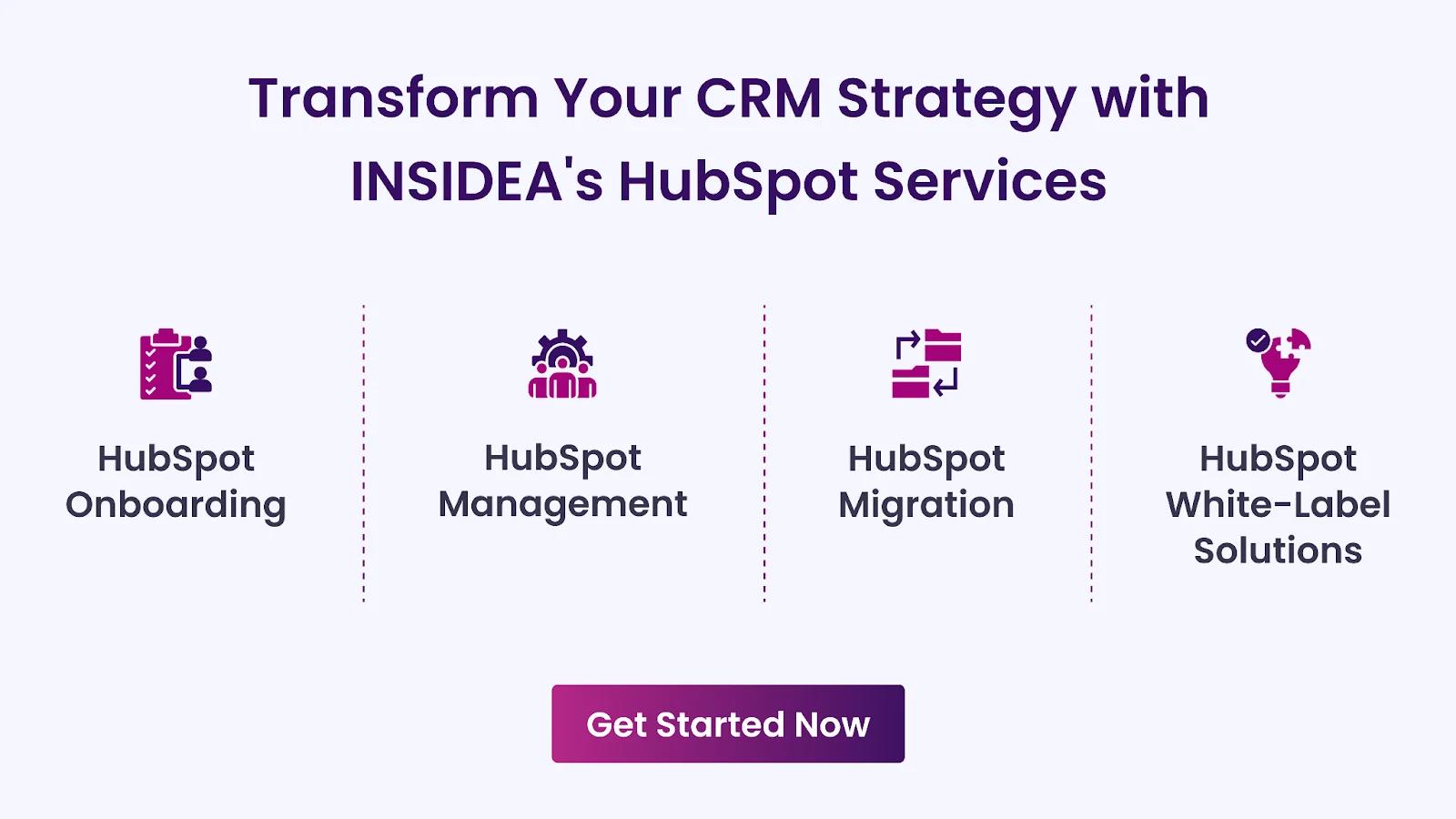
- HubSpot Onboarding:Seamless onboarding process to get your team up to speed and fully integrated with all HubSpot features.
- HubSpot Management:Ongoing management ensures your HubSpot environment runs at peak efficiency.
- HubSpot Migration:Smooth and secure migration services that protect your data and enhance your CRM capabilities.
- HubSpot White-Label Solutions:Exclusive white-label services tailored to your brand, allowing you to offer branded HubSpot solutions.
Get in touch today to learn more about how INSIDEA can help you succeed!
At INSIDEA, we understand the importance of valuable HubSpot strategies that understand your target audience and drive conversions.Book a meeting with our HubSpot expertsto explore how we can help you with your upcoming projects.

 How INSIDEA works