Short-form video dominates digital attention. Videos under two minutes generate 64% more engagement than longer formats. For content teams, that changes the equation. A one-hour recording is a potential library of high-performing video clips. The real challenge is turning raw footage into polished, shareable content without piling on manual editing work.
AI clip makers claim to solve this, but most either oversimplify the process and deliver rough cuts or overload the workflow with features that slow everything down. Somewhere in between, some tools strike a smarter balance, built to move quickly, handle context, and reduce the gap between recording and publishing.
This blog isn’t stitched together from product pages and marketing copy. We’ve tested dozens of AI-powered clip generators across various real-world use cases, including internal content teams, SaaS marketing pipelines, agency deliverables, and solo creators seeking to scale across multiple platforms. The ten tools on this list consistently deliver clean results, integrate smoothly into existing setups, and give users back their time.
If you’re serious about making video a repeatable part of your content strategy, not a one-off production headache, this list will help you skip the trial-and-error phase.
Top 10 AI Clip Makers in 2026 for Creators and Businesses
1. HubSpot Clip Creator
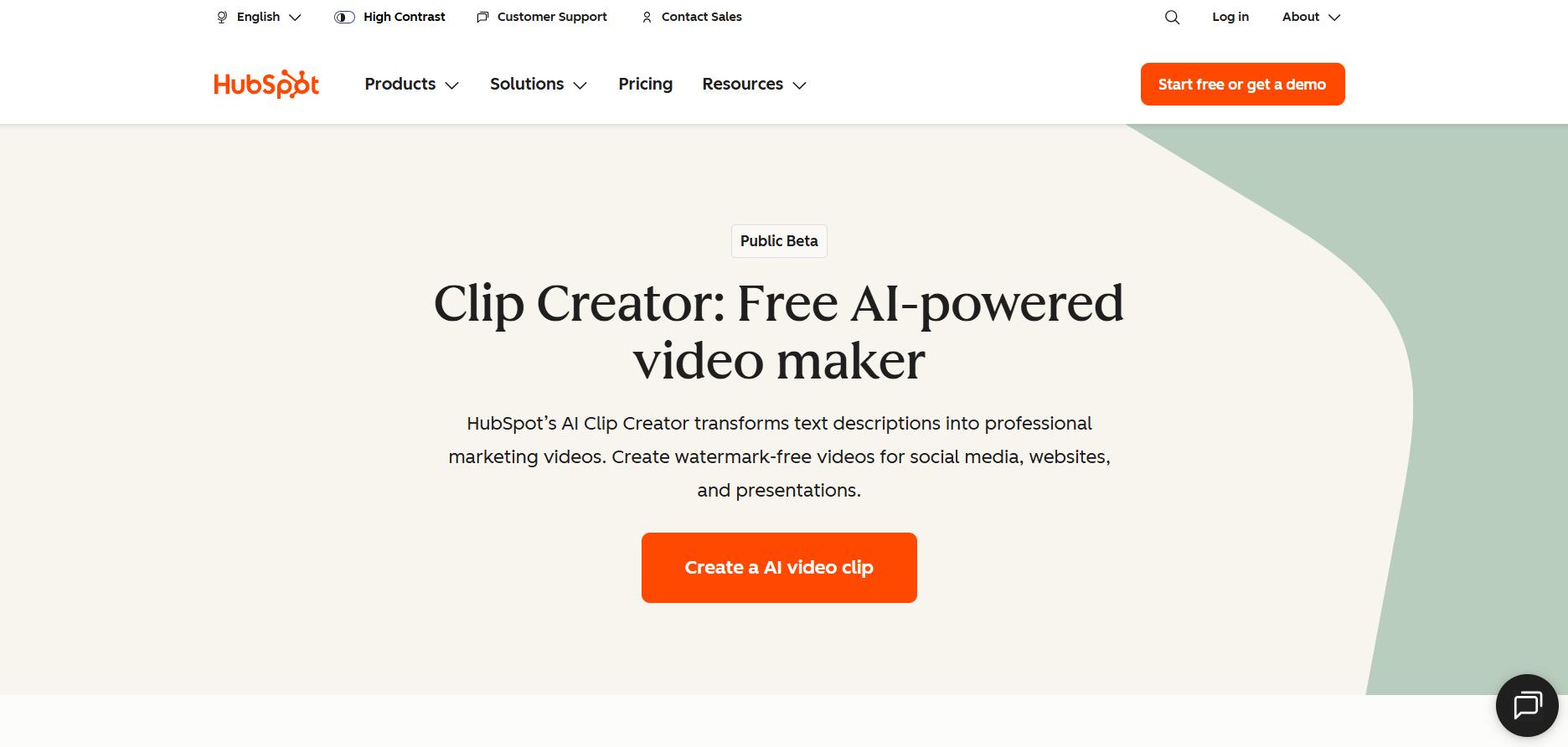
HubSpot’s Clip Creator is a free, AI-powered tool built for marketing teams that need to generate professional videos without requiring complex editing software. Instead of uploading footage or manually trimming clips, you simply describe the video you want, and the AI builds it for you, complete with transitions, overlays, music, and brand-friendly visuals. It’s ideal for SaaS marketers, product teams, and content creators who want to ship polished videos fast and at scale.
The tool is part of HubSpot’s growing suite of AI content generators and is especially useful for creating explainer videos, product demos, internal updates, or short-form promotional content. You can select a tone of voice (such as Professional or Conversational), choose from a range of templates, and let the system handle the rest, no editing timeline, no design drag.
Here’s how the setup works, step by step:
- Head to HubSpot’s Clip Creator and click Create an AI video clip.
- Enter your video concept in plain English (e.g., “Create a launch video for our new CRM feature”) and choose your tone of voice.
- Browse the AI-generated template suggestions and select one that fits your use case.
- The tool automatically assembles visuals, transitions, and text overlays based on your input.
- Customize your video further by uploading your own soundtrack or choosing music from HubSpot’s library.
- Preview the video in full HD, make any final edits, and export the file.
- Download the finished, watermark-free video, ready for social media, sales, or presentations.
- All processing is handled in-browser. No rendering delays, no third-party editors needed.
As a free tool, HubSpot Clip Creator removes the friction between concept and content. It’s fast, brand-safe, and ideal for teams that want to keep production in-house without slowing down the marketing calendar.
2. Synthesia
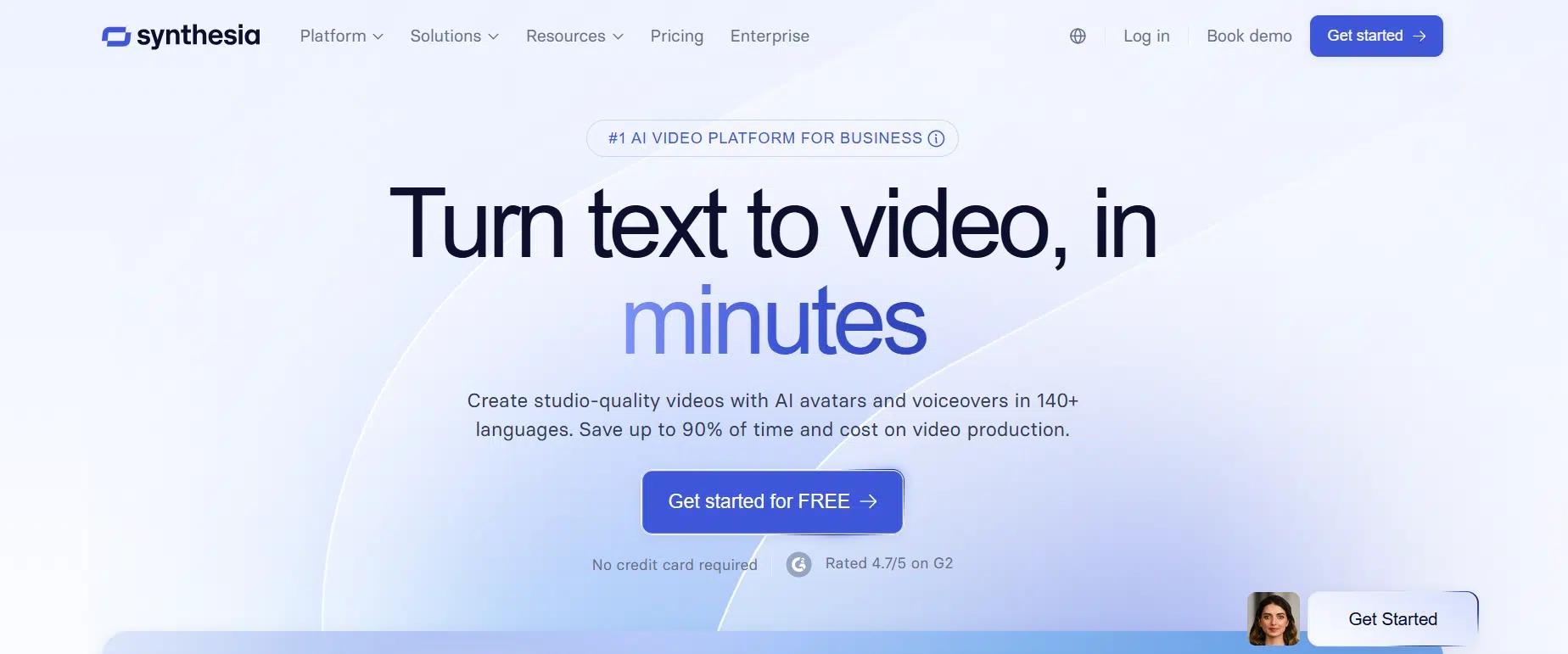
Synthesia is a powerful AI video platform designed for teams that want to create professional-quality video content without the need for studios, cameras, or editing timelines. It’s beneficial for businesses creating training, onboarding, marketing, and sales videos at scale, and is already trusted by over 90% of Fortune 100 companies.
At its core, Synthesia turns text into polished videos featuring AI avatars that speak over 140 languages with human-like expression and lip sync. You start with a script, select an avatar, and in minutes, the platform generates a studio-grade video.
What sets Synthesia apart is how much it replaces. Instead of hiring voice actors, setting up lighting, editing footage, or manually translating subtitles, it does it all in-platform. The AI also adapts to your brand with logo placement, color schemes, and styling presets. Built-in analytics help track viewer engagement, and with SCORM export, it smoothly integrates with your LMS.
Here’s a step-by-step guide on how to get started and create a clip:
- Head to synthesia.io and click Get Started for Free.
- Choose an AI avatar from the available library (stock avatars or your own custom one).
- Type or paste your script into the editor; the AI will use it for narration and lip sync.
- Select the language and voice style. Synthesia supports 140+ languages and regional accents.
- Customize your branding with logos, fonts, background, and layout style.
- Optionally, add screen recordings, images, or slides to enhance the visual flow.
- Click Generate Video. The system will process your inputs and create a video in minutes.
- Download your video or publish directly via link, LMS, or multilingual player.
Synthesia offers a free plan that includes 3 minutes of video per month, 9 stock avatars, and support for over 140 languages. Paid plans start at $22/month (billed annually) and include additional video credits, access to over 90 avatars, brand customization, screen recording, and premium templates.
Enterprise plans offer advanced features, including custom avatars, voice cloning, SCORM export, and SSO, with pricing based on team size and usage.
3. VEED
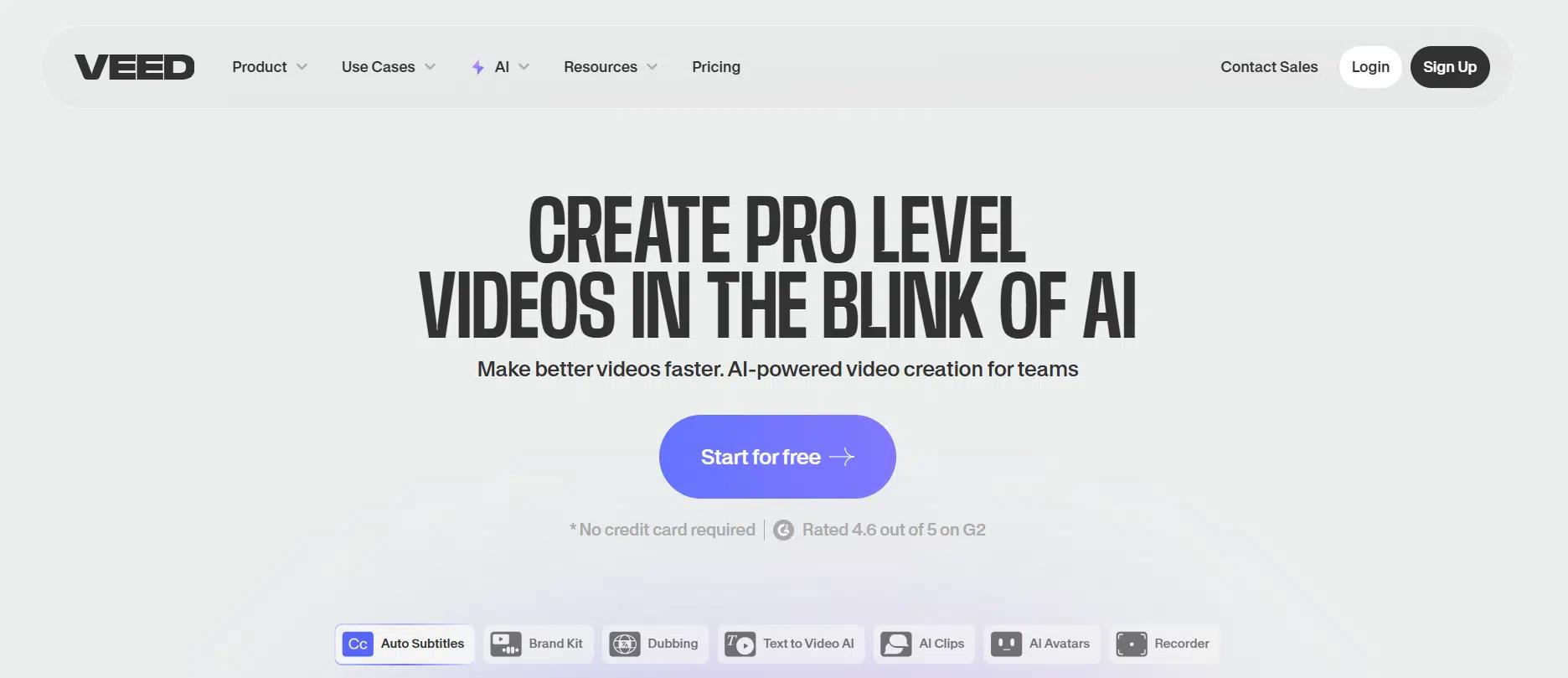
VEED is a browser-based video platform built for teams that need speed, polish, and AI capabilities in one place. It replaces manual workflows with a streamlined suite that includes recording, editing, AI avatars, subtitles, dubbing, and translation. It’s especially useful for marketing, L&D, internal communications, and sales teams that produce short-form or talking-head videos at scale.
What sets VEED apart is the depth of its AI tools packed into an interface anyone can use. From removing filler words to generating clips from longer videos, it’s developed to move fast without compromising quality.
With support for brand kits, social resizing, real-time collaboration, and over 50 language translations, VEED is a comprehensive AI clip maker for content teams that need to produce sharp, on-brand videos quickly.
Here’s a step-by-step guide on how to get started and create a clip:
- Go to veed.io and sign up for a free account.
- Upload your existing video or begin recording with VEED’s screen and webcam capture tools.
- Use the AI Clips feature to extract key moments from your video automatically.
- Customize the clip with subtitles, music, brand elements, or AI voiceovers as needed.
- Make final edits in the timeline editor, remove filler words, clean background noise, or adjust pacing.
- Export in HD or 4K, then publish directly or share via a hosted link.
- Utilize collaboration tools to gather team feedback or manage reviews directly within the platform.
VEED offers a Free plan with basic tools, watermark exports, and 720p output. The Lite plan starts at $6/month per user (billed annually) and includes full HD exports, auto-subtitles (144 hours/year), unlimited uploads, and access to their stock library.
The Pro plan, at $14/month per user, unlocks AI cleanup tools, voice cloning, AI avatars, 4K exports, and unlimited access to the Gen-AI Studio for creating social clips. For larger teams, Enterprise plans offer custom pricing with features like branded templates, custom avatars, video analytics, SSO, and priority support.
4. Descript
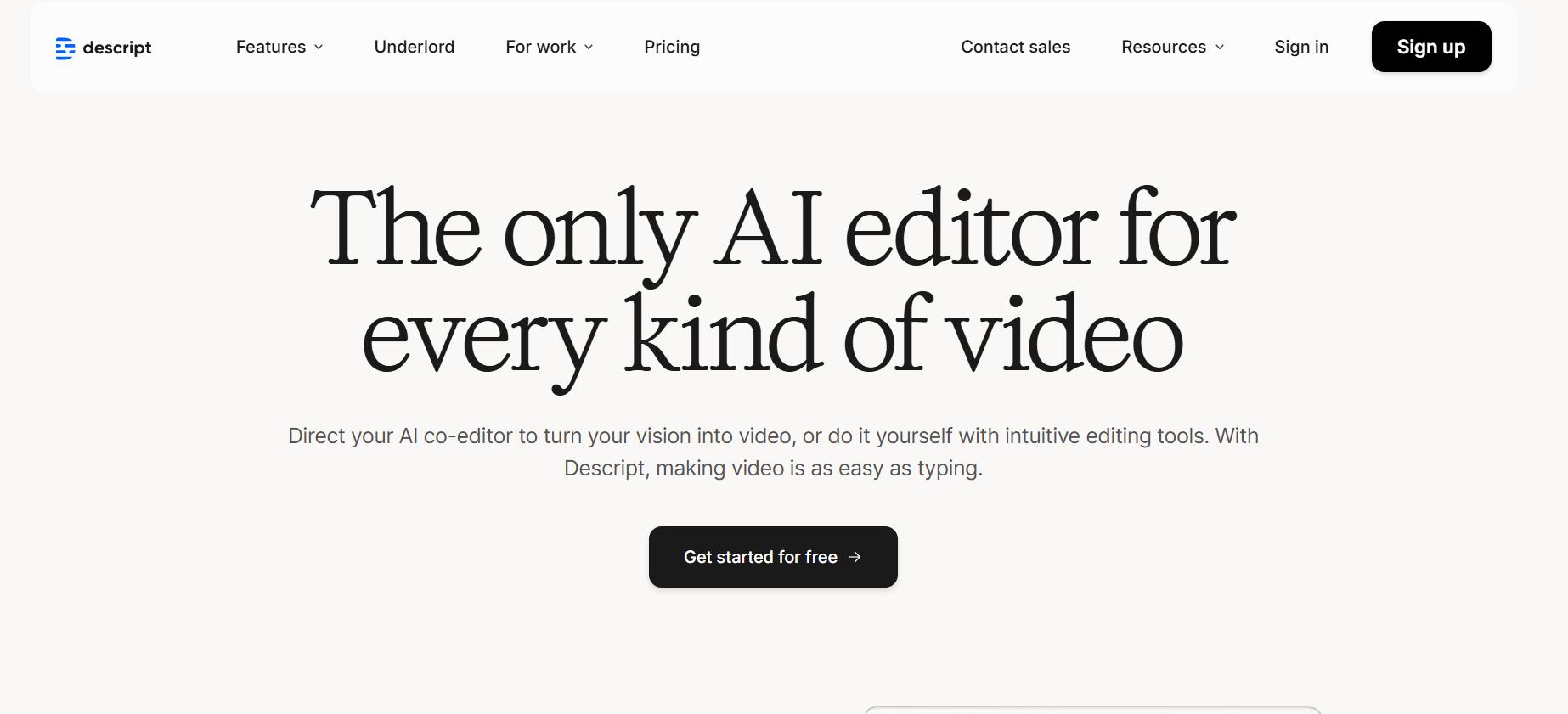
Descript is an all-in-one AI editor built for creators, teams, and businesses who want to produce high-quality videos without jumping between multiple tools. It combines screen recording, video editing, transcription, avatars, and voice synthesis into one intuitive interface, where editing a video is as simple as editing text.
With over 6 million users, including teams at Amazon, Salesforce, and Spotify, Descript has positioned itself as a go-to platform for both video and podcast production.
The platform’s standout capability is text-based video editing, where you can upload a file or record directly, and it instantly generates a transcript you can edit like a document. Descript also includes powerful tools like filler word removal, studio sound cleanup, eye contact correction, green screen, and multilingual dubbing. Its AI engine, called Underlord, can even help you write scripts, design layouts, and generate clips from long-form content.
Here’s a step-by-step guide on how to get started and create a clip:
- Visit descript.com and sign up for a free account.
- Upload a video or record directly using Descript’s built-in screen and webcam recorder.
- Descript will auto-generate a transcript. Use this to edit the video by editing the text, delete sentences, remove filler words, or reorder content.
- Use the Clip Creator feature to select key moments and generate shareable short clips.
- Polish with design tools: add captions, transitions, B-roll, or AI-generated visuals.
- Apply voiceovers, correct eye contact, or enhance studio sound using the AI tools.
- Export the clip in up to 4K or publish it directly via a web link.
Descript’s Free plan includes 1 hour of transcription, basic AI features, and 720p watermarked exports.
The Hobbyist plan ($16/month) adds 10 transcription hours, 1080p exports, and 30 minutes of AI speech. The Creator plan ($24/month) unlocks 30 transcription hours, 4K exports, and full access to advanced AI tools like dubbing and avatars. The Business plan ($50/month) is designed for teams, featuring 40 transcription hours, brand kits, collaboration tools, and 5 hours of AI voice support. Enterprise plans offer custom features, SSO, and priority support.
5. Pictory
Pictory is an AI-powered video creation platform built to support content creators, marketers, educators, business professionals, and enterprise teams. You can turn blog posts into videos, summarize webinars into highlight reels, or transform scripts into scroll-stopping content. Pictory streamlines the entire process with automation and intelligent design. No prior editing experience is needed; just input your text, URL, or slides, and the platform handles visuals, voiceovers, captions, and branding in minutes.
What sets Pictory apart is its versatility. It supports faceless videos, branded shorts, realistic AI voiceovers in 29 languages, auto-captioning, custom templates, and seamless repurposing for multiple platforms. For content teams seeking to scale efficiently, this AI clip maker provides speed, quality, and creative flexibility in a single workspace. It proves highly useful for marketing, L&D, education, and social media teams needing high-volume video production at scale.
Here’s how to get started with Pictory step by step:
- Choose your input: script, article URL, blog, or slide deck.
- Let the AI summarize and generate a storyboard.
- Pick from millions of visuals or add your own brand kit.
- Select voiceover style, standard or ElevenLabs AI voices.
- Edit scenes using text or voice and auto-sync narration.
- Export in the desired format: landscape, portrait, or square.
- Publish directly to your platforms or download with subtitles.
Pictory offers four main pricing tiers. The Starter plan starts at $19/month, offering 200 video minutes, 1 brand kit, and standard voices in 7 languages. The Professional plan at $29/month adds advanced AI tools, 600 video minutes, 5 brand kits, and 120 minutes of ElevenLabs AI voices. The Team plan is $99/month for 3+ users, offering 1800 video minutes, 10 brand kits, team workspaces, and onboarding support. Custom Enterprise plans are available with API access, white-label templates, and premium support for large-scale needs.
6. Lumen5
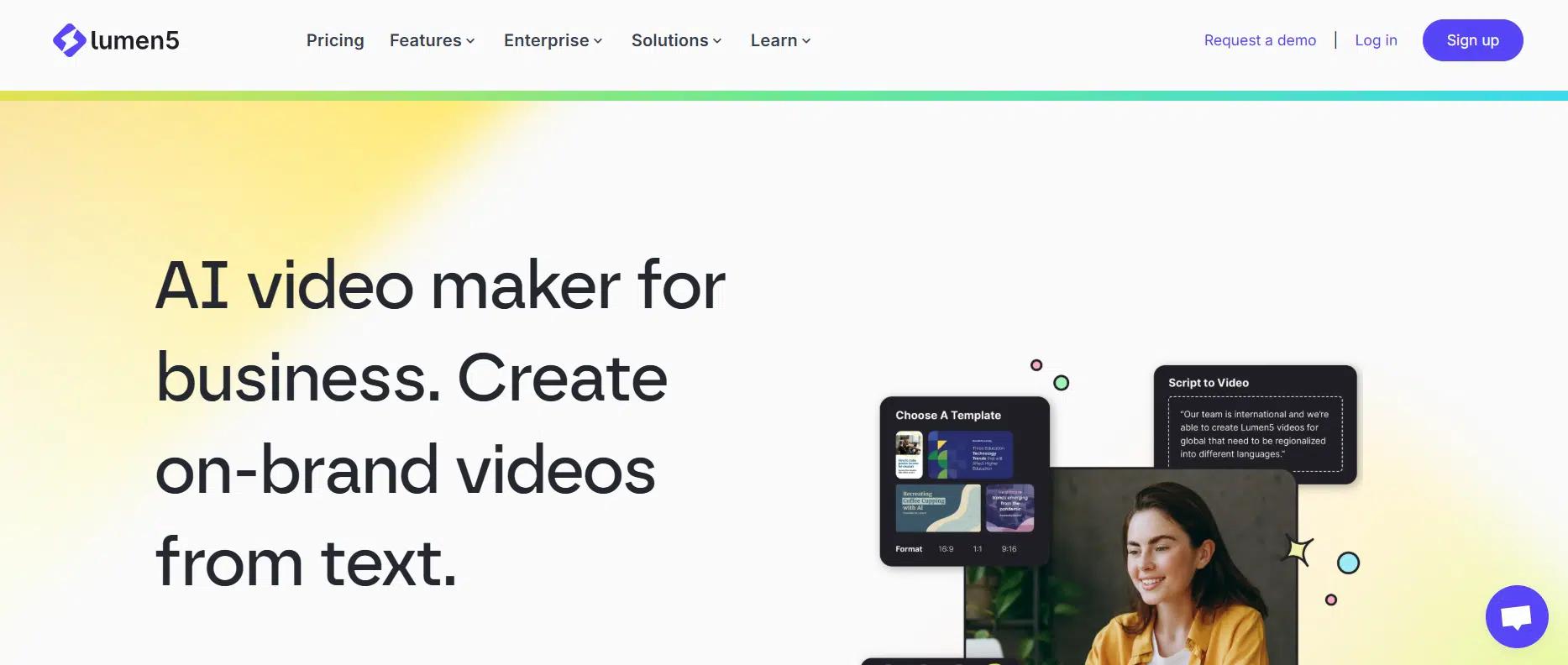
Lumen5 is an AI-powered video creation platform built for modern brands that want to produce engaging, on-brand video content without complexity. With a drag-and-drop interface and automation backed by intelligent AI, it enables content marketers, comms teams, and educators to transform articles, scripts, and ideas into stunning videos in just minutes, no prior editing experience required.
You can start with a blog post, a PDF, or even a few bullet points, and let Lumen5 automatically handle visuals, voiceovers, timing, and formatting. What makes this AI clip maker so impactful is its enterprise-readiness, brand kits, custom templates, and even collaboration and approval workflows are built in. Lumen5 also gives teams control over fonts, colors, watermarks, and premium media libraries, ensuring every video is polished and on-brand.
Here’s how to get started with Lumen5 step by step:
- Choose your starting point, text, URL, or quick notes.
- Let the AI generate a storyboard and suggest media.
- Customize the visuals, layout, and pacing with drag-and-drop.
- Add voiceovers from the AI library or upload your own.
- Apply your brand elements using saved kits or templates.
- Preview the video, make any necessary adjustments, and publish it in 1080p.
- Export and share content across multiple channels in various formats.
Lumen5 offers flexible pricing tiers to meet various needs. The Free plan gives 5 videos/month with watermarks and a 2-minute limit. The Basic plan at $19/month unlocks longer AI voiceovers and removes watermarks.
The Starter plan at $59/month adds 1080p exports, custom fonts/colors, and access to a 50M+ media library. The Pro plan at $149/month offers 500M stock assets, brand kits, watermarks, and advanced customization. Finally, the Team plan offers bespoke branding, SSO, collaboration tools, and custom media access with enterprise-level support and invoicing.
7. InVideo
InVideo is an intuitive, AI-powered video creation platform that enables users to quickly and effortlessly turn their ideas into engaging videos. Whether you are a marketer, content creator, or business professional, InVideo provides an easy way to create professional-quality videos without requiring advanced editing skills.
With customizable templates, an extensive stock media library, and an AI-driven interface, InVideo is built to cater to a variety of needs, including ads, social media content, explainer videos, and product promos.
From AI-powered voiceovers to automatic subtitles and text-to-video generation, this platform handles time-consuming tasks while allowing users to maintain complete creative control. The platform also supports multiple languages, making it an excellent choice for global teams looking to scale their video content. As one of the leading AI clip makers, InVideo provides powerful AI tools that streamline video production and enhance the creative process.
Here’s how to get started with InVideo step by step:
- Select your project type: choose from templates or start from scratch.
- Add your script, blog post, or URL to generate a storyboard automatically.
- Customize visuals, fonts, and colors to align with your brand.
- Add AI-generated voiceovers or upload your own.
- Adjust timing, add captions, and finalize transitions.
- Export the video in the desired format and resolution.
- Share directly on social platforms or download for later use.
InVideo offers a Free plan with 10 video minutes and 1 AI credit per week, but it includes a watermark on exports. The Business plan is priced at $15/month (billed annually) and includes 60 video minutes, 1,500+ templates, and no watermark.
The Unlimited plan, at $30/month (billed annually), provides unlimited video minutes, full access to all features, including premium stock media, AI avatars, and 100+ voiceovers, along with priority support. For larger teams, the Enterprise plan provides custom solutions, advanced security, and flexible pricing tailored to organizational needs.
8. Pippit AI Clip Maker
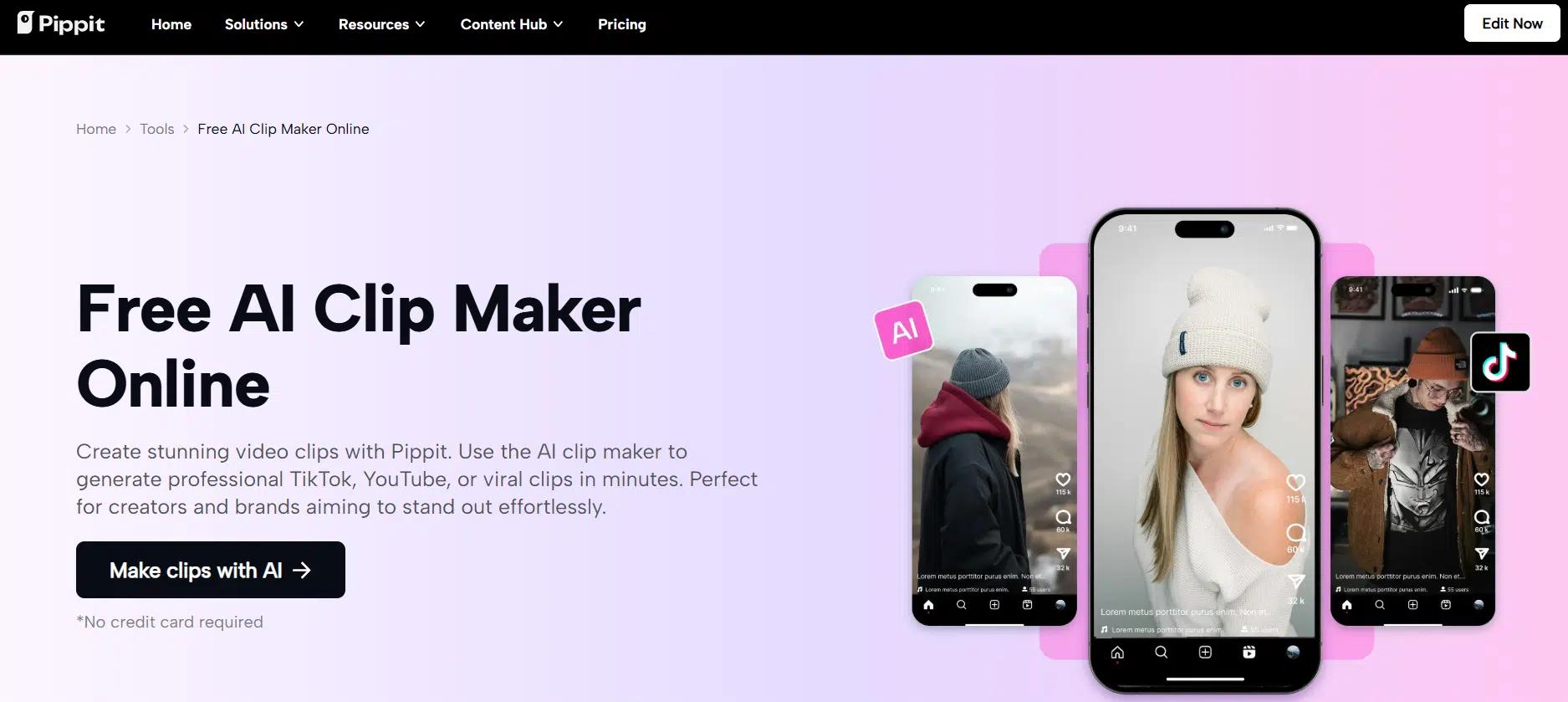
Pippit offers a user-friendly, free AI clip maker that enables creators and brands to generate professional video clips effortlessly. With Pippit’s AI-powered video generator, you can turn product visuals, URLs, or even simple ideas into polished clips ready for platforms like TikTok, YouTube, and Instagram in just minutes.
The tool streamlines video creation by automating tedious tasks, such as adding captions, transitions, and effects, making it easy for anyone to create high-quality content without prior video editing experience.
What sets Pippit apart among AI clip makers is its combination of advanced editing features and rich customization options. The platform offers a variety of elements, including animations, sound effects, and AI-generated scripts, all developed to elevate your video’s appeal. With Pippit, you can customize each clip to your brand’s identity, whether you’re creating viral social media content, marketing videos, or educational tutorials.
Here’s how to use Pippit’s AI clip maker step by step:
- Sign up for Pippit and navigate to the Video Generator section. Upload your product images or paste the product URL to begin.
- Adjust the video length, aspect ratio, and script. Choose AI-generated scripts or add your own to match current trends.
- Utilize advanced editing tools to split scenes, add captions, transitions, and audio effects. Once you’re satisfied with your clip, export it in high resolution and publish it directly to your social media platforms.
Pippit offers a free AI clip maker plan with 10 video minutes and 1 AI credit per week, but the free plan includes watermarks on exports.
The Paid plans offer more advanced features, including unlimited exports, no watermarks, and access to AI-generated voiceovers, custom avatars, and analytics tools. For larger teams or enterprises, custom solutions are available with flexible pricing, advanced security, and priority support.
9. Vizard AI Clip Maker
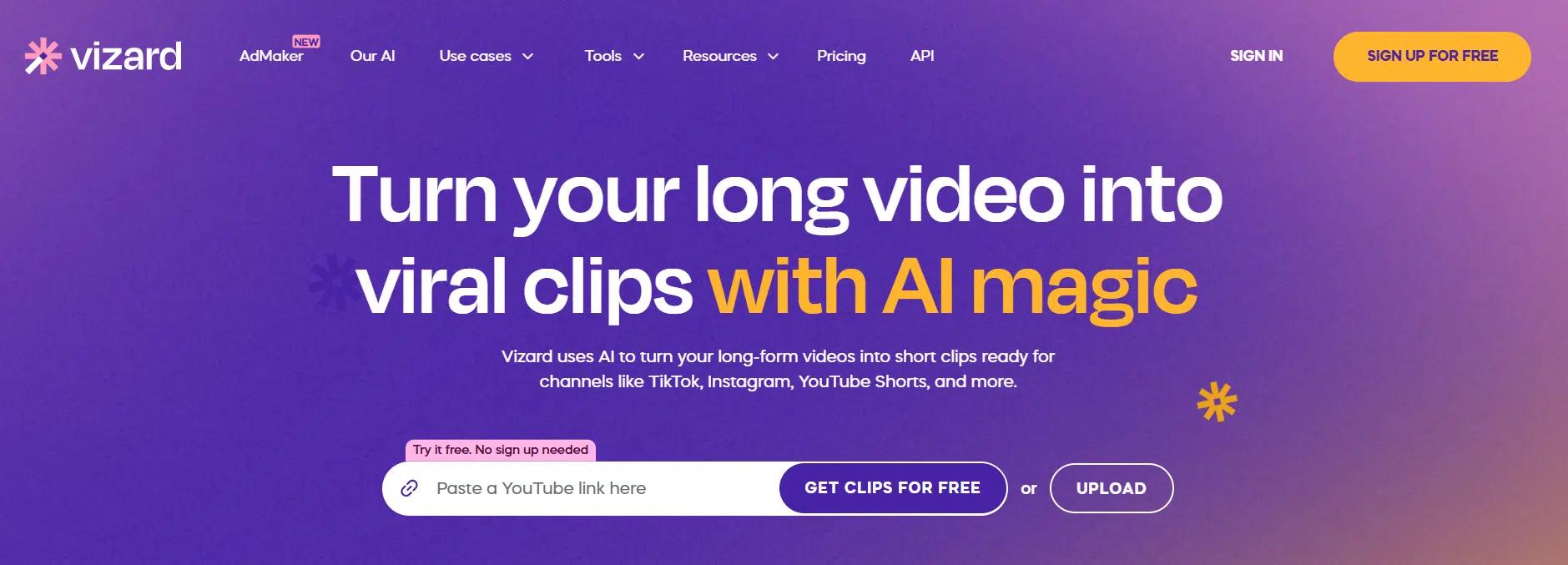
Vizard is a fast, AI-powered clip maker that turns long-form videos into short, social-ready clips with a single click. Made for creators, marketers, and businesses, it optimizes content for platforms such as TikTok, Instagram, and YouTube Shorts. Vizard’s AI automatically identifies crucial moments, refines them, and resizes them for vertical formats, saving you valuable time and effort.
The platform is user-friendly and packed with features, including text-based trimming, caption translation, and customizable templates. Vizard’s AI ensures your videos are polished and optimized for engagement across multiple platforms, making it perfect for anyone looking to scale video production quickly. As one of the top AI clip makers, Vizard ensures your content is always ready to captivate your audience.
Here’s how to use Vizard’s AI clip maker:
- Upload your video or paste a YouTube link.
- AI processes your content, identifies highlights, and refines it for social media.
- Refine your video by editing text, adjusting captions, and adding transitions to enhance its quality.
- Publish or export your video with a single click.
Vizard offers a free plan with limited features and watermarked exports. Paid plans start at $19/month for individual creators, offering unlimited processing and premium AI tools. The Team plan, starting at $99/month, includes collaboration tools, custom templates, and priority support. Enterprise solutions are available for large organizations needing tailored services and flexible pricing.
10. Flixier AI Clip Maker
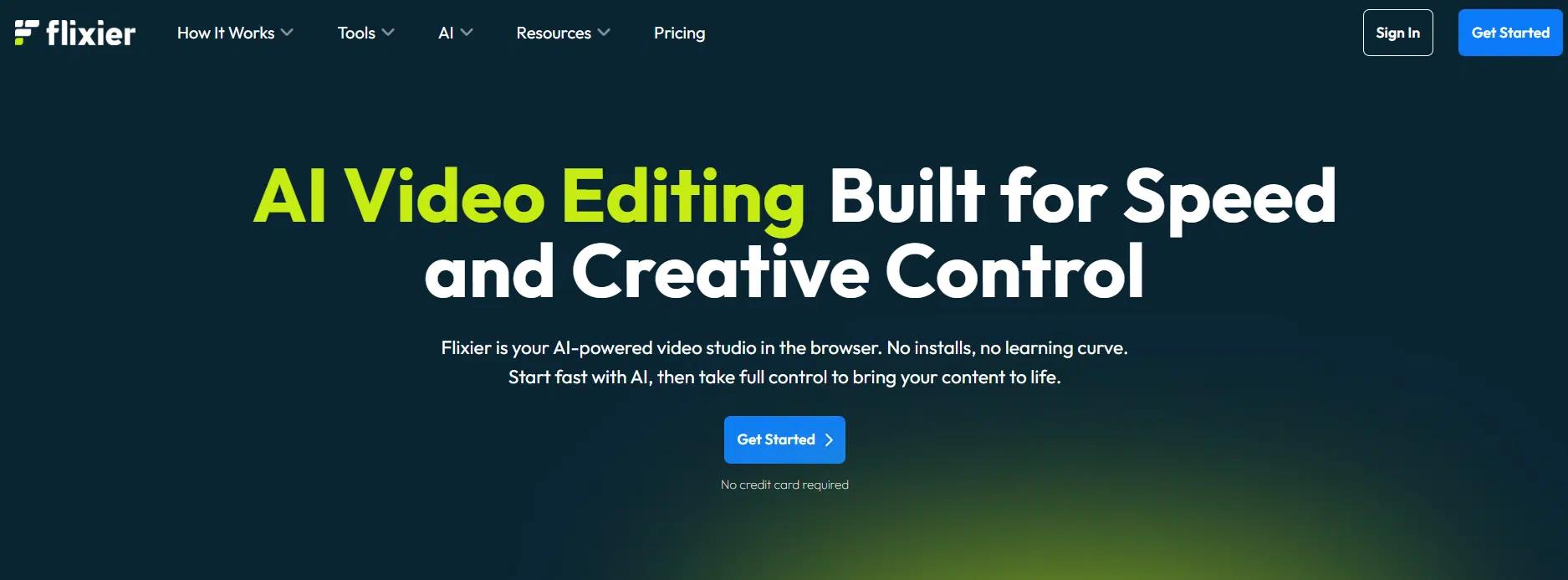
Flixier is an AI-powered video editor designed for creators and businesses seeking to create professional videos quickly and easily, without the need for complicated software. It’s a cloud-based tool that allows you to edit and create videos directly in your browser, offering high-speed rendering even on low-spec devices. The platform combines AI tools with advanced editing features, giving you complete control over your video production process.
Flixier is built for efficiency, offering AI features that enable you to create content in minutes. From automatic voiceovers to AI-generated subtitles and AI video editing, Flixier supports your creative flow at every step. As one of the best AI clip makers, Flixier ensures your content is always ready for any platform, from social media to professional presentations.
Here’s how Flixier’s AI clip maker works:
- Begin by selecting a template or uploading your footage.
- Utilize AI-driven tools, such as automatic voiceovers, captions, and translations, to expedite the editing process.
- Edit your video using the intuitive timeline editor or the text-based editing option.
- Export your video in HD, 4K, or any format suitable for social platforms like YouTube, Instagram, and TikTok.
Flixier offers flexible pricing options starting from $0/ 0/month for their Free plan, which includes 10 minutes of video exports and 500 AI credits per month.
The Pro plan costs $82/month (billed annually) and includes 300 minutes of video exports, 5000 AI credits, and additional advanced features. For businesses, the Business plan costs $149/month and consists of 600 minutes of video exports, 10000 AI credits, and the ability to create 4K videos.
A Quick Comparison Table
To make your decision easier, here’s a quick comparison of the best AI clip makers to help you choose the right tool for your needs.
This table breaks down the core features, which each tool is best suited, and where pricing starts.
| Tool | Best For | Notable Feature | Integration Strength | Price Starting At |
| HubSpot Clip Creator | Marketing teams looking for simple, fast, branded videos | AI-powered video creation with brand-safe templates | Strong within HubSpot ecosystem, Zapier | Free (Advanced features in paid HubSpot plans) |
| Synthesia | Enterprises needing high-quality, multilingual AI avatars | AI avatars and voiceovers in 140+ languages | Integrates with LMS, Slack, Microsoft Teams | Custom pricing (Contact sales) |
| Veed | Teams and creators seeking fast, professional-quality videos | AI-powered video editing with seamless collaboration | Integrates with Google Drive, YouTube, Slack, etc. | Paid plans start at $19/month |
| Descript | Podcasters, educators, and marketers needing advanced editing and transcription | Text-based editing and automatic transcription | Integrates with Google Drive, Dropbox, Slack, Zoom | Free (Paid plans from $16/month) |
| Pictory | Content creators, educators, and marketers seeking fast video creation | Automatically generates video highlights and captions | Google Drive, YouTube, Vimeo integration | Free (Paid plans from $19/month) |
| Lumen5 | Marketing teams and publishers creating videos from written content | Converts text and blog posts into videos using AI | Integrates with social media, YouTube, and content platforms | Free (Paid plans from $19/month) |
| InVideo | Content creators and marketers looking to create viral videos | Wide range of customizable templates and AI-powered features | Integrates with social media platforms and cloud services | Free (Paid plans from $15/month) |
| Pippit | Social media marketers and creators seeking viral clips | Easy-to-use interface for creating clips in minutes | Integrates with social media platforms | Free (Paid plans from $19/month) |
| Vizard AI Clipmaker | Content creators, podcasters, and marketers needing efficient clipping | AI-powered video clipping for social media platforms | Direct publishing to social media platforms | Free (Paid plans from $14/month) |
| Flixier | Creators and businesses that need a browser-based editing tool | Fast rendering with cloud-powered editing and AI tools | Integrates with Google Drive, Twitch, YouTube, Zoom | Free (Paid plans from $9/month) |
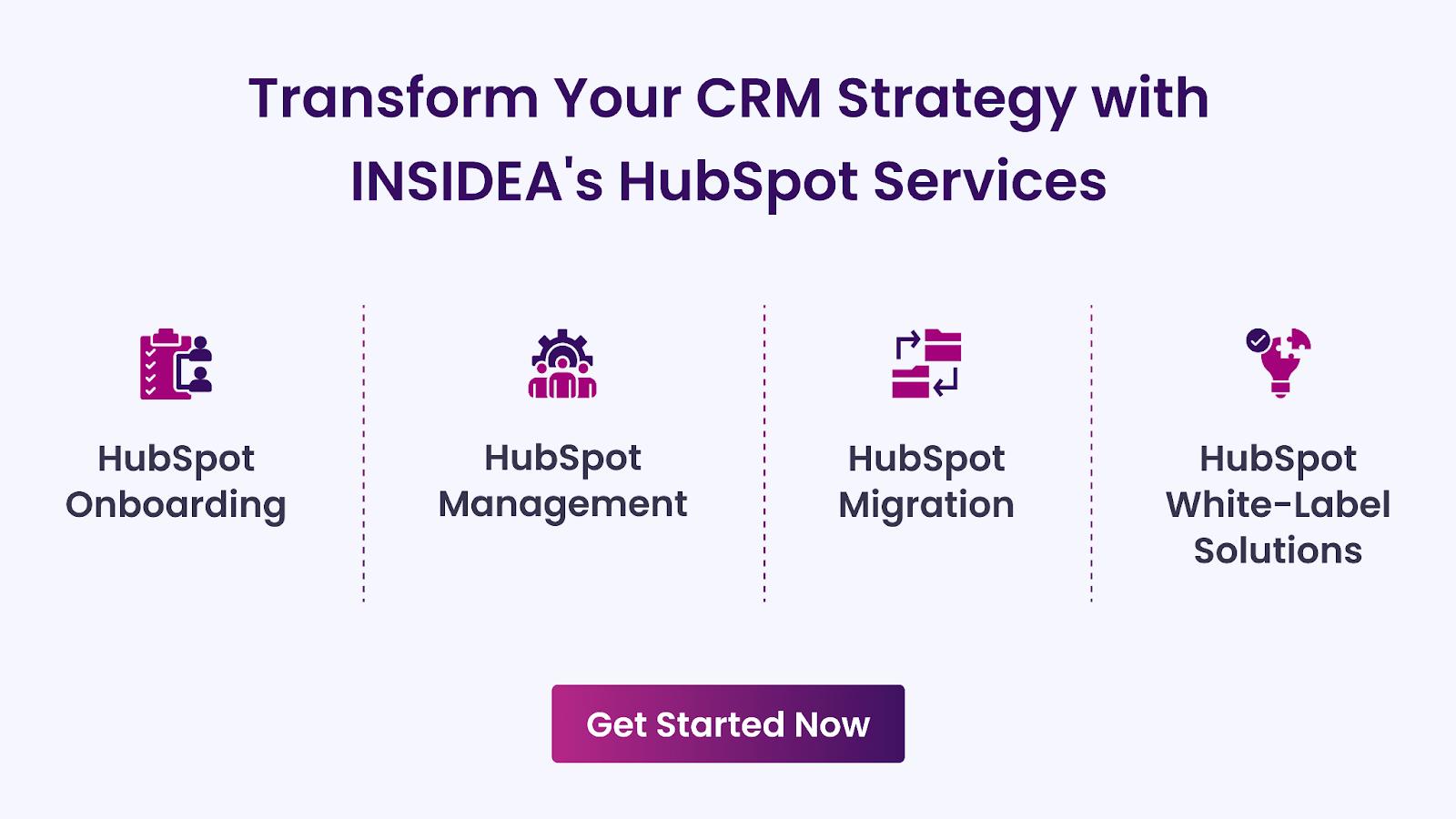
Transform Your CRM Strategy with INSIDEA’s HubSpot Services
As a HubSpot Elite Solutions Partner, we take pride in assisting you in streamlining your HubSpot efforts. With our best-in-class marketing, sales, and service solutions, we help you scale exponentially. INSIDEA’s HubSpot Specialists have the required in-depth knowledge and can provide expert guidance on how to use the platform to meet your business needs.
Explore the range of services we offer:
- HubSpot Onboarding: Seamless onboarding process to get your team up to speed and fully integrated with all HubSpot features.
- HubSpot Management: Ongoing management ensures your HubSpot environment runs at peak efficiency.
- HubSpot Migration: Smooth and secure migration services that protect your data and enhance your CRM capabilities.
- HubSpot White-Label Solutions: Exclusive white-label services tailored to your brand, allowing you to offer branded HubSpot solutions.
Get in touch today to learn more about how INSIDEA can help you succeed!
At INSIDEA, we understand the importance of valuable HubSpot strategies that understand your target audience and drive conversions. Book a meeting with our HubSpot experts to explore how we can help you with your upcoming projects.



 How INSIDEA works