Ever wonder why some online stores thrive while others barely get off the ground? Success often comes down to the foundation it’s built on. Their content management system (CMS).
The proper CMS makes it easy to manage products, accept payments securely, and deliver a smooth shopping experience that keeps customers coming back. But with so many options, how do you choose the best one for your needs?
In this blog, we break down the 13 best CMSs for e-commerce websites, highlighting significant features, detailed pros and cons, and identifying who each platform is best suited for.
Primary Features to Look For in CMSs for E-commerce Websites
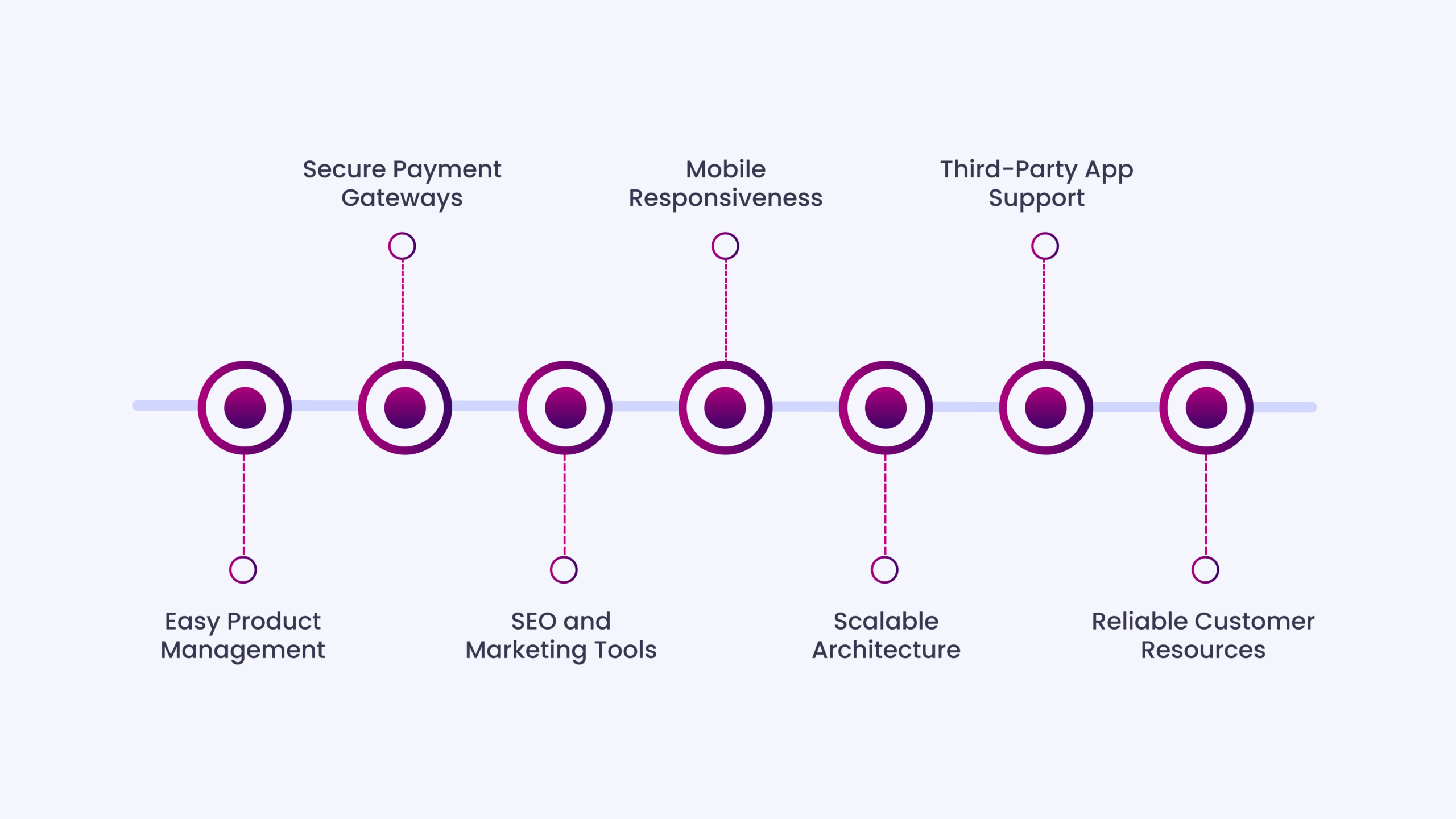
Before choosing a CMS, it’s essential to understand which features truly matter. Great CMSs for e-commerce should offer:
- Easy Product Management: You should be able to add, edit, and categorize products quickly with an intuitive interface. Bulk uploads, inventory tracking, and variant support are a must.
- Secure Payment Gateways: Your CMS must integrate with trusted payment providers to process transactions safely. Look for options with PCI compliance and fraud protection.
- SEO and Marketing Tools: Built-in SEO features help your store rank higher in search engines. Bonus if the CMS includes email campaigns, discount codes, and analytics.
- Mobile Responsiveness: A mobile-friendly layout ensures your site looks and works great on any device. Most online shopping today happens on smartphones.
- Scalable Architecture: As your business grows, your CMS should scale with it, supporting more products, traffic, and advanced features without slowing down.
- Third-Party App Support: Choose a CMS that connects easily with CRMs, shipping providers, email platforms, and analytics tools to streamline your operations.
- Reliable Customer Resources: Reliable customer service and clear documentation reduce downtime. It’s your safety net when technical issues pop up.
How to Choose the Right CMS for Your Business?
Step 1: Define Your BudgetStart by outlining what you’re willing to spend, both upfront and over time. Some CMS platforms are free but require hosting and add-ons, while others include everything in a monthly subscription.
Step 2: Assess Technical NeedsAsk yourself: Do you or your team have the skills to manage code, security, and maintenance? If not, opt for a hosted platform with built-in support. If yes, open-source options offer more control.
Step 3: Estimate GrowthHow many products will you sell? Will you expand globally? Choose a CMS that can handle your current catalog and scale as your traffic and inventory grow.
Step 4: List Must-Have FeaturesCreate a checklist: product management, payment integrations, mobile responsiveness, SEO tools, and third-party app compatibility. Prioritize the ones essential to your operations.
Step 5: Consider Design FlexibilitySome platforms offer pre-built themes; others allow custom coding. Decide how much control you want over layout, branding, and user experience.
Step 6: Check Support OptionsReliable support can save you hours. Look into each CMS’s help resources, 24/7 support, community forums, tutorials, and documentation matter when issues arise.
Step 7: Test Before You CommitMost platforms offer free trials or demos. Try a few, explore the interface, and see which one feels intuitive and fits your business style.
Top 13 CMSs for E-commerce Websites
Here’s a detailed breakdown of the top 13 e-commerce CMS platforms, what they offer, where they fall short, and which type of business they suit best.
1. HubSpot
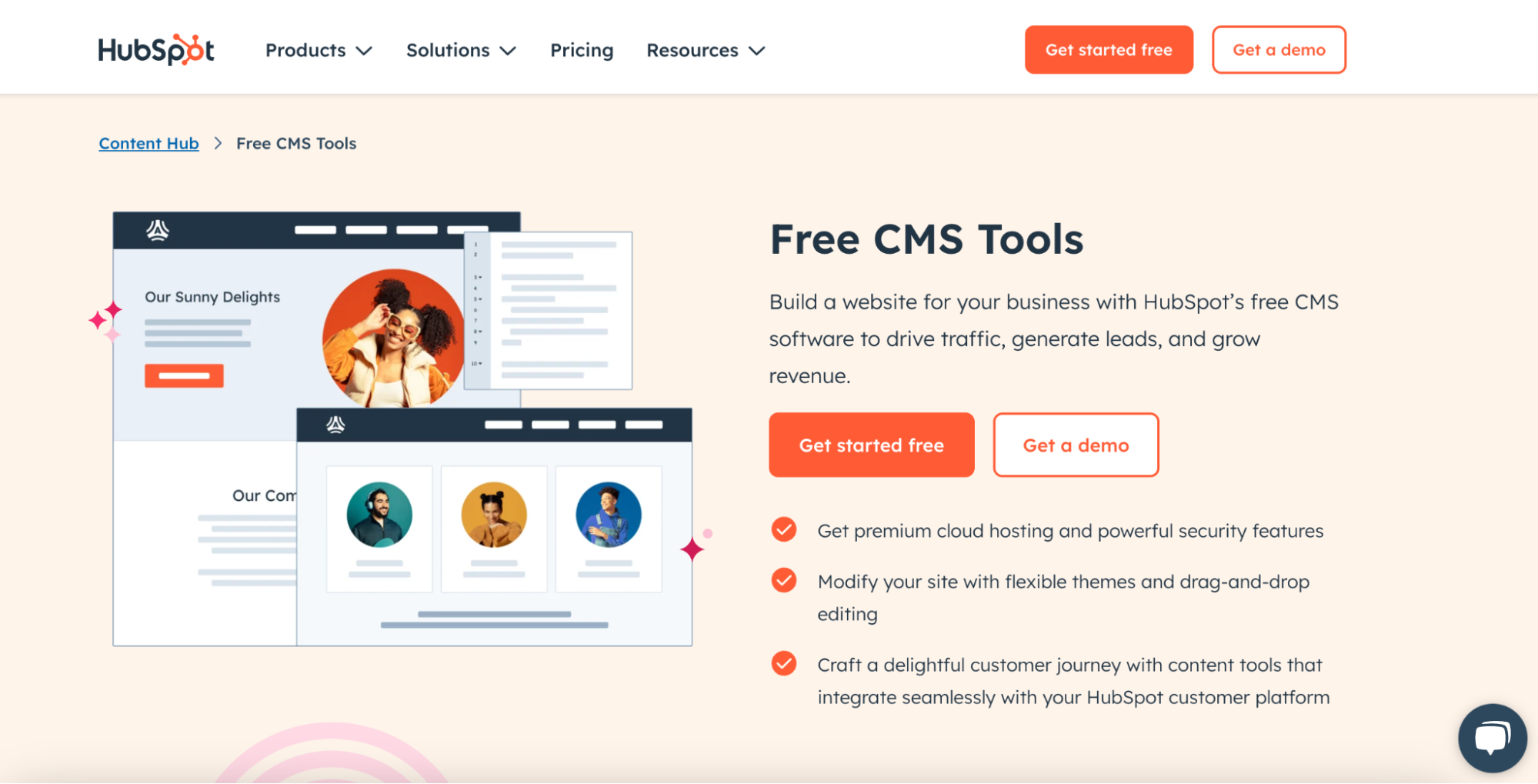
HubSpot CMSis a fully hosted, cloud-based content management system that integrates seamlessly with HubSpot’s powerful CRM and marketing services. It enables businesses to create personalized e-commerce experiences, especially for B2B stores or service-based businesses with complex sales funnels.
With built-in SEO, smart content, and adaptive testing, HubSpot CMS goes beyond standard e-commerce setups, connecting content, marketing, and sales all in one platform.
Pros
- Seamlessly integrates with HubSpot CRM, making marketing automation and lead nurturing easy.
- Drag-and-drop editor with built-in themes allows fast, attractive site builds.
- Smart content and personalization features based on visitor behaviour.
- Advanced analytics, A/B testing, and SEO tools built right in.
Cons
- Not ideal for regular large-product-catalog online stores like Shopify or Magento.
- Pricing can get expensive, especially when bundling with HubSpot Marketing or Sales Hubs.
- Custom e-commerce functionality may require third-party integrations or developer input.
Best For:B2B companies and service-based businesses that prioritize content-driven growth, lead conversion, and personalized customer experiences.
2. Shopify

Shopifyis an all-in-one, fully hosted CMS for e-commerce that allows anyone to build an online store without technical skills. It supports selling on your website, social media, marketplaces, and in person via Shopify POS.
With its vast app store, secure hosting, and excellent customer support, Shopify remains a top choice for hassle-free, scalable online selling.
Pros
- Beginner-friendly with an intuitive interface, so even non-tech users can launch quickly.
- Huge app marketplace lets you extend store features easily.
- Excellent 24/7 customer support via chat, phone, and email.
- Secure, reliable hosting with fast page loads to boost conversions.
Cons
- Monthly subscription costs can become high when you add premium apps and plugins.
- Less flexibility for deep code-level customization compared to open-source CMSs.
- Shopify charges extra transaction fees if you use third-party payment gateways instead of Shopify Payments.
Best For:Small to medium-sized businesses and entrepreneurs who want an easy, hassle-free ecommerce solution.
3. WooCommerce
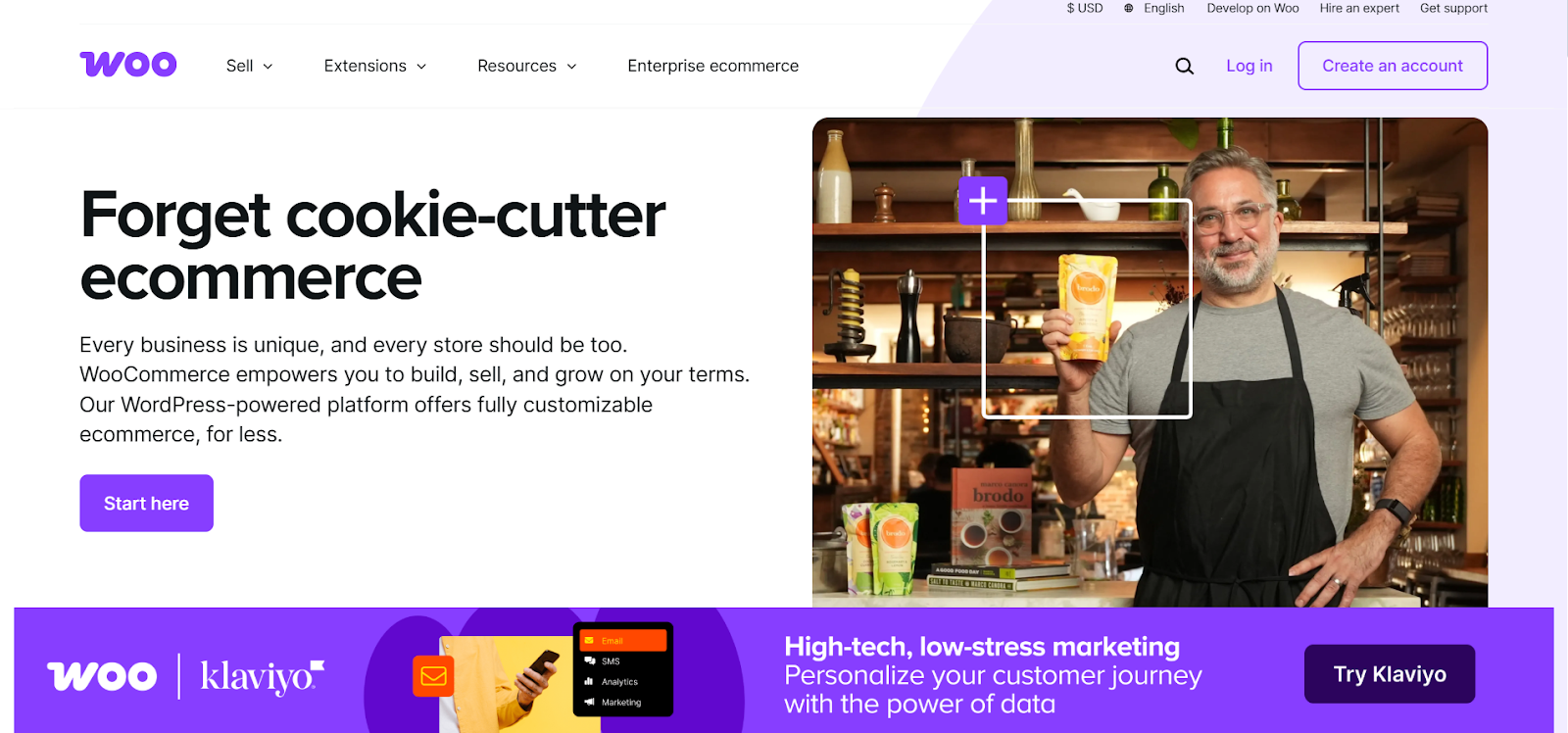
WooCommerceis a flexible, open-source plugin that turns any WordPress website into a powerful online store. It’s completely customizable, with thousands of extensions and themes. Because it runs on WordPress, you get comprehensive blogging, SEO, and design options alongside your store. It’s ideal for businesses that want total control over their site’s look and functionality.
Pros
- Completely free plugin if you already run a WordPress site.
- Endless extensions and themes to expand your store however you want.
- Total design control, making it perfect for unique branding and custom workflows.
- Strong community and documentation for troubleshooting and ideas.
Cons
- Requires basic WordPress knowledge for setup and maintenance.
- You’re responsible for security, backups, and hosting updates.
- Premium plugins and themes can add up in cost over time.
Best For:Businesses that already use WordPress or want total control over their store’s design and features.
4. Magento (Adobe Commerce)
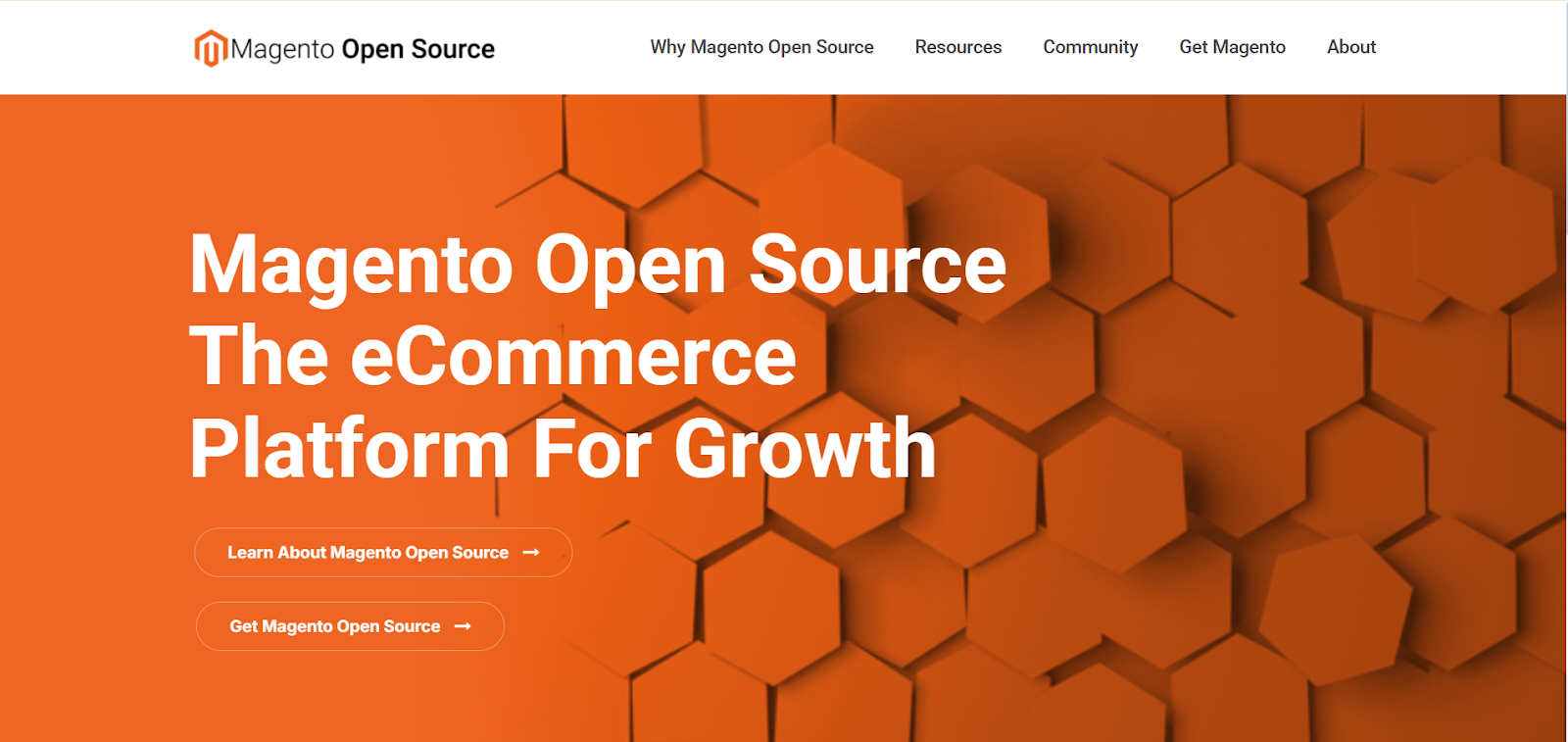
Magento, now part of Adobe Commerce, is an open-source CMS developed for large, complex e-commerce websites. It offers unmatched scalability and customization for stores with huge inventories and advanced requirements. Businesses can use the free Magento Open Source version or upgrade to Adobe Commerce for enterprise-level features, powerful integrations, and comprehensive customer support.
Pros
- Powerful and scalable for large product catalogs and global stores.
- Flexible architecture means developers can build anything you need.
- Excellent SEO, marketing, and multi-store tools out of the box.
- Massive developer community for custom support and extensions.
Cons
- Demands strong technical knowledge or a dedicated developer team.
- The self-hosted version requires you to manage hosting and security.
- High development and maintenance costs if outsourcing work.
Best For:Large businesses with complex product catalogs and custom requirements.
5. BigCommerce
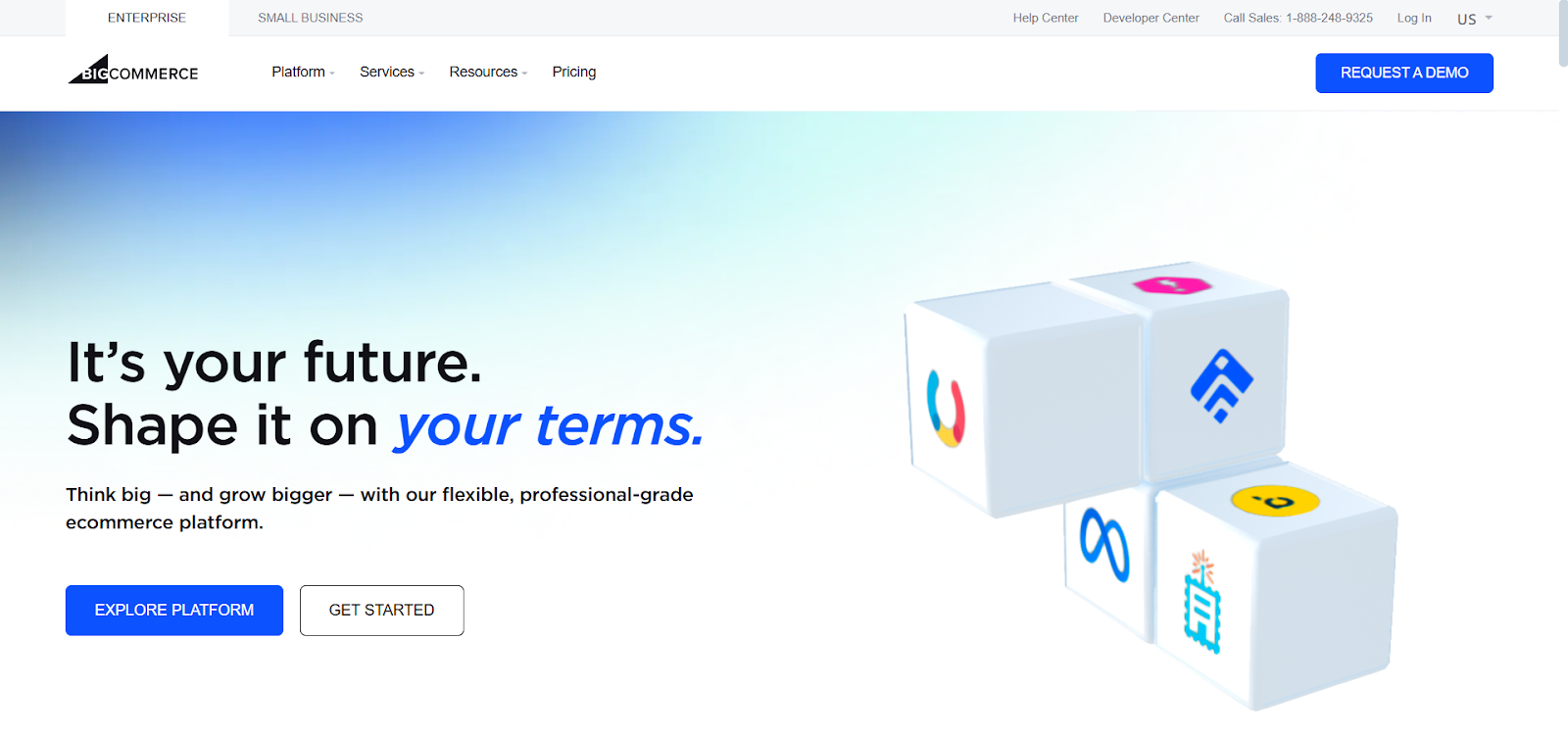
BigCommerceis a hosted e-commerce platform that offers robust, built-in features for growing businesses. It’s known for its vast array of SEO tools, multichannel selling capabilities, and no transaction fees. Merchants appreciate its scalability, allowing stores to expand without costly add-ons. It’s a smart pick for businesses ready to handle larger catalogs and higher sales volumes.
Pros
- No extra transaction fees, so you keep more profit.
- Packed with built-in features like abandoned cart recovery and advanced SEO.
- Seamless multichannel selling on marketplaces, social, and POS.
- Good scalability, which works well for stores with large inventories.
Cons
- Limited free theme choices compared to some competitors.
- Annual sales thresholds mean you’ll pay more if you grow fast.
- Some users find the dashboard has a slight learning curve.
Best For:Growing businesses that need a scalable solution with strong SEO and multichannel sales.
6. Wix Ecommerce
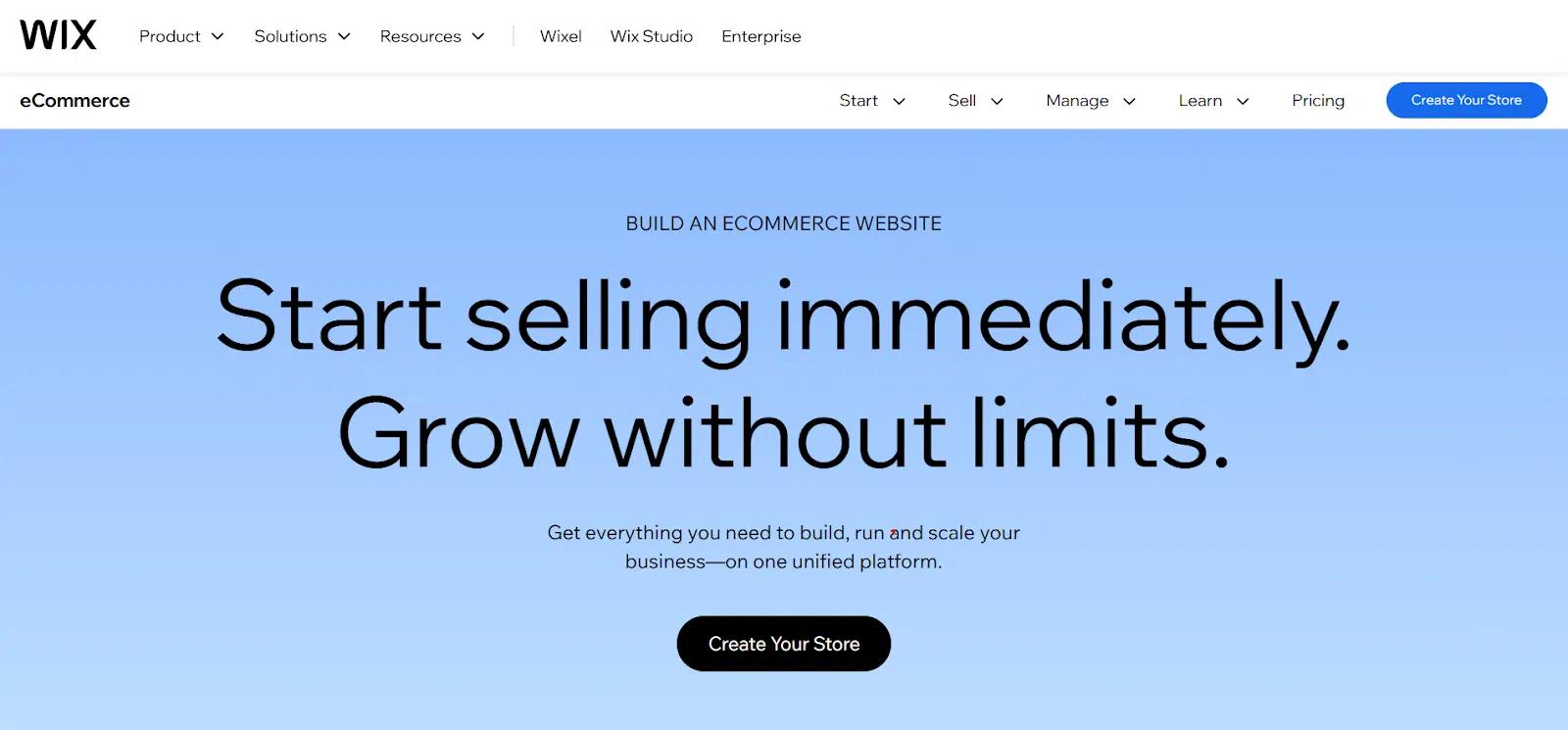
Wix Ecommerceextends the popular Wix website builder with easy-to-use online store features. Its drag-and-drop interface and designer-made templates make it simple for anyone to launch a store quickly. Integrated payment gateways and secure checkout make managing sales easy. It’s best suited for small stores or startups that want simplicity and affordability.
Pros
- Extremely easy drag-and-drop website builder, great for beginners.
- Hundreds of templates make it easy to match your brand style.
- Built-in payment gateways and secure checkout.
- Good value for smaller stores with direct needs.
Cons
- Not ideal for large or complex product catalogs.
- Can be less flexible than open-source CMSs when scaling up.
- App marketplace is smaller than Shopify’s for advanced features.
Best For:Small businesses or startups looking for a quick, simple ecommerce solution.
7. Squarespace

Squarespaceis renowned for its stunning website designs and intuitive editing experience. Its e-commerce options are best for businesses that rely on beautiful visuals, such as artists, photographers, and boutique brands. With built-in SEO, email marketing, and a simple checkout process, Squarespace helps small businesses sell products and showcase their brand through elegant, mobile-friendly designs.
Pros
- Famous for beautiful, mobile-responsive templates.
- Easy-to-use editor makes design changes simple.
- Includes built-in marketing tools like email campaigns and SEO basics.
- All-in-one solution with secure hosting and payment processing.
Cons
- Limited number of third-party integrations and apps.
- Doesn’t handle large product catalogs as well as BigCommerce or Magento.
- Custom backend development is limited compared to open-source options.
Best For:Creatives and small businesses that want a visually stunning online store.
8. OpenCart
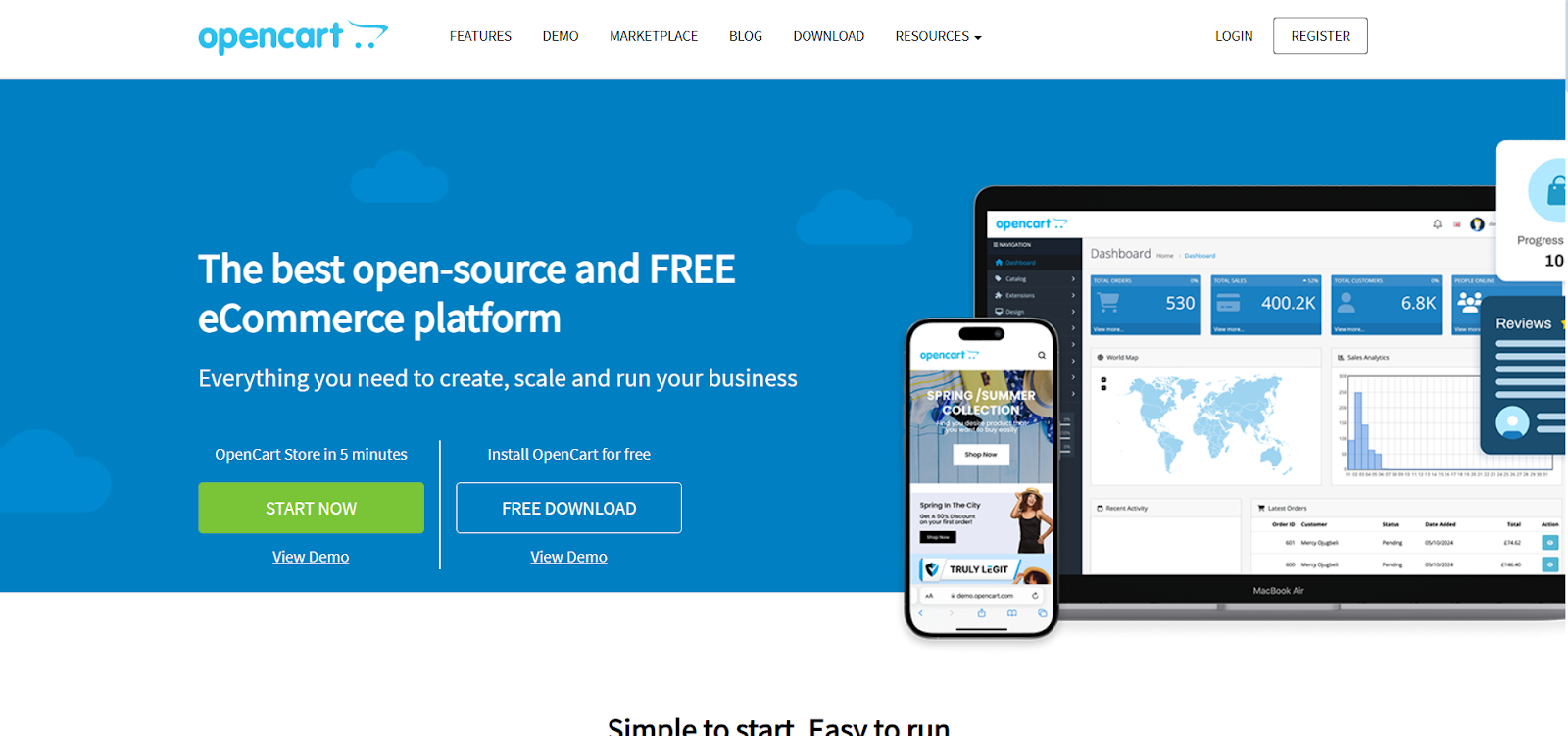
OpenCartis a lightweight, open-source e-commerce CMS that’s free to use and highly customizable. It supports multiple languages, currencies, and payment methods out of the box. With thousands of extensions, you can tailor it to suit most needs. While you’ll need some technical knowledge, OpenCart remains a strong option for small businesses that want the freedom to customize their online store.
Pros
- Free to download and use, which is excellent for budget-conscious sellers.
- Supports multiple languages, currencies, and payment gateways.
- Lightweight system that runs efficiently on most servers.
- Plenty of extensions and themes to customize your store.
Cons
- User interface isn’t as modern or beginner-friendly as Shopify’s.
- Requires some technical skill to install, update, and secure.
- Premium add-ons or developer help can increase overall costs.
Best For:Small to medium businesses with access to technical help.
9. PrestaShop
PrestaShopis a free, open-source e-commerce platform popular among European businesses. It supports multilingual and multi-currency stores, making it ideal for international sales and operations. You can choose from thousands of modules and themes to customize your store. PrestaShop strikes a balance between user-friendliness and flexibility, making it suitable for medium-sized businesses with moderate technical resources.
Pros
- Free open-source platform with no upfront CMS fees.
- Good support for multilingual and multi-currency stores.
- Active community with plenty of modules for extra functionality.
- Easy back-office interface once you learn the basics.
Cons
- Initial setup can be technical without developer help.
- Some premium modules can get pricey as your store grows.
- May not scale smoothly for very large, high-traffic stores.
Best For:Businesses that require multilingual support and prefer an open-source solution.
10. Drupal Commerce
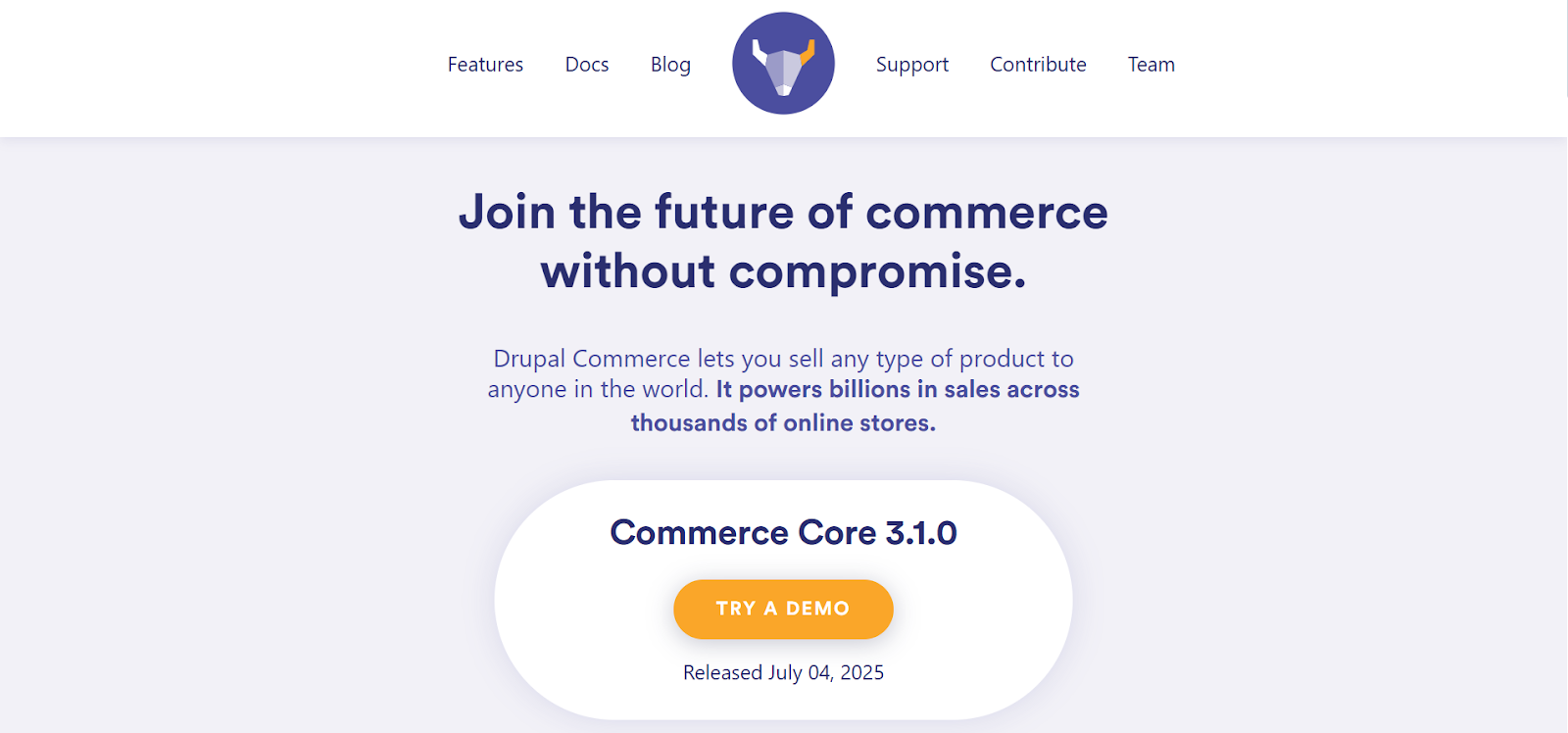
Drupal Commerceis a flexible ecommerce framework built on Drupal, a powerful CMS trusted for complex websites. It’s highly customizable, scalable, and integrates deeply with Drupal’s content tools. It is best suited for large online stores with complex product structures or unique workflows, Drupal Commerce requires technical expertise but offers unmatched control for ambitious e-commerce projects.
Pros
- Ultra-flexible for highly customized online stores and complex catalogs.
- Integrates with Drupal’s powerful content tools and modules.
- Scalable architecture for growing enterprises or B2B ecommerce.
- Strong security and community support for big projects.
Cons
- Steep learning curve for non-technical users.
- Most stores need ongoing developer support for maintenance.
- Smaller marketplace for pre-built ecommerce add-ons than WooCommerce.
Best For:Large, complex stores with in-house developers or bigger budgets.
11. Shift4Shop (formerly 3dcart)
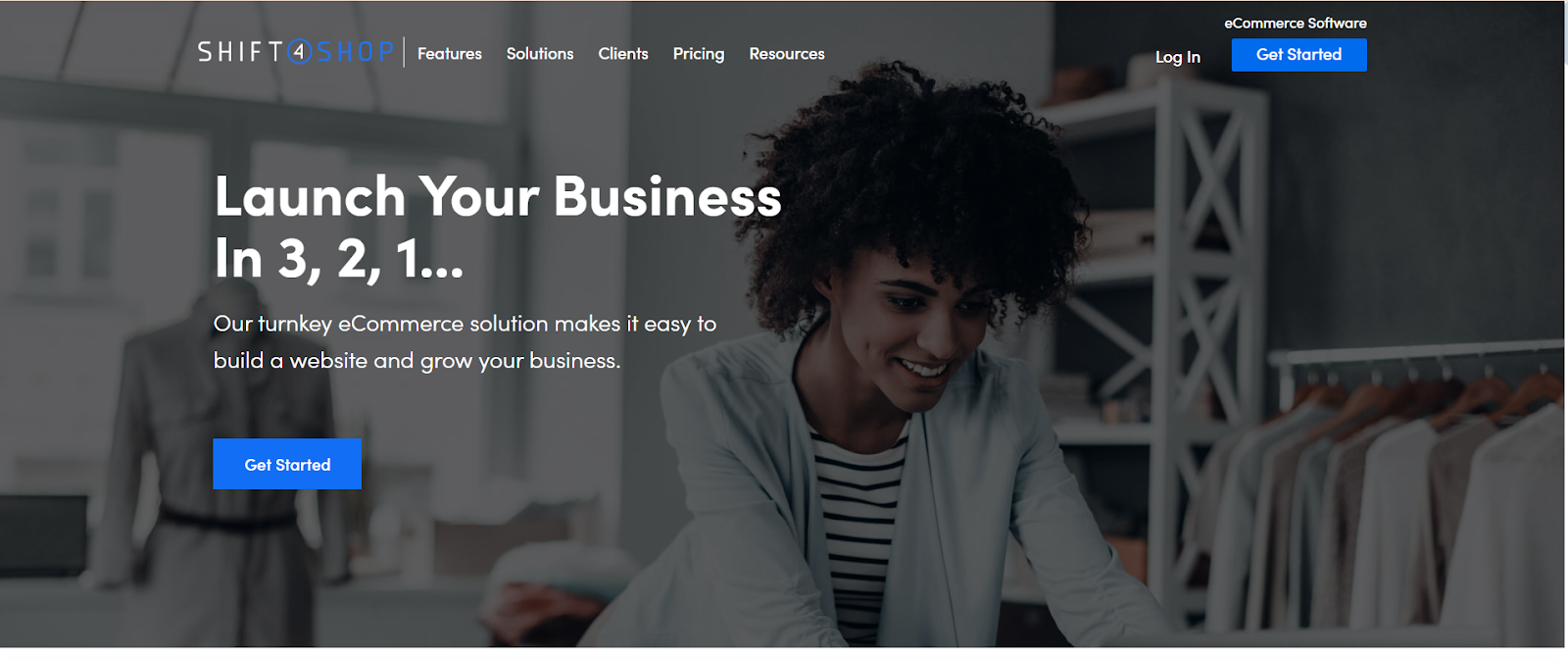
Shift4Shopis a hosted ecommerce CMS offering a comprehensive set of built-in features at a competitive price. It includes strong SEO tools, no transaction fees, and a variety of payment options. While its themes may appear dated compared to Shopify or Squarespace, it delivers excellent value for small to medium-sized businesses that want advanced tools without additional costs.
Pros
- No transaction fees on any plan, which means more profit margin.
- Strong SEO, mobile-ready design, and marketing tools built in.
- Supports a wide range of payment gateways and shipping providers.
- Good value for small businesses wanting advanced features out of the box.
Cons
- Themes and editor feel outdated compared to Shopify or Squarespace.
- Limited drag-and-drop flexibility, coding helps for customization.
- Support reputation can be mixed, depending on the time zone and plan.
Best for:Small to medium-sized businesses seeking comprehensive built-in features at a fair price.
12. Weebly by Square
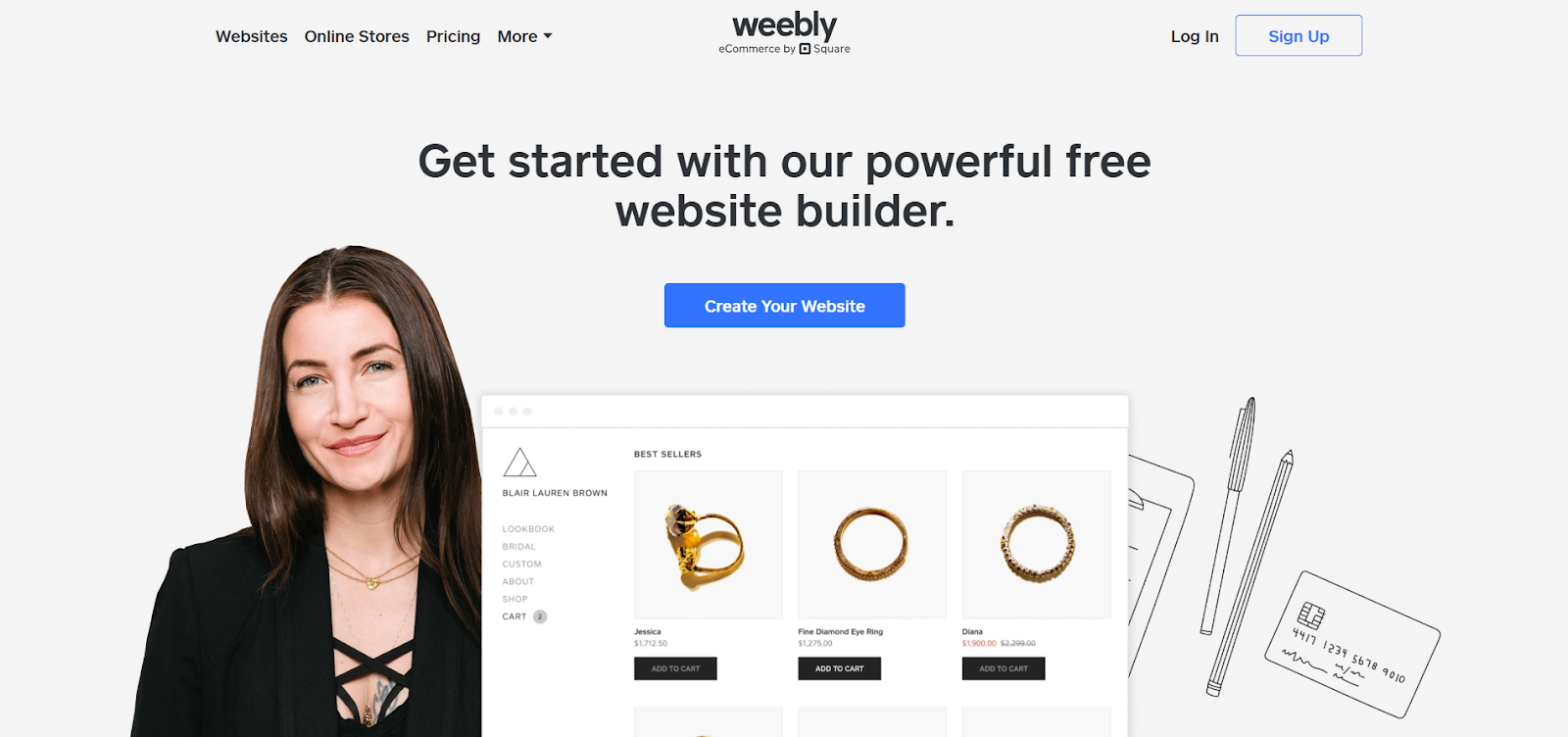
Weebly, now owned by Square, is a simple website builder with strong ecommerce features for small sellers. It offers drag-and-drop design, secure checkout, and tight integration with Square’s payment system and POS tools. It’s perfect for local businesses seeking an online storefront that integrates seamlessly with their physical sales.
Pros
- Super easy drag-and-drop website builder for small shops.
- Tight integration with Square’s payment system and physical POS.
- Affordable plans with good mobile-ready templates.
- Works well for local businesses wanting to sell online and in-store.
Cons
- Not built for complex product setups or big stores.
- A smaller app marketplace limits extra functionality.
- Less design freedom compared to WordPress or Shopify.
Best For:Small retailers and local businesses combining online and in-person sales.
13. Ecwid
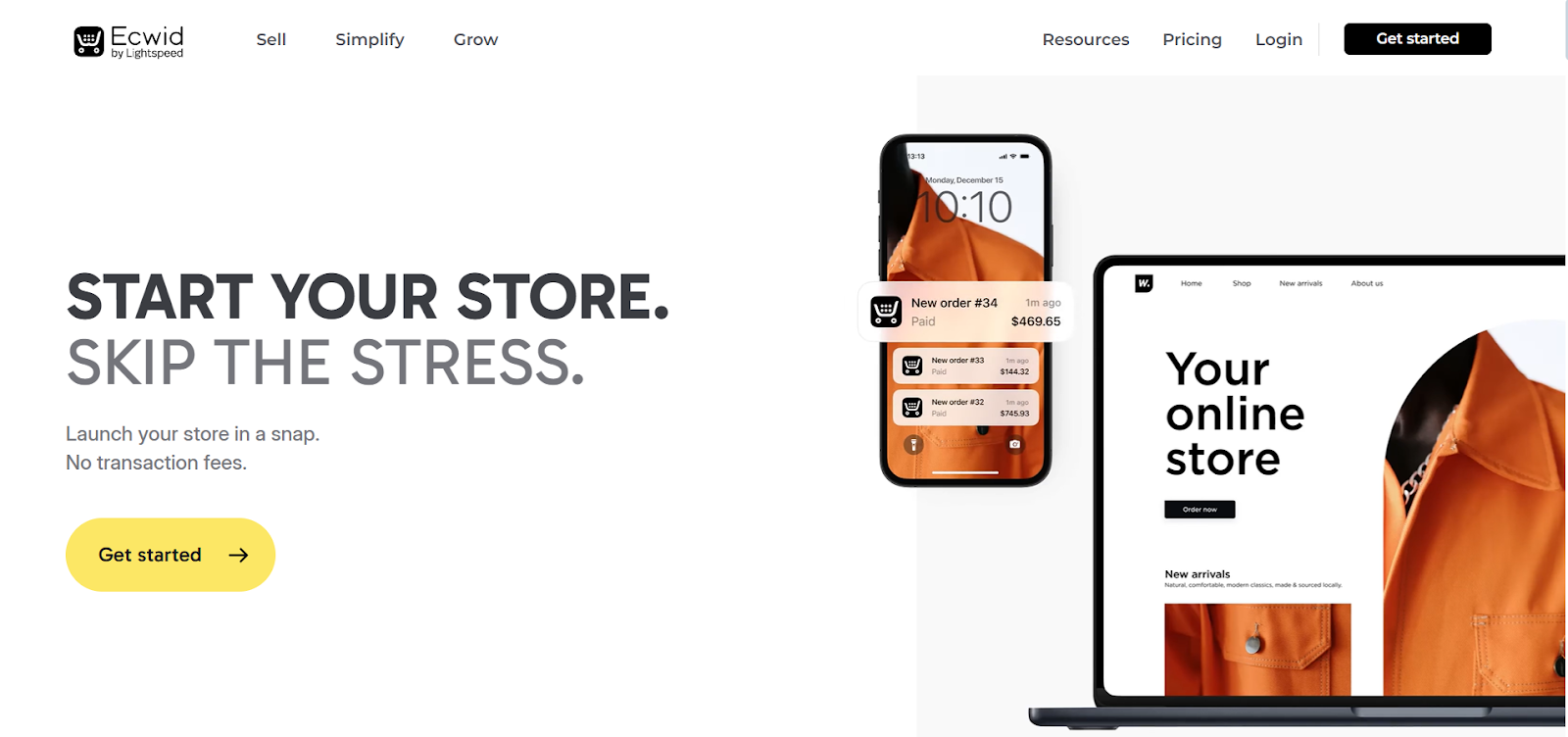
Ecwidis a flexible ecommerce solution that lets you add an online store to any existing website, social media page, or marketplace. It’s simple to set up, with no need to rebuild your entire site. With a free plan and affordable upgrades, Ecwid is ideal for small businesses looking to sell online quickly without needing to switch platforms.
Pros
- Let’s you add a store to any existing website without the need to rebuild.
- Free plan covers the basics; paid plans stay budget-friendly.
- Supports selling on social media and marketplaces, too.
- Easy to manage, with simple back-office tools.
Cons
- Limited design control compared to a full standalone CMS.
- Advanced features like inventory tracking often require higher tiers.
- Not ideal for large stores with thousands of products.
Best For:Small businesses that want to add e-commerce to an existing site or social media platform.
Transform Your CRM Strategy with INSIDEA’s HubSpot Services
As aHubSpot Elite Solutions Partner, we take pride in assisting you in streamlining your HubSpot efforts. With our best-in-class marketing, sales, and service solutions, we help you scale exponentially. INSIDEA’s HubSpot Specialists have the required in-depth knowledge and can provide expert guidance on how to use the platform to meet your business needs.
Explore the range of services we offer:
- HubSpot Onboarding: Seamless onboarding process to get your team up to speed and fully integrated with all HubSpot features.
- HubSpot Management: Ongoing management ensures your HubSpot environment runs at peak efficiency.
- HubSpot Migration: Smooth and secure migration services that protect your data and enhance your CRM capabilities.
- HubSpot White-Label Solutions: Exclusive white-label services tailored to your brand, allowing you to offer branded HubSpot solutions.
Get in touch today to learn more about how INSIDEA can help you succeed!
At INSIDEA, we understand the importance of valuable HubSpot strategies that understand your target audience and drive conversions.Book a meeting with our HubSpot expertsto explore how we can help you with your upcoming projects.



 How INSIDEA works