

Sales reps spend nearly two-thirds of their time on non-selling tasks, and quoting is one of the biggest time sinks. According to industry reports, companies that automate their process with sales quoting software experience a 50% faster turnaround, 30% fewer pricing errors, and close deals 20% faster on average. For high-velocity sales teams, quoting is less manual effort and more revenue.
Let’s be real: most “Top 10” lists out there are just SEO copy stitched together from vendor sites. This isn’t one of those.
This list is compiled from testing dozens of quoting tools and evaluating their performance in real-world workflows. Some are built to handle complex pricing with precision. Others are better at keeping approvals tight and moving contracts forward without prolonging the process. Each one here is chosen for a reason.
You’ll get a clear picture of what each tool brings to the table and who it is best suited for. Every entry gives you something concrete. There’s also a comparison table at the end, allowing you to quickly scan pricing, integrations, and strengths side by side. And to make things even more helpful, we’ve included actual examples of how teams are using each tool on a day-to-day basis.
If quoting is slowing down your deals or creating too much back-and-forth, this blog will help you resolve the issue quickly.
What Is a Sales Quoting Software?
Sales quoting software, also known as CPQ (Configure, Price, Quote), enables teams to send accurate quotes more efficiently, thereby eliminating the complexity of spreadsheets and manual edits. At its core, it’s a tool that pulls in your product catalog, pricing rules, discounts, taxes, and contract terms, then turns all that into a clean, professional quote your buyer can act on.
A good quoting tool takes what used to be a multi-step, error-prone task and makes it something reps can knock out in minutes, even if the deal involves custom pricing, multiple products, or approvals from finance.
The best ones go a step further. They help route it for internal sign-off, send it to the customer for review and signature, and log everything in your CRM. No back-and-forth emails, no dropped threads, no redoing numbers because someone changed a discount rule.
What Goes Into a Sales Quote?
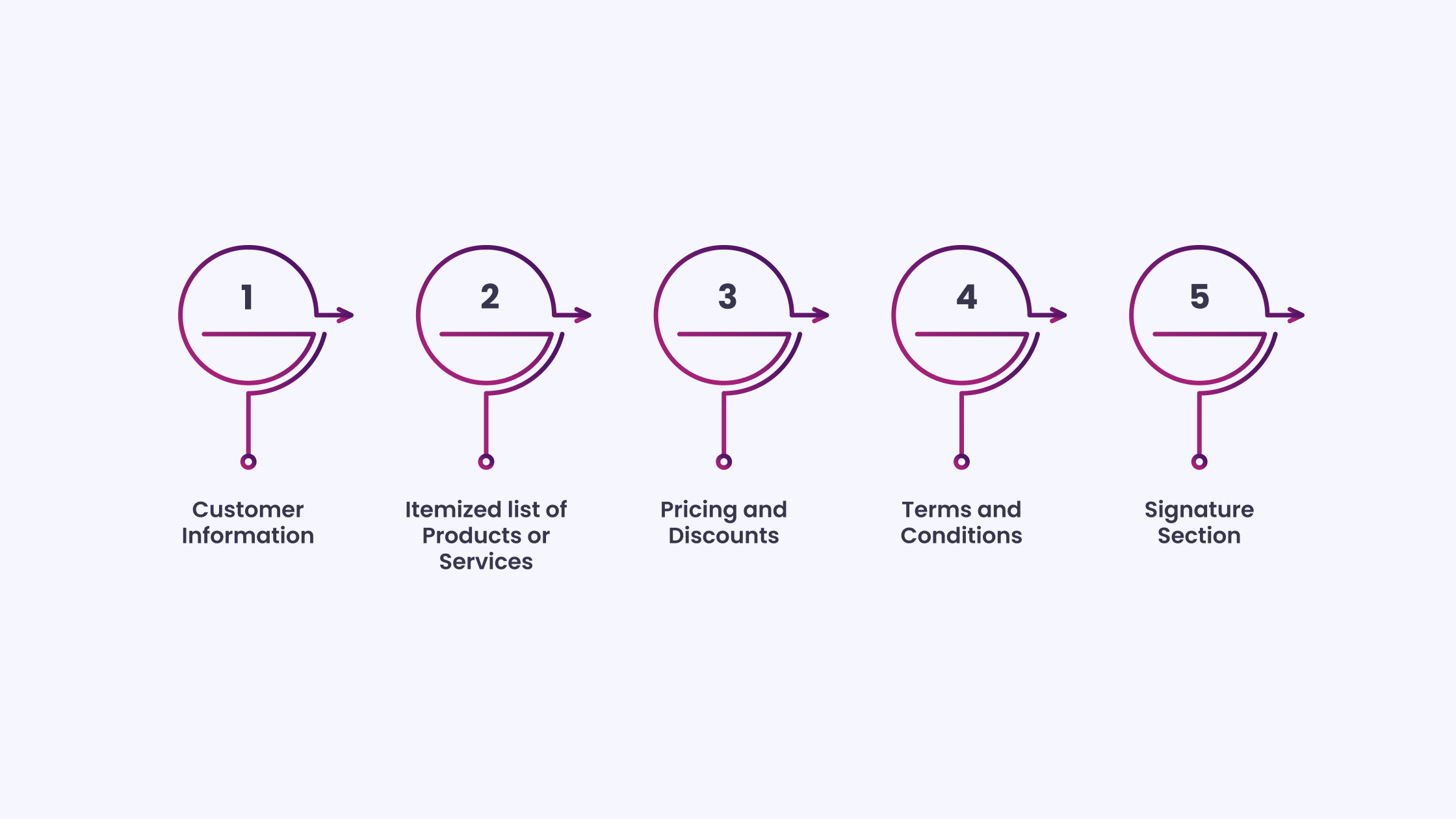
A sales quote software reflects both the price and the complete proposal. It tells the buyer what they’re getting, how much it’ll cost, and under what terms. Here’s what’s usually included:
- Customer Information: Both parties involved are the seller and the buyer. Company names, contact details, issue and expiry dates, and a reference number to track it all.
- Itemized list of Products or Services: Clear breakdown of what’s being offered, description, quantity, unit price, and total per line item.
- Pricing and Discounts: The math behind the quote, subtotal, any discounts (and why they apply), applicable taxes, shipping fees if needed, and the final number that the customer will pay.
- Terms and Conditions: Payment terms, delivery windows, refund and cancellation policies, warranty information, and any other details that set expectations and protect both parties.
- Signature Section: A space for the buyer to sign, indicating their agreement to proceed. This might be a simple signature field or a whole e-signature block.
The primary objective is clarity, for the representative, the manager approving the quote, and the buyer making the decision.
10 Best Sales Quoting Software Platforms for Accuracy and Speed
Before we get into the list, here’s what we looked for: quoting tools that offer more than just clean templates, they need to handle objective pricing complexity, plug into CRMs without drama, support e-signatures, track activity, automate where it counts, and make the quoting flow so intuitive that reps don’t need a user manual.
Each sales quote software platform on this list is customized to a specific type of team. Some are better suited for service providers, others for subscription-driven businesses, while a few are built for scaling product sales.
We’ve highlighted what each one does best, who it’s built for, how the setup works in practice, and where the pricing begins.
Let’s begin.
1. HubSpot Sales Quote Software
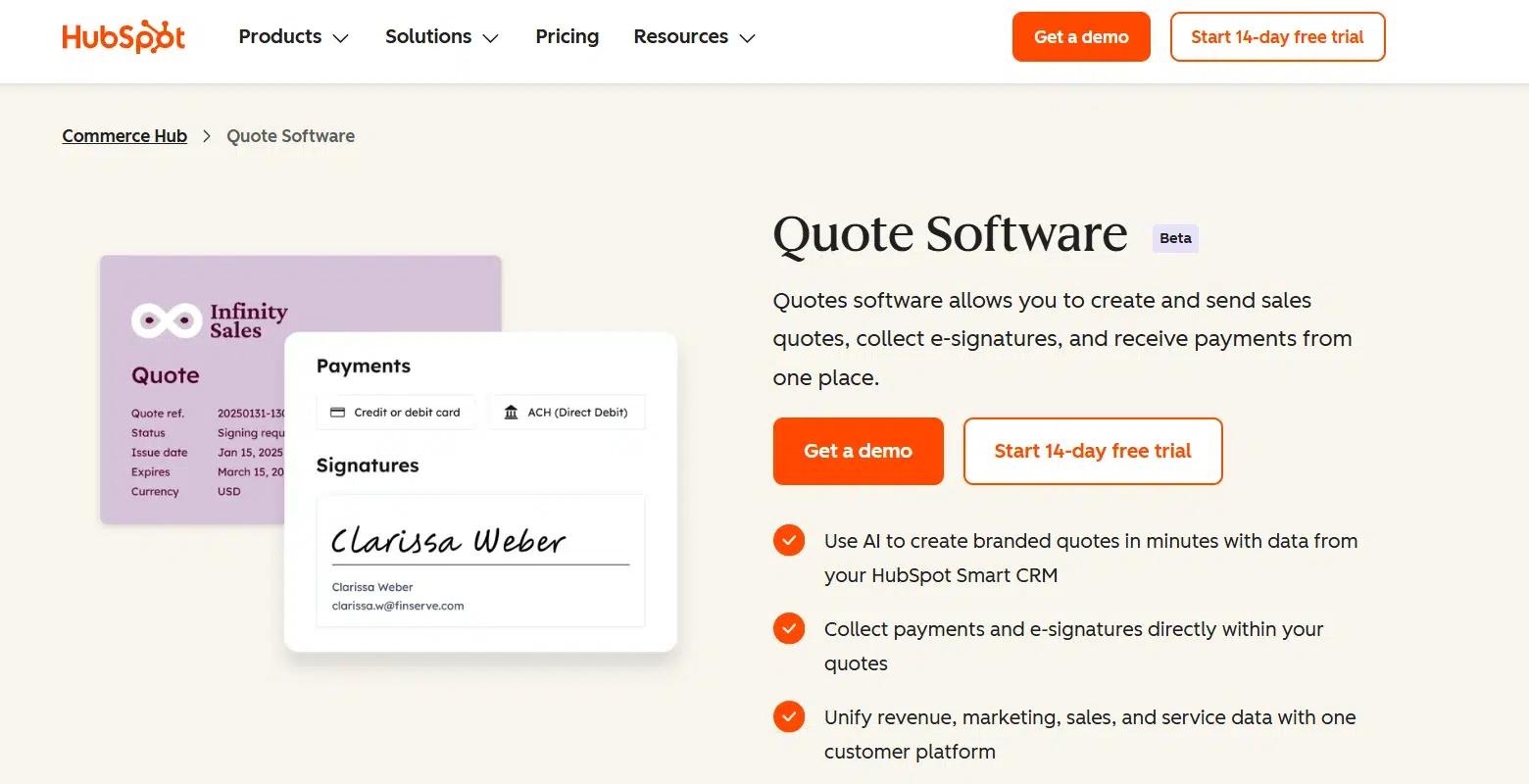
HubSpot’s sales quoting software is built for sales teams that want to send ready-to-sign proposals without having to create them from scratch or toggle between systems. It’s built into the same CRM your team is already using, so quotes pull real-time product and pricing data straight from the deal.
It’s a strong fit for B2B companies, SaaS teams, and service businesses that want quoting, approvals, e-signatures, and payments all handled within one system, rather than being patched together with third-party tools.
What sets it apart is how smoothly the quote process integrates with the rest of your sales workflow. You’re not just sending a PDF. You’re sending a branded, interactive quote page that includes your pricing table, line items, attachments, payment link, and e-signature field, all tracked from inside HubSpot. Once it’s out the door, you can see in real time whether the buyer has opened it, viewed it, or stalled, so reps don’t have to guess when to follow up.
For example, say a rep is finalizing a software subscription deal. They open the deal record, click “Create Quote,” and HubSpot pulls in all the relevant data, including contact information, product package, and pricing. The representative adjusts the billing terms, inserts a custom intro, and sends it. The buyer receives a branded quote page where they can review, sign, and pay all in one smooth flow.
Here’s what the sales quote software flow looks like in HubSpot:
- Open any deal in HubSpot’s CRM.
- Click “Create Quote” to launch the editor, product, and deal data loads automatically.
- Customize the layout: edit pricing, add terms, attach files, or personalize the intro.
- Set approval conditions if needed (e.g., discounts, thresholds).
- Add your e-signature block and enable payment options if applicable.
- Preview the quote; it’s a branded, single-page layout ready to send.
- Send the link directly to the buyer, they can review, sign, and pay on the spot.
- Monitor status and engagement live from the deal record.
Pricing: HubSpot Quotes is part of the Commerce Hub, with a 14-day free trial. Paid plans vary depending on usage and access to advanced features like payments, approval routing, and automation.
2. DealHub Sales Quoting Software
DealHub’s sales quoting software helps teams automate and scale quoting without losing accuracy or speed. It simplifies complex workflows while integrating with CRM, ERP, and financial tools. Instead of juggling multiple systems or manually editing, sales teams get a unified platform where configuration, pricing approvals, and revenue processes flow smoothly.
It’s a strong fit for enterprise sales, SaaS businesses, and B2B companies with intricate pricing needs. DealHub stands out with its dynamic quote configuration, flexible approvals, and real-time deal visibility, which boost efficiency and reduce errors.
Apart from quoting, it combines contract management (CLM) and subscription billing in one place, making revenue management effortless. For instance, a SaaS team handling tiered pricing and discounts can generate a quote in minutes, trigger automated approvals, and deliver a branded page with pricing, e-signatures, and payment options, shortening the cycle and reducing back-and-forth.
Here’s what the quoting process looks like in DealHub:
- Open the DealHub dashboard and select the active deal.
- Choose “Create Quote”, the system pulls in the necessary deal and product data from your CRM.
- Customize the quote layout by editing product line items, applying discounts, or bundling offers.
- Set up approval rules (e.g., discount thresholds, pricing tiers) to automate internal approvals.
- Add e-signatures and payment options directly within the quote.
- Preview the quote; it’s a branded, interactive page that’s ready to send.
- Send the quote link to the buyer, who can review, sign, and make payments instantly.
- Track the status of the quote in real-time, from views to engagement, all through DealHub’s dashboard.
Pricing: DealHub’s sales quoting software is available through the CPQ and Quote-to-Revenue solutions. Pricing is custom, based on your business needs, and varies depending on usage and feature access. A demo is available for those who want to explore the platform before making a commitment.
3. Proposify Sales Quoting Software
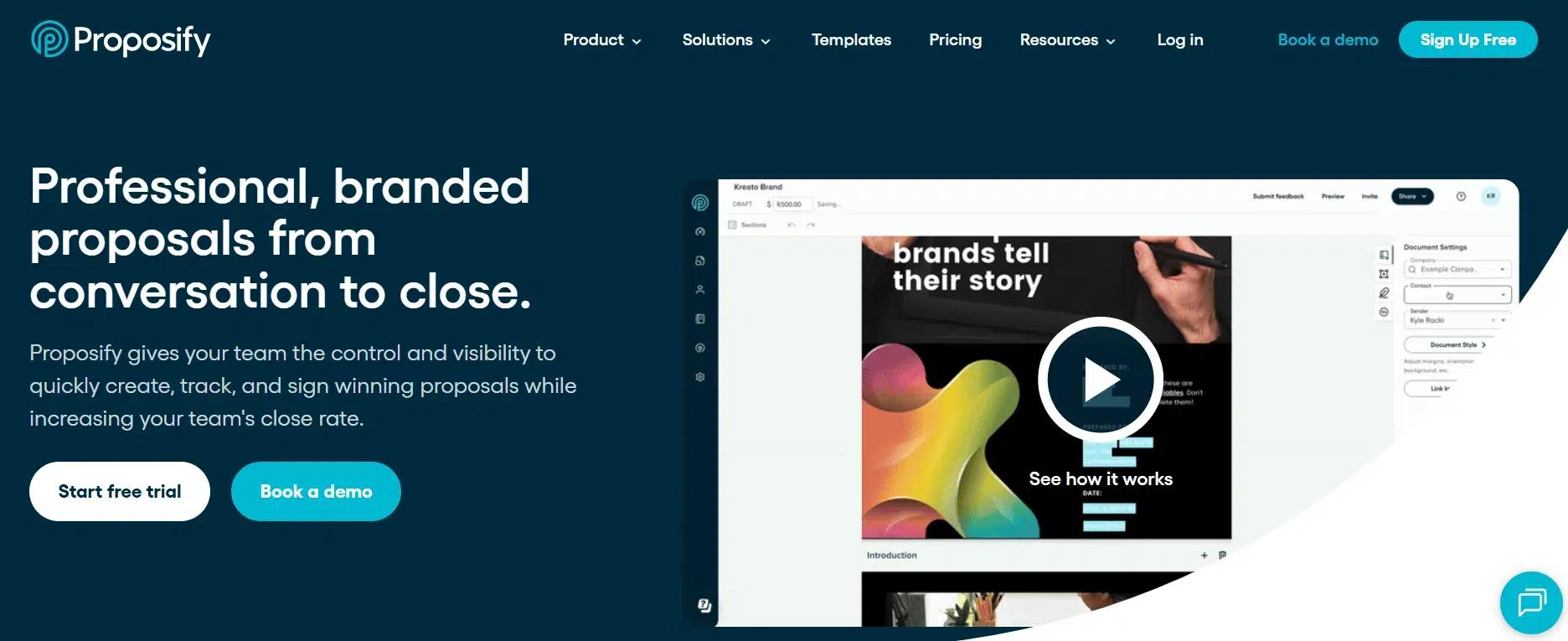
Proposify helps sales teams create, send, and manage professional proposals and quotes fast. With a drag-and-drop editor and customizable templates, it’s ideal for teams who want to deliver on-brand, polished documents without wasting time. What stands out is how Proposify connects directly to your CRM, pulling in deal and product data in real-time, cutting down on manual work and eliminating errors.
Proposify’s flexibility allows for quick adjustments, whether you’re creating a simple quote or a complex proposal. The real-time tracking feature provides insights into how prospects interact with your documents, enabling your sales reps to follow up at the optimal time, based on the data. It’s a great fit for teams in industries such as consulting, marketing, or construction, where fast and accurate proposals are key to closing deals.
Here’s what the quoting process looks like in Proposify:
- Log in to your Proposify account and select “Create Proposal” or “Create Quote.”
- Choose from pre-built templates or start from scratch with a blank page.
- Drag and drop sections, pricing tables, images, and custom content to create your quote.
- Configure your pricing, apply any applicable discounts, and finalize the terms and conditions.
- Add e-signature fields and ensure the document is ready for legal approval.
- Preview your quote and confirm it’s ready to send.
- Send the quote directly to the client via email or a link, and they can review, approve, and sign in just a few clicks.
- Track engagement in real time, see when the client views the proposal, and which sections they spend the most time on.
Pricing: Proposify offers customizable pricing plans customized to meet your team’s specific needs. They offer a 14-day free trial, and paid plans scale according to features such as integrations, advanced reporting, and team collaboration tools. Pricing details are available upon request, and you can easily get a demo to see how the platform works for your business.
4. Salesforce Revenue Cloud
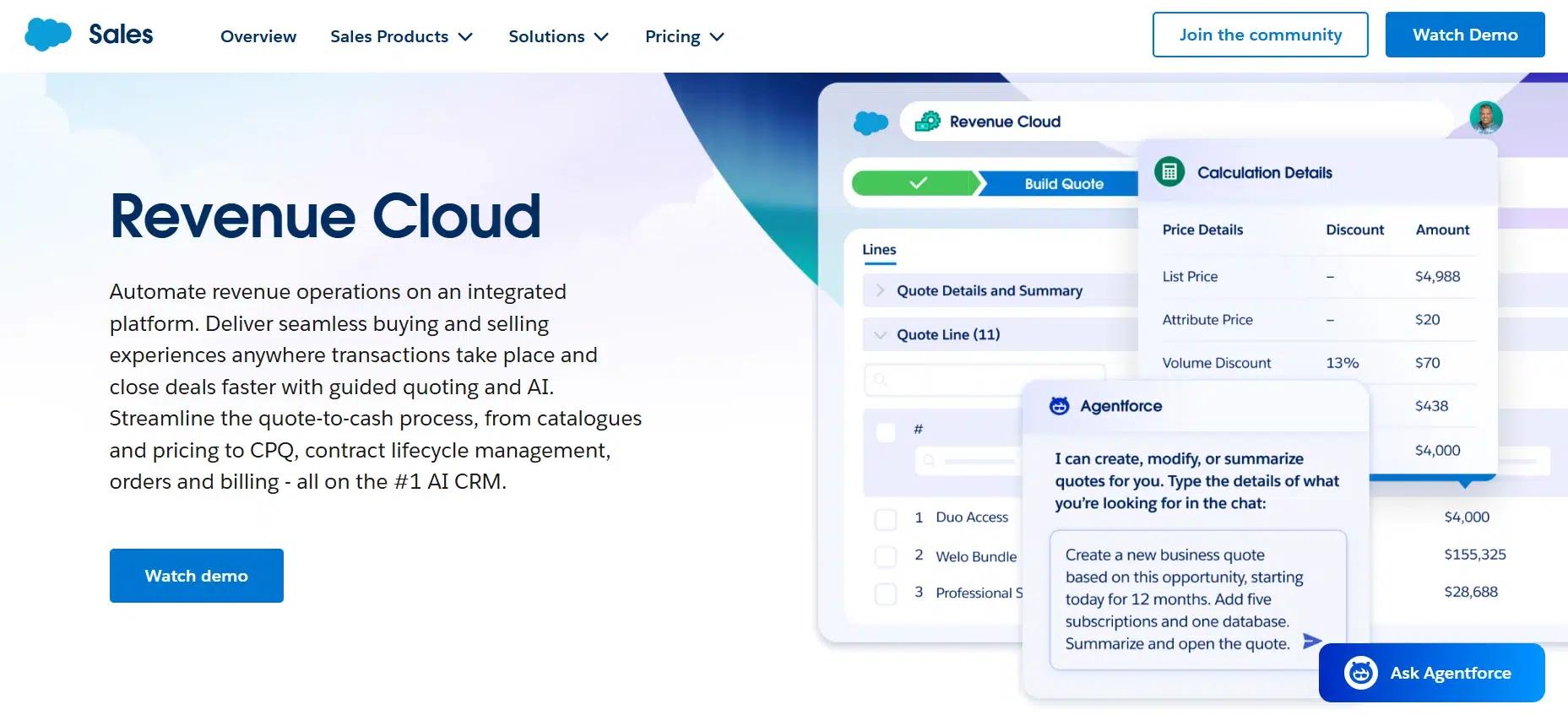
Salesforce Revenue Cloud simplifies the entire quote-to-cash process by integrating all aspects of revenue management into a single platform. It’s built for teams that need to streamline quoting, billing, and payments. It offers AI-assisted quoting, contract lifecycle management (CLM), and flexible pricing models. Whether you’re working with one-time sales or recurring billing, it enables sales representatives to generate accurate quotes quickly and close deals more efficiently.
What makes it stand out is its ability to unify revenue operations across all sales channels. Salesforce Revenue Cloud enables you to automate pricing, apply intelligent product bundling, and track customer engagement in real-time, ensuring accuracy and enhancing the customer experience.
For example, imagine a SaaS business sending out a subscription quote with add-ons. Salesforce automates the entire process, generating the quote, applying rules, and delivering it with a click. The representative can then track engagement and follow up to close the deal more quickly.
Here’s what the quoting process looks like in Salesforce Revenue Cloud:
- Open any opportunity within Salesforce CRM.
- Select “Create Quote,” and the system automatically pulls product and pricing data.
- Apply discounts, bundle products, or make custom adjustments using guided selling tools to enhance your shopping experience.
- Review and adjust the quote as needed, utilizing built-in approval workflows.
- Add e-signature fields and configure payment options directly within the quote.
- Send the quote via email or a unique link, the client can review, approve, and sign on any device.
- Track engagement and get alerts when the client opens, views, or signs the quote.
Pricing: Salesforce Revenue Cloud is a premium offering available through Salesforce’s suite of tools. Pricing varies depending on your company’s specific needs and the level of customization required. A free trial is available, and custom quotes are provided based on your unique revenue lifecycle requirements.
5. PandaDoc Sales Quoting Software
PandaDoc simplifies the process of creating, managing, and e-signing proposals and sales quotes. With its drag-and-drop editor and CPQ functionality, it allows teams to generate accurate, branded quotes in minutes. The platform integrates with CRMs, pulling data directly from your product catalog to apply pricing rules and create custom quotes without manual input.
What sets PandaDoc apart is its automation and real-time tracking capabilities. Reps can monitor how prospects engage with their documents, allowing them to follow up at the perfect time. Plus, with built-in e-signature functionality, deals are closed faster and more securely, without the back-and-forth of traditional signing methods.
Here’s what the quoting process looks like in PandaDoc:
- Log into PandaDoc and select “Create Quote” from the dashboard.
- Choose from pre-built templates or start from scratch using the drag-and-drop editor.
- Pull in pricing data from your product catalog and apply any applicable rules or discounts.
- Customize the quote with product descriptions, terms, and any other necessary details.
- Add e-signature fields and configure payment options.
- Preview the quote to ensure everything is accurate and ready to send.
- Send the quote to the client via email or a unique link for review and e-signature.
- Track engagement in real-time, see when the client views, signs, or comments on the quote.
Pricing: PandaDoc offers flexible pricing plans that scale based on team size and feature requirements. The platform provides a free trial, and pricing for premium plans varies based on usage, including features such as automated workflows, document analytics, and integration options. For custom pricing or additional features, you can request a demo to explore the platform.
6. Scoro Sales Quoting Software
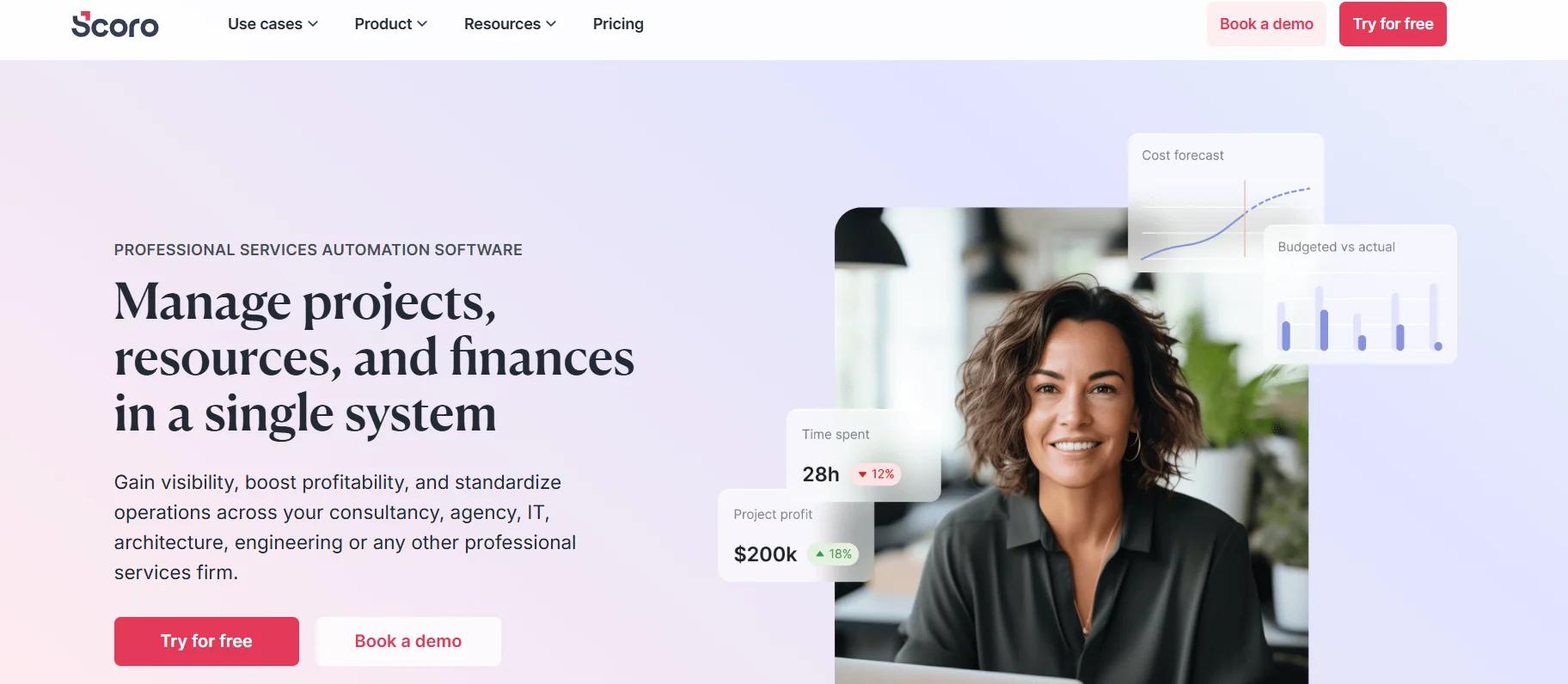
Scoro is a complete business management platform that helps professional services firms streamline their quoting, project management, and financial operations. Built for teams managing complex projects, Scoro integrates sales, delivery, and financials into a single system, ensuring better control, visibility, and profitability. What sets Scoro apart is its advanced quoting and budgeting features, which enable teams to create accurate quotes and estimates by breaking down deliverables by role and effort, ensuring alignment with project plans and margins.
Scoro’s real-time financial insights enable teams to track project profitability, manage resources effectively, and forecast future needs. The platform is ideal for consultancies, agencies, and service-based businesses seeking to enhance efficiency and minimize errors through automation. With its comprehensive project financials and smart content, Scoro streamlines the quoting process, ensuring that quotes are profitable and optimized for the future.
Here’s what the quoting process looks like in Scoro:
- Open the opportunity or project in Scoro and select “Create Quote.”
- Pull in product and pricing data directly from the catalog.
- Apply pricing rules, estimate effort, and adjust margins as necessary.
- Customize the quote with specific project deliverables and terms.
- Review and approve the quote using built-in approval workflows.
- Add e-signature fields for client sign-off and payment options if applicable.
- Send the quote via email or a unique link for client review and approval.
- Track client engagement and monitor real-time profitability through the dashboard.
Pricing: Scoro offers flexible pricing plans starting at $19.90 per user per month, with a 14-day free trial available. Premium plans offer advanced features such as resource planning, financial forecasting, and custom integrations, which are ideal for larger teams or enterprises. Custom pricing can be requested for specific business needs.
7. Conga CPQ
Conga CPQ enables sales teams to create accurate, tailored quotes quickly, resulting in faster sales cycles and reduced errors. Developed for businesses with complex product catalogs, this solution utilizes a rule-based configuration engine to ensure pricing accuracy and streamline the quoting process, even when managing bundles, services, subscriptions, and usage-based products. What makes Conga CPQ special is its ability to automate quote generation and sync subscriptions, ensuring that all details are automatically updated and consistent across the board.
This sales quoting software integrates easily with CRM platforms like Salesforce, enhancing your existing workflow. Conga CPQ generates professional, on-brand quotes and proposals and enables automated document generation, contract alignment, and eSignature collection, all within a single platform. This makes it an excellent fit for businesses seeking to expedite quoting, minimize errors, and enhance win rates while ensuring they meet their revenue goals.
Here’s what the quoting process looks like in Conga CPQ:
- Open the opportunity in your CRM and launch Conga CPQ to start the quote.
- Use the rule-based configuration engine to select products, services, and bundle options.
- Apply dynamic pricing based on pre-set rules and product dependencies.
- Customize the quote with terms, conditions, and any additional details needed.
- Preview the quote to ensure everything is accurate and aligned.
- Send the quote for eSignature directly from the platform.
- Track quote status and engagement in real-time to optimize follow-ups and close deals faster.
Pricing: Conga CPQ is part of the Revenue Lifecycle Management suite, and pricing is customized based on the features you need and the scale of your business. A demo is available to explore the platform, and pricing details can be tailored to your specific requirements.
8. Zuora Sales Quoting Software

Zuora is a solid sales quoting software developed to manage every aspect of your recurring revenue operations, from pricing and quoting to billing and revenue recognition. Ideal for businesses using subscription-based, usage-based, or mixed pricing models, Zuora enables quick and accurate quoting by integrating product catalogs with pricing strategies and ensuring quotes are aligned with business rules. This makes it an excellent fit for SaaS, media, and IoT companies that need to handle complex billing scenarios and scale their revenue operations rapidly.
What sets Zuora apart is its ability to automate revenue recognition, manage usage-based billing, and facilitate quoting. With Zuora, teams can generate precise, compliant quotes and easily update subscription details, all while keeping every aspect of the revenue lifecycle aligned. By unifying pricing, billing, and revenue recognition, Zuora enables companies to capture more value, reduce errors, and accelerate sales cycles.
Here’s what the quoting process looks like in Zuora:
- Open the opportunity in Zuora’s platform and select “Create Quote.”
- Select from the product catalog and configure pricing options tailored to customer needs.
- Apply any rules for discounts, usage-based pricing, or product dependencies.
- Customize the quote with terms and any additional details specific to the customer.
- Review the quote to ensure pricing is accurate and compliant.
- Send the quote for eSignature or approval directly from the platform.
- Track engagement in real-time, see when the client opens or signs the quote.
Pricing: Zuora offers flexible pricing plans based on your business size and requirements. A 14-day free trial is available to test the platform, and customized pricing can be provided for larger teams with specific needs, particularly in industries such as SaaS, media, and manufacturing.
9. Quote.ly
Quote.ly is an efficient AI-powered sales quoting software specifically for IT resellers on Salesforce. It automates the entire quoting process, eliminating the need for manual data entry and streamlining the quote creation process. With Quote.ly, sales teams can generate accurate quotes in seconds, pulling real-time pricing and availability from over 30 suppliers and directly syncing them with Salesforce opportunities, ensuring precision and speed.
What makes Quote.ly stand out is its AI-driven automation that simplifies quoting and also provides valuable forecasting insights and streamlines vendor engagement. This helps sales teams stay competitive by improving quote accuracy, tracking RFQs for government contracts, and offering real-time visibility into quote statuses and margins.
Here’s what the quoting process looks like in this sales quoting software:
- Log in to Salesforce and open the opportunity where you want to create a quote.
- Use Quote.ly’s drag-and-drop interface to select the supplier quotes and pull in real-time pricing data.
- Automatically generate quotes with pricing, part numbers, and descriptions directly from suppliers.
- Customize the quote with additional terms, conditions, or product descriptions as needed.
- Review and finalize the quote for accuracy.
- Send the quote for customer approval via the platform.
- Track customer engagement and monitor quote status in real-time.
Pricing: Quote.ly offers two pricing plans. The Professional plan is priced at $75/month and includes drag-and-drop quoting, real-time pricing and availability, order management, and a tracking portal for customers.
The Enterprise plan costs $150/month and includes all Professional features plus AI-powered invoice matching, enhanced distributor product search, and automated order updates from distributors.
10. Qwilr Sales Quoting Software
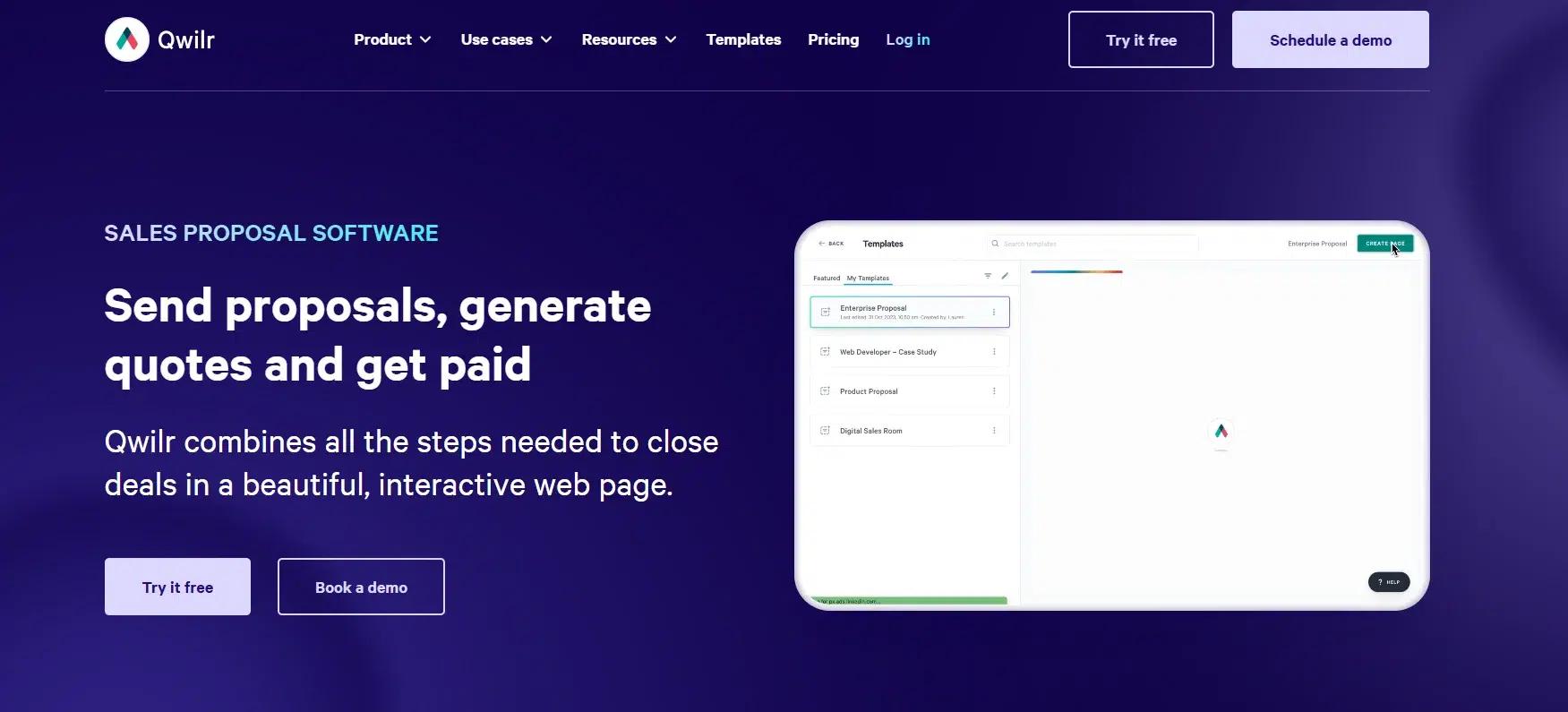
Qwilr unifies the sales quoting process by allowing sales teams to create visually appealing, interactive proposals and quotes directly within their CRM. With its intuitive drag-and-drop editor, Qwilr will enable users to build on-brand, fully customizable proposals that can be sent to clients as live, interactive web pages. The software eliminates the need for static PDFs and enables real-time tracking, ensuring that sales teams can follow up with prospects at the most opportune moments.
What makes Qwilr special is its focus on improving sales efficiency and deal velocity. Sales reps can instantly create proposals, track engagement, and collect eSignatures without ever leaving the platform. This leads to faster decision-making and a smoother sales cycle, which boosts win rates and reduces the time spent on administrative tasks.
Here’s what the quoting process looks like in Qwilr:
- Open your CRM and select the opportunity to generate a quote.
- Use Qwilr’s drag-and-drop editor to build your proposal with content blocks, pricing details, and contract terms.
- Add interactive elements, such as images, videos, or product demonstrations, to engage the prospect.
- Customize the quote with personalized terms, conditions, and a branded layout.
- Review and send the live proposal link to your prospect.
- Track engagement in real time, see when the prospect views, shares, or re-engages with the proposal.
- Collect eSignatures directly from the proposal page to close the deal faster.
Pricing: Qwilr offers a 14-day free trial to get started, with plans starting at $75/month for the Professional version.
The Enterprise plan, priced at $150/month, includes additional features such as advanced automation, integration with multiple platforms, and enhanced document analytics.
At-a-Glance Comparison for Easy Choice
To wrap it up, here’s a quick comparison table of sales quoting software that lets you scan the options side by side. If you’d prefer to skip the details and get straight to the point, this table is your shortcut:
| Sales Quoting Software | Core Features | Best For | Pricing | Free Trial |
| HubSpot Sales Quotes | Integrated with CRM, lead nurturing, e-signatures, and automated workflows | B2B, SaaS, Service Businesses | Free (with paid upgrades) | Yes (Free tools) |
| DealHub | Automated quoting, deal room collaboration, partner quoting, and advanced approvals | Enterprises, Complex Sales Cycles | Custom pricing | Yes |
| Proposify | Interactive proposals, analytics, eSignatures, CRM integration | SMBs, Marketing, Agencies | Starts with affordable plans | Yes (Free trial) |
| Scoro | Quoting, project management, invoicing, resource planning | Agencies, Professional Services | Starts with affordable plans | Yes (Free trial) |
| Conga CPQ | AI-powered quoting, rule-based configuration, contract integration, eSignatures | Enterprises, Complex Sales Models | Custom pricing | Yes |
| Zuora | Recurring billing, usage-based pricing, revenue recognition, subscription management | SaaS, Media, IoT | Custom pricing | Yes (Free trial) |
| Quote.ly | AI-powered quoting, real-time pricing, order management, RFQ support for government contracts | IT Resellers, Small Businesses | Starts with affordable plans | Yes |
| Qwilr | Interactive proposals, eSignatures, CRM integration, real-time tracking | Sales Teams, Agencies | Starts with affordable plans | Yes (Free trial) |
| PandaDoc | CPQ, eSignatures, document automation, CRM integration | SMBs, SaaS, Enterprises | Starts with affordable plans | Yes (Free trial) |
| Zoho Forms | Lead capture, internal routing, workflow management, and advanced reporting | SMBs, Startups | Free (paid plans available) | Yes (Free) |
INSIDEA
Ready to get more out of HubSpot?
We are an Elite HubSpot Partner rated 4.99 across 450+ verified reviews. Let's make your portal work harder.

 How INSIDEA works




