

Search behavior has shifted. A growing portion of queries now arrive as full questions, typed or spoken, and the answers people get often come from AI-generated responses, featured snippets, and People Also Ask boxes rather than a list of blue links.
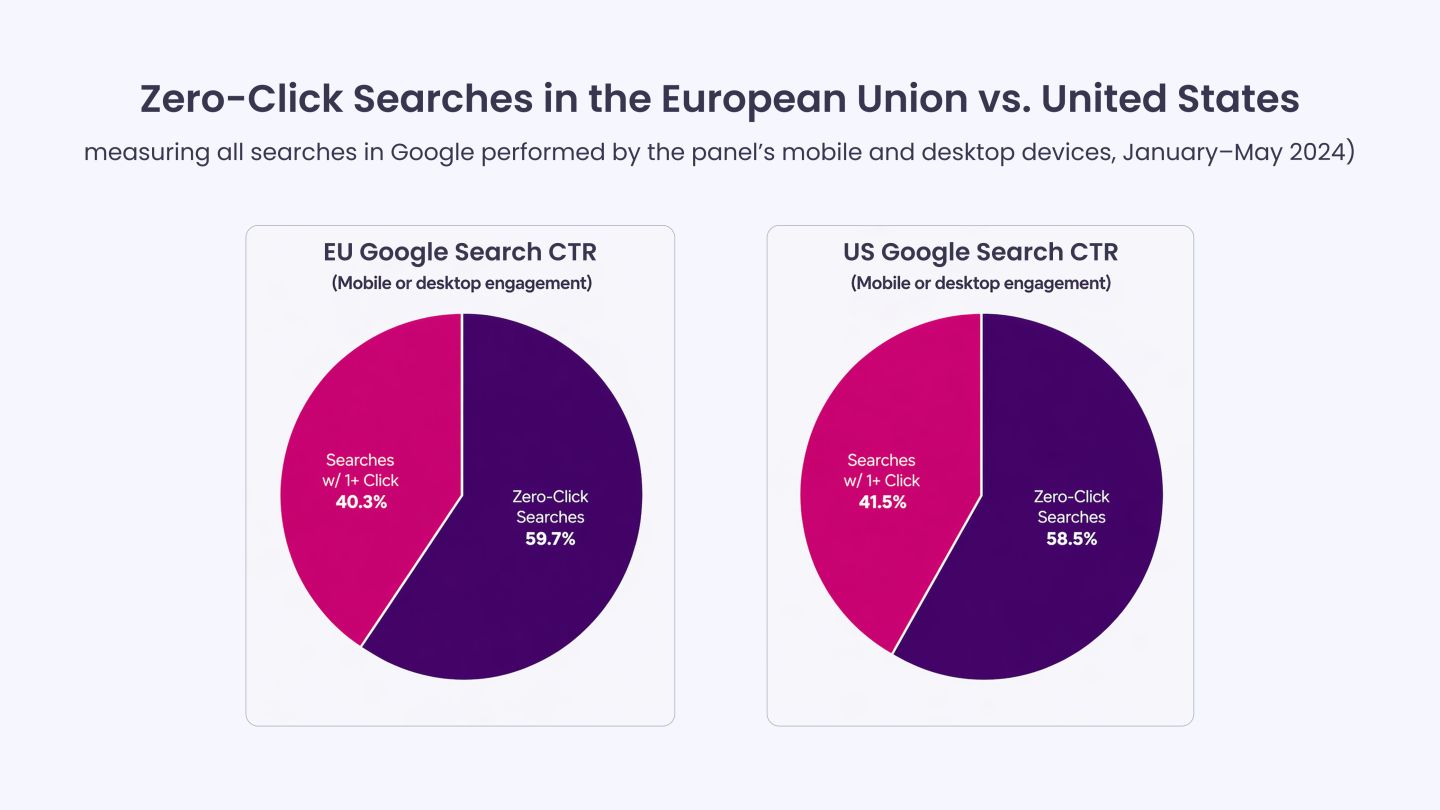
As per research, roughly 58.5% of Google searches in the US ended without a click, meaning the answer was delivered directly on the results page. For content creators and SEO professionals, this changes what keyword research should produce.
Standard keyword research optimizes for traffic through clicks. AEO keyword research optimizes for presence in the answer itself. That requires different queries, different intent signals, and different tools.
This blog explains how to choose and use keyword tools specifically for Answer Engine Optimization.
The Real Shift in How We Approach Search Queries
Standard SEO keyword research prioritizes search volume, click-through potential, and ranking difficulty. The output is typically a list of terms to target, mapped to pages that compete for position in the organic results.
AEO flips some of those assumptions. The goal is not to rank second or third; it is to supply the answer that search engines and AI tools surface directly. That means the research process needs to produce something different: not terms, but questions. Not broad intents, but specific informational needs that can be answered precisely.
What changes in practice:
- Query format shifts from keyword phrases to natural language questions. “Best CRM software” becomes “what CRM software works best for small teams with under 20 users.”
- Intent granularity increases. A single broad topic may contain dozens of sub-questions, each requiring its own answer-focused response.
- SERP features become research targets. Featured snippets, PAA boxes, and AI Overviews are the placements that matter, not just page-one rankings.
- Entity context matters. AEO content needs to signal clearly what a piece is about, who it is for, and what it answers, not just which terms it contains.
The practical implication: AEO keyword research is less about finding high-volume terms and more about mapping the question landscape around a topic so content can answer those questions completely and precisely.
How These AEO Keyword Research Tools Were Evaluated
Not every keyword tool qualifies for AEO workflows. Most are built for traditional SEO: volume, difficulty, and competition.
For AEO, the evaluation shifts from metrics to semantic and intent intelligence.
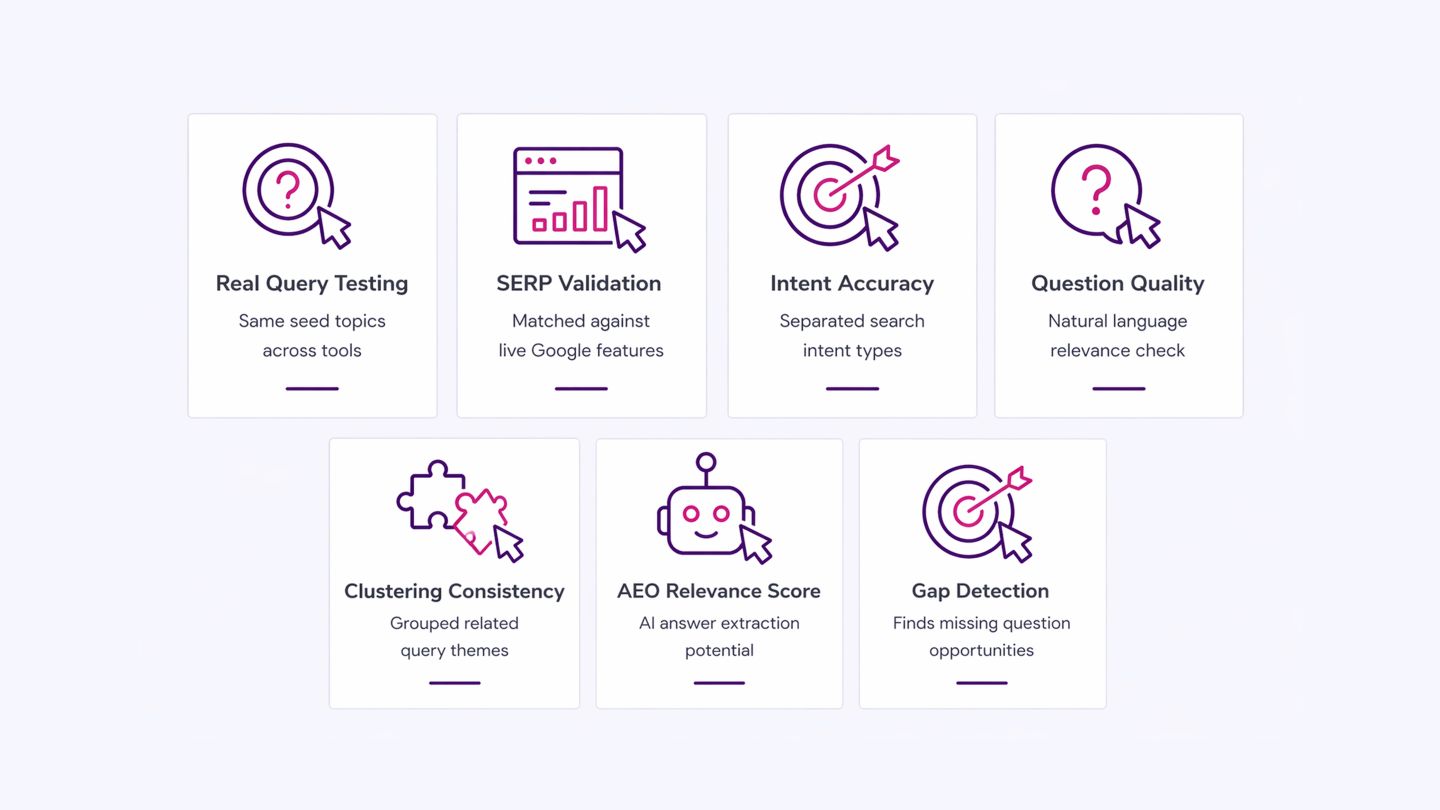
Each tool was evaluated using a consistent test set focused on real queries, SERP behavior, intent accuracy, clustering quality, and its ability to surface AI-ready, question-driven insights rather than raw keyword data:
- Real-Query Testing: Each tool was tested using the same set of seed topics to compare its accuracy in surfacing AEO-relevant questions and patterns.
- SERP Validation: Outputs were cross-checked against actual Google SERP features (People Also Ask, featured snippets, AI Overviews) to verify real-world alignment.
- Intent Accuracy Check: We assessed whether tools correctly separated informational, navigational, and comparison intent within the same topic cluster.
- Question Quality Review: Generated queries were manually reviewed for natural-language quality, depth, and usefulness in AI-driven search contexts.
- Clustering Consistency: Tools were evaluated on how well they grouped related queries into coherent topic clusters instead of fragmented keyword lists.
- AEO Relevance Scoring: Each tool was scored based on how well its outputs could directly support AI answer extraction (not just traditional SEO targeting).
- Gap Detection Capability: We checked how effectively each tool surfaced missing or underserved questions where AEO opportunities exist.
7 Tools to Identify Question-Led Keywords for AEO Performance
A tool that only shows monthly search volume and a difficulty score is incomplete for AEO work.
The tools below each contribute at least two or three of these capabilities, which is why they are worth using.
1. SEMrush
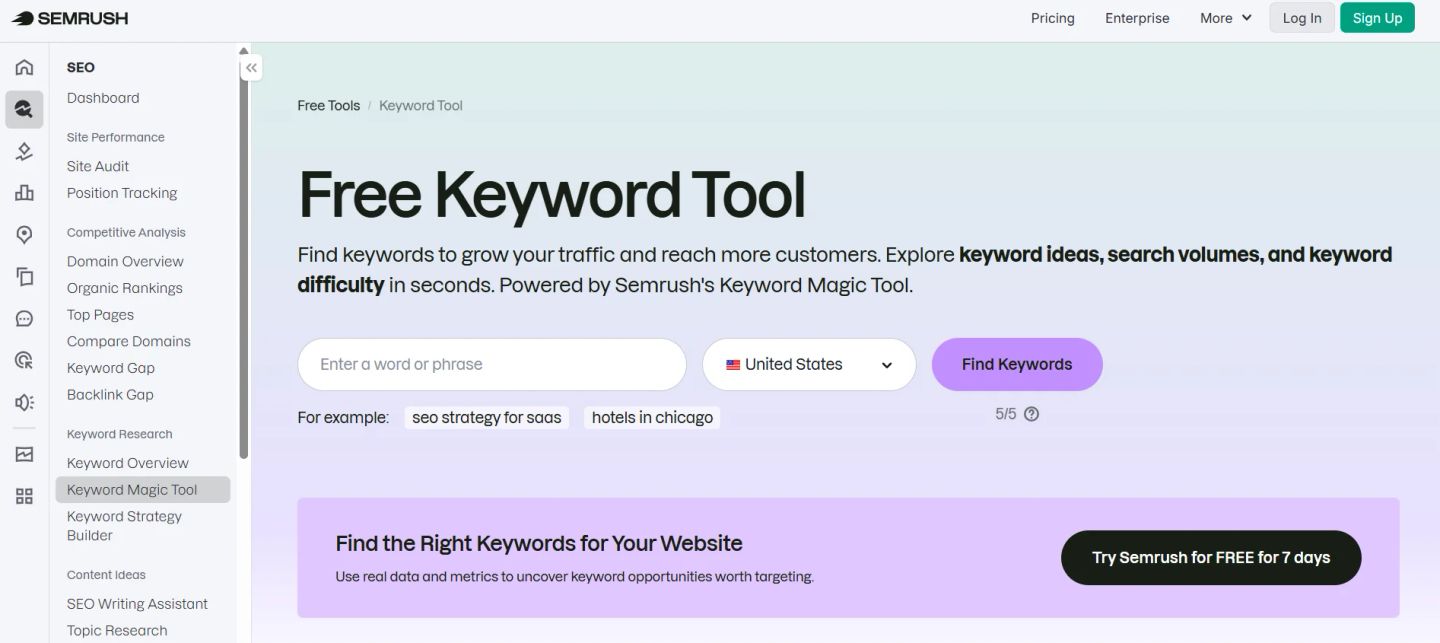
SEMrush is most useful for AEO at the validation and scaling stage. Once you have a list of question-based queries, SEMrush helps you assess which of those questions trigger featured snippets or PAA boxes, and what content currently holds those placements.
Its Keyword Magic Tool can filter results by question format, giving you a focused view of the informational query space within any topic.
How to Use It for AEO:
- Open Keyword Magic Tool and enter your core topic. Apply the “Questions” filter immediately to restrict results to question-format queries only.
- Sort by Intent and isolate “Informational” results. These are the queries where AEO placements are most common.
- Check the SERP Features column. Prioritize queries that include “Featured Snippet” or “People Also Ask”. These are your direct AEO targets.
- Export the filtered list and group questions by theme. Each theme becomes a content block or FAQ section in your piece.
AEO-Specific Advantage
SEMrush’s Position Tracking feature lets you monitor whether your content earns or loses featured snippets and PAA positions over time, not just organic rankings. Most teams do not use this for AEO auditing, but it is the most direct way to measure whether answer-focused content is actually working.
Limitation
SEMrush’s question filter surfaces questions that have measurable search volume. Very specific, long-tail conversational queries, the kind that voice search and AI tools frequently answer, often fall below its detection threshold. For those, you need a tool like AlsoAsked or AnswerThePublic.
2. Ahrefs
Ahrefs is most valuable for AEO when used to identify content gaps and featured snippet opportunities. Its Content Gap tool shows which questions competitors rank for that your site does not, and its SERP analysis reveals which result formats (snippets, lists, tables) are winning for specific question queries.
How to Use It for AEO
- Go to Keywords Explorer and type a topic. Under Matching Terms, apply the “Questions” filter and sort by Traffic Potential rather than Volume.
- Open any high-potential question and review the SERP overview. Look for queries where a featured snippet is held by a page with a lower domain authority than yours. These are winnable AEO positions.
- Run Content Gap against two or three competitors in your space. Filter the output to question-format keywords. These are questions the market is answering, but you are not.
- For each gap query, check what format the winning snippet takes: paragraph, list, or table. Match that format in your content.
AEO-Specific Advantage
Ahrefs shows the exact paragraph that currently holds a featured snippet for any query. This is useful for AEO because you can see the precise answer structure Google accepted and model your own answer accordingly without copying it.
Limitation
Ahrefs does not map question hierarchies or related sub-questions. It tells you a question is valuable, but not how it connects to the adjacent questions users ask. For that relationship layer, AlsoAsked does the work that Ahrefs cannot.
3. AlsoAsked
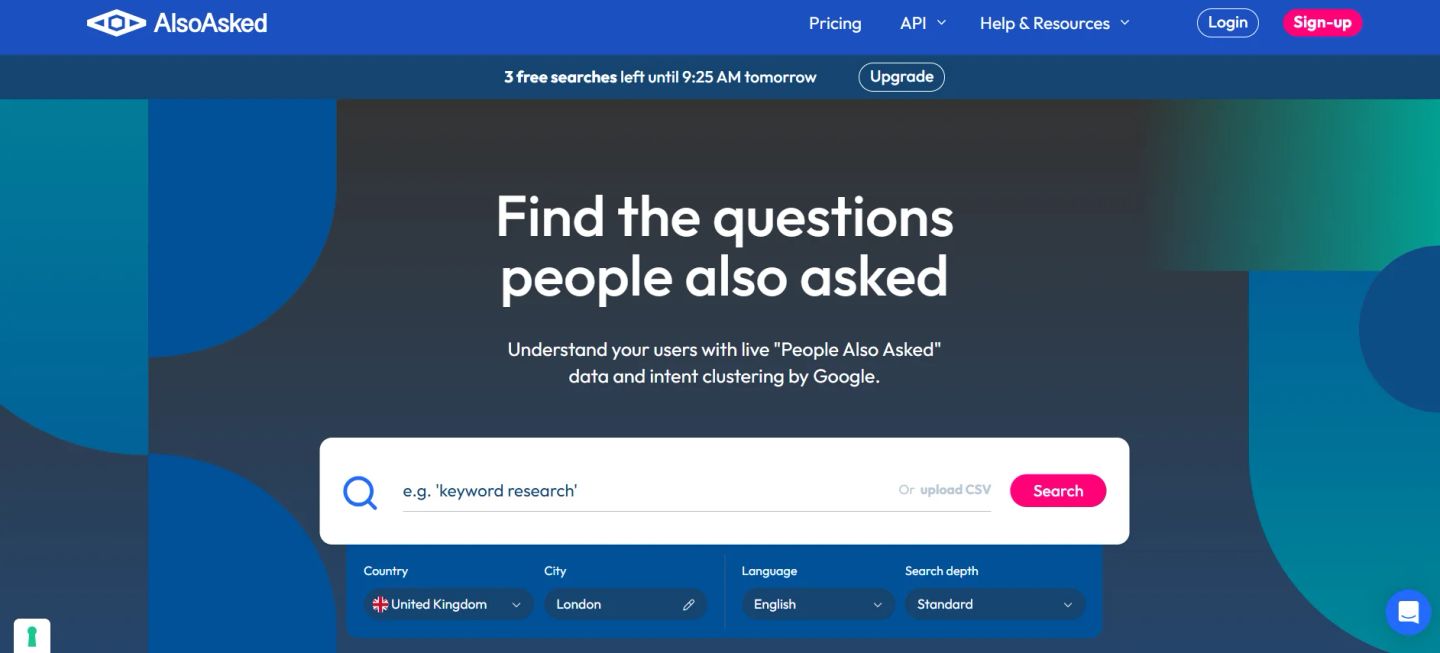
AlsoAsked is built specifically to visualize the People Also Ask graph, the web of related questions that Google connects to any starting query.
For AEO, this is directly useful because PAA boxes are a primary AEO placement, and understanding how questions branch gives you the full structure of what users want to know across a topic.
How to Use It for AEO
- Enter a starting question or topic phrase. AlsoAsked returns a tree of questions organized by level: the immediate PAA results, and what branches off each of those.
- Look at the second and third levels of the tree. These represent deeper informational needs that fewer content pieces address, which means higher AEO opportunity with less competition.
- Export the full tree as a CSV. Group questions into clusters. Each cluster represents a section or standalone piece of content.
- Use the question tree to build a content outline where each heading directly mirrors a real PAA question. This alignment is one of the strongest signals for earning a PAA placement.
AEO-Specific Advantage
AlsoAsked reveals how Google semantically connects questions, which means it shows you the relationship structure of a topic, not just a flat list. Most content misses second-level questions entirely. Writing content that answers level-two PAA questions gives you placements in boxes that have almost no competing content targets.
Limitation
AlsoAsked has limited volume data. It shows you what people ask, but not how often. Use it for structure and discovery, then cross-reference with SEMrush or Ahrefs to prioritize which questions justify full content treatment.
4. AnswerThePublic
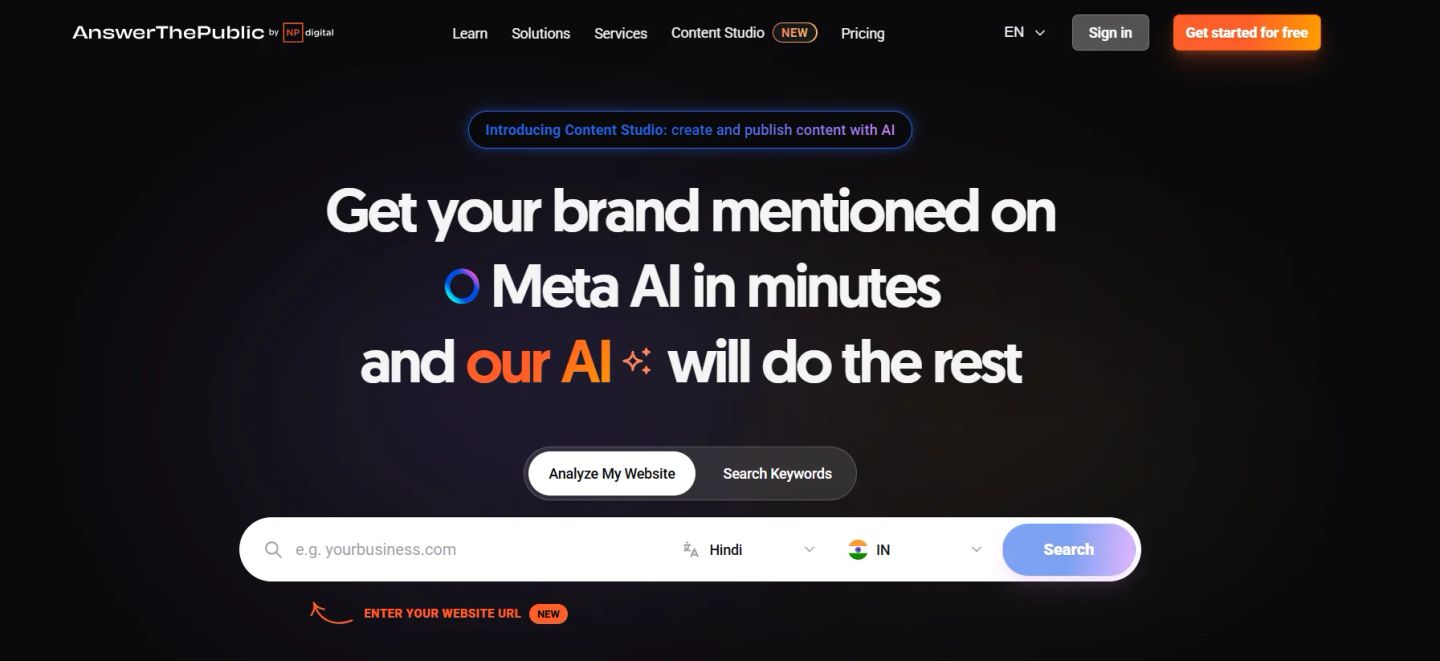
AnswerThePublic generates question-format queries derived from autocomplete data, organized by question type: who, what, when, where, why, how, and comparison queries. For AEO, it is useful at the discovery phase, especially for conversational and voice-style queries that standard keyword tools miss because they sit below detectable search volume.
How to Use It for AEO
- Enter your topic and select your target market. Choose the “Data” view over the visual wheel to work with the full list efficiently.
- Filter for “how” and “why” question types first. These generate the most answer-focused content opportunities because they require explanatory responses, exactly what featured snippets and AI Overviews pull from.
- Look at the “versus” and “comparison” sections. Comparison queries frequently trigger featured snippets and are well-suited to table or structured-answer formats.
- Take the raw question list into your content structure. Use exact question phrasing as H2 or H3 subheadings. This mirrors how search engines read question-to-answer matches.
AEO-Specific Advantage
AnswerThePublic captures the informal, spoken-language version of queries: the way someone would actually ask a question aloud. This matters for voice search AEO and for AI tools that process natural language queries. Competing keyword tools pull data from typed search strings, which underrepresents how voice and chat-based queries are phrased.
Limitation
The free version is severely limited in the number of daily searches. The paid version is reasonable, but if the budget is tight and you need breadth, AnswerThePublic works best as a supplement to AlsoAsked rather than a standalone discovery tool.
5. Google Search Console
Google Search Console is the only tool on this list that shows you real queries: actual search strings typed by users who reached your site or saw it in results. For AEO, this is valuable because it reveals which questions your content is already being matched to, and which ones you are appearing for but not yet winning.
How to Use It for AEO
- Go to Performance > Search Results. Filter by query type: type a question word (how, what, why, when) in the query filter to isolate question-format searches.
- Sort by Impressions. High-impression, low-CTR question queries are pages where you appear in results, but the snippet is not compelling enough to earn the click, or where a competitor holds the featured snippet above you.
- For each of those queries, open the page report to see which URL is being matched. Visit that URL and check if it directly answers the question. If the answer is buried or absent, that is your AEO fix.
- Filter by queries with position 4 to 10 and question format. These are your closest AEO opportunities: pages that rank but do not yet hold a snippet position.
Restructuring the answer on those pages often earns the placement.
AEO-Specific Advantage
Every other tool on this list shows estimated or modeled query data. Search Console shows what users actually typed when your content appeared. For AEO auditing, identifying where your existing content is close to winning an answer placement is the most accurate source.
Limitation
Search Console only shows data for your own site. It cannot help with discovery for new topics or competitor analysis. Use it to optimize existing content, not to find new AEO opportunities from scratch.
6. Keywords Everywhere
Keywords Everywhere is a browser extension that overlays keyword data directly on Google search results pages, Google Search Console, YouTube, and other platforms. For AEO, its most useful function is to surface PAA and related queries in real time as you browse, making it a fast research layer during the writing or editing process.
How to Use It for AEO
- Install the extension and enable it for Google Search. When you search any topic, Keywords Everywhere shows volume and trend data alongside each PAA box entry.
- As you research a topic, note which PAA questions have measurable volume. These are the questions Google considers semantically connected to your query and worth answering explicitly in your content.
- Use the “Related Searches” and “People Also Search For” panels that the extension adds to each SERP. These suggest adjacent question themes that may be missing from your content outline.
- Cross-reference PAA entries across several different starting queries on the same topic. Questions that appear repeatedly across different query variations are high-priority AEO targets.
AEO-Specific Advantage
Keywords Everywhere shows PAA data in context, while you are actually looking at the real SERP for a query. This means you can see which PAA placements are already held and by which competing page, without switching between tools. It turns passive browsing into active AEO research.
Limitation
It is a research supplement, not a research foundation. The data depth is limited compared to SEMrush or Ahrefs, and it cannot export structured question clusters. It works best as a quick-validation layer alongside more robust tools.
7. Frase.io
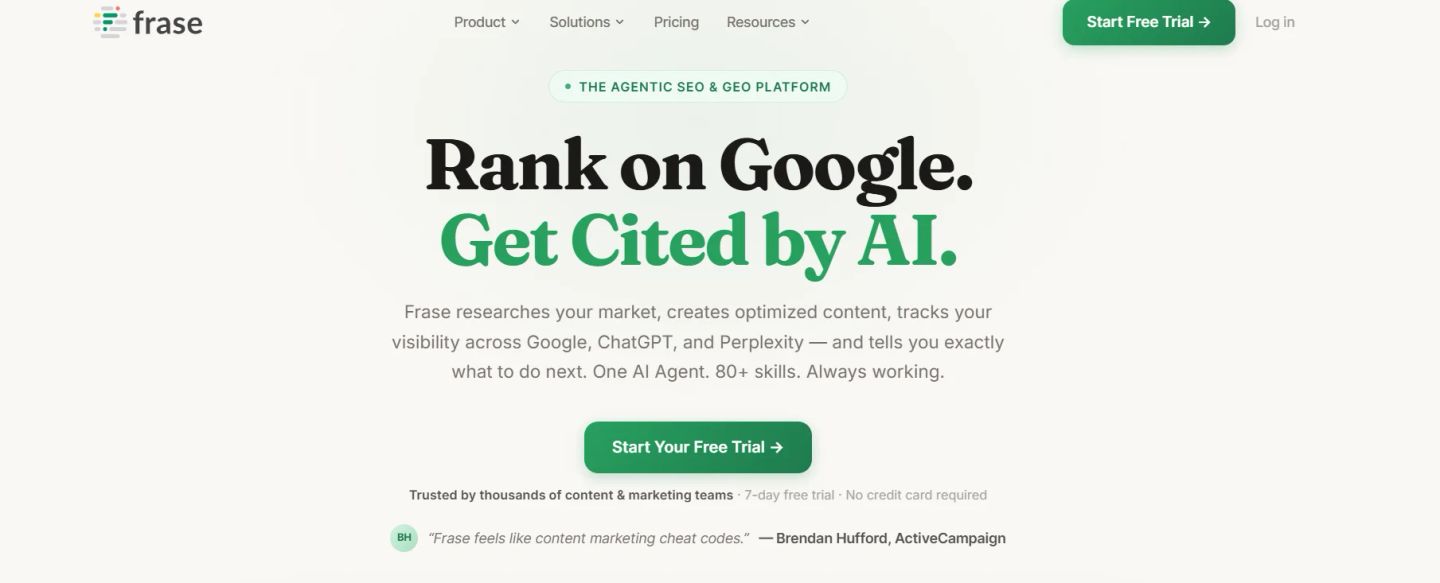
Frase.io is built around one core idea: understanding what a search query actually needs answered, not just which terms rank for it. For AEO, this makes it more structurally relevant than most keyword tools because it pulls PAA questions, related queries, and SERP-level answer patterns together into a single research view.
It is not repurposed from an SEO workflow. The answer structure is the starting point.
How to Use It for AEO
- Enter your target question or topic into Frase’s Content Research tool. It immediately pulls the top-ranking pages for that query and extracts the questions each page answers, including PAA data and header structures.
- Review the “Questions” tab. This aggregates every question surfaced across the top results for your query. These are the sub-questions Google considers part of a complete answer for that topic.
- Identify which questions appear across multiple competing pages but have thin or incomplete answers. These are your AEO gaps: questions the SERP acknowledges but does not fully resolve.
- Use Frase’s content brief output to build a response structure where each section directly addresses one of those questions. The heading matches the question, and the opening sentence of each section delivers the answer before any elaboration.
AEO-Specific Advantage
Frase shows you the answer architecture of a topic, not just the query landscape. It reveals how top-ranking pages structure their responses, which sections they include, and which questions they leave unanswered.
For AEO, this is a more precise input than a list of keyword variations because it tells you what a complete, snippet-worthy answer actually looks like for that specific query, based on what Google is already rewarding.
Limitation
Frase does not show search volume data at a useful depth natively. It is strong on answer structure and question discovery, but relies on integrations or external tools for volume validation. Pair it with SEMrush or Ahrefs to confirm which questions from your Frase research carry enough search demand to justify standalone content treatment.
When to Use Which Tool for AEO
No single tool covers the full AEO research workflow. The table below shows where each tool adds the most value and when to reach for it.
| Tool | Best AEO Use Case | Use When |
| SEMrush | Validating question-based queries at scale | Large content teams mapping full topic clusters |
| Ahrefs | Finding featured snippet gaps via Content Gap | Sites with existing authority looking to expand AEO reach |
| AlsoAsked | Mapping PAA hierarchies and question trees | Building FAQ and Q&A sections |
| AnswerThePublic | Discovering conversational queries early in research | New topic research and voice search optimization |
| Google Search Console | Identifying actual questions users ask your site | Established sites improving existing AEO performance |
| Keywords Everywhere | Flagging PAA and related questions during browsing | Quick in-context research while writing or editing |
| Frase.io | Generating and optimizing question-based content briefs using SERP-driven AI insights | Building FAQ pages, content briefs, and improving topical coverage for AEO and search intent alignment |
A practical starting combination for most AEO workflows: AlsoAsked for question mapping, SEMrush or Ahrefs for validation and SERP feature data, and Google Search Console for optimization of existing pages. Add TopicRanker when targeting a specific niche with low existing content coverage.
How Teams Win AEO Placements with the Right Tool Stack
AEO keyword research requires a different output than standard SEO keyword research. Instead of a ranked list of terms to target, you need a structured map of questions, organized by intent, connected by topic, and prioritized by where an answer placement is actually winnable.
The tools in this list are not interchangeable. Each fills a specific part of the research process: discovery, validation, SERP analysis, gap identification, or optimization. Teams that are getting consistent AEO placements are using two to three of these tools together, not one in isolation.
Start with the workflow that fits your current stage, whether that is discovery, optimization, or scaling, and add tools as the need grows.
INSIDEA
Ready to get found by people and AI?
Search and answer-engine visibility that compounds, built to be cited.

 How INSIDEA works




