

Brand identity is the very foundation of trust, recognition, and business growth. In fact, studies show that consistent branding can boost revenue by as much as 23%. However, even with the undeniable power of brand consistency, most companies still struggle to piece together a cohesive brand identity without a clear direction.
So, what’s the problem? Why is creating a brand kit still such a headache for so many businesses? The reality is that building a brand kit isn’t always as simple as selecting a color palette and applying a logo to everything. It’s about creating a system toolkit that makes it easy to present your brand consistently across every platform, medium, and interaction. And that’s where most businesses fall short.
You need a brand kit generator that does more than just offer generic templates or overcomplicated features. What you need is a tool that fits your brand’s unique needs, one that saves you time, gives you control, and helps you get it right, every single time. But finding the right tool can be a challenge. The market is flooded with options, some of which are too simple, others too complicated, and many that end up wasting your time rather than helping you build your identity.
In this blog, we’ve tested, compared, and evaluated the top brand kit generators to bring you the 10 best tools in 2026, each one carefully chosen for its ability to help you create a solid, cohesive brand identity quickly and easily.
Let’s get started.
Top Brand Kit Generators to Try in 2026
1. HubSpot’s Brand Kit Generator
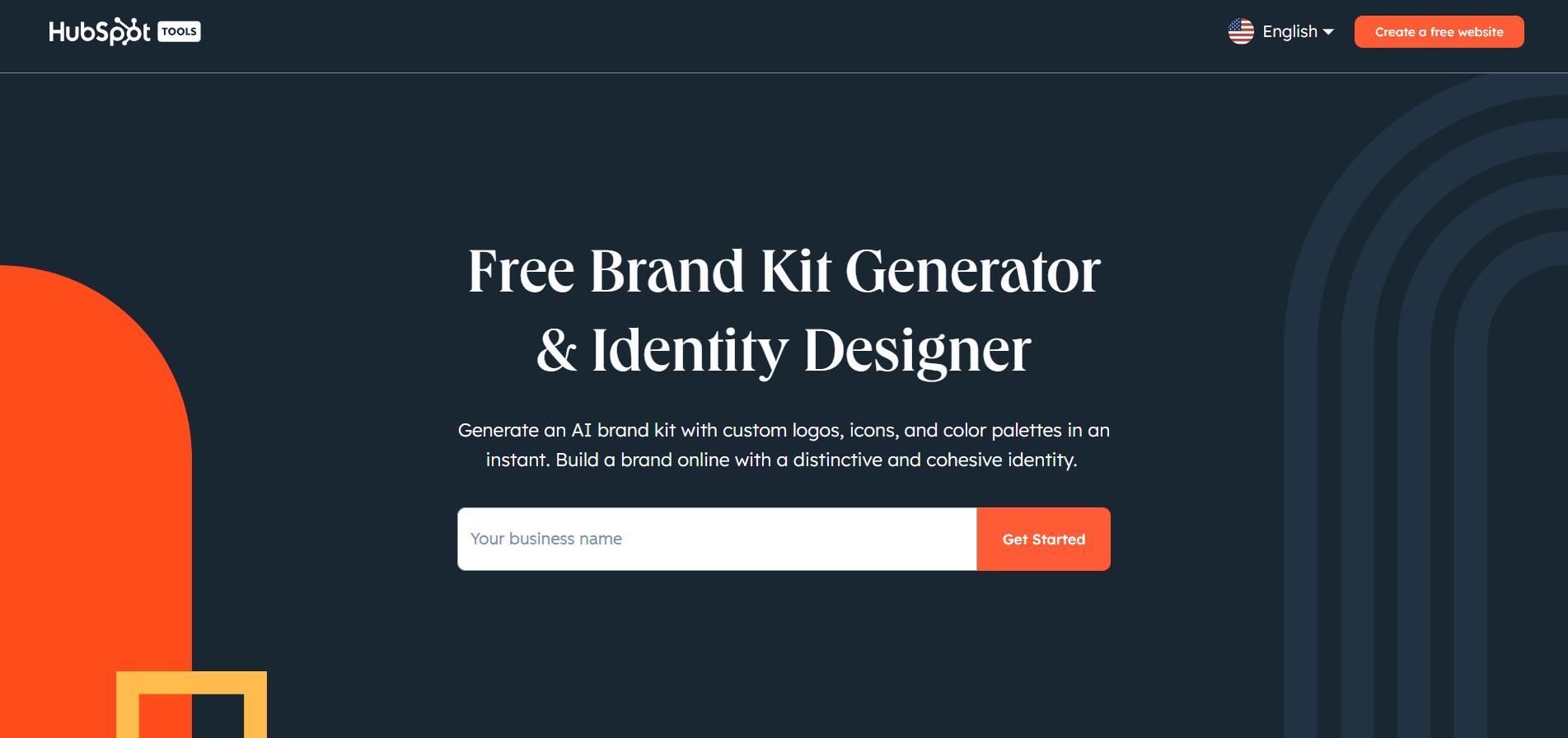
HubSpot’s Brand Kit Generator is a solid tool that helps businesses establish a professional brand identity quickly, without the expensive fees or long timelines typically associated with conventional design work. It’s simple to use and offers everything you need to create a cohesive brand, including logos, color schemes, and fonts, all in just a few minutes.
What makes HubSpot’s brand kit generator stand out is its ability to create a unique brand kit based on your specific business needs. Simply enter your industry, business name, and preferences. From there, the AI does all the major work, taking into account color psychology, typography pairing, and visual hierarchy to produce the best design for your business.
For example, if you’re launching a new startup and need a logo, color palette, and fonts that reflect your brand’s personality, HubSpot’s generator will handle all of this for you. In minutes, you’ll have a complete brand identity that you can immediately start using across all your marketing channels.
Here’s how it works, step by step:
- Enter your business name and select your industry, style preferences, and design choices.
- The AI generates a professional logo tailored to your business in all essential formats (JPG, PNG, WebP, and SVG).
- A color palette is generated that ensures your brand looks polished and cohesive across all media.
- Typography systems are selected to create a consistent, professional look for your text across various platforms.
- You can customize each element of your brand kit in real-time, adjusting the logo, color palette, and fonts to meet your vision.
- Download your new kit, which includes everything from social media icons to favicons, all optimized for use.
Why it’s a great choice: HubSpot’s Brand Kit Generator simplifies the branding process, delivering professional-quality assets in a fraction of the time. The tool ensures consistency across all platforms, offering logos and icons optimized for websites, social media, and digital presence.
It’s free to use, and no design experience is necessary. Whether you’re starting from scratch or refreshing your brand, HubSpot offers a direct and hassle-free solution to build a polished and professional brand identity.
2. Canva Pro Brand Kit
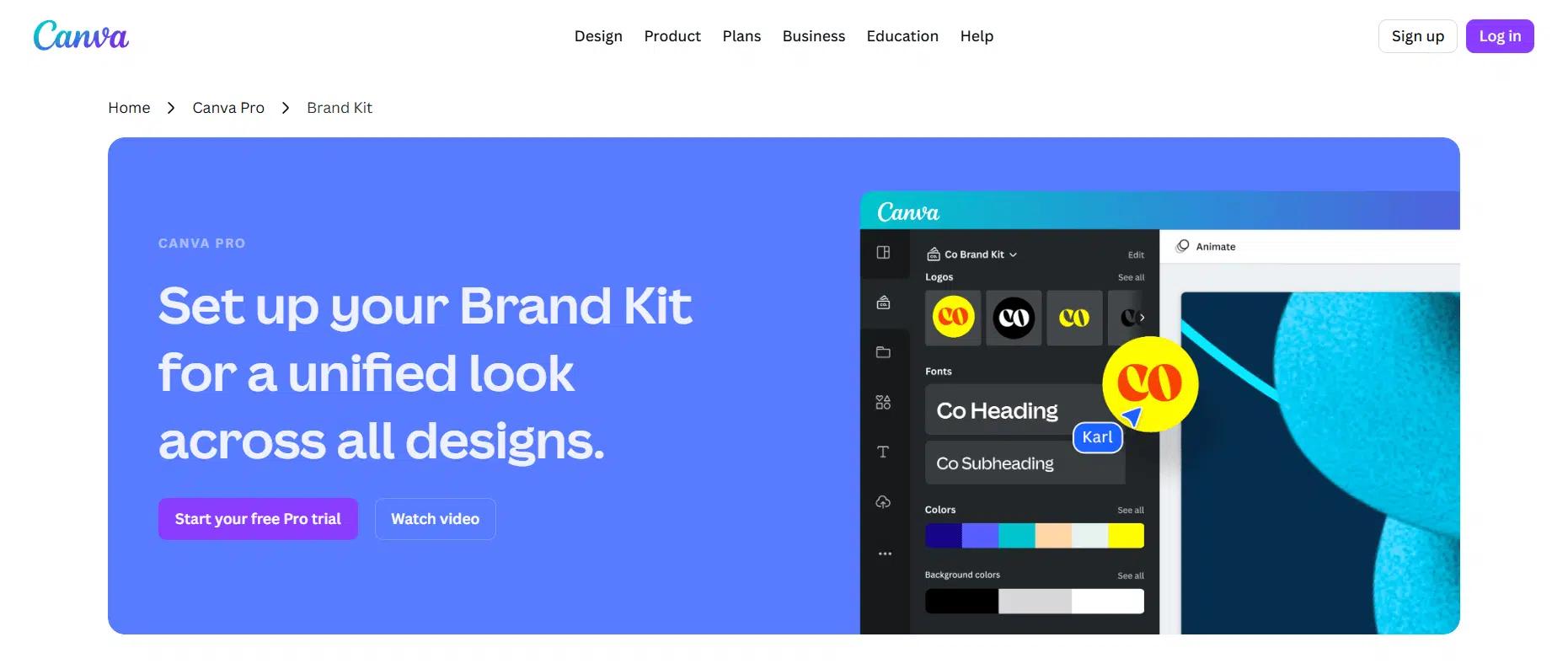
Canva Pro’s brand kit is a powerful tool for businesses that want to maintain a consistent brand identity across all designs, effortlessly. Whether you’re just getting started or already have existing brand assets, Canva Pro makes it easy to pull everything together in one place. From logos and fonts to color palettes and imagery, Canva helps businesses create a unified brand experience across all their design and marketing materials.
With Canva’s brand kit, you can store your brand’s fonts, colors, logos, icons, and graphics in one convenient location. These assets can then be easily accessed and applied directly in the Canva editor, ensuring that your designs always reflect your brand’s personality and aesthetic. This simplifies the design process and also helps you maintain brand consistency across various touchpoints, from social media to print materials.
For example, say you’re working on a new marketing campaign. With Canva Pro, you can pull your brand’s assets into the design editor with just a few clicks, ensuring that all your collateral, whether it’s a flyer, a social media post, or an email template, has the same cohesive look and feel.
Here’s how it works, step by step:
- Set up your Brand Kitby uploading your logo, color palette, fonts, and any other branding elements.
- Add Brand Guidelinesto help team members understand how to use your brand assets, ensuring proper application across all projects.
- Access your assetsdirectly within Canva’s editor to instantly apply your branding to new designs, keeping everything on-brand.
- Manage multiple brandswith ease, organizing your assets into project folders and seamlessly switching between brands for different campaigns.
- Update designsquickly across multiple projects by replacing logos or imagery with just a few clicks.
With Canva Pro, you gain access to premium features, including stock photos, videos, and the ability to instantly resize designs for any platform, all while maintaining brand integrity.
Canva offers a free plan with access to basic features, and paid plans are available for additional premium tools and functionalities.
3. Tailor Brands Logo Maker
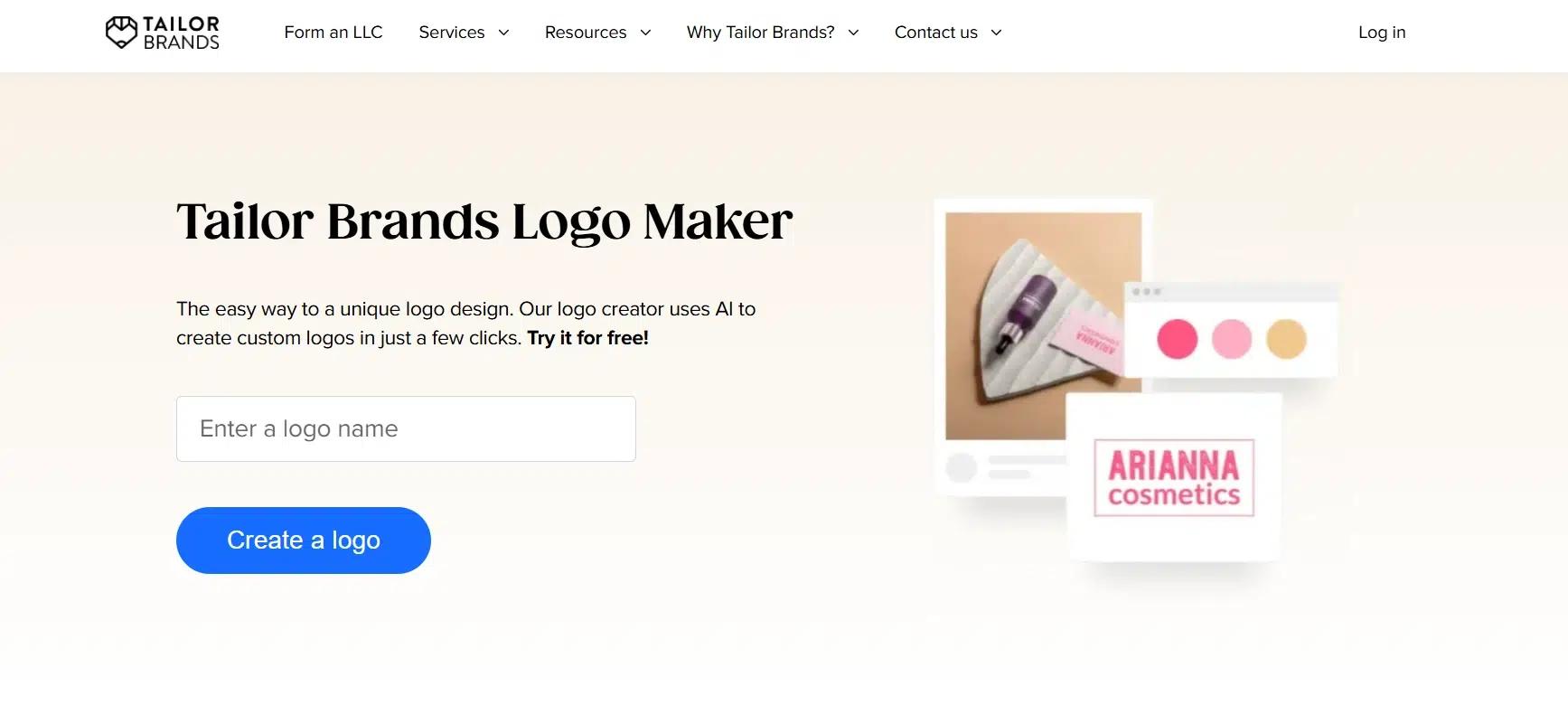
Tailor Brands’ Logo Maker is a quick and simple solution for businesses aiming to create a custom logo. Whether you’re starting a new brand or refreshing an existing one, Tailor Brands uses AI to generate unique, professional logos tailored to your business’s needs in just a few minutes.
What makes this tool stand out is its ease of use. No design experience is needed; simply input your business name, choose the type of logo you prefer (wordmark, monogram, or icon), and let the AI work its magic. In no time, you’ll have a selection of logos to choose from, all uniquely created to reflect your brand’s identity.
For example, if you’re opening a fitness center, Tailor Brands will generate logos that embody the energetic, dynamic vibe of the fitness industry. The AI offers a mix of colors, typography, and icons that perfectly match your brand’s personality.
Here’s how it works, step by step:
- Enter your business name and a brief description of your business.
- Choose the logo style that suits your brand: wordmark, monogram, or icon.
- Select your favorite fonts from a wide selection to give your brand personality.
- Sit back and relax while Tailor Brands’ AI generates a variety of logos tailored to your business in less than a minute.
- Pick your favorite logo and start customizing it. You can adjust fonts, colors, and icons to get the exact look you want.
- Download your logo in multiple high-resolution formats, including EPS, SVG, and PNG, ready for use across various platforms and marketing materials.
Tailor Brands allows you to create a logo for free; however, to download high-resolution files and access additional branded assets, you’ll need to upgrade to a paid plan. The paid plan also provides access to premium features, including full logo customization and additional business tools.
4. Looka Brand Kit
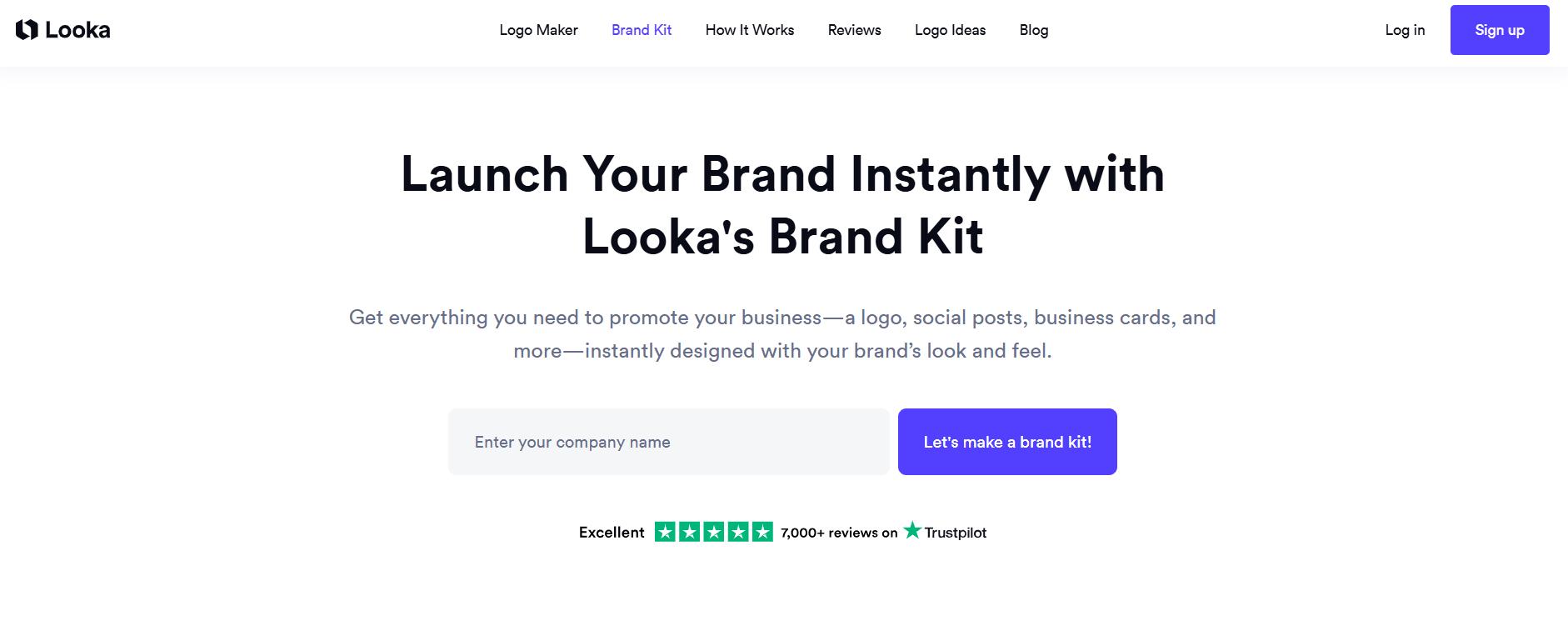
Looka’s Brand Kit offers a comprehensive solution to help businesses establish a cohesive, professional brand in minutes. With Looka, you can access everything you need to launch and promote your business, including a custom logo, business cards, social media covers, email signatures, and more, all built to match your brand’s unique look and feel.
The platform makes it incredibly easy to bring your brand to life. Once you’ve created your logo, Looka automatically pulls your brand colors and fonts into the Brand Kit, providing you with a full suite of professional marketing materials customized to your business.
For example, suppose you’re starting a new online retail store. In that case, Looka will generate a logo and complementary brand elements, and automatically apply them to a range of marketing materials, such as social media posts, business cards, and brochures. You can instantly download your designs in various formats, including print-ready PDFs, so you’re ready to promote your business right away.
Here’s how it works, step by step:
- Start with a stunning logo: Upload your existing logo or create a new one using Looka’s logo maker.
- Bring your brand to life: Looka imports your logo colors and selects complementary fonts and patterns. It also provides industry-specific photos and copy.
- Grow your business: Use the Brand Kit editor to transform templates into professional marketing materials in minutes. Download designs in multiple formats, including print-ready PDFs.
- Get access to exclusive offers: Your Brand Kit comes with over $3,000 in exclusive partner offers to help grow your business.
Looka offers a free trial that allows you to create and preview your logo and brand kit. For full access to high-resolution downloads and the complete brand kit, Looka offers paid plans that unlock additional features like custom design templates, unlimited edits, and more branding assets.
5. Visme Brand Design Tool
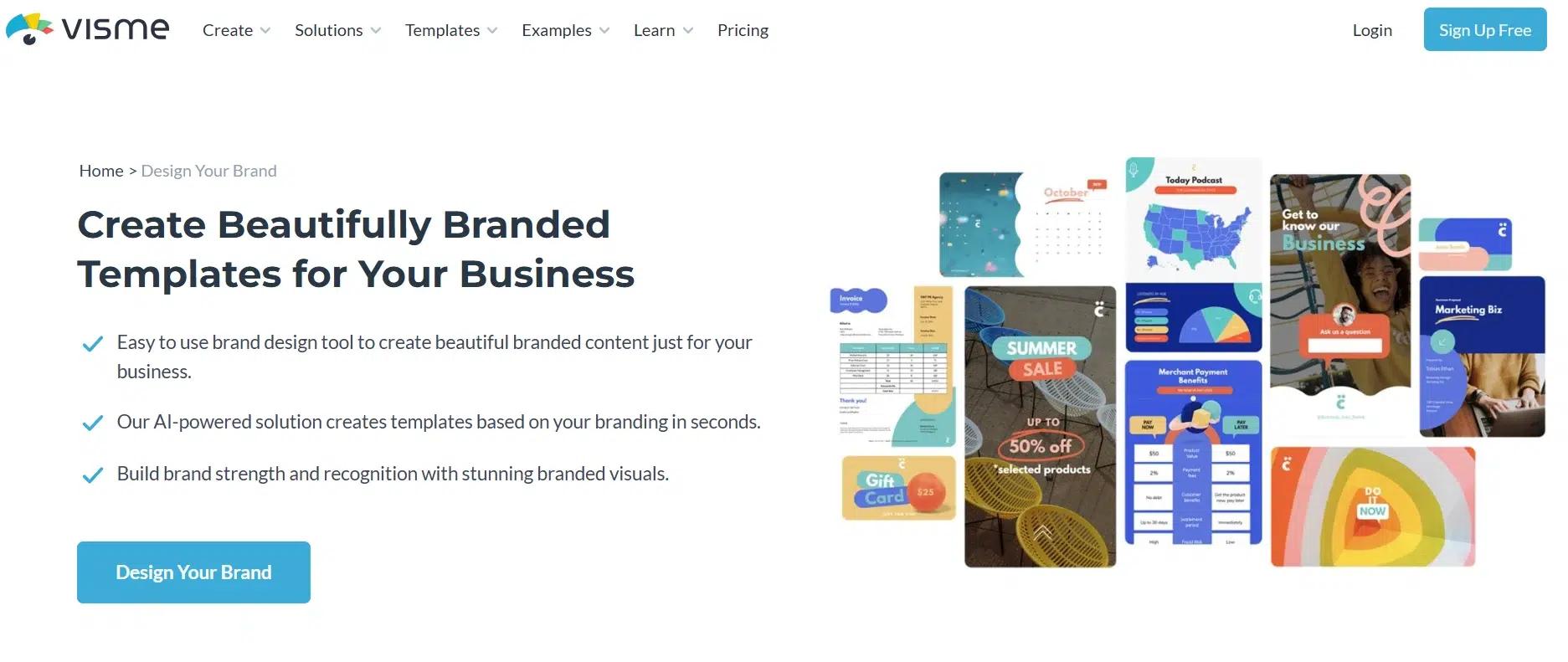
Visme’s Brand Design Tool helps businesses create beautifully branded content with ease. Whether you’re starting a new business or rebranding, Visme offers an AI-powered solution that automatically generates templates tailored to your brand’s colors, fonts, and logo. You can create everything from presentations and social media graphics to documents and printables, all aligned with your brand’s visual identity.
The platform enables you to quickly build your brand asset library, offering access to hundreds of professionally created templates that are instantly customized to reflect your brand’s unique style. With Visme, you can easily create high-quality content and ensure consistency across all your marketing materials without needing a design team.
For example, if you’re running an online service, Visme will generate customized social media graphics, infographics, and presentations that automatically match your logo, fonts, and brand colors. The templates are ready to go, and you can download them in multiple formats to share across your website, social channels, or marketing campaigns.
Here’s how it works, step by step:
- Create a Visme account if you don’t already have one.
- Input your website URL into the Brand Wizard and let it automatically pull your brand’s colors, fonts, and logo.
- Select your preferred design theme from a range of options that align with your brand’s identity.
- Watch the magic happen as your branded templates are created automatically in seconds.
- Download and customize your templates for presentations, social media, printables, and more.
Visme offers a free plan with access to basic features, including a limited number of templates. For full access to premium templates, customization options, and additional storage, you can upgrade to a paid plan.
6. VistaCreate Brand Kit
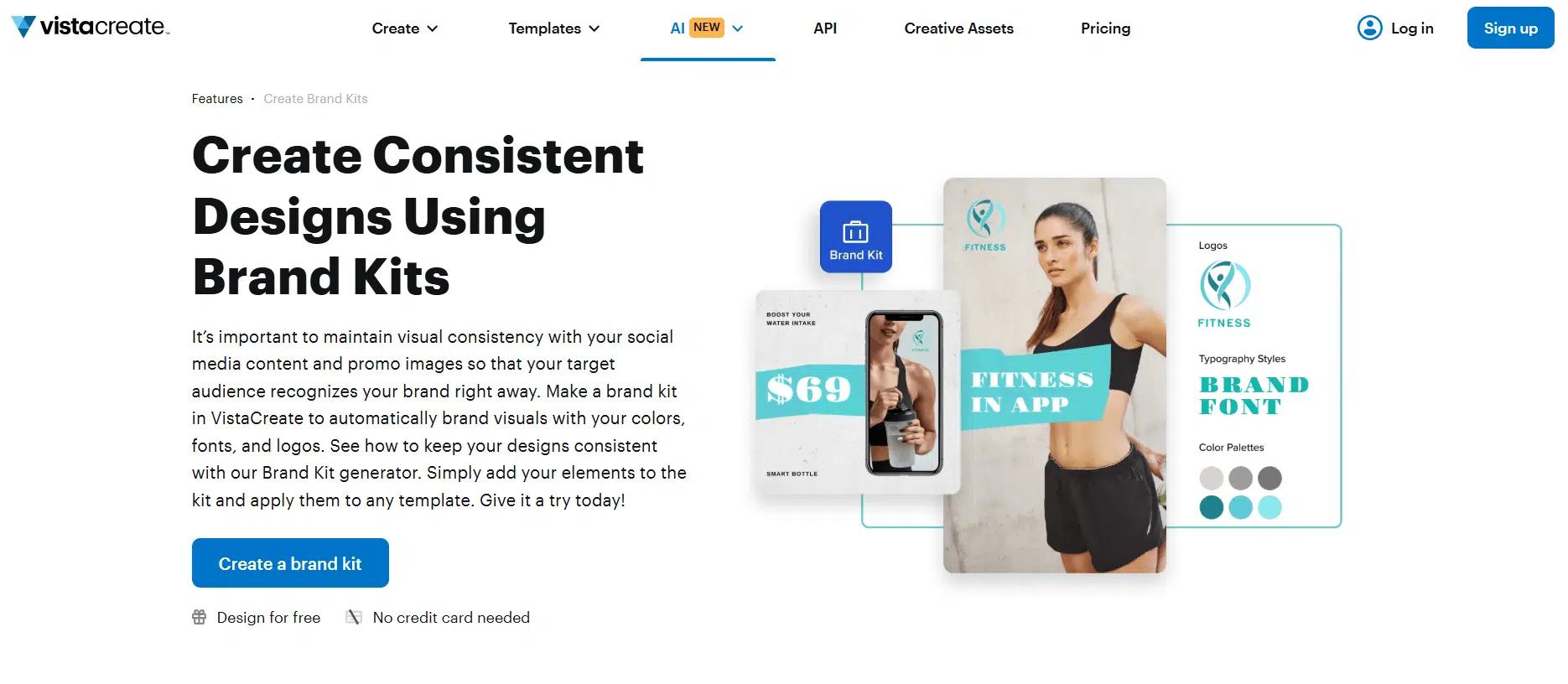
VistaCreate’s Brand Kit tool is developed to help businesses quickly and easily create a consistent and professional brand identity. This tool enables you to apply your brand’s colors, fonts, and logos to a wide range of templates, ensuring that all your content, whether it’s social media posts, business cards, or flyers, has a cohesive look.
The AI-powered solution makes it incredibly simple to generate a complete set of branded assets. After entering your company details, VistaCreate pulls in your brand’s core elements (like logos and color schemes) and applies them to customizable templates. You can then refine your designs, ensuring that every piece of content aligns with your brand’s aesthetic.
For example, if you’re creating content for an eCommerce store, you can apply your brand’s colors and logos to product images, promotional banners, and even business cards, all with just a few clicks.
Here’s how it works, step by step:
- Find the Brand Kit tab: Open the VistaCreate homepage and go to the Brand Kit tab or navigate to “Brand Kit” from the left menu.
- Add your logo: Upload your logo or create one using VistaCreate’s Logo Maker or one of 4,000+ templates available in the platform.
- Select fonts and colors: Choose from over 680 brand fonts or upload your own, and specify your brand’s colors using HEX codes or the color picker.
- Apply your brand kit: Select any template from VistaCreate’s wide range of customizable designs, then go to the “Styles” tab to apply your brand’s colors and fonts.
- Create and customize: Customize your template with your business information and messaging, and adjust it as needed.
VistaCreate offers a free plan with access to basic features, including a selection of fonts, color palettes, and logo templates. The Pro plan unlocks additional features, such as unlimited brand kits, access to premium templates, and advanced customization options.
7. Designhill Brand Kit
Designhill’s Brand Kit Generator provides an easy and efficient way to create a powerful brand identity for your business. Whether you’re starting a new venture or rebranding, this tool simplifies the process of building a professional brand kit with just a few clicks.
From logos to color palettes, fonts, and marketing materials, the platform also offers customizable templates for all types of marketing materials, allowing you to create everything from business cards to social media posts without the need for a designer.
For example, if you’re opening a boutique, Designhill will help you create a logo and generate color palettes and fonts that fit your brand’s identity. With the help of the platform’s customizable templates, you can then apply your branding to flyers, business cards, or Instagram posts to ensure your marketing materials are cohesive.
Here’s how it works, step by step:
- Start with your brand logo: Create your logo from scratch using Designhill’s templates or upload your existing logo.
- Import your colors and fonts: Add your brand’s colors and fonts to the brand kit for consistency.
- Select a template: Choose a template from a wide selection to create your marketing materials.
- Customize your templates: Modify the template with your business information, and tweak the design as needed.
- Download your assets: Download your logo and all brand kit components in the file formats you need.
Designhill offers a free plan for basic access, allowing you to create and download a basic logo. To unlock additional features such as premium templates, higher-resolution assets, and the ability to use your brand kit for marketing materials, a paid subscription is available.
8. Frontify Brand Kit Generator
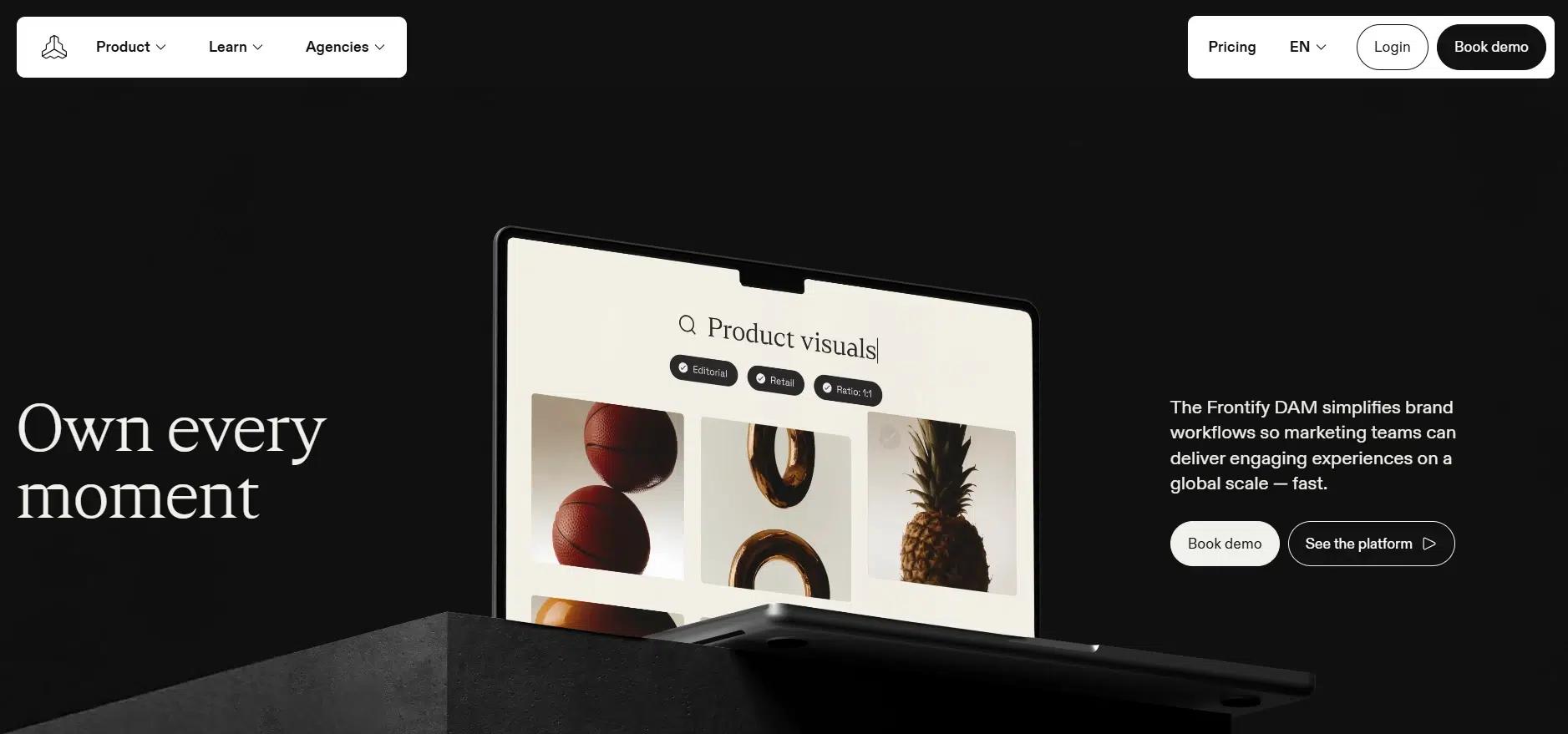
Frontify’s Brand Kit Generator provides a comprehensive solution to streamline brand management across teams and projects. By centralizing your brand assets, guidelines, and templates in one place, Frontify empowers marketing teams to create consistent, on-brand content with ease.
The platform’s Digital Asset Management (DAM) system promotes creative collaboration and improves operational efficiency.It’s ideal for businesses that need to scale quickly while maintaining a consistent brand presence.
For example, suppose you’re working with a global team. In that case, Frontify enables each member to access the correct brand assets, such as logos, fonts, and color palettes, without wasting time searching for files or requesting clarifications. This centralized workflow ensures that everyone can create on-brand content, whether for social media, print, or presentations.
Here’s how it works, step by step:
- Start with your brand logo: Upload your existing logo or create one using Frontify’s templates.
- Import your brand assets: Add your colors, fonts, and other elements to the brand kit, ensuring consistency across your materials.
- Create templates: Use Frontify’s templates to design on-brand marketing materials in no time.
- Collaborate efficiently: With all assets and guidelines in one place, teams can create, review, and approve designs faster.
- Download and share: Share your brand kit or download files in the format you need.
Frontify offers customized pricing tailored to your business needs. There are various plans available that cater to small businesses, large enterprises, and agencies, with the ability to manage unlimited assets, users, and projects. A free demo is available for those looking to see how the platform fits their needs before committing.
9. Adobe Express Brand Kit Generator
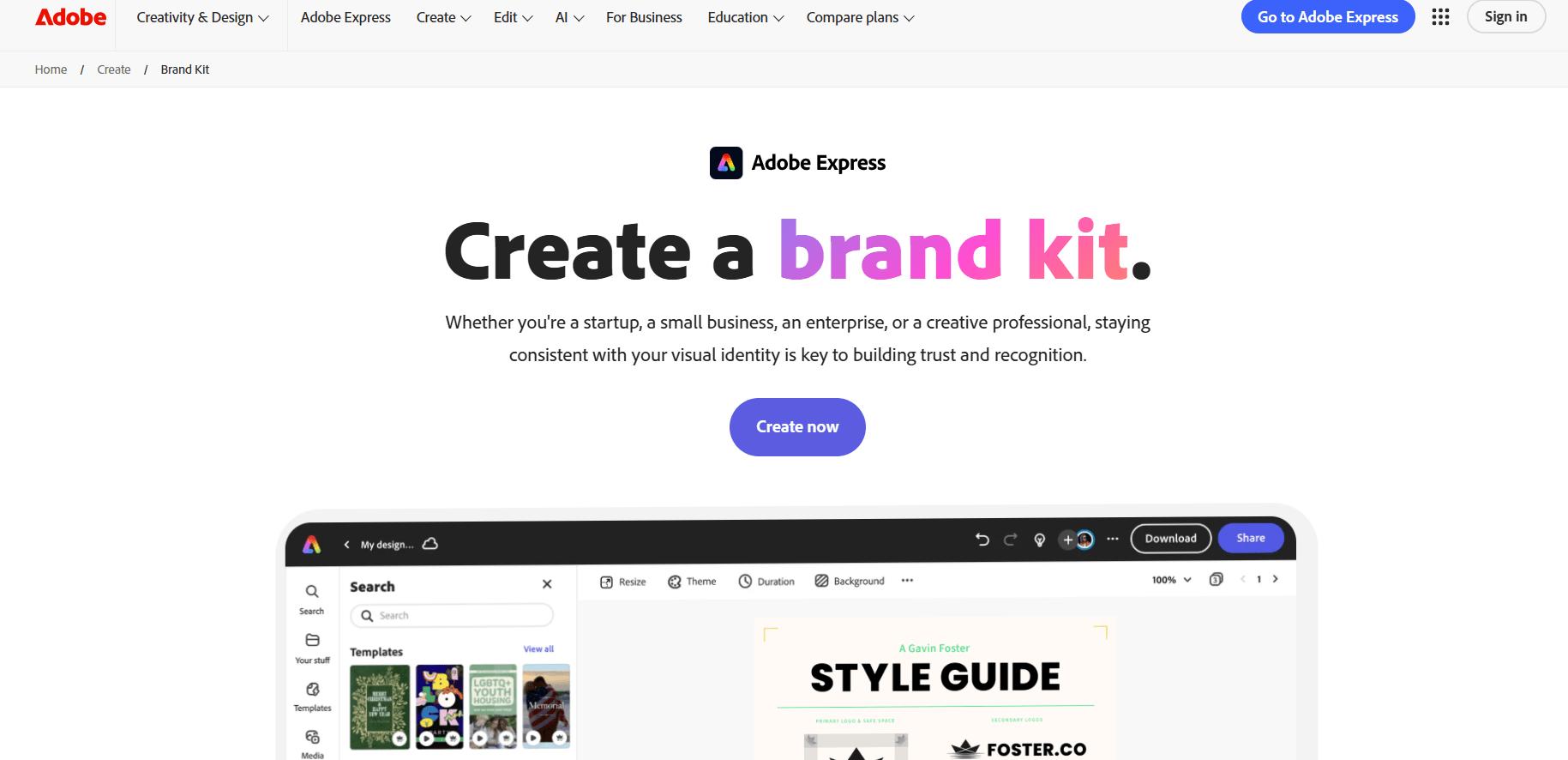
Adobe Express offers an intuitive brand kit generator that helps businesses, small or large, maintain consistency across all their digital and print materials. With this tool, you can effortlessly create and manage a brand kit that includes everything from logos to color schemes, fonts, and images, ensuring your brand identity stays cohesive across all channels.
Whether you’re a startup looking to establish your brand or a creative professional wanting to streamline your design process, Adobe Express allows you to define and organize your visual assets in one convenient location.
For example, if you’re running a fashion business, Adobe Express lets you upload your logo, set up brand colors, and choose typography. You can then apply these elements across templates for Instagram posts, business cards, or website banners, all from a single location. The result is a consistent, professional look that reinforces your brand across every platform.
Here’s how it works, step by step:
- Define your brand identity: Start by identifying your brand’s mission, values, and personality. This will influence your visual style and design choices.
- Upload your logo and assets: Upload your existing logo, color palette, fonts, and other brand assets into Adobe Express.
- Create your brand kit: Organize your assets and apply them to your templates. You can use your logo, colors, and fonts to quickly create custom designs.
- Access your brand kit anytime: Once your brand kit is created, you can use it whenever you need to ensure all content is on-brand.
- Collaborate: Share your brand kit with your team to ensure everyone stays aligned on the brand’s visual identity.
Adobe Express is free to use with access to basic features. To unlock additional tools, including premium templates, Adobe Stock assets, and the Brand Kit Generator, you can upgrade to the Adobe Express Premium plan, which is included with Adobe Creative Cloud subscriptions.
10. Bynder Brand Guidelines
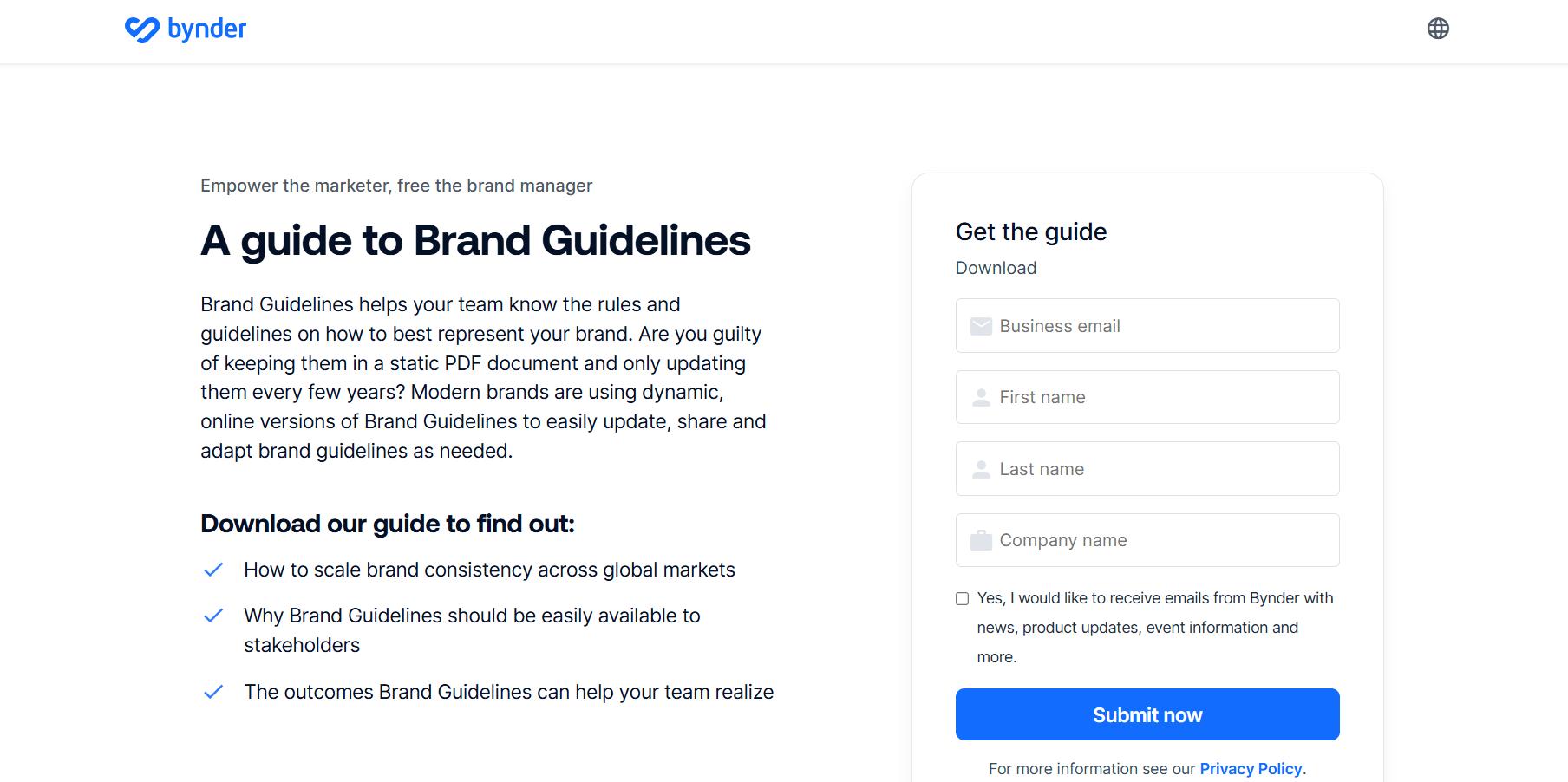
Bynder’s brand guidelines provide a dynamic, modern approach to maintaining brand consistency across all platforms and stakeholders. Unlike static PDFs, Bynder enables businesses to create and update brand guidelines online in real-time, making it easier to adapt as your brand evolves and ensure everyone is on the same page.
This tool empowers brand managers and marketing teams by providing clear, accessible guidelines for representing your brand, from visual elements like logos and fonts to messaging and tone.
With Bynder, your brand guidelines become a living document that can be easily shared and updated across departments, ensuring your brand’s identity remains consistent, regardless of where or how it’s used. This is particularly valuable for large, global brands that need to maintain uniformity across different teams, regions, and marketing campaigns.
For example, suppose you’re managing a global marketing campaign. In that case, Bynder allows you to ensure that every local office is following the same brand guidelines, whether it’s for social media graphics, print materials, or digital ads. With everything centralized and easily accessible, teams can collaborate efficiently and stay aligned on the brand’s vision.
Here’s how it works, step by step:
- Create dynamic brand guidelines: Use Bynder’s platform to define and centralize your brand assets, including logos, fonts, colors, and imagery.
- Make your guidelines accessible: Share your guidelines with internal teams, agencies, or other stakeholders, ensuring they have easy access to the latest brand resources.
- Update in real-time: As your brand evolves, make instant updates to your guidelines and ensure that the most up-to-date versions are always available to your team.
- Collaborate with ease: With everything in one place, stakeholders can work together, provide feedback, and stay aligned on brand strategy and messaging.
- Maintain consistency: Bynder ensures that your brand’s visual and messaging standards are consistently applied across all touchpoints and markets.
Bynder offers customizable pricing plans based on your business needs. The platform provides solutions for businesses of all sizes, and you can request a demo to explore how it fits your brand management requirements.
A Quick Summary of all 10 Brand Kit Generators
Here’s the quick comparison table in chat format for all 10 Brand Kit Generators:
| Tool | Key Features | Pricing | Best For |
| HubSpot Brand Kit | CRM integration, customizable templates | Free, paid plans for advanced features | Professional teams, B2B marketers |
| Canva Pro Brand Kit | Easy-to-use templates, brand kit management, logo maker | Free, premium options available | Small businesses, content creators |
| Tailor Brands Logo Maker | AI-powered logo creation, customizable brand assets | Free logo creation, paid for extra features | Entrepreneurs, small businesses |
| Looka Brand Kit | AI logo design, customizable marketing templates | Free, paid plans available | Small businesses, ecommerce brands |
| Visme Brand Design Tool | Templates for social media, print, brand guidelines | Free, paid options for premium templates | Businesses needing fast branded content creation |
| VistaCreate Brand Kit | Templates for social media, print, and web, AI-powered | Free, paid options for premium features | Startups, small businesses |
| Designhill Brand Kit | Logo creation, color palettes, fonts | Free, paid plans available | Freelancers, small businesses |
| Adobe Express Brand Kit | Logo, font, and color palette management | Free, premium plan available | Creative professionals using Adobe tools |
| Frontify Brand Kit | Real-time collaboration, scalable brand guidelines | Custom pricing, demo available | Large enterprises with extensive brand needs |
| Bynder Brand Guidelines | Centralized assets, dynamic brand guidelines, real-time updates | Custom pricing, demo available | Global brands needing scalable brand guidelines |
INSIDEA
Ready to get more out of HubSpot?
We are an Elite HubSpot Partner rated 4.99 across 450+ verified reviews. Let's make your portal work harder.

 How INSIDEA works




