You have built a sleek, high-performance React app, but your site is not showing up in search results as you expected. Pages fail to index, and when users ask AI tools about your product, your content does not appear as a reference. The issue is not React itself. It is how your app shows content to crawlers and indexing systems.
Research on JavaScript SEO shows that many sites built with JavaScript frameworks face indexing issues when the initial HTML lacks meaningful content. When a page’s primary content appears only after the browser runs JavaScript, search engines may delay or skip indexing, and performance tools may miss text entirely.
In one survey of JavaScript-heavy sites, the majority of pages were either poorly indexed or not indexed at all, lacking proper server-generated content. React is neutral from a search perspective. What matters is what search engines and AI crawlers see when they request a page. If your pages load as empty shells that rely on client-side JavaScript to fill in content, bots may not “read” them.
Rendering content at the server or providing pre-rendered pages allows bots to receive full content directly, improving discoverability. Your choice between client-side rendering and server-side or static rendering influences whether your pages are visible and useful to search engines and AI platforms.
This blog walks you through how rendering affects visibility, the differences between client-side and server-side approaches, how pre-rendering boosts indexing, and practical steps to improve your React site for search engines and AI tools.
| Who This Guide Is For
This guide is for you if you are a front-end developer seeing slow or inconsistent indexing on your React app, an SEO specialist troubleshooting hydration issues, or a product owner wondering why your React site underperforms in search and AI recommendations. |
How Rendering Affects SEO and AI Visibility?
Traditional crawlers read static HTML directly. Most React apps send minimal HTML with placeholders, requiring crawlers to run JavaScript to access content. However, not all crawlers do this, especially AI answer engines.
A weak rendering setup slows indexing, strains the crawl budget, and affects performance metrics. That single choice, how your site delivers content, shapes everything that follows.
The SEO Challenges of React with Client-Side Rendering
Client-side rendering hands the browser the job of building the page after the JavaScript has downloaded. Users eventually see the full page. Crawlers do not get that luxury.
Googlebot and the Two-Wave Indexing Problem
Googlebot indexes JavaScript-driven pages in two phases: an initial crawl of raw HTML, followed by deferred rendering that can take hours or days. If you just launched a campaign or a new feature, your page may remain unindexed throughout the relevant window.
What CSR Does to Your Crawl Budget
Rendering JavaScript is expensive for crawlers. On large React CSR builds, Googlebot burns through its crawl budget faster and revisits fewer pages per cycle. Pre-rendered pages load immediately and let Googlebot index deeper sections efficiently.
The Core Web Vitals Cost
CSR creates specific, measurable problems across all three ranking signals. LCP suffers because the largest contentful element cannot be painted until JavaScript finishes executing. CLS suffers because components mount asynchronously and elements shift as content fills in. INP suffers during hydration when the browser is processing a large JavaScript bundle and cannot respond to interactions quickly.
Meta Tags and Social Previews That Never Load
In CSR, meta titles, descriptions, and Open Graph tags are injected via JavaScript after the page loads. Social crawlers on Facebook, LinkedIn, and X read raw HTML once and leave. They never see those tags, so shared links often show blank or generic previews.
How React CSR Blocks AI Crawlers and Citations?
SEO is about ranking in search results. AEO is about getting cited when someone asks ChatGPT, Perplexity, or Google AI Overviews a question. React CSR fails both, but for different reasons. This section covers the AEO side specifically because it gets skipped in most React guides.
How AI Crawlers Read React CSR Pages
GPTBot, ClaudeBot, PerplexityBot, and Google-Extended all work the same way. They request a URL, read the HTML response, extract content, and leave. They do not execute JavaScript.
On a React CSR site, they get:
<div id=”root”></div>
No headings, no body text, no structured data. Your content does not exist from their perspective.
Structure React Content for AI Citations Getting into AI citations requires more than readable HTML. Write a direct answer to the primary question in the first 100 words of every informational page.
Format H2 and H3 headings as the actual questions your audience types into AI tools. Add a short summary block under 80 words at the top of each page. This is the chunk RAG-based systems like Perplexity pull from. If it does not exist, a less thorough page that has one gets cited instead of yours.
Prevent Robots.txt and Cloudflare From Blocking Crawlers
Misconfigured robots.txt files and aggressive Cloudflare WAF settings often automatically block AI crawlers. In 2024, Cloudflare updated its default bot management to block AI crawlers. If your React app runs behind Cloudflare and you have not reviewed bot settings since then, GPTBot and PerplexityBot are likely blocked before they ever reach your HTML. Run a quarterly audit of both.
Add llms.txt to Guide AI Crawlers
AI crawlers look for a file at your domain root called llms.txt. It tells them which pages to prioritize, how to attribute your content, and what sections are available for AI-generated answers. Most React sites do not have one.
How GEO Applies to React Sites Specifically
GEO (Generative Engine Optimization) is the practice of structuring content so AI systems select it as a citation source when generating answers. A recent research found that adding statistics, citing authoritative sources, and writing in clear, quotable prose increased AI citation frequency by up to 40% in controlled tests.
For React sites specifically, GEO only works if the content is readable in the first place, which means SSR or SSG is a prerequisite. Once rendering is fixed, the GEO layer is: a Quick Answer block in the first 100 words, question-format headings, outbound citations to primary sources, and SpeakableSpecification schema on FAQ and definition pages. CSR makes all of this irrelevant because the content never reaches the AI crawler, regardless of its quality.
How to Pick the Best Rendering Mode for Your Pages?
React does not enforce a single rendering mode. You can mix CSR, SSR, SSG, and ISR across the same application. The choice per page type determines search and AI visibility.
React does not enforce a single rendering mode.
You can combine client‑side rendering, server‑side rendering, static site generation, and incremental static regeneration within the same application. The rendering choice you make for each page type determines how search engines and AI systems see and index your content.
The Four Rendering Modes
To understand how React pages appear to search engines and AI systems, it helps to break down the four main rendering approaches, each with distinct implications for indexing, visibility, and performance.
- Client‑Side Rendering (CSR): builds the page in the browser after JavaScript loads. This approach supports rich interactivity but often leaves crawlers with minimal content to index.
- Server‑Side Rendering (SSR): generates complete HTML on the server for each request. Search engines and AI crawlers receive full content during the initial fetch, improving indexing reliability.
- Static Site Generation (SSG): produces static HTML at build time. Pages served this way load quickly and deliver full content to crawlers immediately. According to recent developer surveys, static generation can significantly reduce page load time compared with client‑side rendering alone.
- Incremental Static Regeneration (ISR): combines the benefits of SSG and SSR. Pages are statically generated at deploy time but revalidated in the background at set intervals. This delivers fast performance and keeps content fresh, making it suitable for pages that update regularly without sacrificing crawlability.
How to Decide Which Mode Each Page Needs
Ask one simple question for each page: Does this content need to be indexed by search engines or referenced by AI systems?
If the answer is yes, choose SSR, SSG, or ISR. If the page sits behind authentication or does not need external indexing, using CSR avoids unnecessary overhead.
Here are practical criteria to guide your decisions:
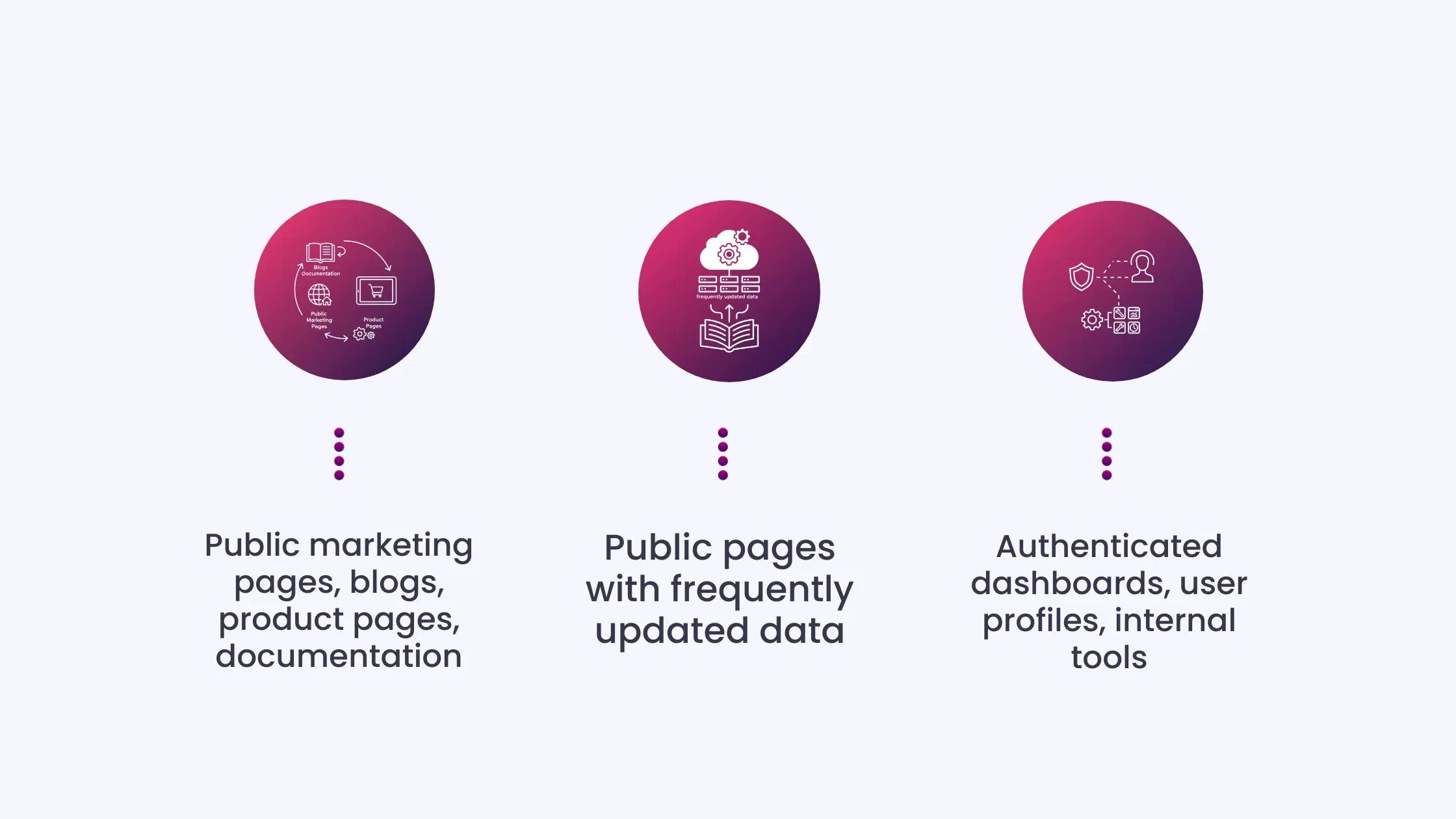
- Public marketing pages, blogs, product pages, documentation: Use SSG or ISR to deliver full content and fast performance.
- Public pages with frequently updated data: SSR ensures crawlers always see up‑to‑date content during the initial fetch.
- Authenticated dashboards, user profiles, internal tools: CSR is appropriate since these pages are not indexed.
How Frameworks Improve React SEO and AEO
Plain React uses only client-side rendering. To implement SSR, SSG, or ISR without building infrastructure from scratch, you need a framework.
- Next.js: Next.js supports SSR, SSG, and ISR natively and lets you select the rendering mode per page. Its App Router renders meta tags, Open Graph data, and JSON-LD structured data server-side, so these elements exist in the initial HTML.
Crawlers never need to execute JavaScript to access title tags or FAQPage schema. Next.js is production-proven at scale by Netflix, TikTok, and Notion.
- Remix: Remix defaults to server-first rendering. Each route is server-rendered unless you opt out. Data loads at the route level rather than within components, reducing waterfall API calls that can slow Largest Contentful Paint (LCP). Remix is well-suited for data-heavy applications where consistent server performance is more important than rendering flexibility.
- Gatsby: Gatsby generates static HTML for every page at build time. For blogs, documentation, and marketing sites managed via CMS, Gatsby delivers the fastest, most crawlable output. Build times increase with the number of pages, making it less practical for very large catalogs.
- Pre-Rendering as a Short-Term Fix: Tools like Prerender.io and Rendertron detect crawler user-agents and serve cached static HTML snapshots while users experience CSR. Content may go stale between cache refreshes. Use this approach to unblock crawlers temporarily while planning a full migration to SSR, SSG, or ISR.
The Specific Technical Fixes
With your rendering strategy in place, the next step is to apply precise technical fixes that ensure crawlers and AI systems can fully read and interpret your content.
Check Your Rendering Mode First
View the page source on your most important public pages. If the body contains only <div id=”root”></div>, you are on CSR, and none of the fixes below will matter until that changes.
Structured Data Server-Side Only
JSON-LD schema (Article, FAQPage, HowTo, Organization, SpeakableSpecification) must be in the initial HTML. In Next.js App Router, render it inside a server component. Never rely on a client-side library to inject it after hydration. AI crawlers will not see it.
SpeakableSpecification
The SpeakableSpecification schema tells AI assistants and voice search systems exactly which content blocks to pull as spoken or cited answers. Without it, an AI system has to guess which paragraph on your page is the answer.
With it, you are pointing directly at the right block. In a Next.js App Router, implement it as a JSON-LD script tag in a server component. Target your introduction paragraph, your FAQ answers, and any definition-style content. A page with a 60-word direct answer, marked up with SpeakableSpecification, will consistently outperform a longer, more detailed page without markup when AI systems select citation sources.
Most React sites, including well-optimized Next.js sites, have not implemented this. It is a 20-minute addition per page with a disproportionate impact on AEO visibility.
Open Your Site to AI Crawlers
| User-agent: GPTBot
Allow: / User-agent: ClaudeBot Allow: / User-agent: PerplexityBot Allow: / |
Then check Cloudflare bot management separately. The robots.txt fix does nothing if Cloudflare drops AI crawler requests at the CDN layer.
Core Web Vitals Fixes
LCP: Switch high-traffic public pages to SSR or SSG. Preload hero images in the server-rendered head.
CLS: Set explicit width and height on every image. Reserve space for async-loading content using CSS aspect-ratio.
INP: Use React Suspense to defer hydration on below-the-fold components. Only hydrate what the user can currently see.
Use CSR for Pages Behind Authentication
Pages behind authentication do not need to be indexed. Dashboards, admin panels, and internal tools are ideal candidates for client-side rendering. Adding server-side rendering to these pages increases server costs without any SEO or AI citation benefit.
Most production React applications in 2026 use a hybrid approach: SSG or ISR for public pages, SSR for dynamic public content, and CSR for authenticated sections. Next.js allows this decision on a per-route basis rather than applying it globally.
The Honest VerdictReact with default CSR is poor for SEO and invisible to AEO. React with SSR via Next.js or Remix is excellent for both. React with SSG is the strongest setup for content that does not change on a per-request basis. For teams with development resources, a well-built Next.js site gives more precise control over technical SEO than WordPress: direct control over initial HTML, image optimization, script deferral, and structured data without plugin dependency. WordPress with Yoast or Rank Math produces clean server-rendered HTML and has a mature structured data ecosystem, but Core Web Vitals performance requires constant plugin management. Webflow generates static HTML but gives you no control over structured data implementation at scale. Plain static HTML is the fastest and most crawlable option, but does not scale for dynamic content. React with Next.js SSG produces output identical to static HTML from a crawler’s perspective, with full developer control over every SEO and AEO signal. For teams with development resources, it is the strongest option across all three. Decision Matrix
|
A 30-Day Action PlanNow that you understand the rendering strategy and technical fixes, it’s time to put them into action with a clear, step-by-step plan to make your React site fully discoverable by search engines and AI systems. Week 1: Audit your top 20 public pages using “View Source.” Review and correct robots.txt and Cloudflare bot management to ensure AI crawlers are not blocked. Week 2: Add an llms.txt file to guide AI systems. Temporarily deploy Prerender.io on high-traffic pages to serve fully rendered HTML to crawlers. Week 3: Begin migrating key pages to Next.js, starting with the homepage and top-traffic content. Implement server-side metadata for each migrated page, including titles, descriptions, and Open Graph tags. Week 4: Add JSON-LD structured data server-side. Begin with the FAQPage and Article schemas, then expand to the SpeakableSpecification where relevant. Monitor Search Console to track indexing improvements and AI Overview impressions. |
Improve SEO and AI Citations by Choosing the Right Rendering
React itself is not the problem. When implemented with the right rendering strategy, React sites perform well in search engines and are cited by AI answer engines. The pages that go unindexed or invisible to AI crawlers are missing because they rely on client-side rendering for public content, not because React lacks capability.
Addressing this gap requires understanding how crawlers and AI systems interact with your content and taking deliberate steps to serve fully rendered pages. A carefully planned rendering strategy ensures that search engines can read your HTML immediately, AI systems can cite your content accurately, and users can access pages quickly and reliably.
Rendering strategy also impacts performance metrics, crawl efficiency, and structured data visibility. CSR may remain appropriate for authenticated areas or internal dashboards, but public pages should prioritize SSR, SSG, or ISR to maximize both SEO and AI visibility.
Optimize Your ReactJS Site for SEO and AEO with INSIDEA
Building a fast, modern React app is only half the battle. Even high-performance sites can remain invisible to search engines or get skipped by AI answer engines if the content relies solely on client-side rendering.
Many teams struggle to implement server-side rendering, structured data, and AI-ready content blocks correctly, leaving pages unindexed or uncited.
INSIDEA helps organizations make React sites fully discoverable across both traditional search results and AI-driven answers. We handle the technical implementation, AI optimization, and performance monitoring so your content reaches the right audience and is recognized as authoritative.
Here’s how we help:
- React SEO Optimization: Audit rendering modes, implement SSR, SSG, or ISR, and fix hydration issues to ensure full indexability.
- Answer Engine Optimization (AEO): Quick Answer blocks, SpeakableSpecification schemas, and semantic structuring to boost AI citation potential.
- Structured Data Implementation: Article, FAQPage, and HowTo schemas added server-side to improve AI and search engine understanding.
- Performance & Crawl Monitoring: Track Core Web Vitals, crawl efficiency, and AI Overview impressions to measure impact and refine strategies.
- Content Architecture & Clustering: Organize pages into pillar-and-cluster structures to signal domain authority and enhance AI extraction accuracy.
- Voice and Visual Search Optimization: Optimize multimedia assets and implement AI-ready schemas to improve visibility in voice and visual search.
With our team by your side executing the technical SEO and AEO strategies, your team can focus on creating high-quality React apps and content, while your pages rank, load fast, and get cited by AI systems.

 How INSIDEA works