





You’ve invested in expensive PPC ads, flashy billboards, and even corporate videos to promote your clinic. You’ve invested your money in all the right marketing channels, yet when you look at your patient surge, it doesn’t quite match your marketing spend. So, what’s missing? Is it the recognition? Is it the experience? Well, there’s something you’re overlooking, and that’s local SEO.
Now, you might be wondering, local SEO? And how is that beneficial? Well, people in a medical emergency or health crisis often search for doctors nearby, not someone thousands of miles away. This is precisely why local SEO for doctors is essential.
Moreover, 68% of healthcare-related searches are driven by the need for urgent care, indicating that patients are seeking timely and accessible information. So, if your practice isn’t easily found, you’re missing the chance to connect with people who need you most, right when they need you.
In this blog, I’ll lay out a detailed guide on how to fix your lead pipeline and ensure you’re visible to local patients who are actively searching for the services you offer.
The Importance of Local SEO for Doctors
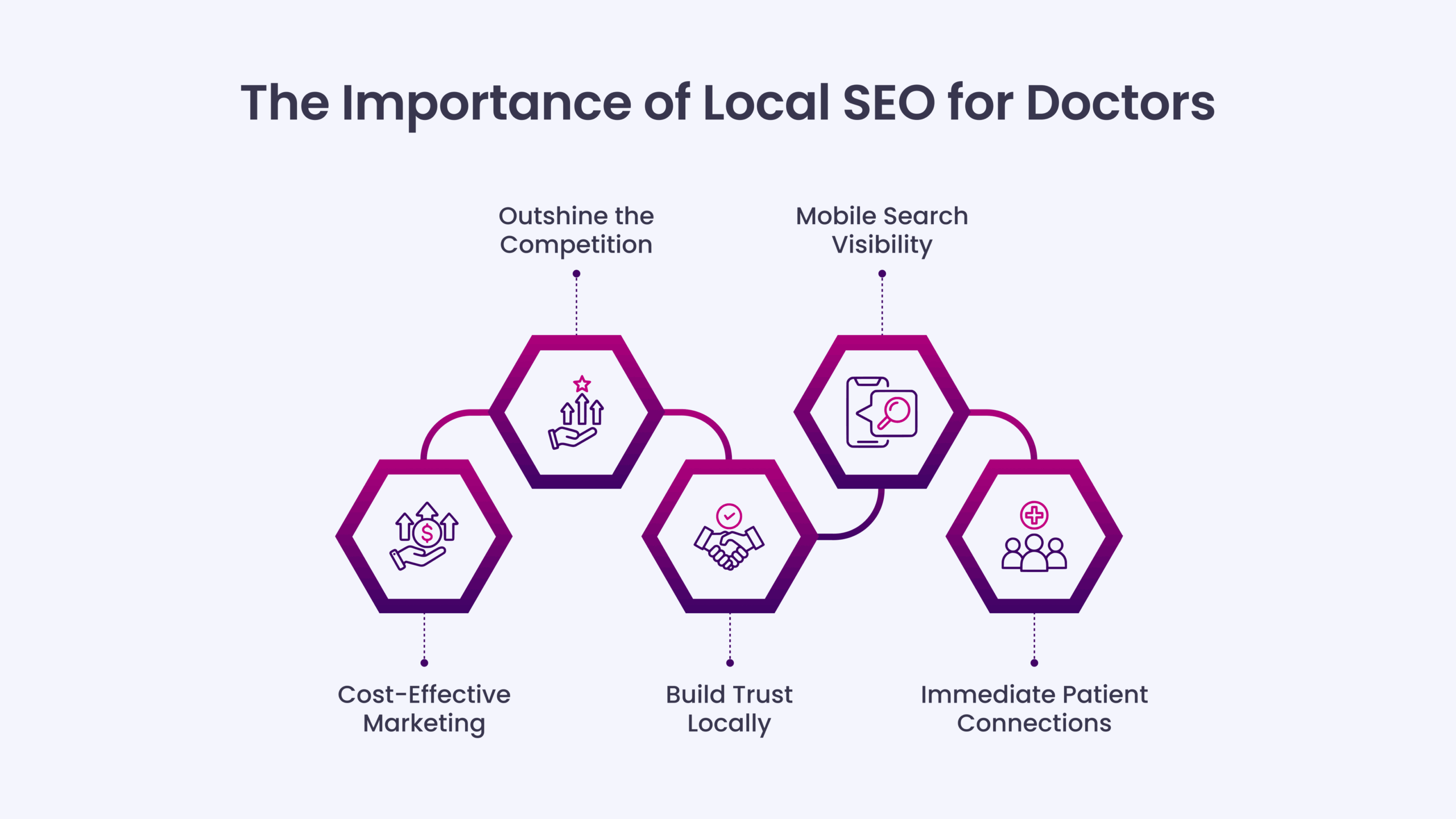
As discussed before, patients want convenience, and when it comes to healthcare, they prefer finding a doctor nearby. Instead of spending big on ads, focusing on local search can help your practice get noticed by those who need you most, right in your community. Here’s why local SEO is so crucial for doctors:
- Cost-Effective Marketing: Local SEO offers a cost-effective way to attract patients. Unlike paid ads, it brings in organic traffic without ongoing costs.
- Outshine the Competition: When your practice ranks higher in local searches, you automatically stand out from your competitors in the area, attracting more local patients.
- Build Trust Locally: Patients trust providers easily found in their area. Local SEO helps establish your clinic as a reliable, accessible choice.
- Mobile Search Visibility: With more patients searching on their phones, local SEO ensures your practice appears in mobile searches when it matters most.
- Immediate Patient Connections: Local SEO helps connect with patients in urgent need of care, as most people search for healthcare providers close to home during a health crisis.
Local SEO for Doctors: How to Optimize Your Leads Pipeline for Success

Before you begin exploring local SEO for doctors, here’s a quick summary of the main areas to focus on to improve your lead pipeline:
I. Set Up and Optimize Your Google Business Profile (GBP)
II. Keep NAP Details Consistent
III. Optimize Your Website
IV. Research the Right Keywords
V. Strengthen Your Presence with Local Citations & Directories
VI. Strengthen Local SEO with High-Quality Backlinks
VII. Use Google’s Autocomplete Suggestions
VIII. Use Google Ads & Local Service Ads to Get Instant Leads
Let’s look at how each makes a difference in finding your practice online.
I. Set Up and Optimize Your Google Business Profile (GBP)
When someone needs medical care, they search for “doctor near me” or “urgent care nearby.” Your Google Business Profile (GBP) is crucial for appearing in local searches. Optimizing your GBP is one of the best ways for doctors to be found by patients when they need help most.
An incomplete or outdated profile means you’re losing out on potential patients. A fully optimized profile boosts your visibility, builds trust, and increases your chances of appearing in Google’s Local Pack—the top three listings appearing when people search for healthcare providers in their area.
Here’s how to optimize your Google Business Profile for local SEO for doctors:
- Use Your Exact Business Name: Consistency is essential. Ensure your practice’s name matches what’s listed on your website and legal documents. Avoid adding extra keywords like “Best Doctor in [Your City]” unless that’s your business name, as Google flags these as spam.
- Choose the Right Categories: Select the correct category for your practice to help Google understand what services you offer. Your primary category should be something like “Doctor” or “Medical Center,” with secondary categories for specialties (e.g., pediatrics, cardiology).
- Write a Clear Business Description: Use this section to tell patients what you do and why they should choose your practice. Mention your core services, the areas you serve, and any unique features such as 24/7 availability or specialized care.
Example: Offering reliable healthcare services in [City Name] for over 10 years. Specializing in urgent care and preventive health. Available 24/7 with no hidden fees. - Upload High-Quality Photos: High-quality images help build trust. Include headshots of your team, photos of your clinic, and any special equipment or services you offer. Aim for at least 10 to 15 professional images.
- Post Regular Updates: Regular updates show your practice is active. Post at least once a week with new content like patient success stories, health tips, or promotions. Some ideas include:
- “Just helped a family with pediatric care in [Neighborhood].”
- “Reminder: Flu shots are available this week.”
- “We’re now offering telemedicine appointments for your convenience.”
II. Keep NAP Details Consistent
Your name, address, and phone number (NAP) are the building blocks of your online presence. If your business information isn’t consistent across the web, it sends confusing signals to Google, hurting your rankings.
When a potential patient searches for medical services or doctors, Google cross-checks your NAP across various platforms. If your practice information appears differently on Google Business Profile, your website, and other directories, it raises a red flag. Google interprets this inconsistency as a sign of unreliability, and if Google doesn’t trust you, potential patients won’t either.
Where to List Your Practice for Stronger Local Rankings?
Your NAP must be consistent everywhere:
- Medical Directories: Healthgrades, ZocDoc, Vitals, WebMD
- Local Business Listings: BBB, Chamber of Commerce websites, City-Data
- Social Media: Facebook Business, Instagram, LinkedIn
III. Optimize Your Website
The last thing patients would want is a slow website. If your site isn’t user-friendly or mobile-responsive, you risk losing their attention before they even reach out. Your website often gives patients the first impression of your practice. A well-optimized site ensures a smooth, frustration-free experience that encourages visitors to contact you when they need help.
Mobile-Friendly Design: A mobile-friendly site is essential since most people now use their smartphones to search for healthcare services.
- Responsive Design: Ensure your website adjusts smoothly to any device, including phones, tablets, and desktops.
- Touch-Friendly: Ensure buttons, links, and menus are easy to tap on mobile devices.
Improve Your Website’s Speed: A slow website can cause visitors to leave quickly. Google also uses page speed as a ranking factor in local SEO.
- Compress Images: Reduce image file sizes without compromising quality.
- Minimize Code: Clean up unnecessary code and remove any unnecessary scripts.
- Choose Fast Hosting: Select a reliable hosting provider to enhance your site’s performance.
Use tools like Google PageSpeed Insights or GTmetrix to test and improve your website speed.
Simple and Clear Structure: Visitors shouldn’t struggle to find what they need. Keep your layout straightforward and easy to explore.
- Clear Menus: Make it simple for patients to find services, pricing, and contact info.
- Strong CTAs: On every page, add clear calls to action, such as “Book an Appointment” or “Call Now. “
Optimize for Local SEO: To attract more local patients, optimize your website for local searches.
- Local Keywords: Use location-based terms like “doctor in [City]” or “pediatrician in [Neighborhood].”
- NAP Consistency: Make sure your business name, address, and phone number match what’s listed on your Google Business Profile and other directories.
- Google Maps: Add a map to your contact page, making it easier for patients to find your location.
Quality Content: Engaging and helpful content keeps visitors on your site longer and improves search engine rankings.
- Service Pages: Create detailed pages for each service you provide with precise descriptions and benefits.
- Blog Posts: Publish posts offering health tips or addressing common medical concerns to attract more traffic.
Keep Your Website Secure: Website security is crucial for SEO and building patient trust.
- HTTPS: Ensure your website uses HTTPS to encrypt patient data and improve Google rankings.
IV. Research the Right Keywords
Finding the right keywords for your medical practice is about understanding patients’ terms when searching for healthcare services. Regarding local SEO for doctors, keyword research is your foundation. It is essential to predict the terms patients will use to find healthcare providers in their area and ensure your practice appears when they search for it.
How to Get Started with Keyword Research: Several tools help you find the best keywords for your medical practice. While some tools are free with limited features, they still offer valuable insights to kick off your research:
- Google Keyword Planner
- Ahrefs
- SEMrush
- Ubersuggest
- Keyword Tool
Start by entering broad terms like “find a doctor” or “healthcare services,” then narrow them down by adding location-based terms. For instance, “doctor in [City Name]” or “pediatrician near me” will give you results that better match local search intent.
Understand Search Volume and Difficulty: When researching keywords, focus on two key factors: search volume and difficulty of ranking.
- Search Volume tells you how often a term is searched. Aim for keywords with decent search volume (ideally 100+ monthly searches).
- Ranking Difficulty indicates how competitive the keyword is. If it’s too tricky, consider targeting a keyword that’s easier to rank for.
For example, “urgent care in [City Name]” might have a high search volume but also be difficult to rank for. A more targeted term like “emergency doctor in [Neighborhood]” might have less search volume but be easier to rank for and more likely to connect you with patients who need help immediately.
Target Long-Tail Keywords: Long-tail keywords are incredibly valuable for local SEO for doctors. These are longer, more specific phrases that target patients who know exactly what they’re looking for. While they may have lower search volumes, they tend to be highly relevant. For example, “24/7 urgent care in [Neighborhood]” might not have a huge search volume, but it will attract patients who need immediate care and are ready to book.
Quality Content = Better Rankings: Even with lower search volume keywords, you can still rank by creating high-quality, relevant content. By answering your patients’ common questions and providing valuable information, you’re more likely to rank well, even for niche keywords.
V. Strengthen Your Presence with Local Citations & Directories
Local citations are essential for making your practice easier to find online. Every mention of your name, address, and phone number (NAP) across trusted online directories boosts your credibility and helps you rank better in local search results.
Healthcare is a highly local and trust-driven industry. Patients won’t just choose any doctor; they research. When your practice is listed consistently across trusted platforms, it builds confidence and signals to Google that you’re an established, reliable healthcare provider.
Must-Have Business Listings for Doctors
Some directories and platforms directly impact your search rankings, while others help establish trust with potential patients.
High-Authority Directories for Local SEO in Healthcare: These platforms directly influence your Google rankings and bring in organic traffic:
- Google Business Profile (GBP): The foundation of any local SEO strategy.
- Healthgrades: Widely used for finding healthcare professionals, it can drive traffic to your site significantly.
- Vitals: Another platform where patients leave reviews and find doctors.
- Yelp: Patients often turn here for reviews and to verify doctors in their area.
- ZocDoc: Popular for online booking and searching for doctors, helping your practice show up when patients need it.
Healthcare-Specific Listings (Boosting Trust & Visibility): These platforms specialize in healthcare and medical services, driving more relevant local traffic to your practice.
- WebMD: A trusted resource where patients search for information about healthcare providers.
- RateMDs: A site dedicated to doctor ratings and reviews, which patients often rely on before choosing a provider.
- American Medical Association (AMA): Listing your practice here adds authority, as it’s a highly respected professional body.
- Health.com: A resource for patients searching for medical advice and provider information.
Simplify with Citation Management Tools
Instead of manually updating multiple listings, use tools to keep your citations consistent and optimized:
- Moz Local: Ensures your practice’s information is accurate across multiple directories.
- Yext: Syncs your NAP details across 50+ directories automatically.
- Whitespark: Specializes in local citation building and helps improve your local SEO rankings.
VI. Strengthen Local SEO with High-Quality Backlinks
Backlinks are like endorsements from other websites. The more trustworthy sites that link to your practice, the more authority Google gives you, which can help improve your local search rankings. For doctors, local backlinks from reputable healthcare sites or businesses in your area can significantly impact your SEO.
Here are proven tactics to build a strong backlink profile:
Partner with Local Businesses: Collaborating with other businesses in related industries, such as pharmacies, physical therapists, or health food stores, can benefit both practices while building quality backlinks.
How to Collaborate for Backlinks:
- Guest posts: Offer to write a health-related guest post on a local wellness blog or pharmacy website; in return, they can contribute a post for your blog.
- Create a referral page: List trusted local healthcare providers (like specialists or nutritionists) on your website and ask them to do the same for you.
- Joint promotions: Run joint campaigns, such as a wellness check-up package, and feature each other on your sites with backlinks.
Get Featured in Local News & Blogs: Local media, blogs, and publications often cover community businesses, especially when there’s something newsworthy about your practice.
Ways to Earn Newsworthy Backlinks:
- Press releases: If you host a charity event or open a new office, inform local newspapers and blogs.
- Health tips: Offer seasonal advice, such as “How to Stay Healthy During the Flu Season,” to local health magazines or news sites.
- Local interviews: Contact local radio stations or health podcasts to offer your expertise on a topic relevant to the community.
Sponsor Community Events & Local Organizations: Supporting local causes helps your community and allows you to earn backlinks from local organizations.
Opportunities for Backlink Sponsorships:
- Sponsor local events: Consider sponsoring a health fair or charity run. These events often feature their sponsors on their websites.
- Support local nonprofits: Many charity organizations list sponsors on their websites, providing backlinks to your practice.
- Host educational workshops: Free health workshops, like “Managing Chronic Conditions,” at a local community center can get coverage on local blogs or city event pages.
Get Listed on Local Directories & Associations: Ensure your practice is listed on local directories and health-specific platforms to build trust and enhance local SEO.
Where to Secure High-Quality Citations:
- Local business associations: Join the Chamber of Commerce or local healthcare networks.
- Community blogs & neighborhood websites: Many neighborhoods have “best of” lists—get your practice listed.
- Healthcare directories: Be sure your practice is listed on healthcare-specific directories like Healthgrades, Vitals, and ZocDoc.
VII. Use Google’s Autocomplete Suggestions
If you’re looking for an easy way to discover more keywords to help your practice rank higher in local search results, Google Autocomplete is a tool you might not be using enough. It’s right at your fingertips, and it can provide you with plenty of keyword ideas for local SEO for doctors.
How Does Google Autocomplete Help with Local SEO for Doctors?
When you start typing a search into Google’s search bar, the autocomplete function predicts the most common searches related to what you’re typing. These suggestions come from real searches people have made, meaning they’re valuable keywords to target.
For example, if you type “pediatrician near me” into Google, suggestions like “best pediatrician in [City Name]” or “24/7 pediatric care in [Neighborhood]” may appear. These are actual terms people are searching for, giving you fresh ideas for keywords that are directly relevant to your practice.
Check the “People Also Ask” Section
Once you see your autocomplete suggestions, check the “People Also Ask” section below the search results. This often contains related questions that people are searching for, which can inspire new content ideas. For example, questions like “What’s the best pediatrician for newborns?” or “How do I find a doctor in an emergency?” can help you create content that answers common patient questions, attracting more local patients.
VIII. Use Google Ads & Local Service Ads to Get Instant Leads
While SEO is essential for long-term growth, it can take time to show results. If you need immediate leads for your medical practice, Google Ads and Local Service Ads (LSAs) can get your practice in front of patients actively searching for healthcare services. The best part is you only pay for actual results.
Get Noticed Fast with Local Service Ads (LSAs)
LSAs appear at the top of Google search results, above traditional PPC ads and organic listings. These ads connect you with high-intent patients looking for services like yours right now.
Why LSAs Work for Doctors:
- Pay per lead: Unlike PPC ads, you only pay when a patient contacts your practice.
- “Google Screened” badge: LSAs require background checks and proof of credentials, helping build trust with patients.
- Exclusive leads: You get direct leads from patients who are ready to book an appointment, unlike other platforms that sell the same leads to multiple providers.
Drive Immediate Traffic with Google PPC Ads
Google PPC ads can quickly place your practice at the top of search results, ensuring you show up when potential patients search for your services.
PPC Tips for Success:
- Target the right keywords: Use search terms like:
- “Emergency doctor near me”
- “Best pediatrician in [City]”
- “Urgent care clinic in [Neighborhood]”
- Write clear, action-driven ad copy: Examples include:
- “Book an Appointment Today – 24/7 Care Available”
- “Need a Doctor Now? Call for Immediate Care”
- Location-based targeting: Show your ads only in the areas you serve to avoid wasting budget.
- Track conversions: Monitor which ads and keywords bring in the most calls or appointments and adjust your budget accordingly.
Remain on Top of Search Results with Retargeting Ads
Not every patient books an appointment on their first visit to your website. Retargeting ads keep your practice in front of those who’ve already shown interest, reminding them to book when they’re ready.
How Retargeting Works for Doctors:
- Target past visitors: If someone visited your site but didn’t make a booking, your ad will follow them on other websites and social media.
- Promote limited-time offers: Ads like “Get a Free Consultation – Limited Time Only!” can create a sense of urgency.
- Use patient testimonials: Retargeting ads with positive reviews or success stories can help build trust and encourage patients to choose your practice.
Doctors, You’re Masters of Medicine, But Is Your Lead Pipeline Healthy?
As a doctor, your days are filled with back-to-back appointments, urgent care, and handling patient emergencies. But while you’re focused on providing life-saving care, who’s ensuring your practice is the first one patients find when they need help?
Patients don’t have time to sift through directories or wait for a referral—they’re searching online. And the doctors who appear at the top of search results are the ones patients choose.
You have two options:
- Spend weekly hours trying to figure out local SEO while managing your practice.
- Let professionals handle it so you can focus on what you do best, caring for your patients.
If you want more calls, patients, and long-term growth, it’s time to make the smart move. Don’t waste another minute; let the experts handle your SEO while you focus on healing your patients.
Grow Faster and Smarter with INSIDEA’s Digital Marketing Subscription

At INSIDEA, we deliver powerful digital marketing strategies that elevate your brand’s presence, attract the right audience, and drive measurable growth. Our expert team is dedicated to creating top-tier marketing solutions to meet your unique business needs. With in-depth industry knowledge, we craft customized strategies that align perfectly with your goals, all within our all-in-one digital marketing subscription.
Our comprehensive subscription includes everything you need to succeed in the digital space.
From Search Engine Optimization (SEO) that boosts your search rankings and drives organic traffic to WordPress Management, ensuring your website is visually appealing, highly functional, and optimized for conversions.
Our content marketing services establish your authority with engaging, insightful content. Social media marketing builds your presence across platforms with interactive and authentic strategies. Our email marketing solutions connect directly with your audience, driving engagement and conversions.
With INSIDEA’s all-in-one subscription, you can access these services seamlessly, supported by our dedicated digital marketing experts committed to delivering measurable results for your business.
Book a meeting with our experts to explore how we can support your business goals.









